

How can I check if my Noctua CPU cooler already includes LGA1700 and LGA1851 mounting parts?
The same mounting parts are used for the installation on LGA1700 and LGA1851, and in the future also LGA1954.
There are three easy ways to verify that your cooler already includes LGA1700 and LGA1851 mounting parts:
- Check the socket compatibility specifications on the packaging. If specifications mention LGA1700, LGA1700/LGA1851 parts are included.

- Opening the packaging and checking the printing on the accessories box. If the Intel parts pictured on the box include the NM-IBP4 backplate, the cooler supports LGA1700/LGA1851.

- Opening the accessories box and checking the Intel bag. If it includes both black and blue plastic spacers, the cooler supports LGA1700/LGA1851.

Please note that the information above does not apply to the NH-L9i-17xx and NH-L9i-17xx chromax.black, which support LGA1700/LGA1851 but use different mounting parts.
相关问题解答
相关文章
想了解更多关于这个话题的信息吗?请浏览相关文章和资源。
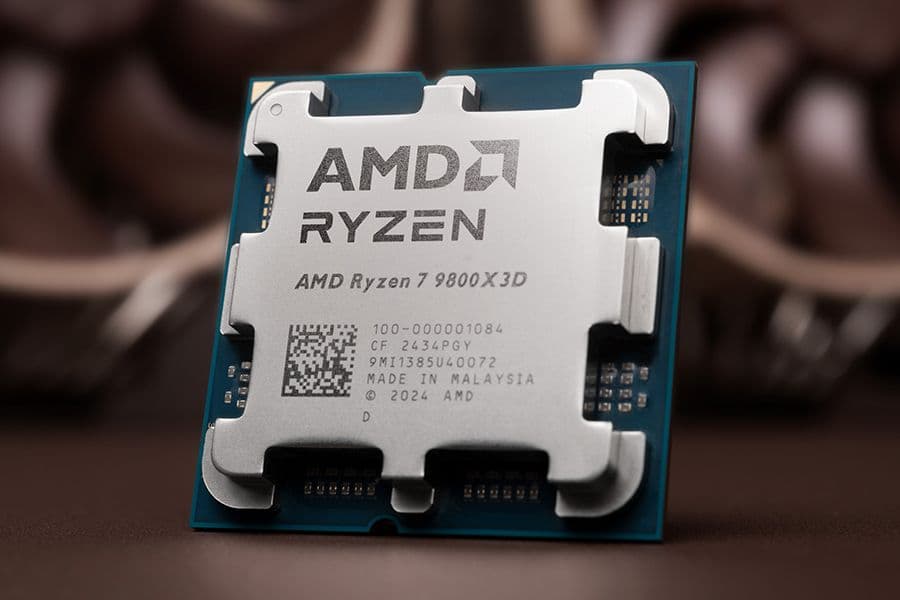
AMD AM5 – all you need to know
As AM4 and AM5 use the same mounting system, all Noctua coolers compatible with AM4 also work with AM5. Here's what you need to know.

CPU cooler clearance: Why our data sometimes deviates from the case manufacturer’s specs
26-08-07
When it comes to the CPU cooler clearance that PC cases offer, every millimetre can count. This is why we have started taking our own measurements for popular cases.
Noctua confirms compatibility with AMD AM3+ and FM1
11-06-27
Noctua today confirmed the full compatibility of its current line-up of CPU coolers with AMD’s new AM3+ and FM1 sockets. The SecuFirm2™ mounting system of all current Noct...
Noctua extends free mounting kit offer and confirms LGA1155 compatibility
10-11-29
Noctua today announced that owners of older Noctua CPU coolers who wish to upgrade to the upcoming LGA1155 socket will be able to obtain the appropriate NM-I3 SecuFirm2™ m...