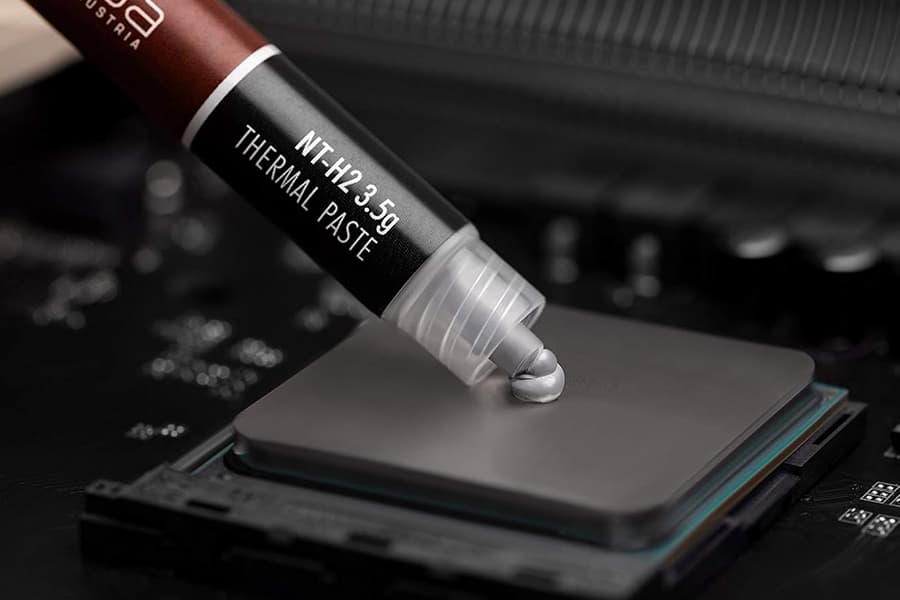
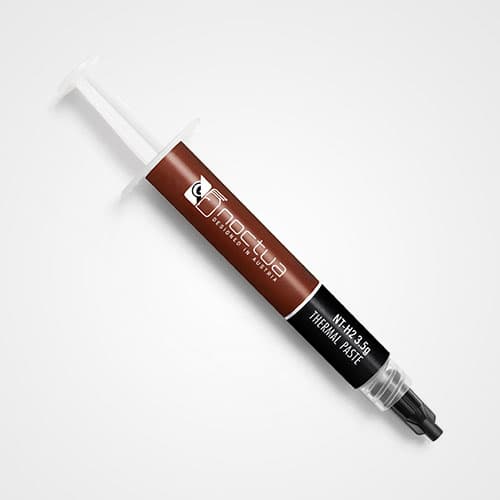


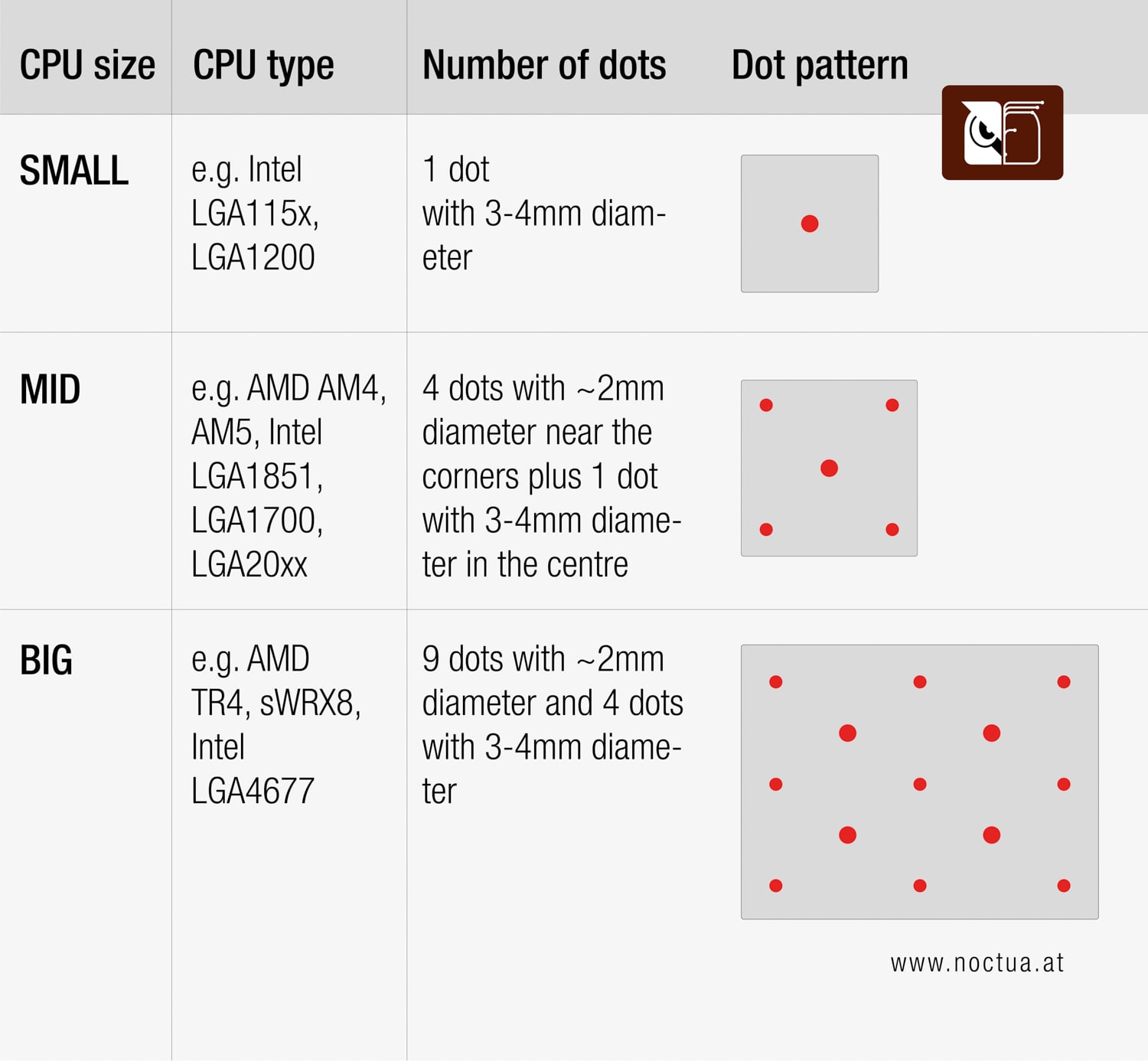
How should I apply the NT-H1 or NT-H2 thermal paste on the CPU and how can I remove it?
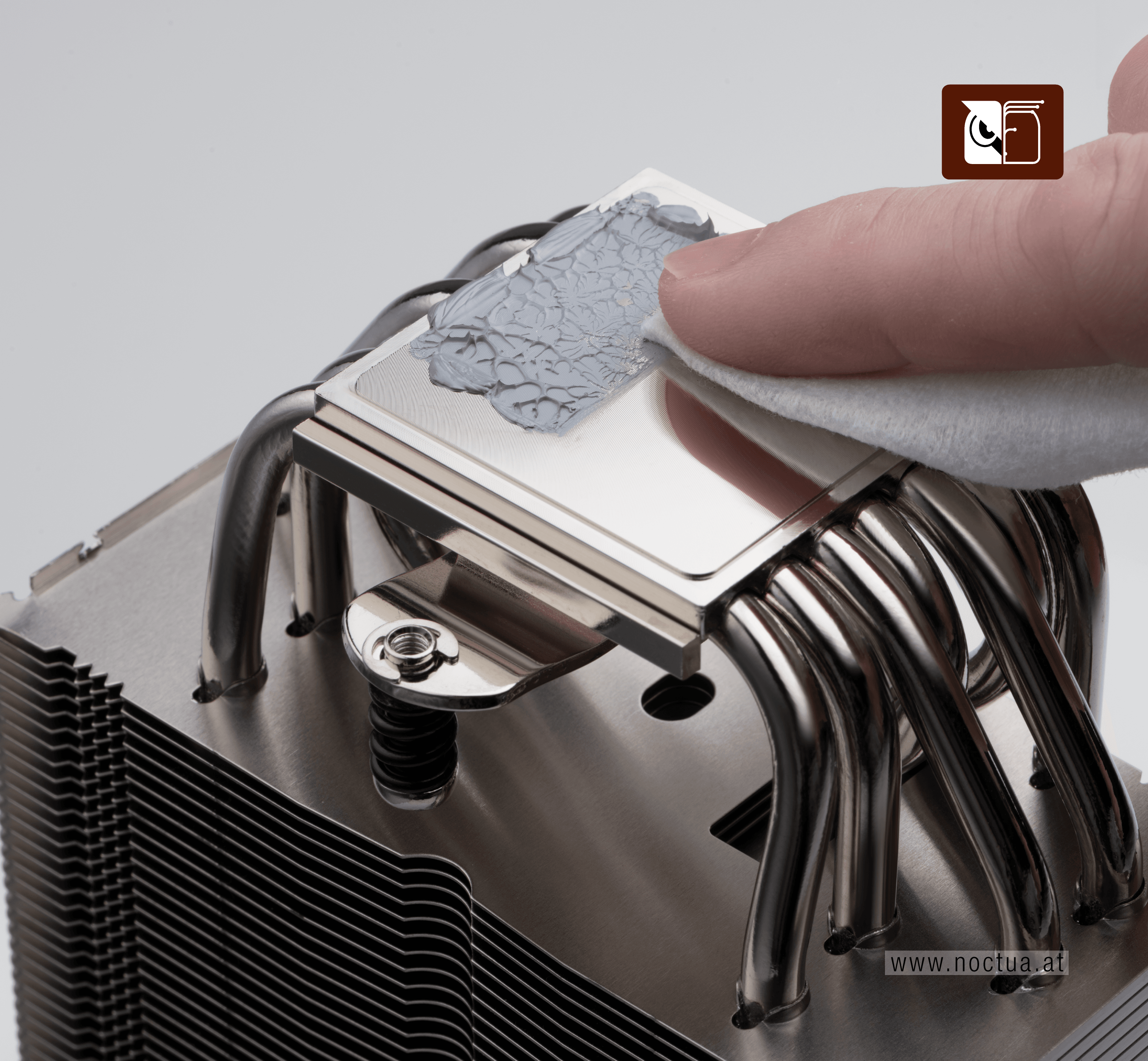
Removing and cleaning thermal paste
Whenever you take off the heatsink from the CPU, we recommend cleaning the CPU as well as the base of the cooler before re-applying thermal paste and re-installing the cooler. You can either just wipe the base and the CPU clean with a dry, lint-free tissue or, for more thorough cleaning, use a lint-free tissue moistened with a mild solution of washing-up liquid. Isopropyl alcohol or cleaning wipes such as NA-SCW1 can be used, but are not necessary.
相关问题解答
How long can I use the thermal paste once opened?
When is it necessary to reapply Noctua thermal pastes?
Can I use the Noctua NT-H1 and NT-H2 in laptops or notebooks?
What is the NA-TPG1 and does it affect the CPU temperatures in any way?
Why doesn’t Noctua specify thermal conductivity or thermal resistance of NT-H1 and NT-H2?