


NM-DD1
直接模具套件

专为Noctua CPU散热器定制
适用于在无盖的AMD AM5处理器上安装各种Noctua CPU散热器

改进的热传导
开盖设计通常可将CPU温度降低多达10-15°C

精密制造的垫片和螺丝
包含所有用于弥补移除的集成散热片高度所需的部件

适用于在无盖的AMD AM5处理器上安装各种Noctua CPU散热器
开盖设计通常可将CPU温度降低多达10-15°C
包含所有用于弥补移除的集成散热片高度所需的部件
Removing the CPU’s integrated heat spreader (delidding) and putting the heatsink directly onto the dies using liquid metal thermal compound significantly improves thermal transfer and can typically reduce CPU temperatures by as much as 10-15°C. This increased thermal headroom can either be used to drastically reduce fan speeds and noise levels or, if the CPU allows, to achieve higher turbo boost frequencies.
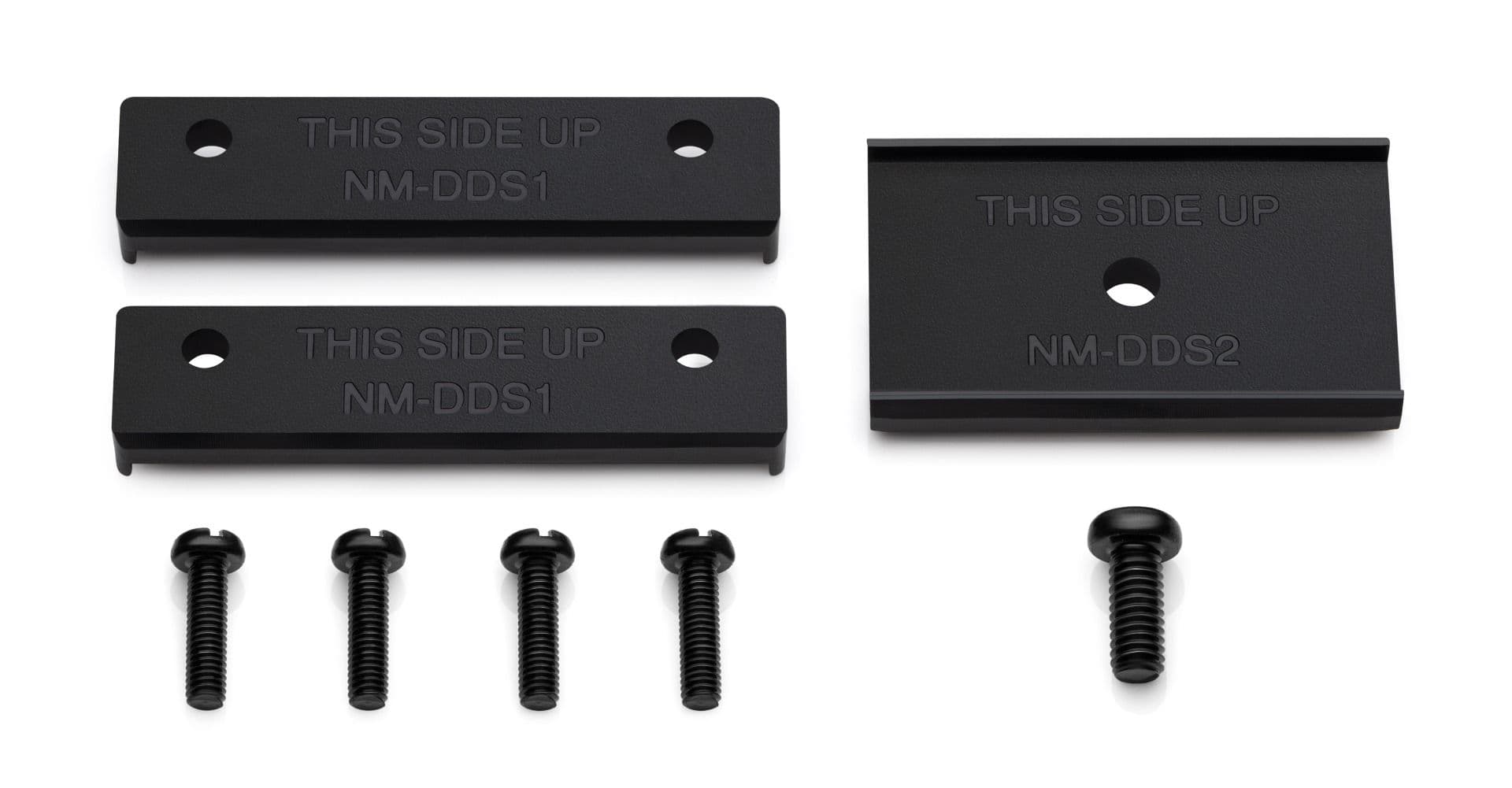
The NM-DD1 contains precision-made spacers from heat-resistant ABS as well as corresponding screws – everything you will need to put your Noctua cooler lower to make up for the height for the removed integrated heat spreader. Delidding tools, CPU protection frames and liquid metal thermal compound must be purchased separately (see step-by-step guide).

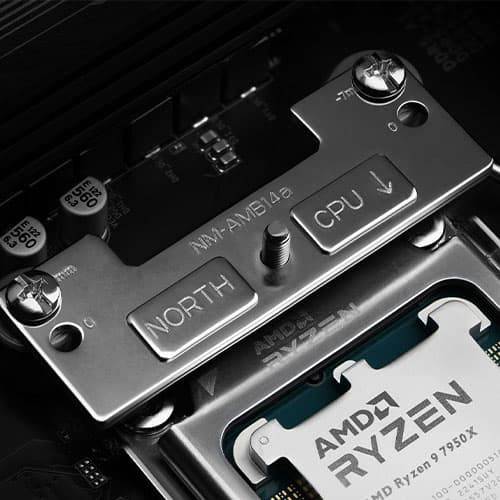
Noctua’s offset AM5 mounting bars (NM-AMB12, NM-AMB13, NM-AMB14, NM-AMB15) allow users to achieve lower temperatures not only on regular AM5 CPUs, but also on delidded ones as the pressure will be more concentrated over the CCDs. Typically, using the offset mounting option with direct die cooling can yield additional gains of up to 2°C.

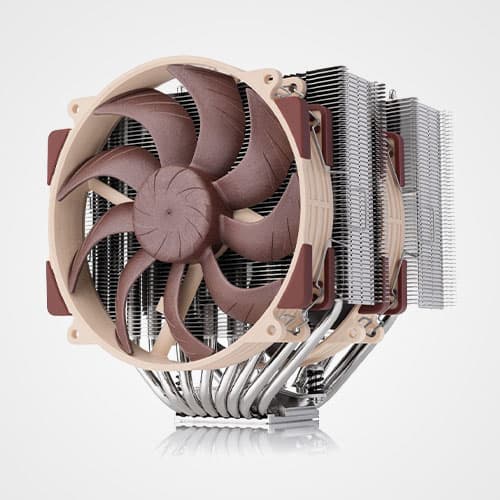
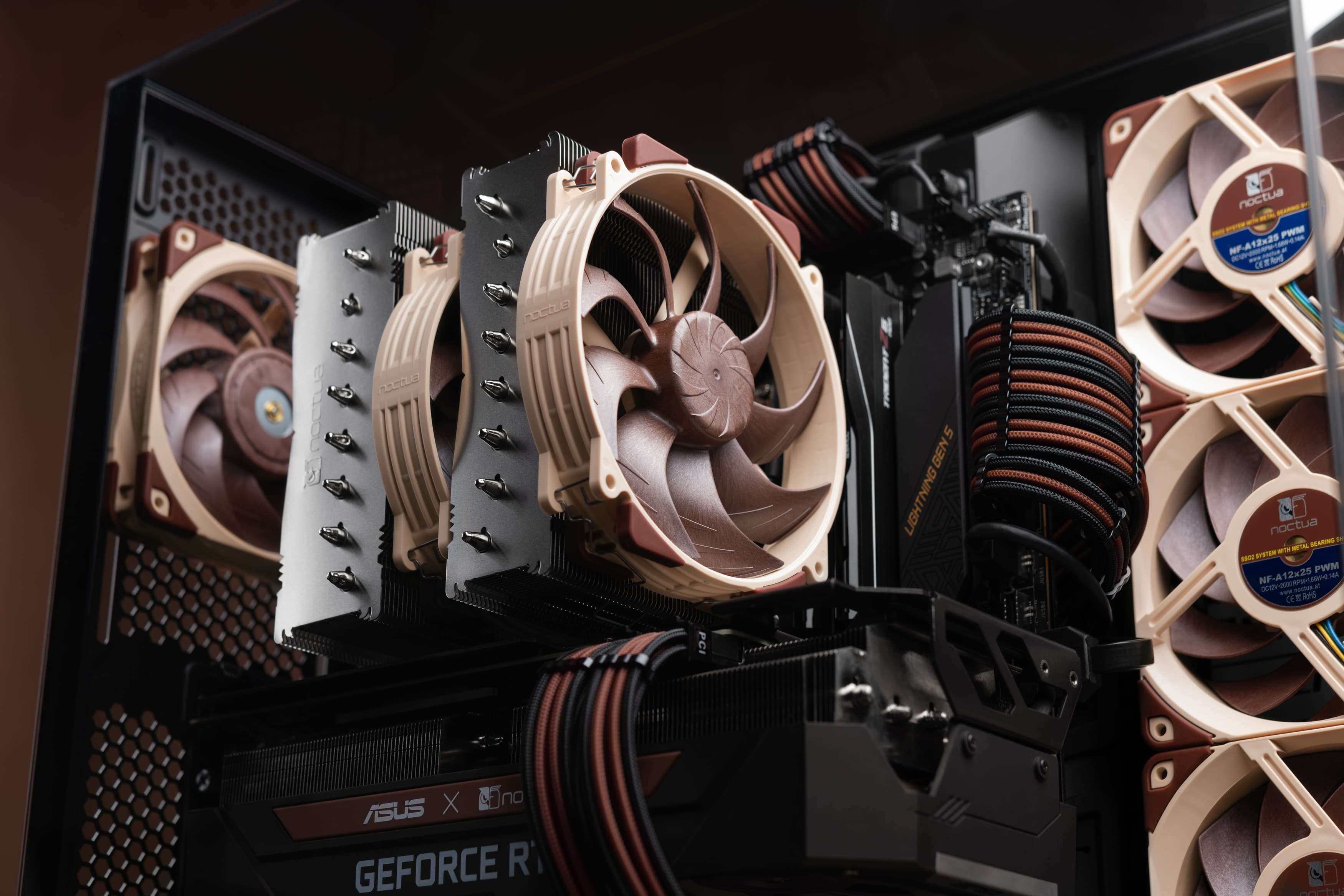
The NM-DD1 contains spacers and screws for coolers with single and two-piece fastening brackets, which makes it compatible with most Noctua CPU coolers since 2005 (see detailed compatibility list), including some of the most popular models such as the NH-D15(S), NH-D14, NH-U14S, NH-U12A, NH-U12S, NH-U12P, NH-U9S, etc.

Customers can easily 3D-print the spacers contained in the NM-DD1 kit at home using the STL files shared at Printables.com (NM-DDS1 spacers for coolers with two-piece fastening brackets and 83mm mounting-pitch, NM-DDS2 spacers for coolers with single-piece fastening brackets and 78mm mounting pitch; use ABS and high infill percentage for optimal sturdiness and resistance to heat). Installing the fastening bracket(s) with the printed spacers will require four M3x12 screws (for NM-DDS1) or a single M4x10 screw (for NM-DDS2).

Direct die cooling is inherently more complex and demanding than just putting a cooler onto a CPU and it does bear certain risks of damaging components. However, the performance benefits are significant and it’s not as challenging as many people think, so we have put together a simple step-by-step guide that will walk you through the process.