

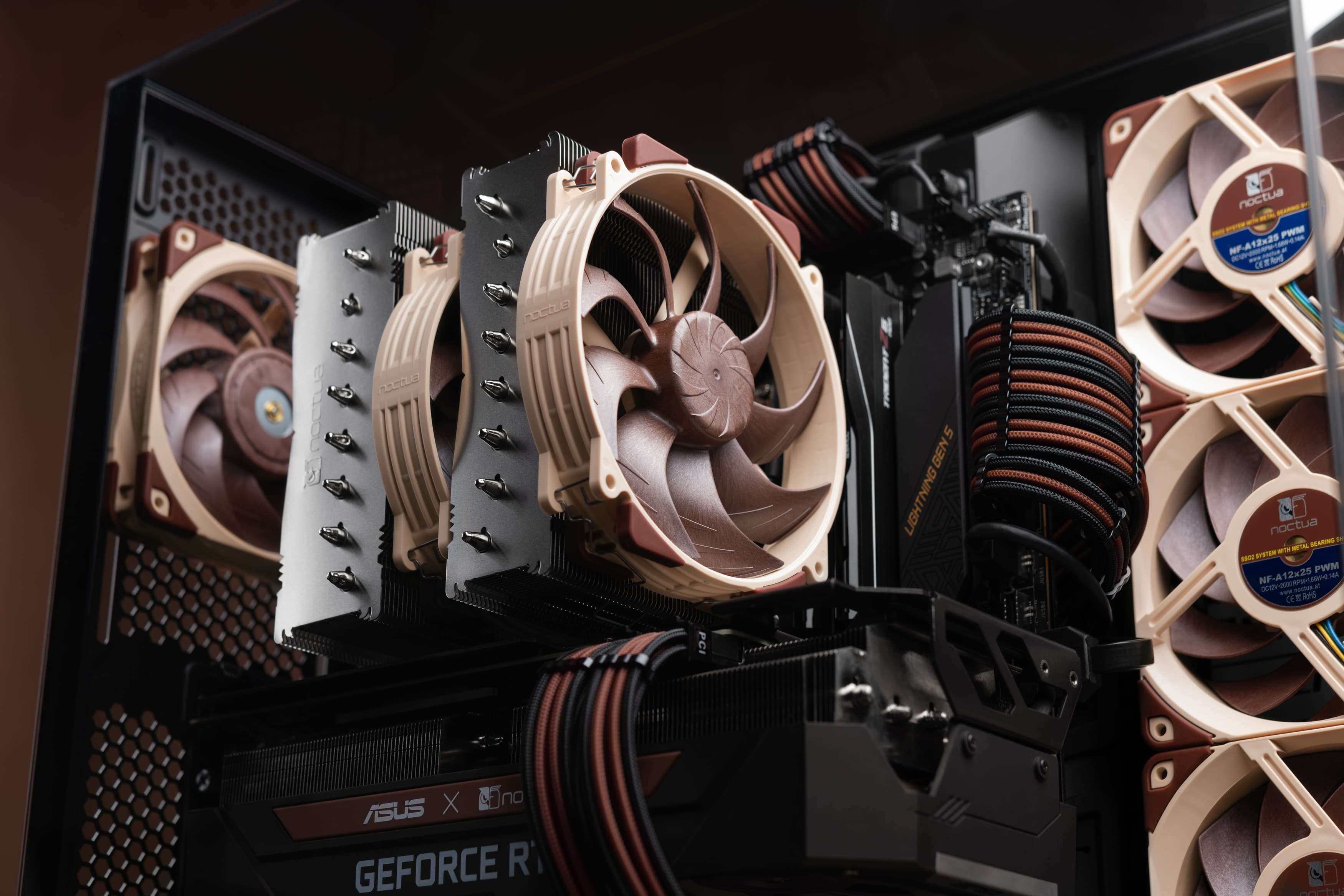

Both air coolers and all-in-one liquid coolers have their respective advantages and disadvantages. We have summed them up for you in this guide to help with your buying decision.
Performance and noise
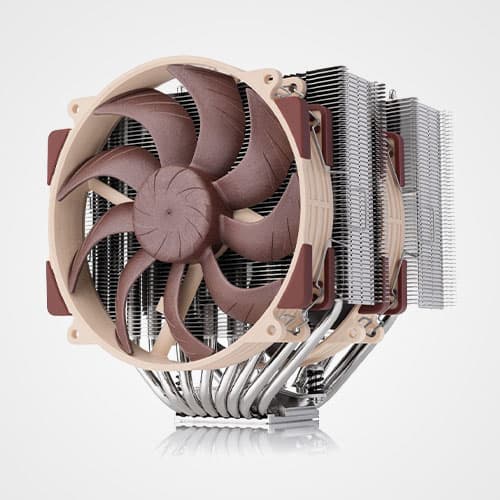
While our state-of-the-art NH-D15 G2 is renowned to be the best performing air cooler on the market, our NL-LC1 series all-in-one liquid coolers provide even better cooling performance when compared at the same fan speed and noise levels, especially the 420mm and 360mm models. Therefore, if achieving the lowest possible CPU temperatures or the best possible balance between temperatures and fan noise levels is your top-priority, we recommend going for the NL-LC1-36 or NL-LC1-42.
However, the liquid coolers’ integrated pump is an additional, different source of noise that’s absent with air coolers. To reduce pump noise to an absolute minimum, our NL-LC1 coolers utilise Asetek’s renowned Emma V2 pump that runs remarkably quiet as well as our custom-engineered NL-PNA1 pump noise absorber. This way, the NL-LC1 coolers’ pumps are virtually inaudible in regular setups when running in the default Quiet mode.
Nevertheless, pumps sound different than fans and some users are more sensitive to this type of noise as well as the minute vibrations that pumps emit. If you’re particularly sensitive to the sound signature of AIO pumps or if your top priority is near-silent operation during low to medium CPU workloads, traditional air coolers remain unmatched due to the complete absence of pump noise.
Another thing to consider is that NL-LC1 coolers feature an automatic-self bleeding mechanism that boosts the pump’s RPM speed to maximum at startup for 50 seconds, so the pump will always be slightly more audible when you boot up your system.
Longevity
Our NL-LC1 coolers’ Asetek Emma V2 platform provides state-of-the-art longevity, and we give our usual full 6-year manufacturer’s warranty on these coolers. Despite the use of premium-grade tubing and other materials, the lifespan of closed-loop liquid coolers is inherently limited due to permeation, the loss of coolant through the microscopic pores of the tubing over time.
By contrast, our air coolers can operate without loss of performance for decades. The only limiting factor in the lifespan of an air cooler is the lifespan of its fans and all Noctua fans come with an MTTF rating of more than 150,000 hours (around 17 years). Even in case a fan should fail, it can easily be replaced.
Therefore, if you place a high value on maximum longevity, we definitely recommend going with one of our air coolers.
Reliability and repairability
Asetek has been at the forefront of closed-loop liquid cooling for over two decades, and their Emma V2 platform, utilised by our NL-LC1 coolers, is extremely reliable. At the same time, there is no way around the fact that if an AIO’s pump fails, it will no longer be able to ensure sufficient cooling. While modern CPUs usually won’t get damaged in such a scenario, they will either shut down for protection or at least throttle heavily, rendering the system unusable.
By contrast, air coolers do not have this potential point of failure, and even if their fans should fail, the heatpipe-based heatsink will still provide a basic level of cooling that will allow the system to keep running at a lower performance level. With dual-fan coolers, even if one fan should fail, the other will ensure sufficient cooling performance, and the likelihood of both fans failing simultaneously is near zero.
Another aspect to consider is that even if fans on air coolers should fail, they can easily be replaced. AIO pumps are not replaceable.
In sum, if reliability and repairability are a key concern for you, we recommend going for air cooling.
Leakage
For some people, water cooling is still associated with the risk of leakage. Asetek’s industry-leading Emma V2 platform is a time-tested system that represents the pinnacle of their more than two decade-long experience in engineering all-in-one liquid coolers that meet the highest standards for reliable, leak-proof performance – year in year out.
Even if, for the sake of argument, an NL-LC1 cooler should leak, for example due to one of the tubes being punctured accidentally or due to mechanical damage to the water channels of the radiator, the coolant is safe to touch and environmentally friendly.
While the risk of leakage is mostly a theoretical concern, there is no way around the fact that there is no such risk with air coolers. In the highly unlikely event that a leak should occur, there is a potential risk of damaging other components.
Compatibility
Compatibility considerations are very different between air and liquid coolers except for basic CPU socket compatibility. For air coolers, the key determining factors are cooler height and case compatibility, RAM compatibility and whether or not a cooler might interfere with a GPU in the top PCIe slot. For ITX systems, compatibility with other near-socket components such as daughter boards as well as VRM heatsinks and motherboard shrouds can play a role too.
All these factors never really pose a problem with liquid coolers (except for pump block height in very compact Small Form Factor cases). By contrast, the key determining factor is whether your case supports the desired radiator size and mounting position. Since this is typically very easy to verify (e.g. via our case compatibility list), it could be argued that all-in-one liquid coolers are easier to handle from a compatibility point of view. On the other hand, verifying whether an air cooler is compatible with your case, RAM, motherboard and GPU through our compatibility database is extremely straightforward as well.
Another aspect to consider with AIO liquid coolers is tube routing and flexibility. In compact cases, it can occur that the radiator and pump fit the case, but there simply isn’t enough space to route the tubes. We indicate if this is the case in our compatibility database.
Airflow alignment and effects on other components
In modern, high-airflow PC cases, both air coolers and all-in-one liquid coolers tend to work extremely well. The hot air that’s pushed out by air coolers is usually removed from the case directly via rear or top exhaust fans, so it doesn’t risk heating up other components inside the system. On the other hand, the performance of air coolers may suffer slightly from the heat emitted by high-end GPUs, particularly in cases with limited airflow. Similarly, top-mounted liquid cooling radiators have the benefit of exhausting the waste heat of the CPU from the system, but they may lose a bit of performance if there’s a hot GPU underneath and not that much case ventilation.
On the flip side, a front-mounted radiator helps to achieve the best possible CPU temperatures, but the warm air blown into the chassis will lead to slightly higher temperatures on other components such as the GPU (see this article for further information).
Overall, unless you have very specific requirements or concerns, these effects are so limited that they shouldn’t really influence your decision between air and water cooling.
Visual appearance
While some people prefer the beefy look of a high-end air cooler, others prefer how closed-loop liquid coolers take up much less space around the socket. This simply depends on individual preference.
Economic considerations
Even our state-of-the-art NH-D15 G2 air cooler is more affordably priced than premium grade closed-loop liquid coolers of our NL-LC1 series, so if you want to make an economical choice, we recommend going with our air coolers.
System transportation and shipment
While heavy air coolers should be uninstalled whenever the system is transported or shipped in order to protect both the cooler and the motherboard, liquid coolers can remain in place. Therefore, liquid coolers are recommended for users who frequently transport their systems as well as for system integrators who ship fully assembled systems to customers.
更多资源
想了解更多关于这个话题的信息吗?请浏览相关文章和资源。
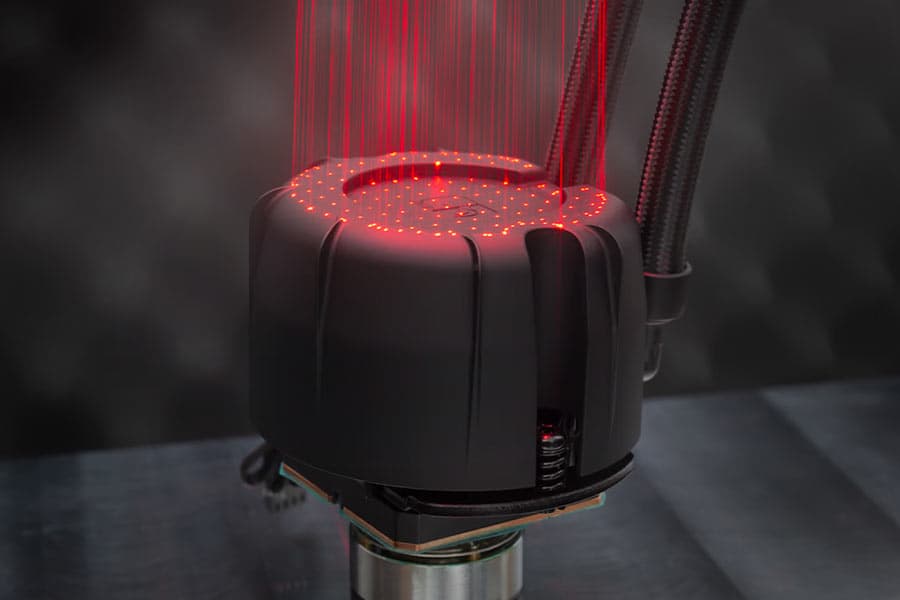
NL-PNA1 pump noise absorber: Tuned mass damper and acoustic soundproofing
The NL-LC1 series is the world’s first all-in-one liquid cooler to feature an integrated pump noise absorber that leverages acoustic soundproofing and the tuned-mass damper effect.
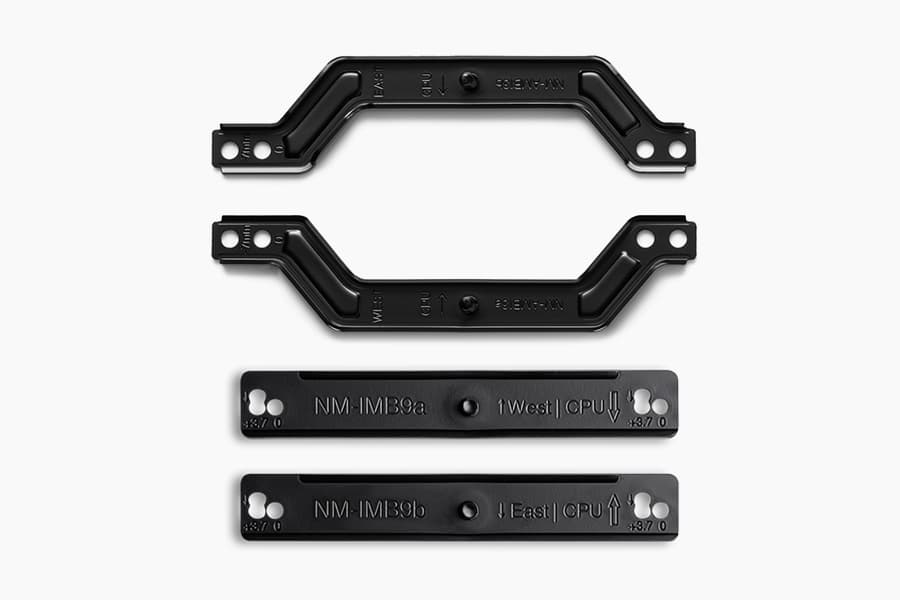
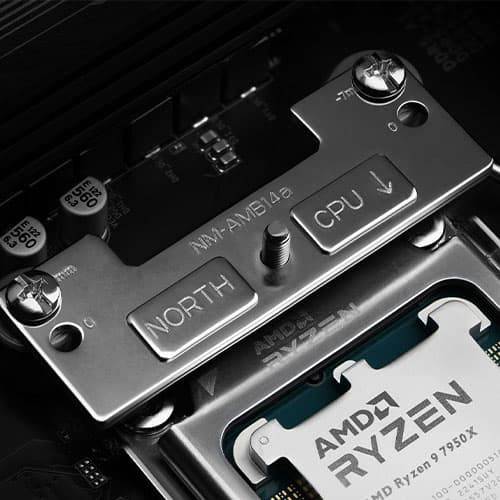
How our SecuFirm2+™ mounting system enables NL-LC1 coolers to achieve lower temperatures
Our SecuFirm2+™ mounting system ensures optimal force transfer and contact pressure, which can give the NL-LC1 a slight edge over other Emma V2 based coolers.
NL-LC1 series AIO coolers’ pump speed profiles explained
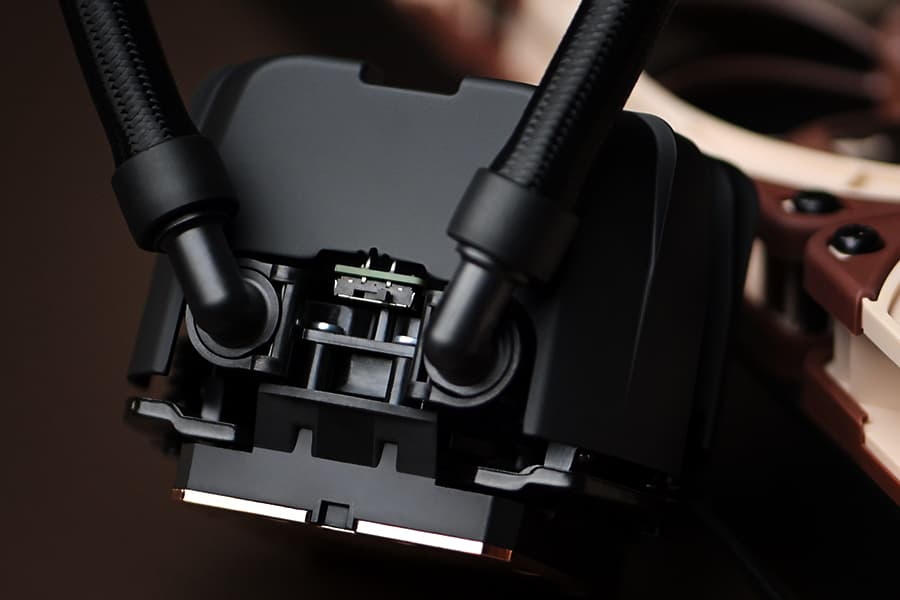
The NL-LC1 series’ pump comes with an integrated mode switch that makes it possible to choose between three settings (Quiet, Balanced and Manual).
Asetek Emma V2: State-of-the-art closed-loop liquid cooling
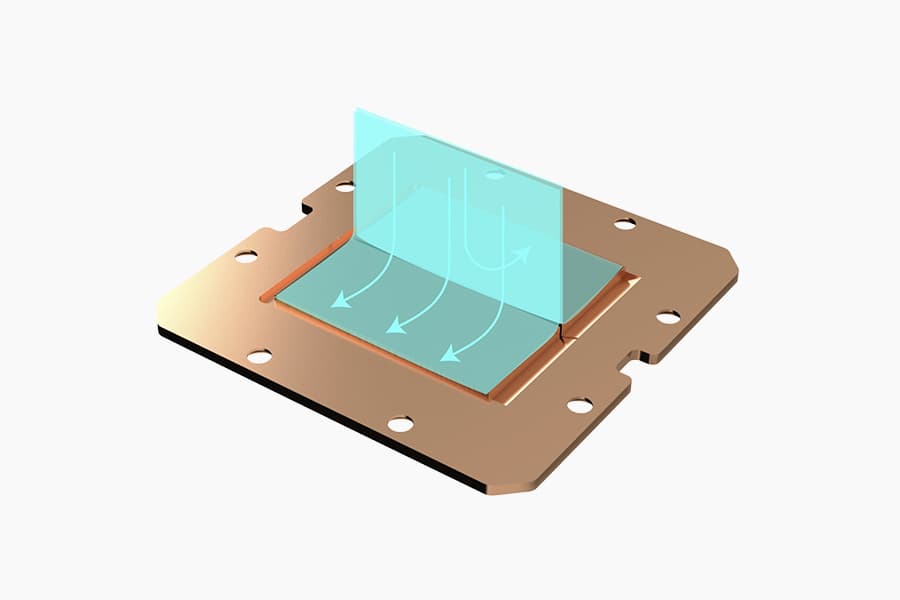
The Asetek Emma V2 represents the pinnacle of Asetek's evolution over the last two decades at the forefront of all-in-one liquid cooling.
Which AIO radiator size should I choose – 420, 360 or 240mm?
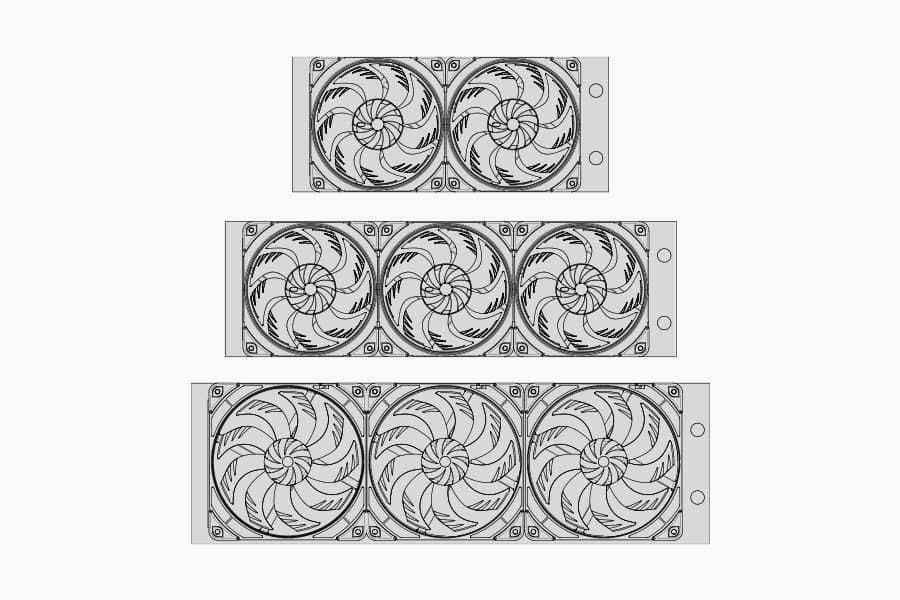
Which AIO Radiator size is right for you? 360, 240 or 420? Discover which model offers the best possible performance-to-noise efficiency for your setup.
Where should I install my AIO radiator (top vs. front/side)?
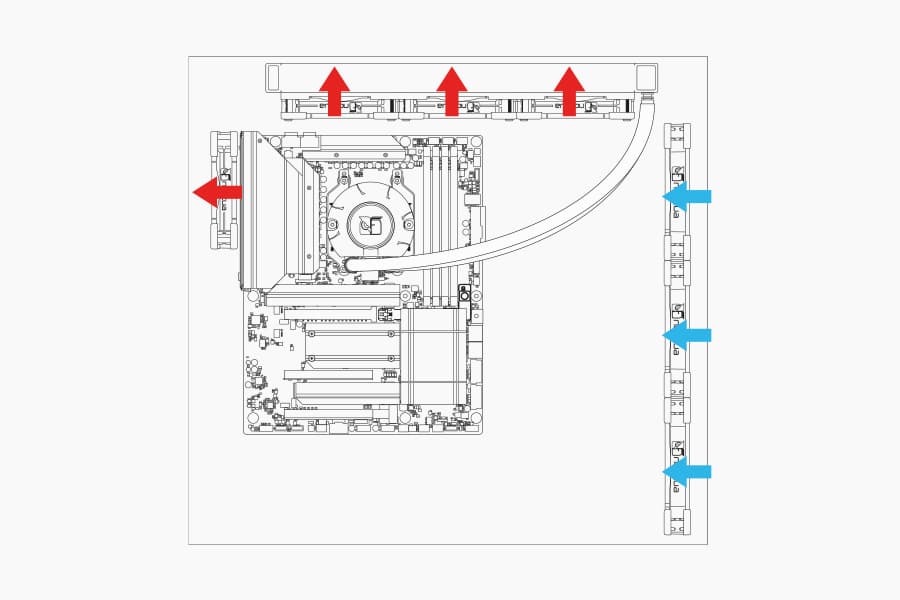
Many modern tower-style PC cases allow liquid coolers to be installed in more than one position (top, front or side of the case). This article explains their pro's and con's.
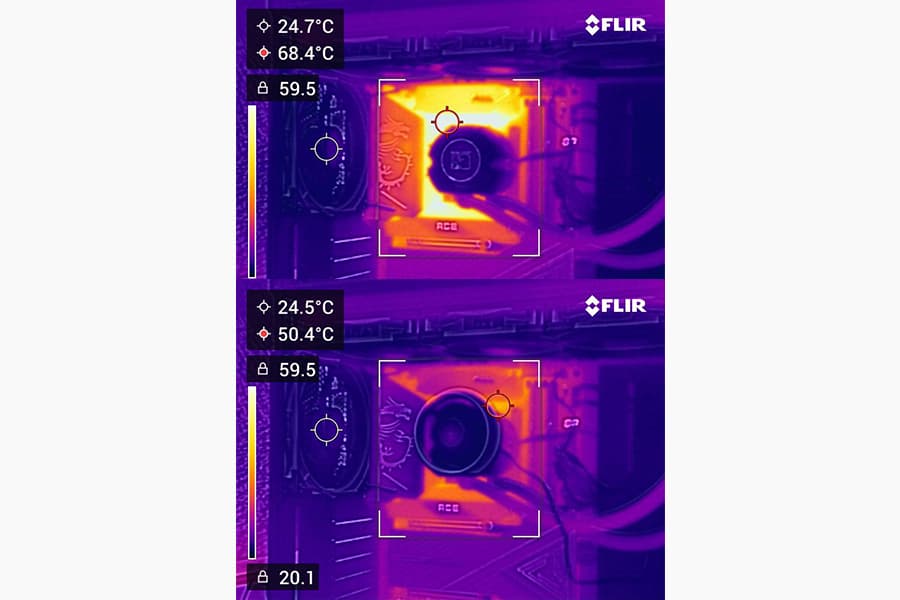
Should I use the NL-ACF1 auxiliary cooling fan?
The NL-ACF1 is an optional auxiliary cooling fan for NL-LC1 liquid coolers that provides extra airflow to near-socket compontents such as VRMs, M.2 SSDs or RAM.
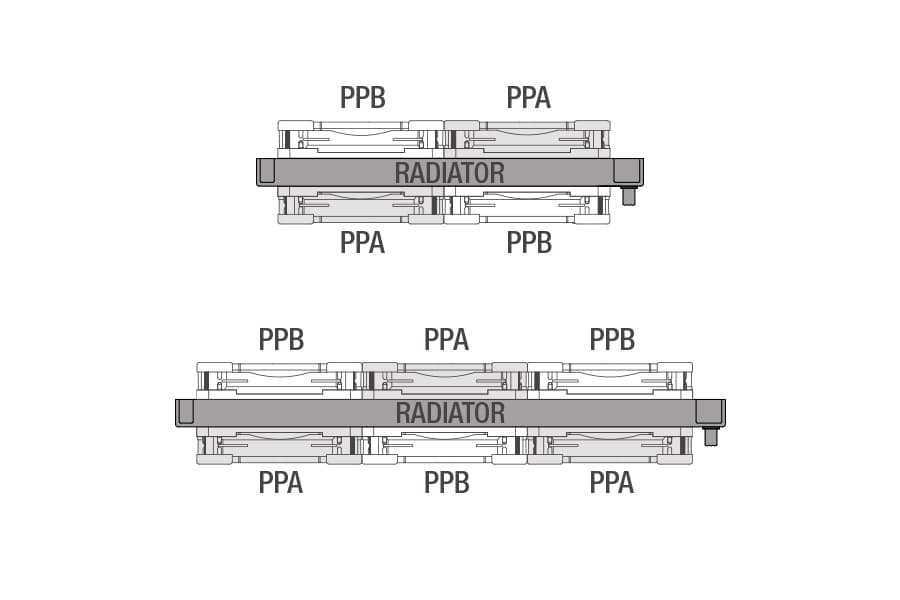
How should I set up my NL-LC1 radiator fans (push, pull or push-pull)?
Whether you've just purchased or are about to purchase our NL-LC1 radiator, you're probably wondering how to position the fans in your build for the best results...
相关问题解答
相关文章
想了解更多关于这个话题的信息吗?请浏览相关文章和资源。
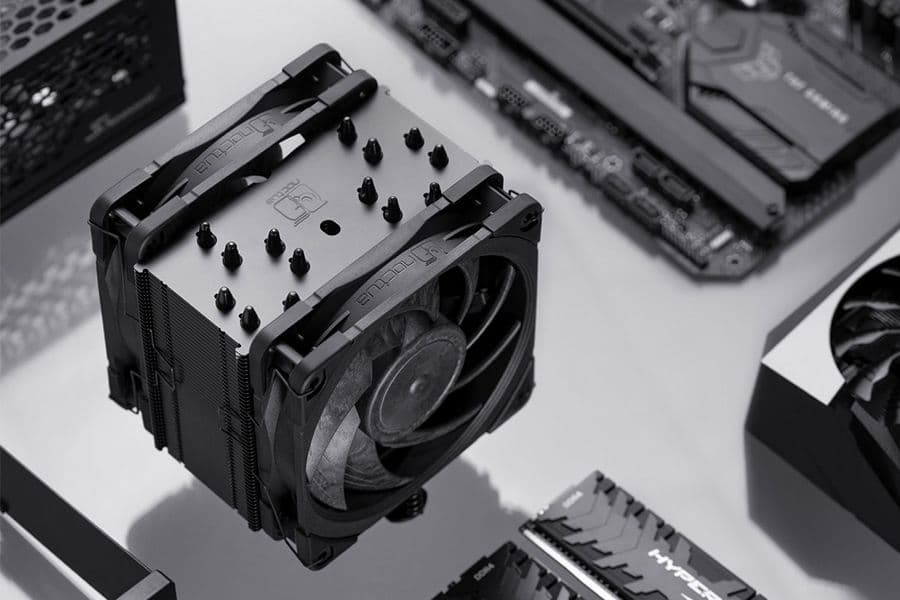
NSPR: Noctua Standardised Performance Rating
Noctua’s Standardised Performance Rating (NSPR) is a platform-independent classification system that allows customers to compare the efficiency of Noctua CPU coolers at a glance.
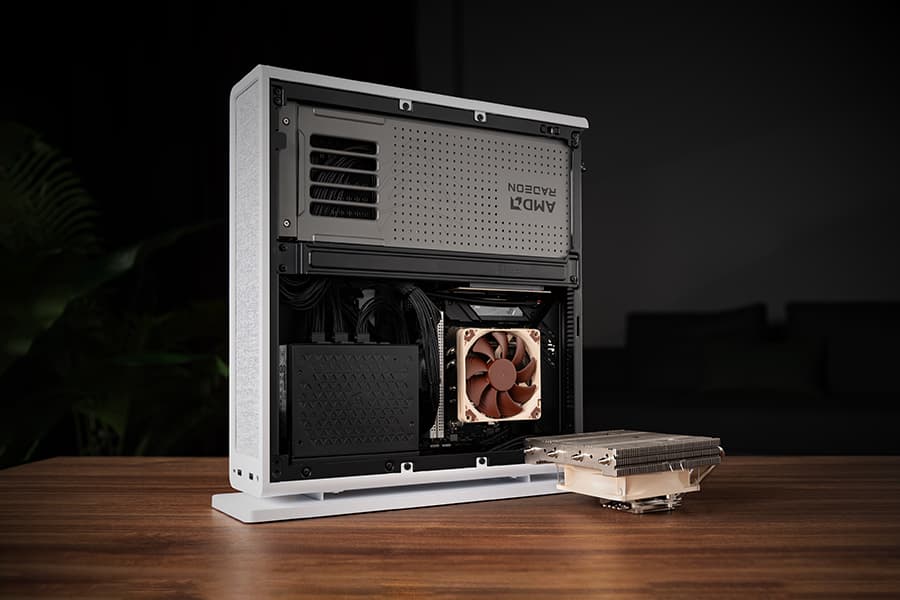
The Fractal Design Ridge and the story of “less is more“
26-05-05
Discover the best Noctua CPU cooler and GPU setup for the Fractal Design Ridge case. See how a custom duct and removing extra case fans unlocks SFF performance.
Where should I install my AIO radiator (top vs. front/side)?
Many modern tower-style PC cases allow liquid coolers to be installed in more than one position (top, front or side of the case). This article explains their pro's and con's.
NL-LC1 series AIO coolers’ pump speed profiles explained
The NL-LC1 series’ pump comes with an integrated mode switch that makes it possible to choose between three settings (Quiet, Balanced and Manual).