
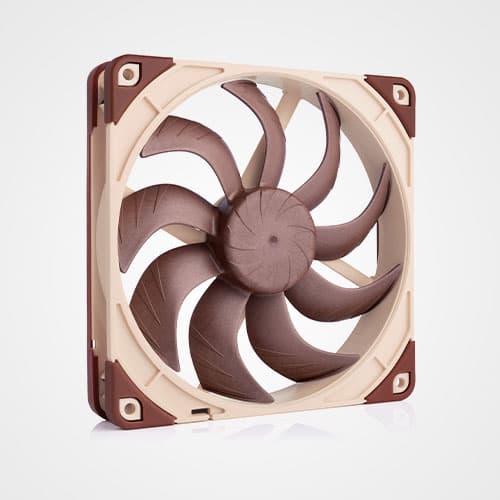


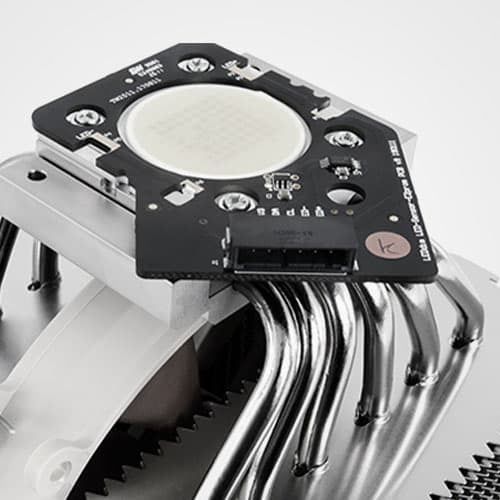
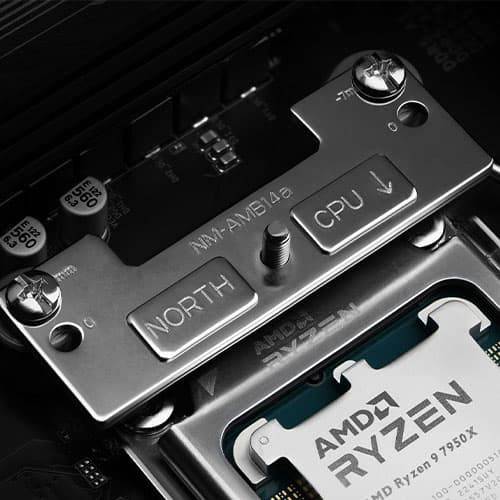

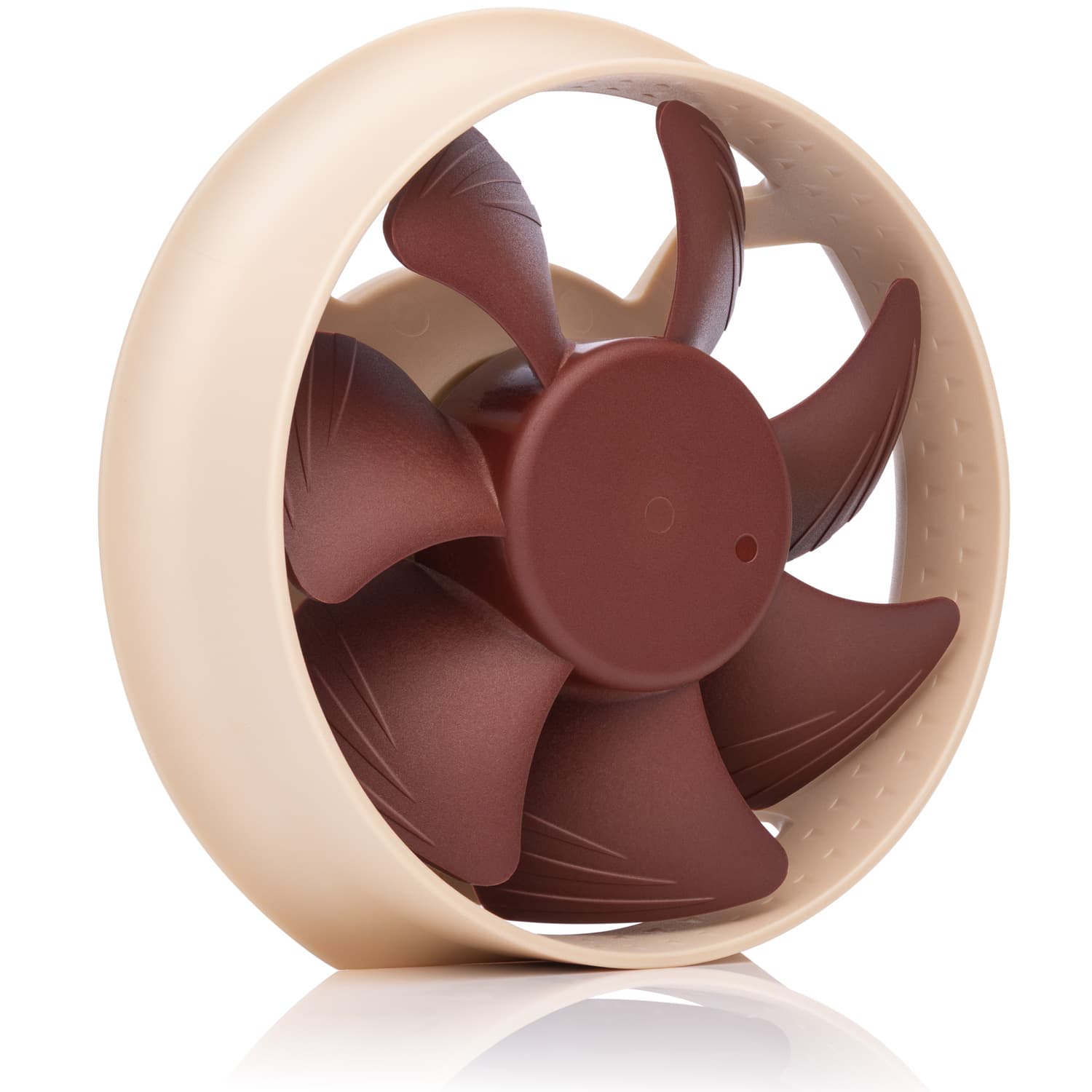
The NL-ACF1 is an optional auxiliary cooling fan for NL-LC1 liquid coolers. It provides extra airflow to near-socket components such as VRMs, M.2 SSDs or RAM. While these components may not require additional cooling per se, providing extra airflow to them makes it possible to keep them at the same temperature levels while reducing the RPM speed of your case fans. Since the NL-ACF1 runs extremely quiet, this can enable a reduction in total system noise levels.
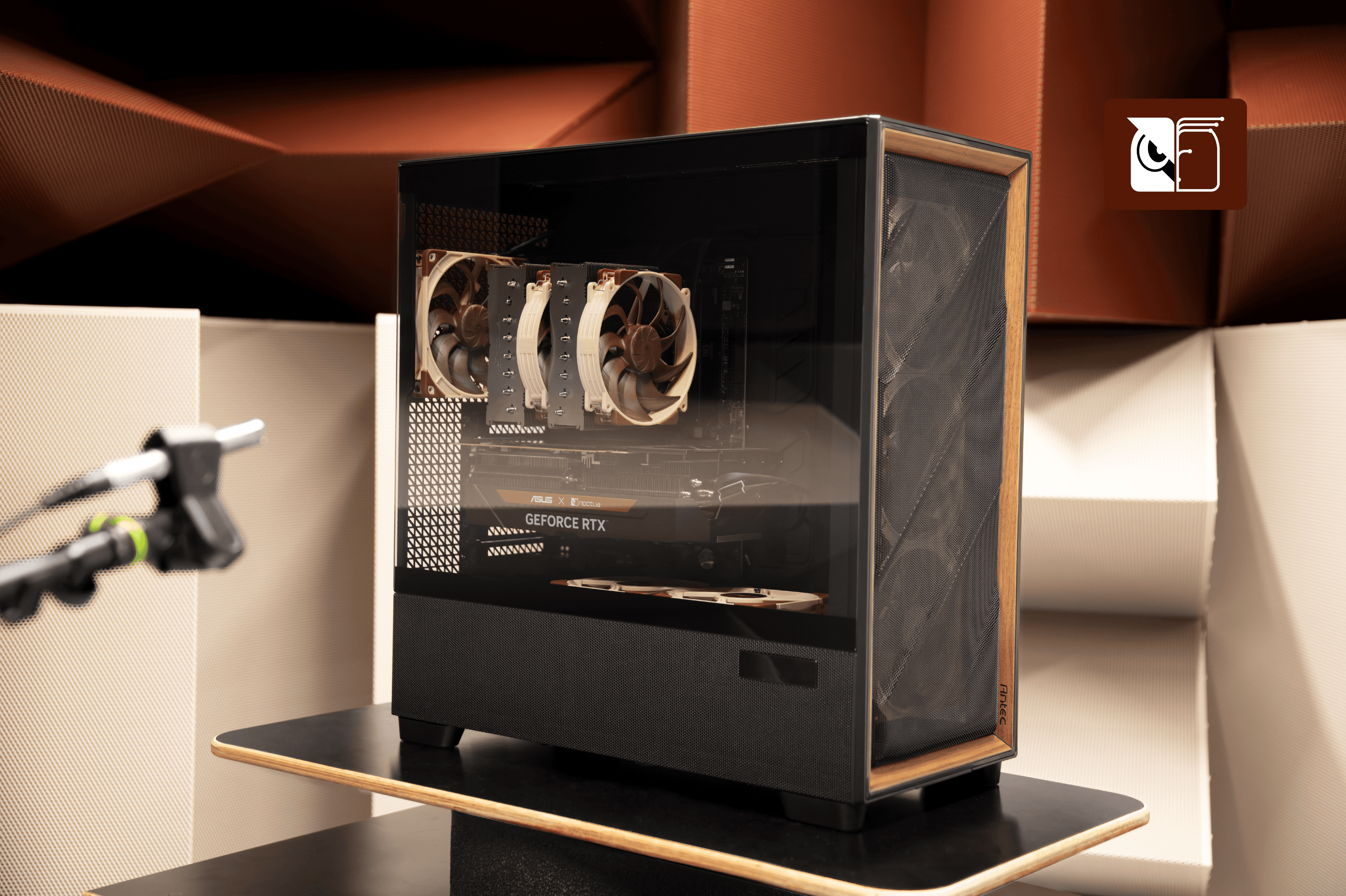
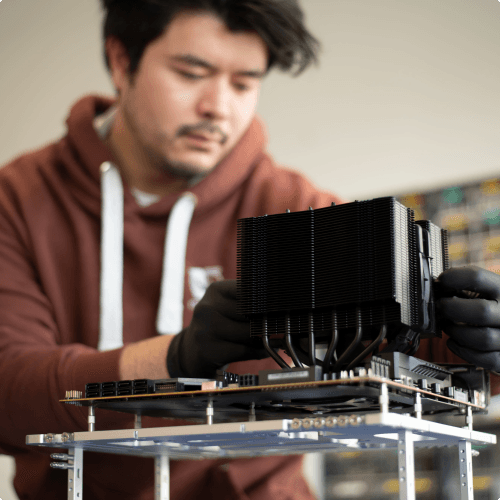
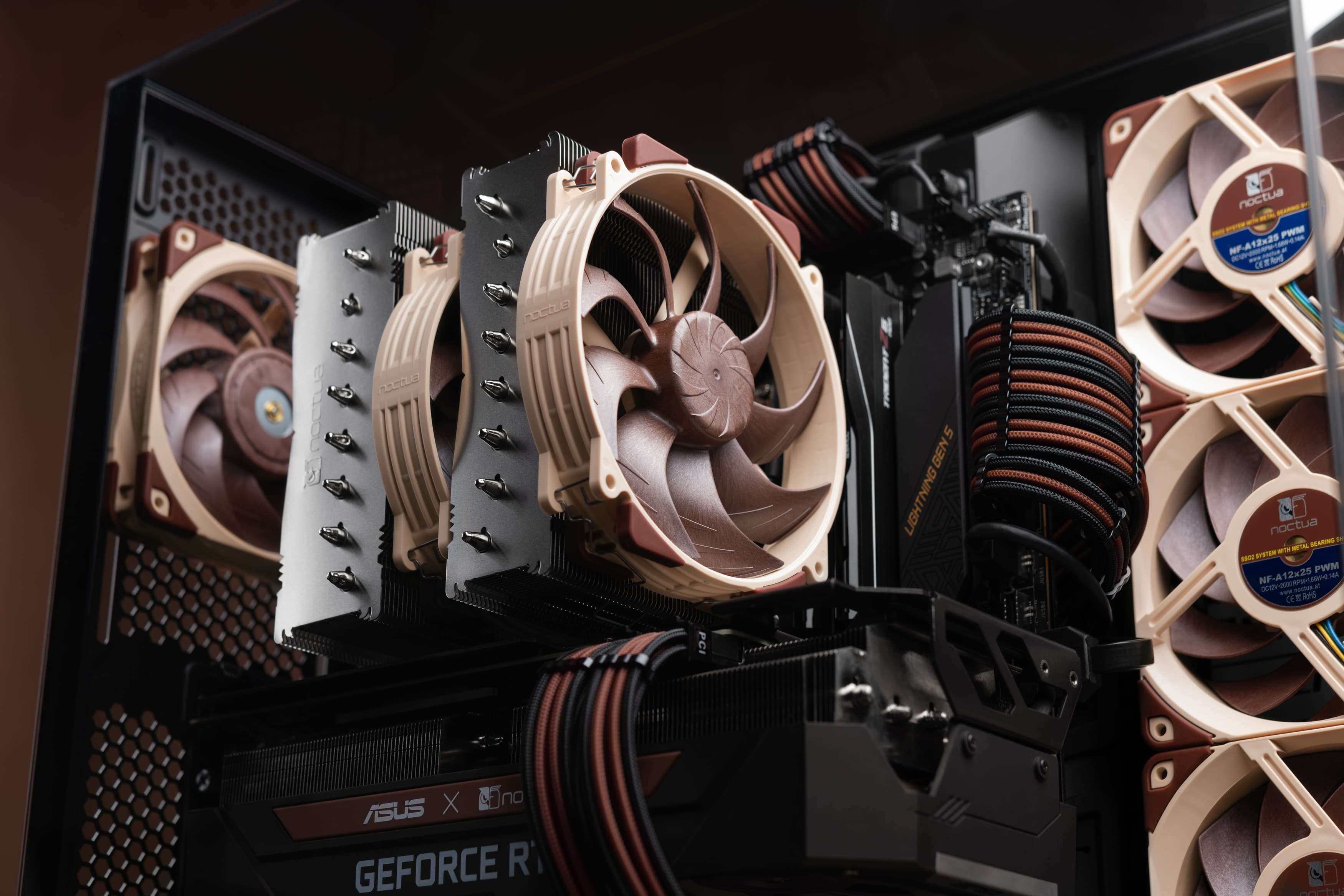
In our test setup using an AMD Ryzen 9 7950X processor, an MSI X670E Carbon motherboard and the NL-LC1-36 liquid cooler with the radiator installed in the top of the Antec Flux Pro Noctua Edition, we have been able to keep the Voltage Regulator Modules at the same temperature level while reducing the case and radiator fan speed from 100% to 40%:
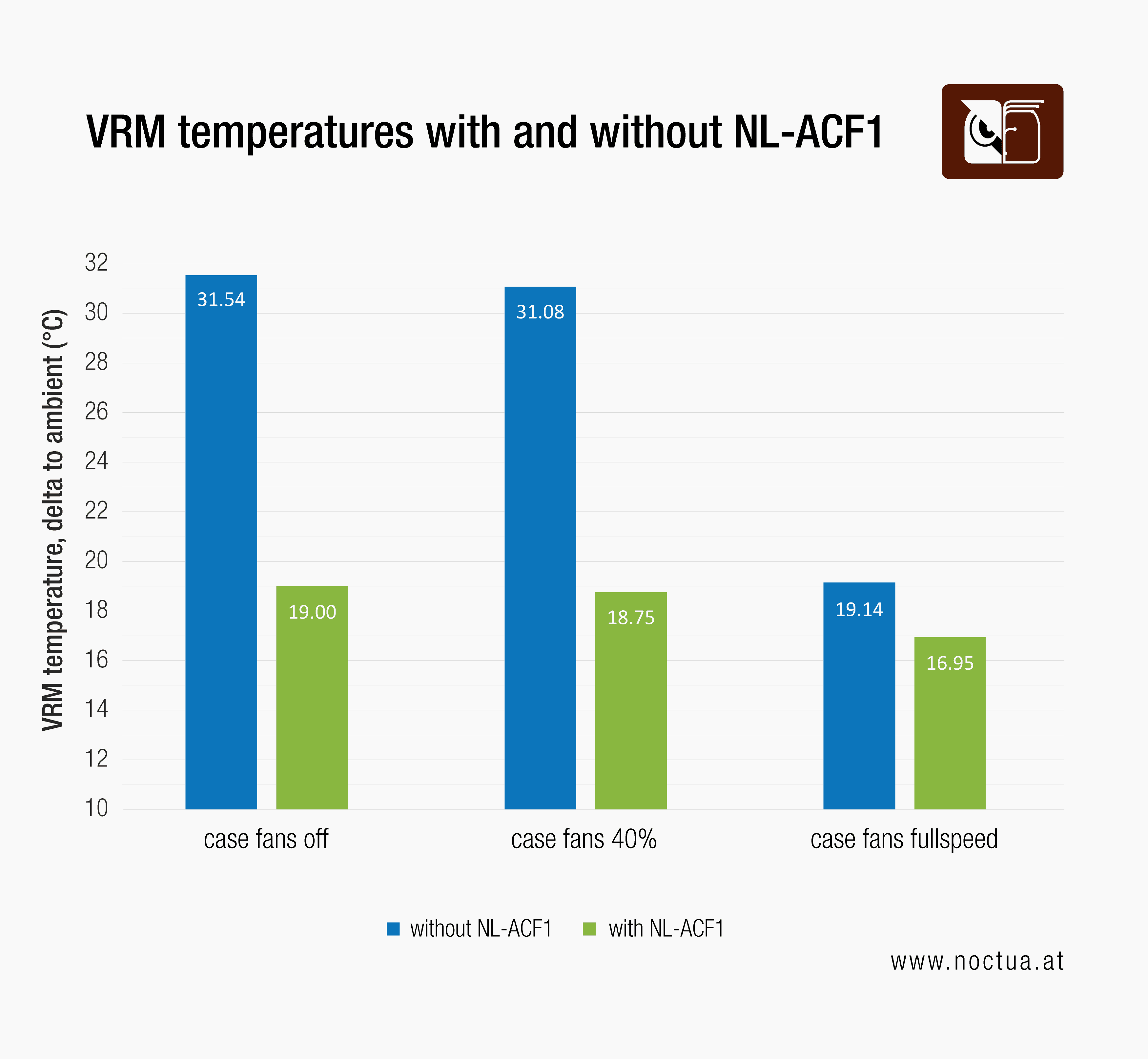
Reducing the speed of the four NF-A14x25 G2 and two NF-A12x25 G2 case fans as well as the three NF-A12x25 G2 fans on the radiator from 100% to 40% results in a significant reduction in total system noise level while the single NL-ACF1 was still barely audible over the other fans. Even with the case fans turned off completely, the NL-ACF1 managed to keep the VRMs at the same temperature level as the case fans alone running at 100%, which demonstrates how much more efficient it is for this purpose. When running the NL-ACF1 in addition to the case fans at full speed, it enabled a further ~2°C reduction in VRM temperatures.
In sum, the additional airflow that the NL-ACF1 provides can be utilised either to lower temperatures of near-socket components or to keep them at the same temperatures while reducing case fan speeds. This way, the NL-ACF1 can be a helpful upgrade both for performance enthusiasts who seek to keep their components as cool as possible and noise-conscious users who want to optimise their system for maximum quietness without letting near-socket components exceed certain temperature levels.
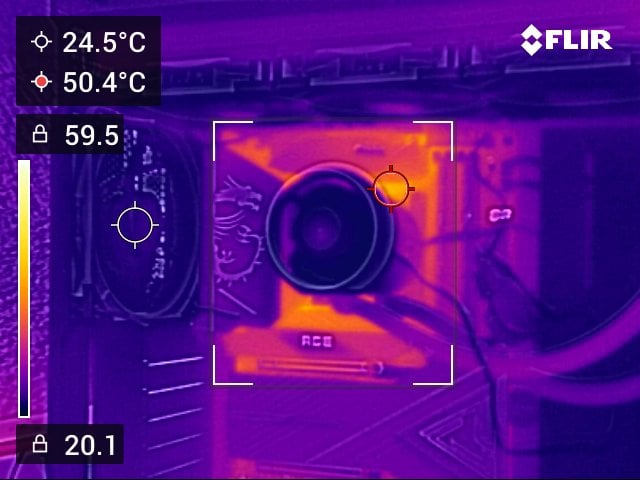
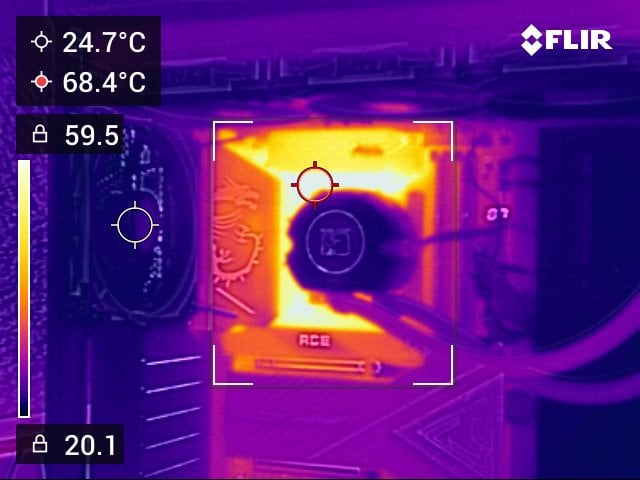
The following thermographic images illustrate how the entire near-socket area can heat up in a scenario with limited case ventilation and how the NL-ACF1 can help to cool things down:
Whether or not you should generally keep an eye on the temperatures of your VRMs and other near-socket components depends on several factors:
- Component selection: While some motherboard VRMs are prone to run hot, others aren’t – this depends both on the VRM design and the VRM cooling solution of the motherboard. Similarly, some M.2 SSDs might be at risk of thermal throttling under continuous loads while others run very cool; higher-frequency RAM is more likely to run hot than lower-end modules, etc. Please use hardware monitoring software such as HWInfo to check the temperatures of your components.
- Usage scenario: Are you overclocking and pushing your components to the max? In this case, they are more likely to run hot than if you keep running everything at stock and don’t push the parts hard.
- Case ventilation: The better your case ventilation, the less likely it is that your near-socket components are running hot. If your case is poorly ventilated or if you’re running your case fans at extremely low speeds in order to reduce noise levels, components will run hotter.
- Ambient temperature: The higher your ambient temperature, the less thermal headroom your components will have, so auxiliary fans can be particularly attractive in hot environments.
- Personal preference and component lifespan: While some people don’t mind if their components are running near their maximum operating temperatures, others prefer to have a bigger safety margin in order to maximise component lifespan.
In conclusion, the NL-ACF1 is rarely strictly necessary except for very specific scenarios such as the usage of particularly hot components, intense overclocking and tuning, high ambient temperatures or poor case airflow. However, it can be helpful to keep near-socket components at the desired temperatures while lowering total system noise levels through reducing case fan speeds. Additionally, the NL-ACF1 is an attractive add-on for customers who want their components to run as cool as possible in order to maximise their lifespan.
更多资源
想了解更多关于这个话题的信息吗?请浏览相关文章和资源。
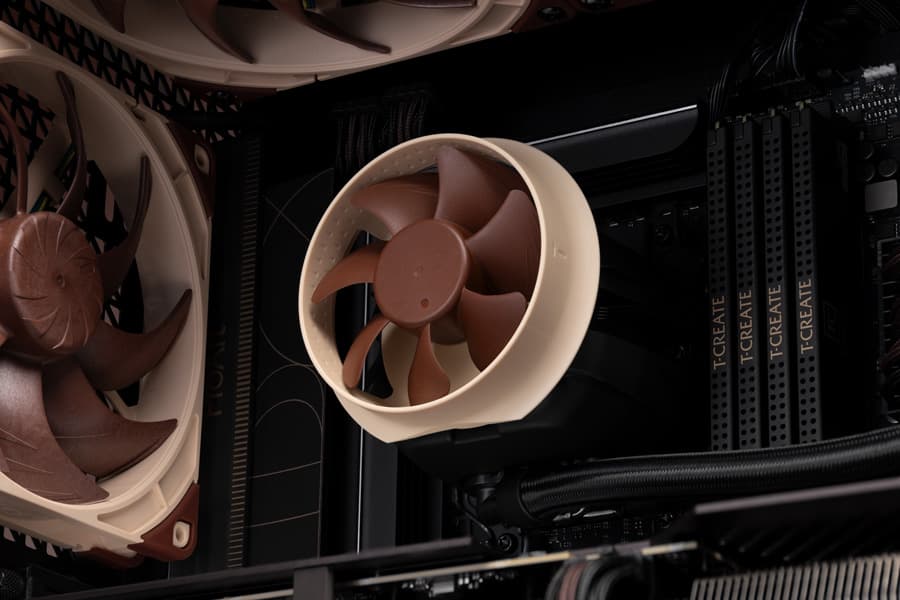
How does the NL-ACF1 compare to other VRM fans?
Many liquid coolers use 40–60mm fans producing noise and reducing airflow. NL-ACF1 uses open 80mm impeller for stronger airflow and quieter, lower-pitched sound.
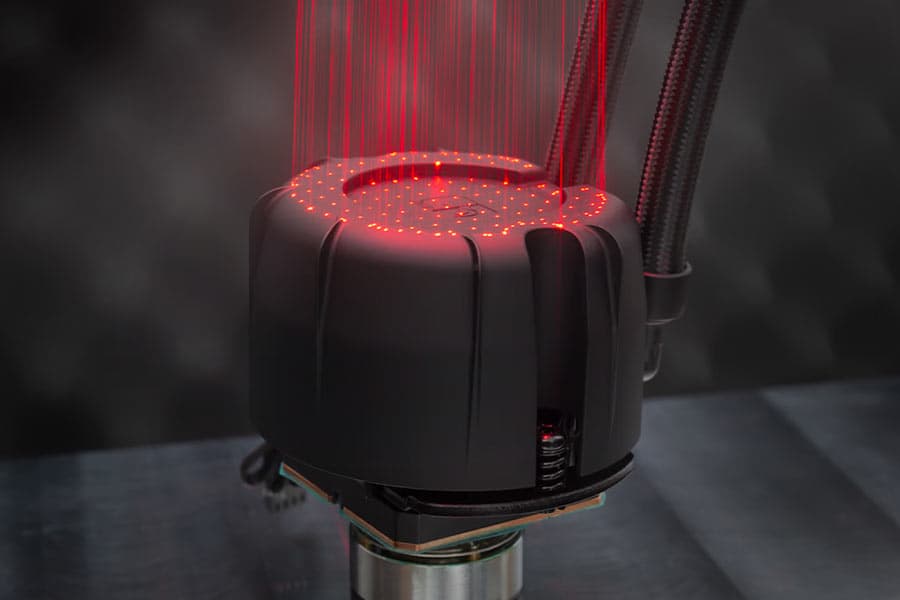
NL-PNA1 pump noise absorber: Tuned mass damper and acoustic soundproofing
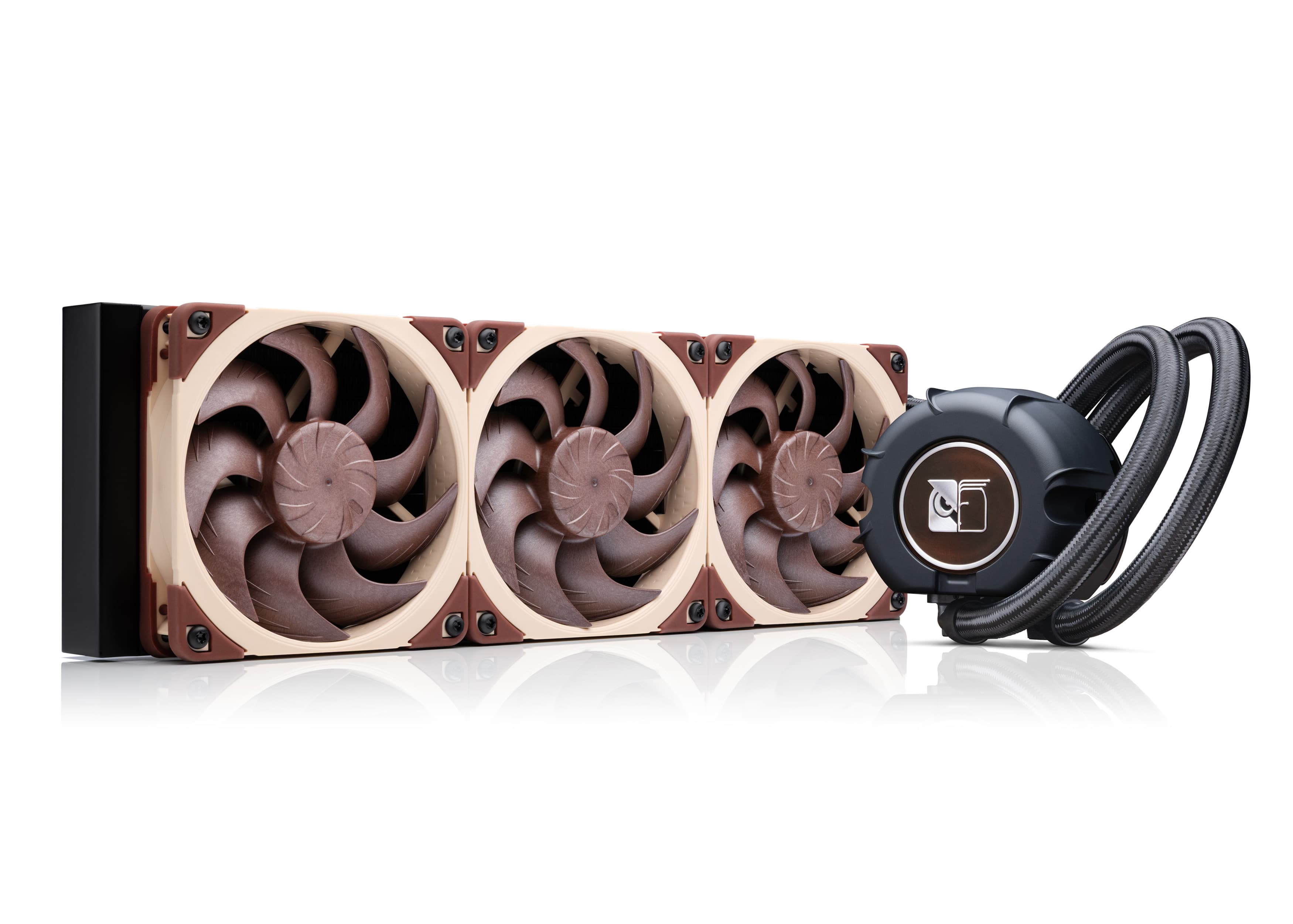
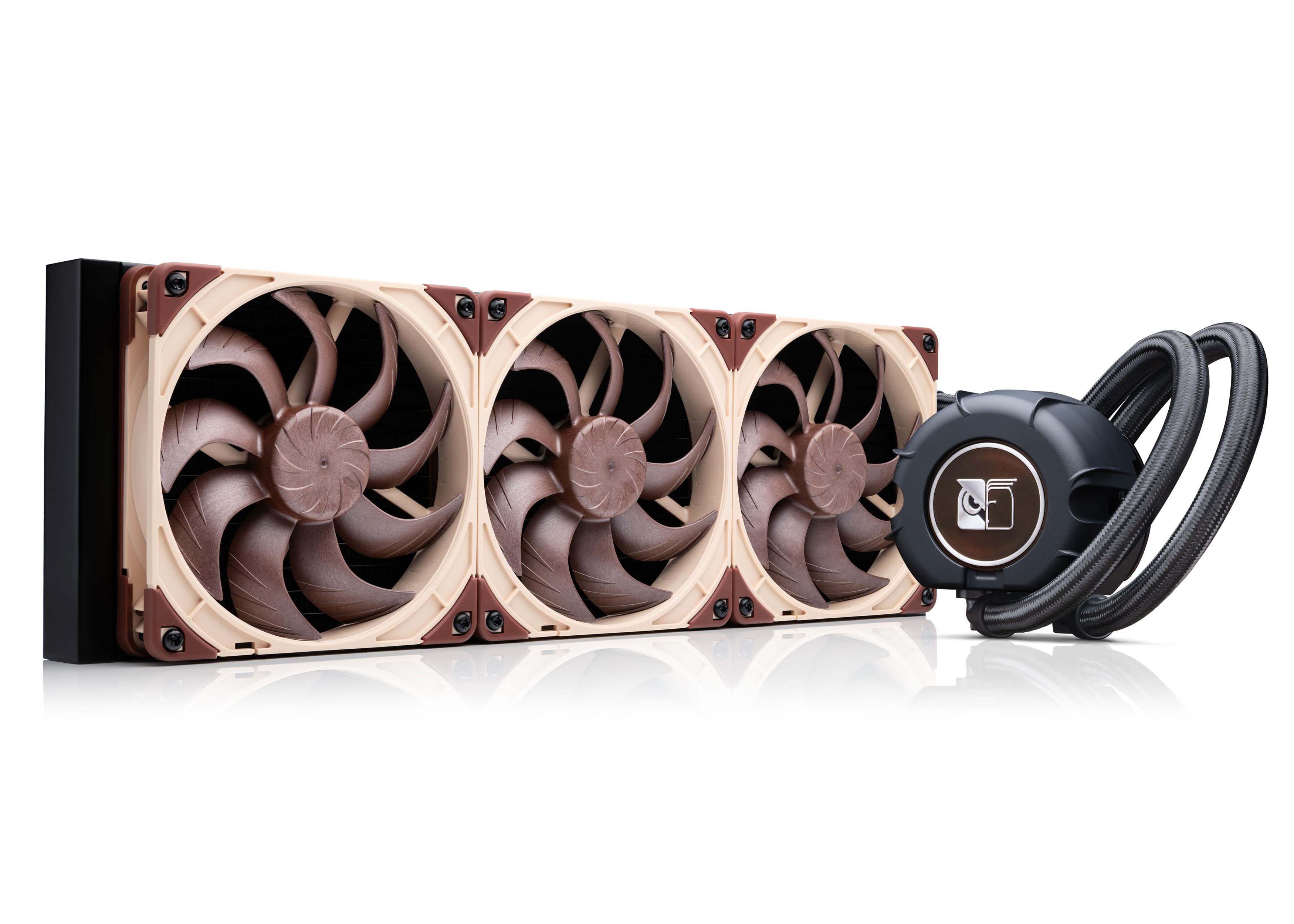
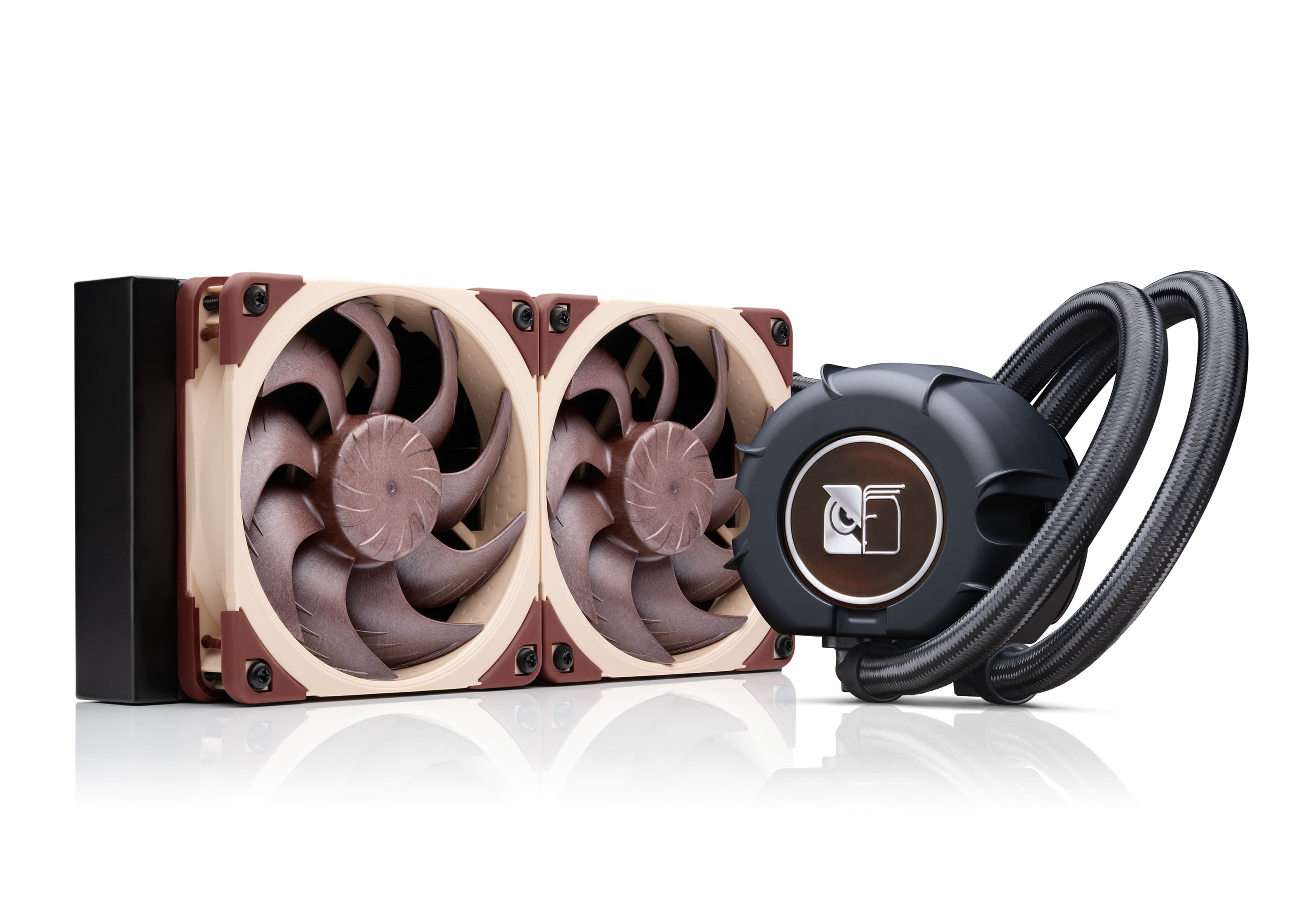
The NL-LC1 series is the world’s first all-in-one liquid cooler to feature an integrated pump noise absorber that leverages acoustic soundproofing and the tuned-mass damper effect.
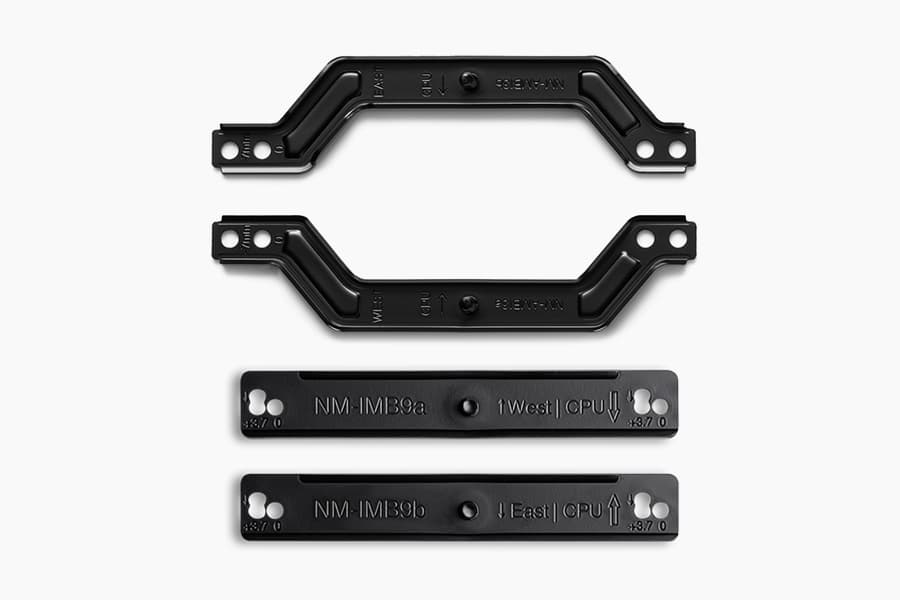
How our SecuFirm2+™ mounting system enables NL-LC1 coolers to achieve lower temperatures
Our SecuFirm2+™ mounting system ensures optimal force transfer and contact pressure, which can give the NL-LC1 a slight edge over other Emma V2 based coolers.
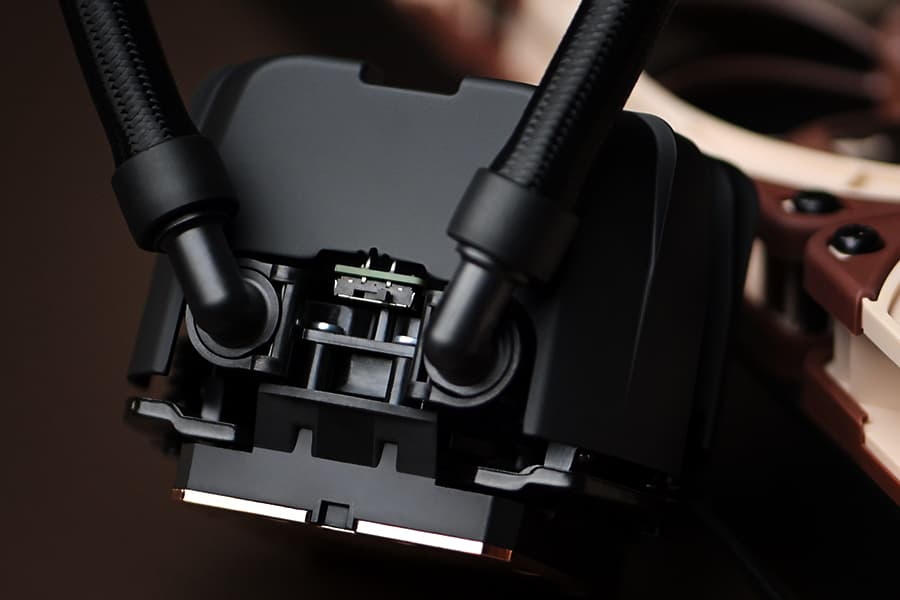
NL-LC1 series AIO coolers’ pump speed profiles explained
The NL-LC1 series’ pump comes with an integrated mode switch that makes it possible to choose between three settings (Quiet, Balanced and Manual).
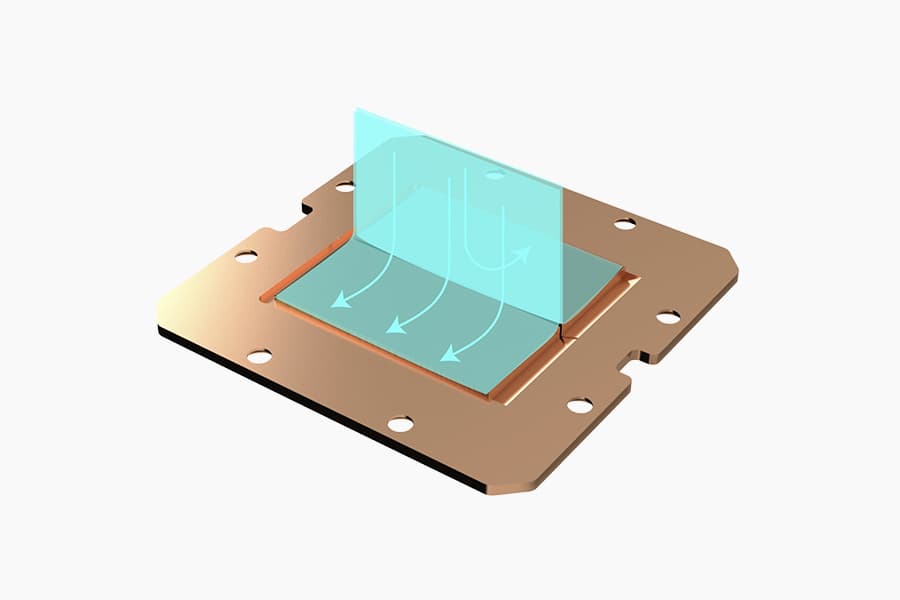
Asetek Emma V2: State-of-the-art closed-loop liquid cooling
The Asetek Emma V2 represents the pinnacle of Asetek's evolution over the last two decades at the forefront of all-in-one liquid cooling.
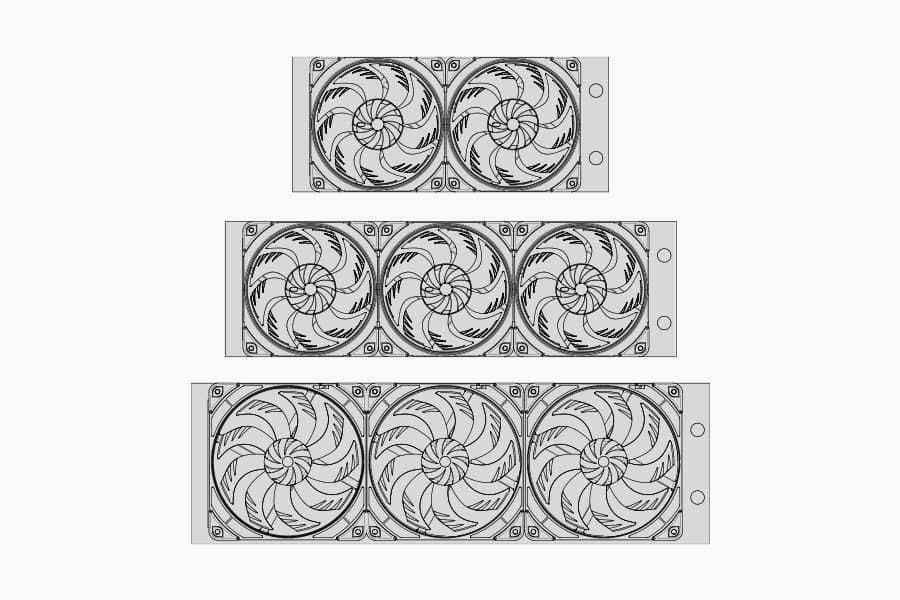
Which AIO radiator size should I choose – 420, 360 or 240mm?
Which AIO Radiator size is right for you? 360, 240 or 420? Discover which model offers the best possible performance-to-noise efficiency for your setup.
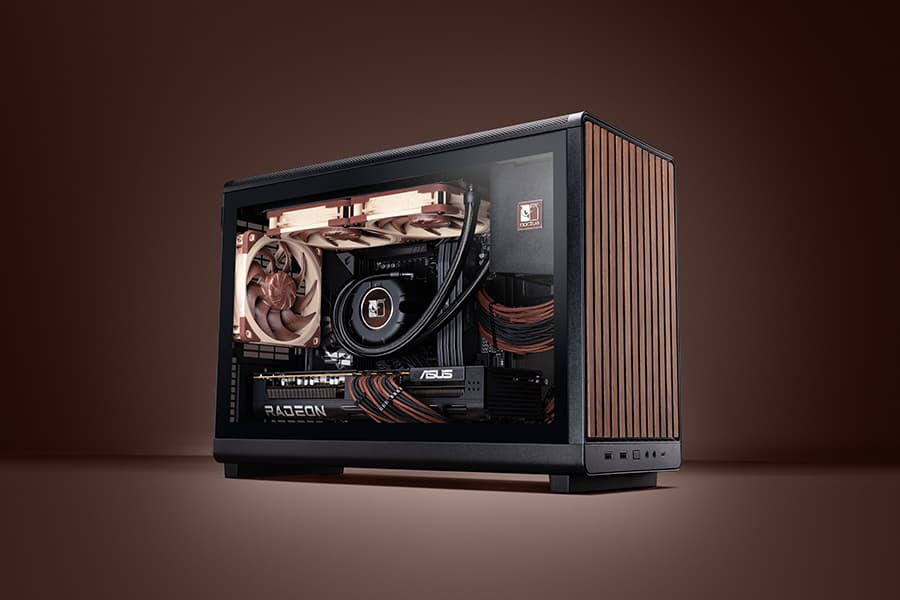
Air cooling or water cooling, which one to choose?
Both air coolers and all-in-one liquid coolers have their respective advantages and disadvantages. We have summed them up for you in this guide to help with your buying decision.
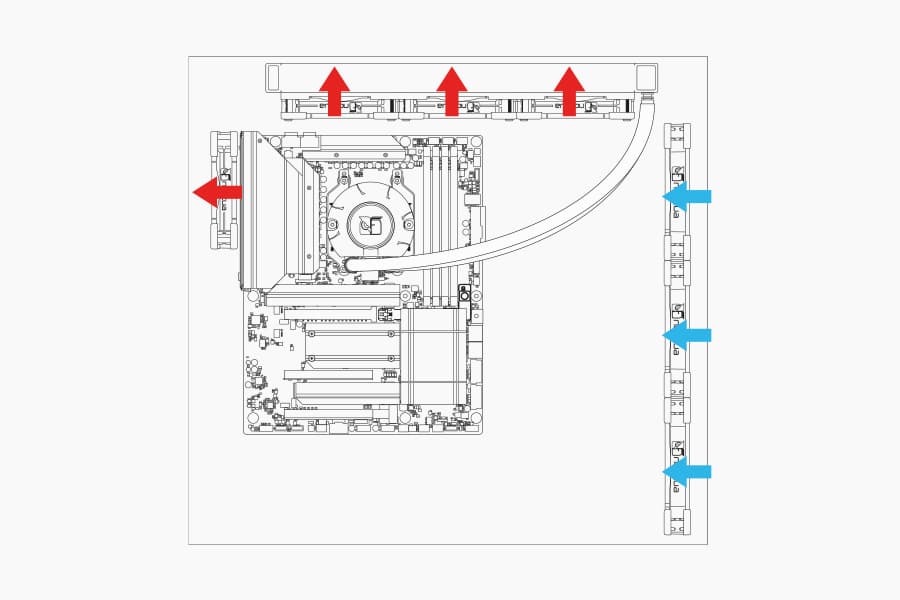
Where should I install my AIO radiator (top vs. front/side)?
Many modern tower-style PC cases allow liquid coolers to be installed in more than one position (top, front or side of the case). This article explains their pro's and con's.
相关文章
想了解更多关于这个话题的信息吗?请浏览相关文章和资源。
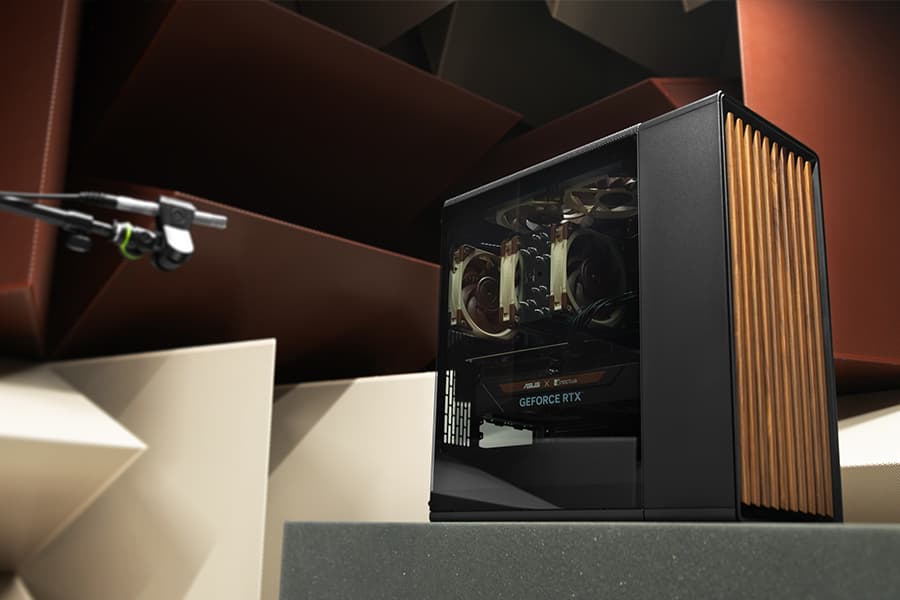
Which fan setup works best in the Fractal Design North?
25-03-20
Fractal Design’s North case and our NF-A12x25 fans are a great match, both visually and from a performance point of view: But which configuration offers optimal performance?
Air cooling or water cooling, which one to choose?
Both air coolers and all-in-one liquid coolers have their respective advantages and disadvantages. We have summed them up for you in this guide to help with your buying decision.
Where should I install my AIO radiator (top vs. front/side)?
Many modern tower-style PC cases allow liquid coolers to be installed in more than one position (top, front or side of the case). This article explains their pro's and con's.
NL-LC1 series AIO coolers’ pump speed profiles explained
The NL-LC1 series’ pump comes with an integrated mode switch that makes it possible to choose between three settings (Quiet, Balanced and Manual).