


Introduction
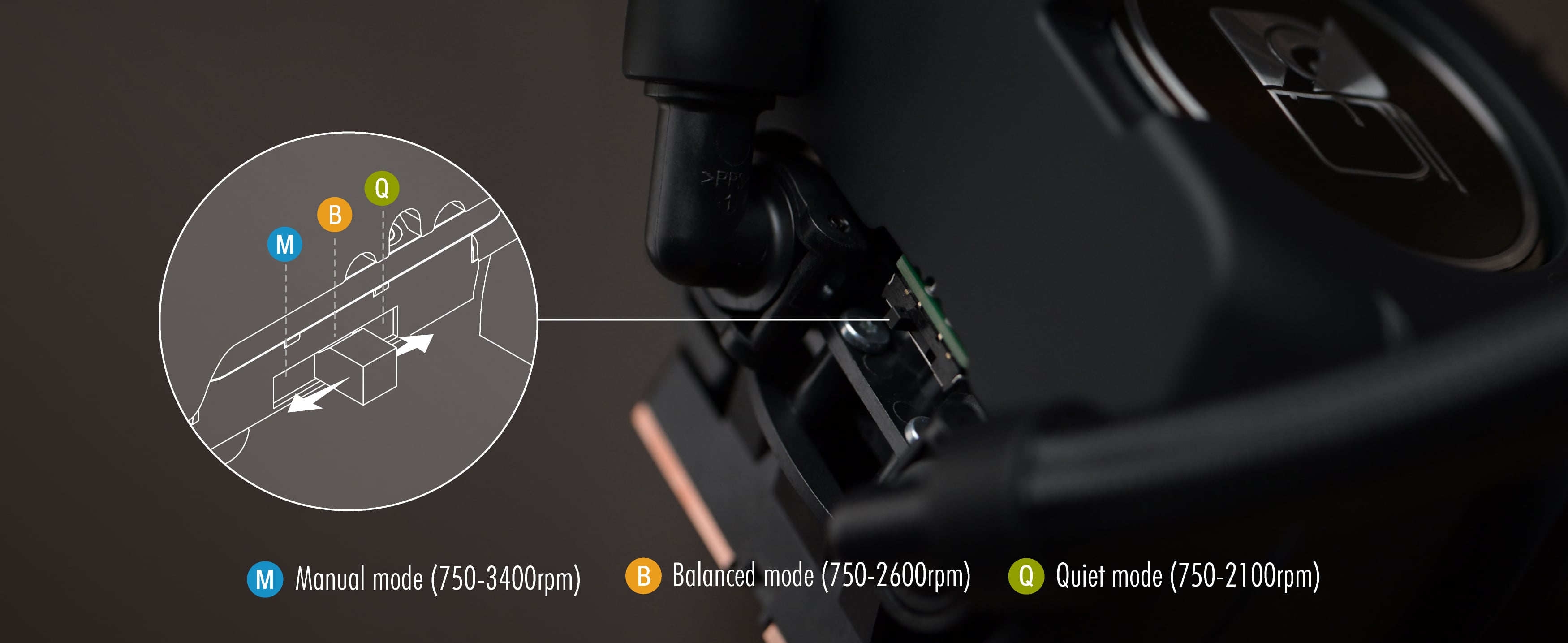
The NL-LC1 series’ pump comes with an integrated mode switch that makes it possible to choose between three settings: While the pre-selected quiet mode ensures minimal noise emission, the balanced mode provides extra performance headroom, and the manual mode gives users full control over the pump’s entire RPM range.
In all three modes, users can control the speed of the pump through PWM, either letting the motherboard control the RPM automatically or setting custom control curves through software like Fan Control (letting the pump run at a constant, fixed speed is not recommended). The difference between the modes lies in how the pump will respond to PWM input and the temperature readout from the integrated liquid temperature sensor.
Temperature monitoring and automatic safety ramp
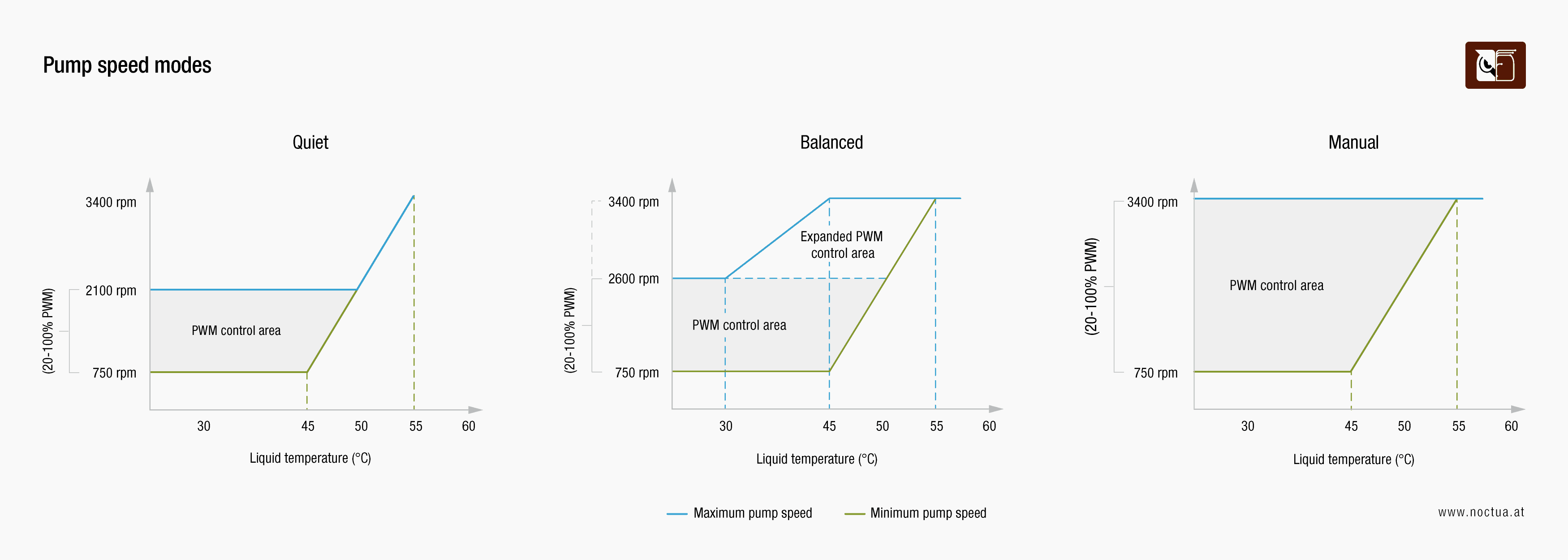
To ensure safe operating conditions regardless of the ambient temperature and PWM input, NL-LC1 coolers feature an integrated sensor for constant liquid temperature monitoring and automatically adjust the pump speed if necessary. Below 45°C liquid temperature, the pump runs at its nominal minimum speed of 750rpm when set to 20% PWM, which enables near-silent operation in idle conditions and at low heat-loads.
In case the liquid temperature rises above 45°C, regardless of the mode selected, the allowed minimum speed of the pump automatically starts to increase and continues to increase in case the liquid temperature should keep rising. This automatic safety ramp gradually continues all the way to 55°C liquid temperature where the pump is automatically set to its maximum nominal speed of ~3400rpm, overriding any PWM input in order to protect the cooler itself from damage.
For safety reasons, PWM settings below 20% are ignored, so even if the liquid temperature is below 45°C, the pump will keep running at a nominal speed of 750rpm in order to maintain fluid circulation. If the pump detects a 0% PWM signal, it will switch to 100% speed. This is done intentionally to make sure that the pump will not run at too low speeds if it receives a corrupt PWM signal that could be interpreted as 0% PWM.
Key differences between the modes
The key difference between the three modes is how the pump responds to higher PWM settings. In Quiet mode, the maximum speed of the pump is restricted to ~2100rpm (unless the safety ramp function automatically increases RPM at >45°C liquid temperature), which ensures extremely low noise emission under normal operating conditions.
In Balanced mode, the maximum speed of the pump is limited at ~2600rpm up to 30°C liquid temperature before the control headroom starts to expand all the way to ~3400rpm at 45°C liquid temperature. This setting provides a good balance in the sense that it prevents the pump from running louder than necessary at lower liquid temperatures while offering extended performance headroom in case liquid temperatures should rise.
In Manual mode, maximum pump speed is accessible regardless of the liquid temperature, so the pump can be set to ~3400rpm even if the liquid is still at room temperature. This mode is ideal for enthusiast customers who prefer to have full control over the entire speed range and a stable PWM-to-RPM response.
Performance and noise results
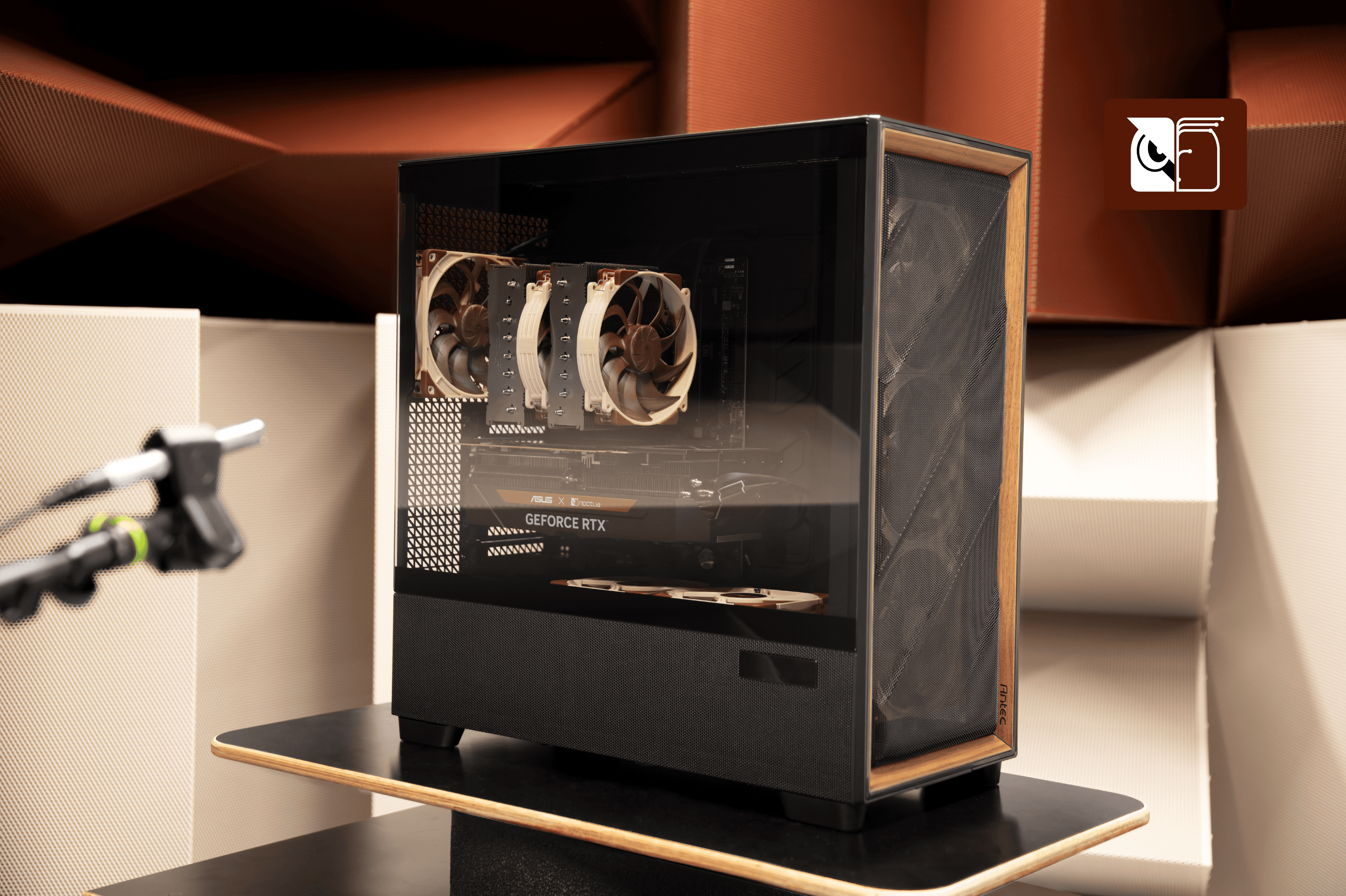
Comparing the noise levels at the full nominal speed levels in each of the three modes at <30°C liquid temperatures (2100rpm / 2600rpm / 3400rpm) installed inside an Antec Flux Pro Noctua Edition chassis, the pump ran approximately 5.5dB(A) quieter in balanced mode than in manual mode. In quiet mode, the noise levels were another ~6dB(A) lower:
.png&w=3840&q=85)
While sound pressure levels will vary from setup to setup due to different resonance and reflection behaviour, Quiet mode typically produces such low noise levels that the pump is difficult to pick up even from very close distances, which makes it the ideal setting for noise-sensitive users. While the difference to full speed in Manual mode is usually noticeable, Balanced mode provides a good middle ground and is highly flexible thanks to the automatic, liquid temperature-based scaling of the maximum speed.
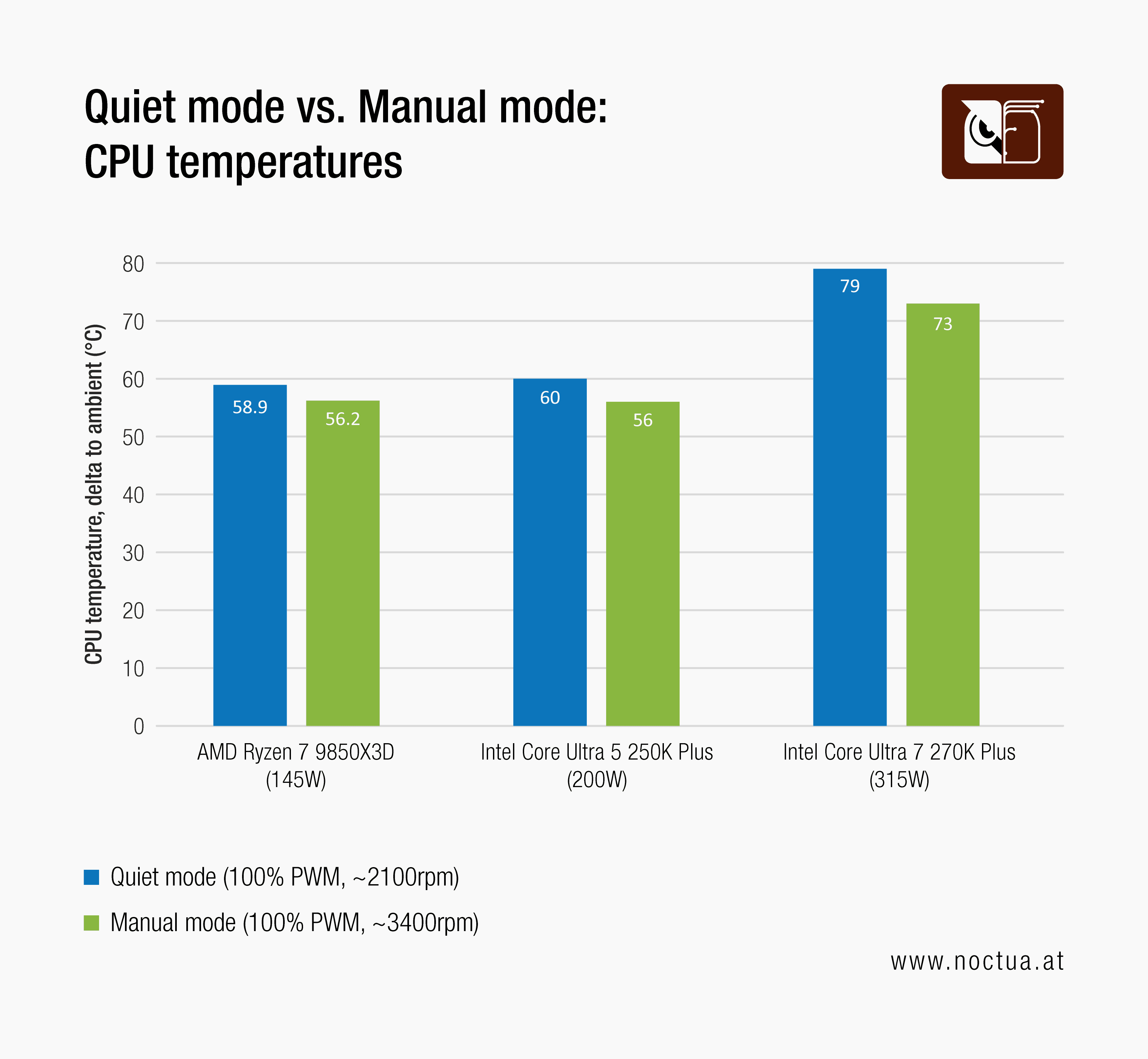
The difference in thermal performance between the modes will largely depend on the individual setup and heat-load generated. While the difference between Quiet mode and Manual mode will usually be very small at low heat-loads such as 65 or 90W, it can be more pronounced at high heat-loads such as 200W and beyond. For reference, we have measured a difference of 2.7°C on an AMD Ryzen 7 9850X3D running at 145W, a 4°C difference on an Intel Core Ultra 5 250K Plus running at 200W and a 6°C difference on an Intel Core 7 270K Plus running at 315W:
Automatic self-bleeding
To ensure low-noise operation and consistent thermal performance, NL-LC1 coolers boost the pump to maximum speed (~3400rpm) for around 50 seconds at start-up. The reason for this is that closed-loop liquid coolers require a certain amount of air inside the loop to allow for thermal expansion and safe transport in different environmental conditions. If air bubbles get trapped inside the pump, this can lead to increased noise emission and lower thermal performance. This is where the automatic self-bleeding mechanism steps in: boosting the pump to ~3400rpm for a few seconds ensures proper bleeding and significantly reduces the risk of air bubbles being trapped in the pump.
更多资源
想了解更多关于这个话题的信息吗?请浏览相关文章和资源。
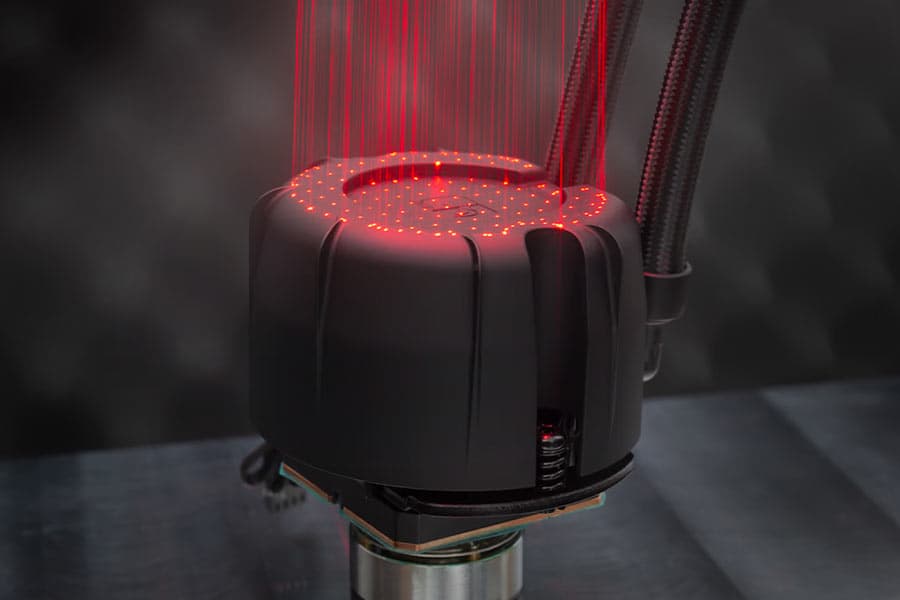
NL-PNA1 pump noise absorber: Tuned mass damper and acoustic soundproofing
The NL-LC1 series is the world’s first all-in-one liquid cooler to feature an integrated pump noise absorber that leverages acoustic soundproofing and the tuned-mass damper effect.
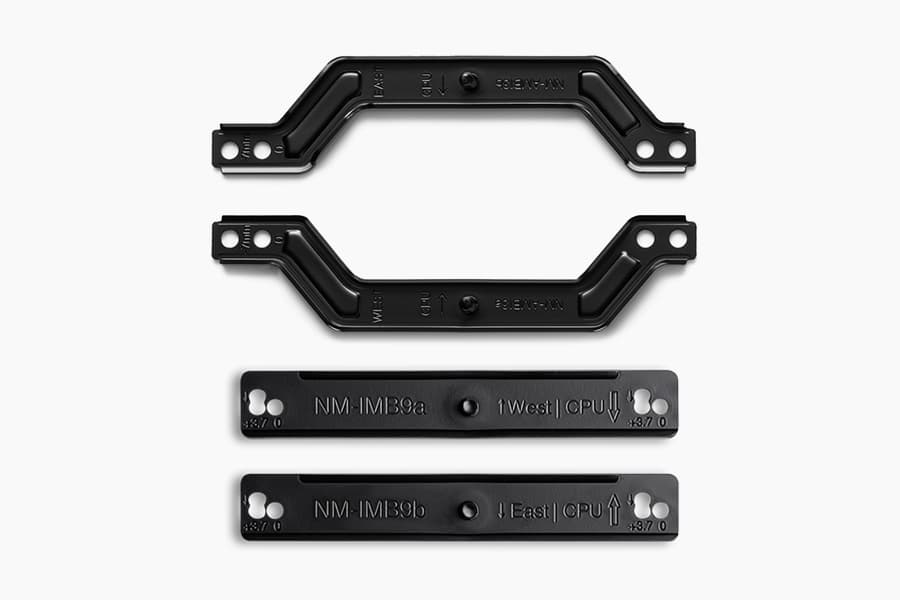
How our SecuFirm2+™ mounting system enables NL-LC1 coolers to achieve lower temperatures
Our SecuFirm2+™ mounting system ensures optimal force transfer and contact pressure, which can give the NL-LC1 a slight edge over other Emma V2 based coolers.
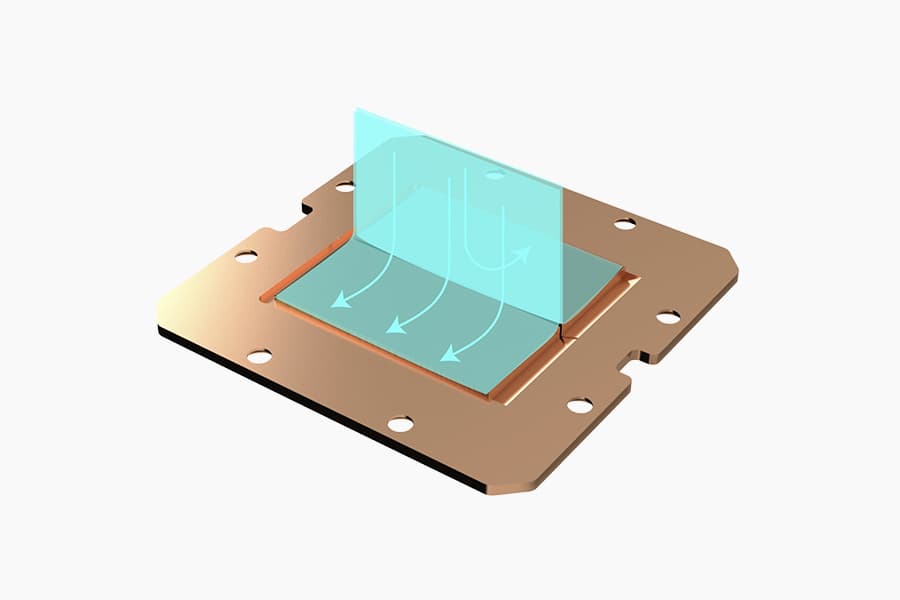
Asetek Emma V2: State-of-the-art closed-loop liquid cooling
The Asetek Emma V2 represents the pinnacle of Asetek's evolution over the last two decades at the forefront of all-in-one liquid cooling.

Which AIO radiator size should I choose – 420, 360 or 240mm?
Which AIO Radiator size is right for you? 360, 240 or 420? Discover which model offers the best possible performance-to-noise efficiency for your setup.
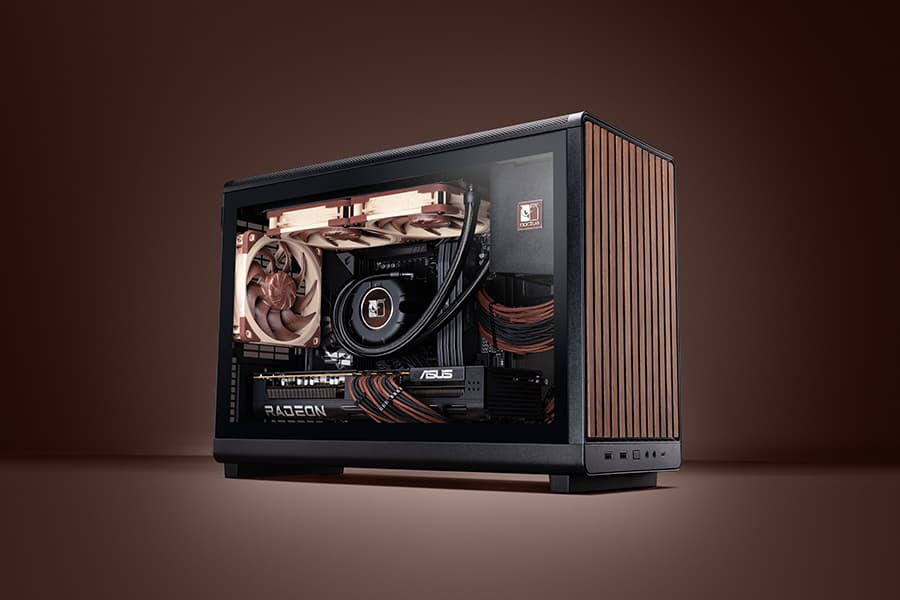
Air cooling or water cooling, which one to choose?
Both air coolers and all-in-one liquid coolers have their respective advantages and disadvantages. We have summed them up for you in this guide to help with your buying decision.
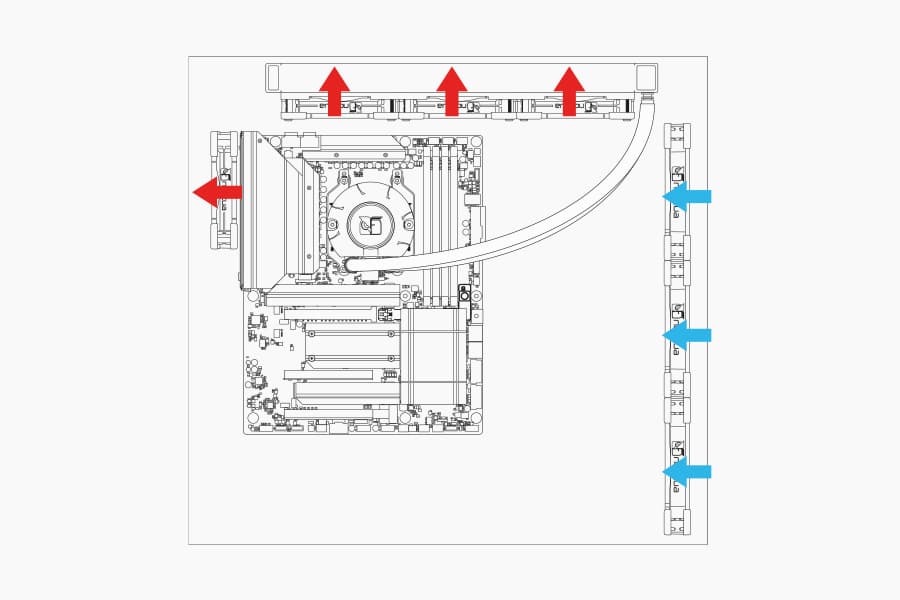
Where should I install my AIO radiator (top vs. front/side)?
Many modern tower-style PC cases allow liquid coolers to be installed in more than one position (top, front or side of the case). This article explains their pro's and con's.
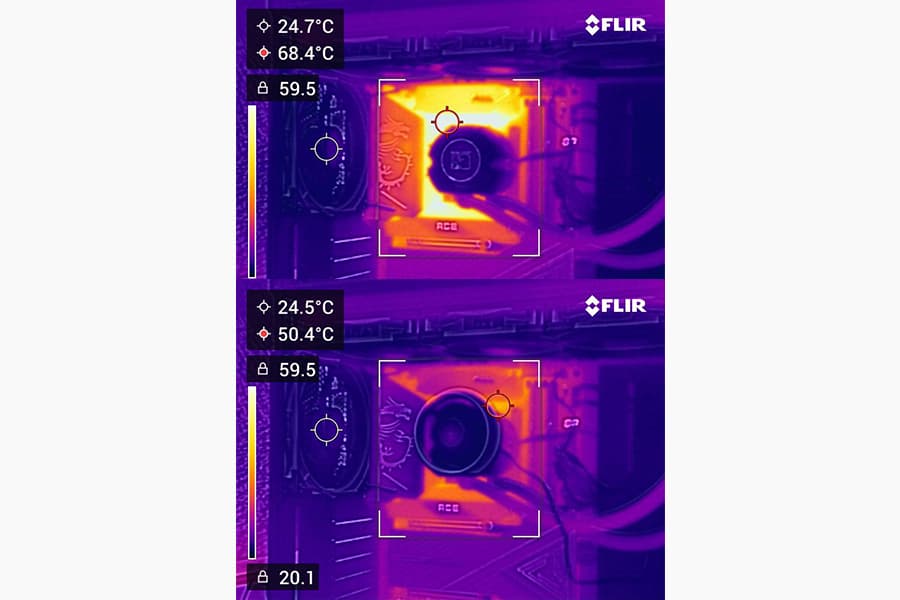
Should I use the NL-ACF1 auxiliary cooling fan?
The NL-ACF1 is an optional auxiliary cooling fan for NL-LC1 liquid coolers that provides extra airflow to near-socket compontents such as VRMs, M.2 SSDs or RAM.
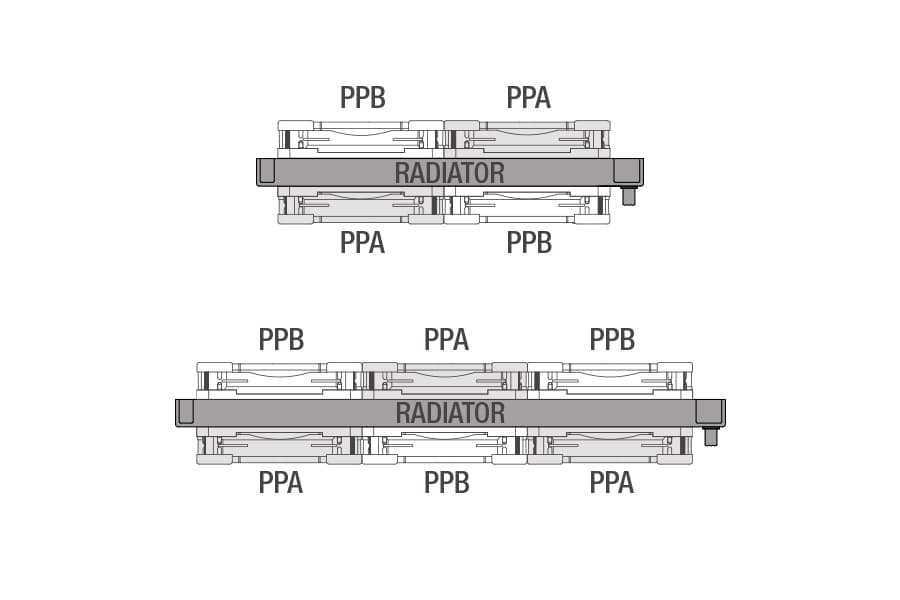
How should I set up my NL-LC1 radiator fans (push, pull or push-pull)?
Whether you've just purchased or are about to purchase our NL-LC1 radiator, you're probably wondering how to position the fans in your build for the best results...
相关问题解答
相关文章
想了解更多关于这个话题的信息吗?请浏览相关文章和资源。
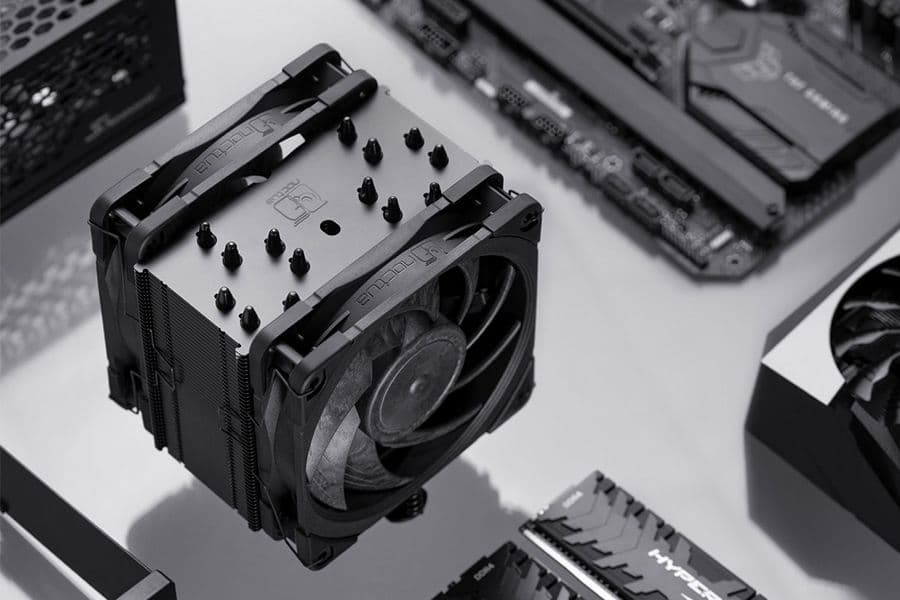
NSPR: Noctua Standardised Performance Rating
Noctua’s Standardised Performance Rating (NSPR) is a platform-independent classification system that allows customers to compare the efficiency of Noctua CPU coolers at a glance.
Air cooling or water cooling, which one to choose?
Both air coolers and all-in-one liquid coolers have their respective advantages and disadvantages. We have summed them up for you in this guide to help with your buying decision.
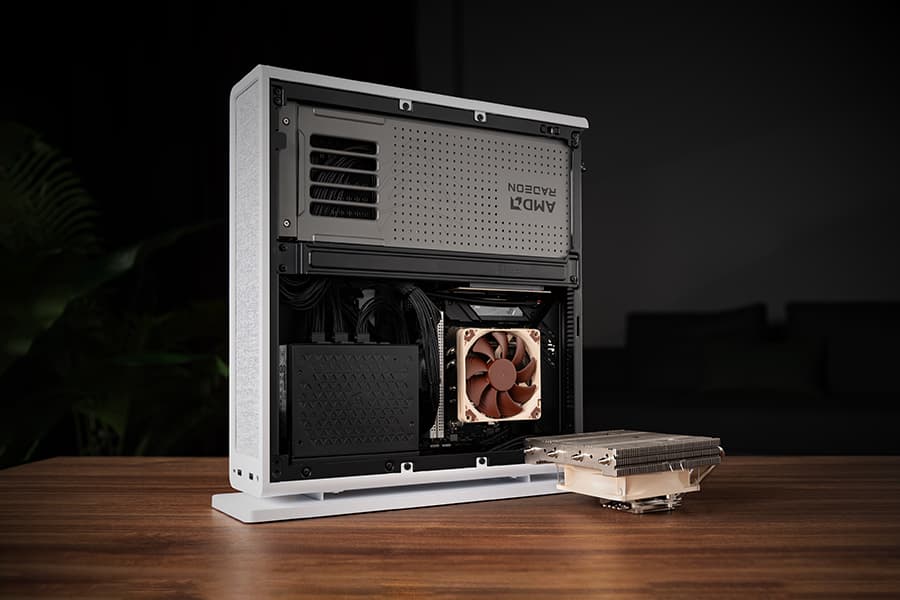
The Fractal Design Ridge and the story of “less is more“
26-05-05
Discover the best Noctua CPU cooler and GPU setup for the Fractal Design Ridge case. See how a custom duct and removing extra case fans unlocks SFF performance.
Where should I install my AIO radiator (top vs. front/side)?
Many modern tower-style PC cases allow liquid coolers to be installed in more than one position (top, front or side of the case). This article explains their pro's and con's.