


My AIO makes a rattling sound or bubbling sound, how can I fix this?
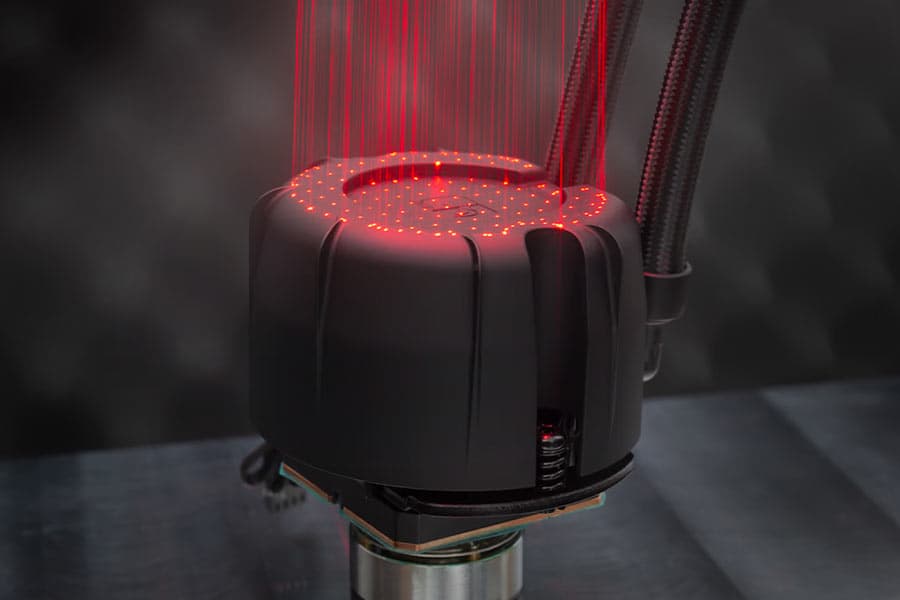
A rattling or bubbling sound usually indicates that air bubbles are trapped in the system. Please try these steps to help dislodge any air bubbles:
- Gently tilt the case while the system is on.
Tilting the case can help move air bubbles out of the pump. Avoid abrupt movements, tapping the pump, and do not apply excessive force. - Temporarily increase the pump speed to 100%.
You can restart your PC to start the pump’s automatic self-bleeding cycle. Alternatively, you can increase the pump speed through the BIOS or via fan control software. The extra speed can help with releasing trapped air. - Ramp through the RPM range.
Go through different PWM ranges through the BIOS or via fan control software.
If the noise persists, please contact our support team and include a recording of the sound.
相关问题解答
相关文章
想了解更多关于这个话题的信息吗?请浏览相关文章和资源。
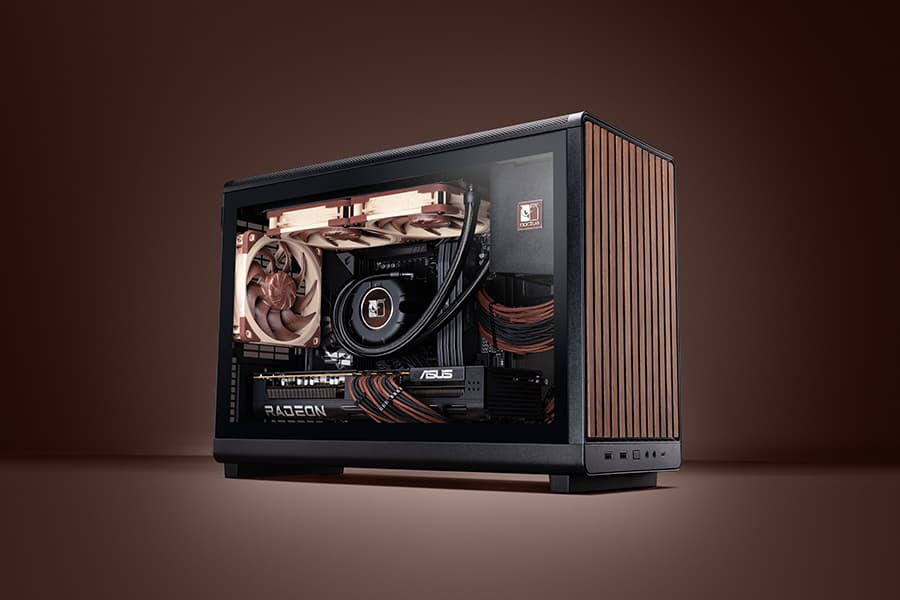
Air cooling or water cooling, which one to choose?
Both air coolers and all-in-one liquid coolers have their respective advantages and disadvantages. We have summed them up for you in this guide to help with your buying decision.
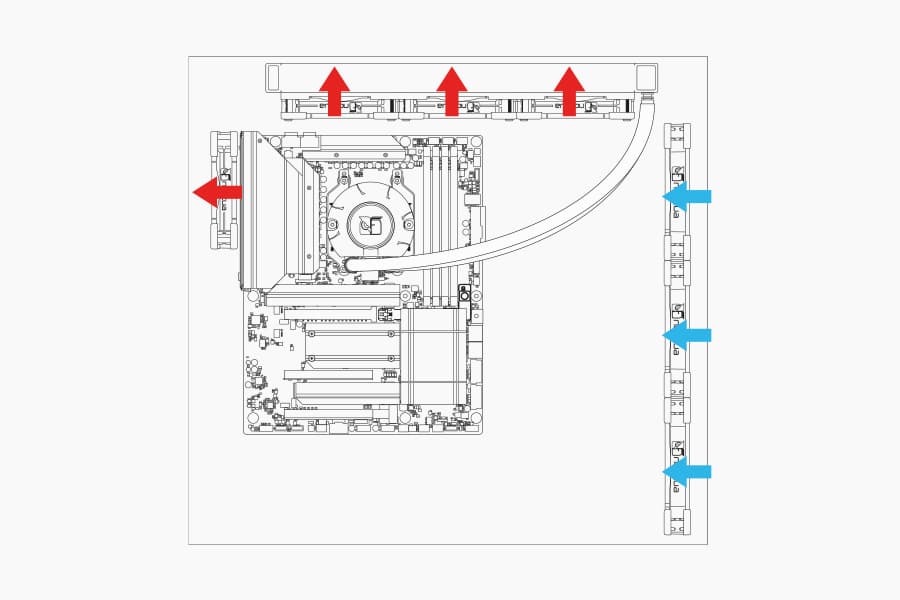
Where should I install my AIO radiator (top vs. front/side)?
Many modern tower-style PC cases allow liquid coolers to be installed in more than one position (top, front or side of the case). This article explains their pro's and con's.
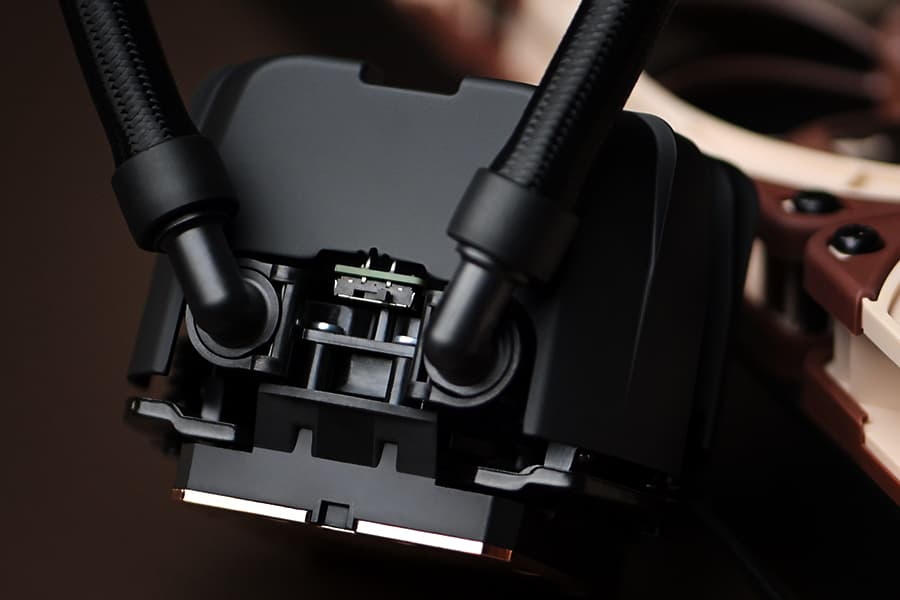
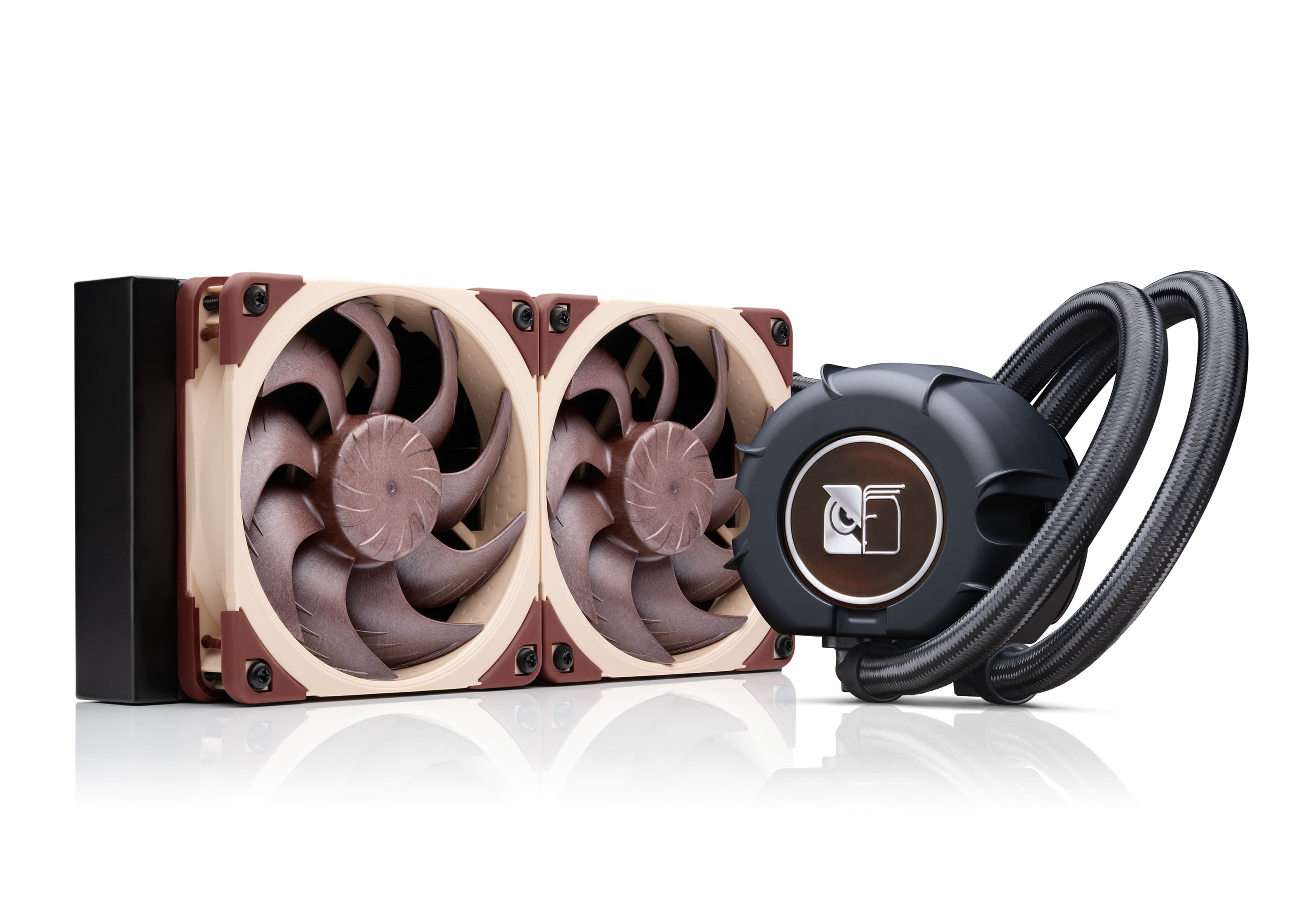
NL-LC1 series AIO coolers’ pump speed profiles explained
The NL-LC1 series’ pump comes with an integrated mode switch that makes it possible to choose between three settings (Quiet, Balanced and Manual).
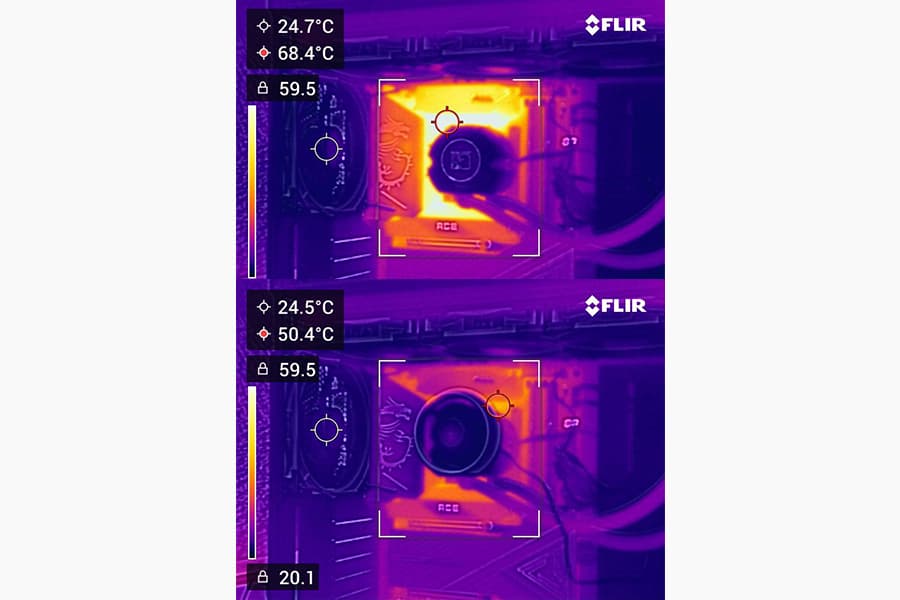
Should I use the NL-ACF1 auxiliary cooling fan?
The NL-ACF1 is an optional auxiliary cooling fan for NL-LC1 liquid coolers that provides extra airflow to near-socket compontents such as VRMs, M.2 SSDs or RAM.