
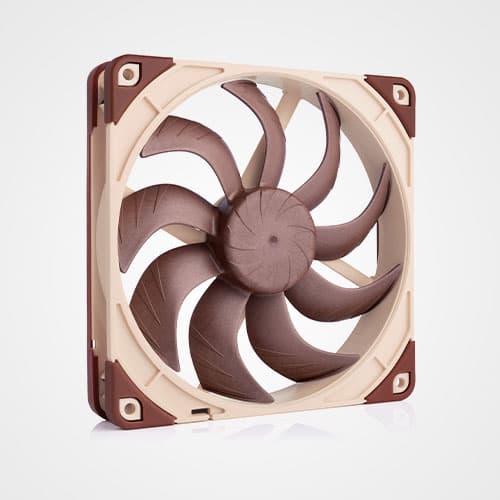
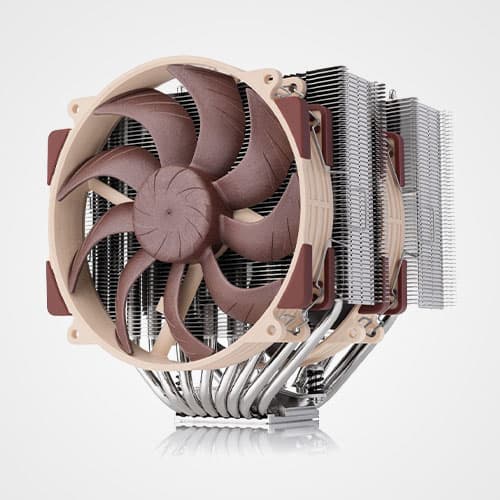
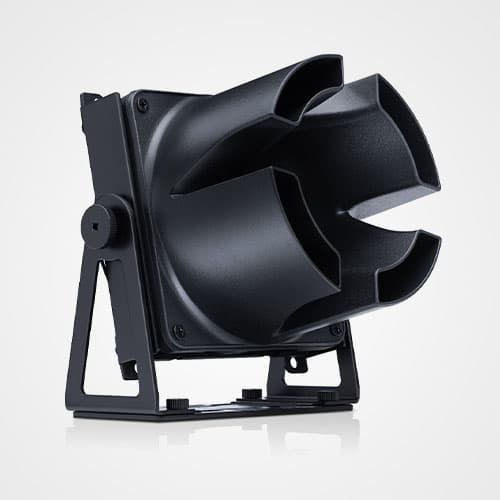


If your case supports 360 or 420mm radiators and you want to achieve the best possible performance-to-noise efficiency, we highly recommend choosing the NL-LC1-36 (360mm) or NL-LC1-42 (420mm). Due to their larger radiators and triple fan configuration, these models can achieve significantly better results than the 240mm size NL-LC1-24.
In our tests using a 200W heat-load, the NL-LC1-42 and NL-LC1-36 ran around 4-6dB(A) quieter than the NL-LC1-24 while maintaining the same CPU temperature. The NL-LC1-24, however, has its place in more compact builds that cannot fit larger radiators or if cost is a concern.
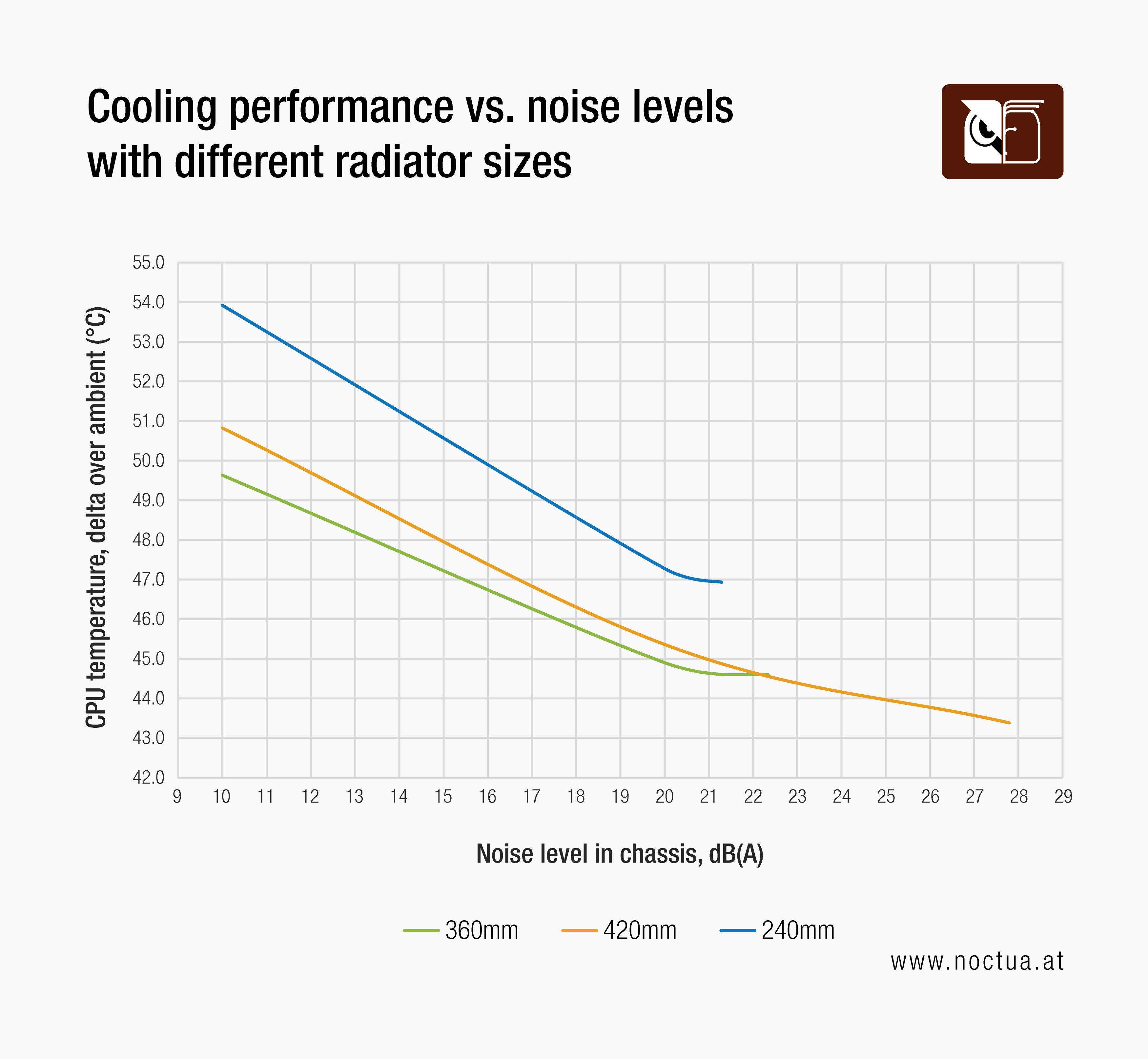
When it comes to deciding between 420 and 360mm, there is a bit more to it than just “bigger is better”: While the 120mm NF-A12x25 G2 fans used on the NL-LC1-24 and NL-LC1-36 top out at 22.5dB(A) individually, the NF-A14x25 G2 140mm fans used on the NL-LC1-42 can go up to 24.8dB(A), which gives it a bit more performance headroom.
In practice, this means that the NL-LC1-42 can surpass the cooling performance of the NL-LC1-36 at higher fan speeds where it can leverage the full power of its NF-A14x25 G2 fans. Due to the higher airflow levels and the turbulence caused by the radiator, this performance benefit comes at the expense of up to ~5dB(A) higher noise levels. On the flipside, the NL-LC1-36 provides slightly better results at low fan speeds. This is due to the fact that the 120mm NF-A12x25 G2 fans have a higher blade coverage ratio than the 140mm NF-A14x25 G2 fans, which makes them more efficient working against high backpressure at low RPM.
Another thing to keep in mind is that the thermal performance advantage of the NL-LC1-42 at full fan speed becomes more pronounced with higher heat-loads: While we have measured around 1.2°C lower temperatures at 200W, the lead grew all the way to 3.8°C at 300W. At the same time, the NL-LC1-36 and NL-LC1-42 remained neck-and-neck in noise-normalised tests at ~22dB(A), where even at 300W heat load, the advantage of the 420mm radiator remained small at only 0.5°C:
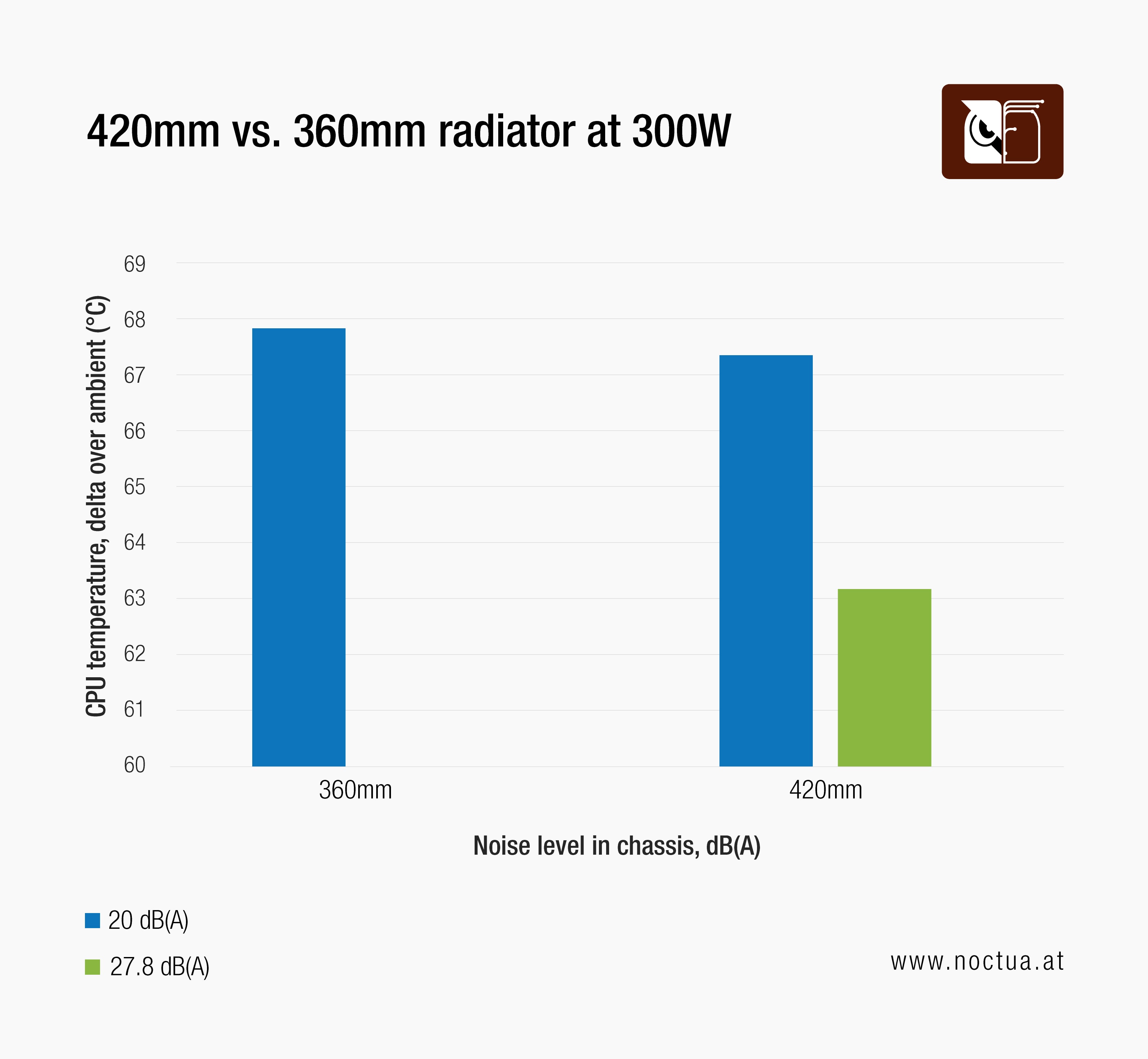
Therefore, the heat-load alone should not dictate your buying decision: Even at 300W, the NL-LC1-36 will hold its ground when compared at equal noise levels, but the higher the heat-load, the bigger the performance headroom that the NL-LC1-42 can achieve at full fan speeds (at the expense of higher noise levels).
In summary, the NL-LC1-36 will provide optimal results in most use cases, and it even has a slight edge over the larger NL-LC1-42 in performance-to-noise efficiency at low fan speeds. This means that if your goal is to go as quiet as possible, we recommend going with the NL-LC1-36. If, by contrast, you simply want the maximum possible performance headroom or achieve the highest possible cooling performance at the expense of slightly higher noise levels at 100% fan speed, go with the NL-LC1-42 – just make sure that your case can fit 420mm radiators!
更多资源
想了解更多关于这个话题的信息吗?请浏览相关文章和资源。
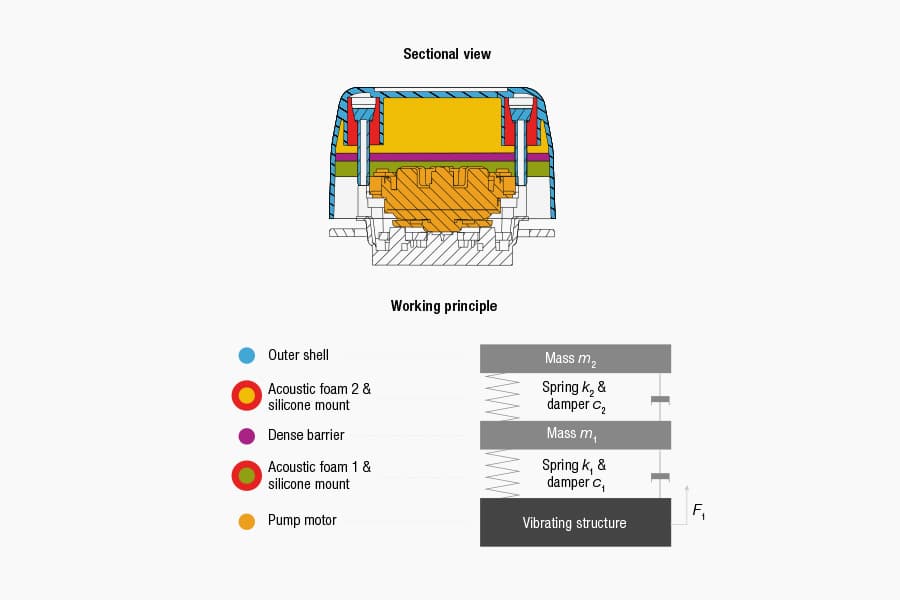
NL-PNA1 pump noise absorber: Tuned mass damper and acoustic soundproofing
The NL-LC1 series is the world’s first all-in-one liquid cooler to feature an integrated pump noise absorber that leverages acoustic soundproofing and the tuned-mass damper effect.
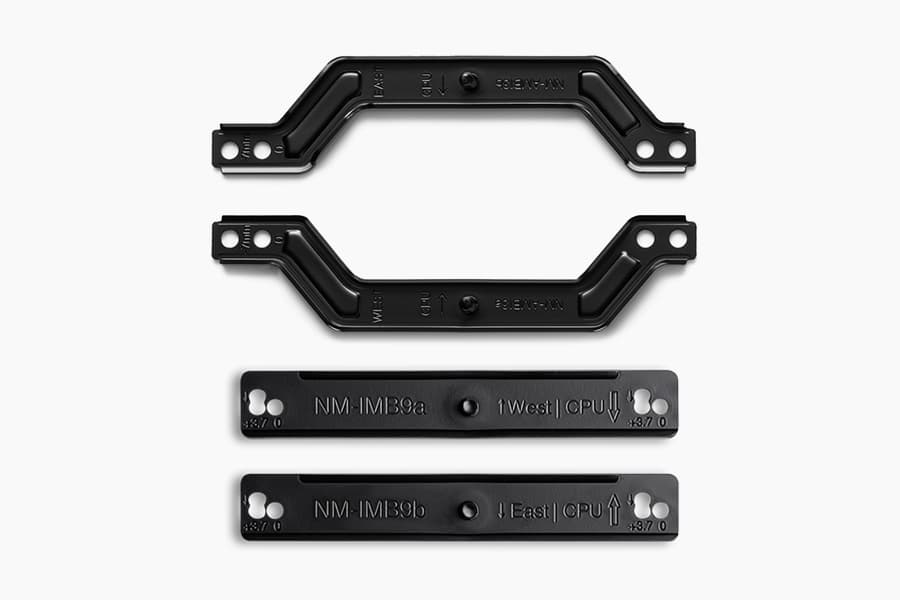
How our SecuFirm2+™ mounting system enables NL-LC1 coolers to achieve lower temperatures
Our SecuFirm2+™ mounting system ensures optimal force transfer and contact pressure, which can give the NL-LC1 a slight edge over other Emma V2 based coolers.
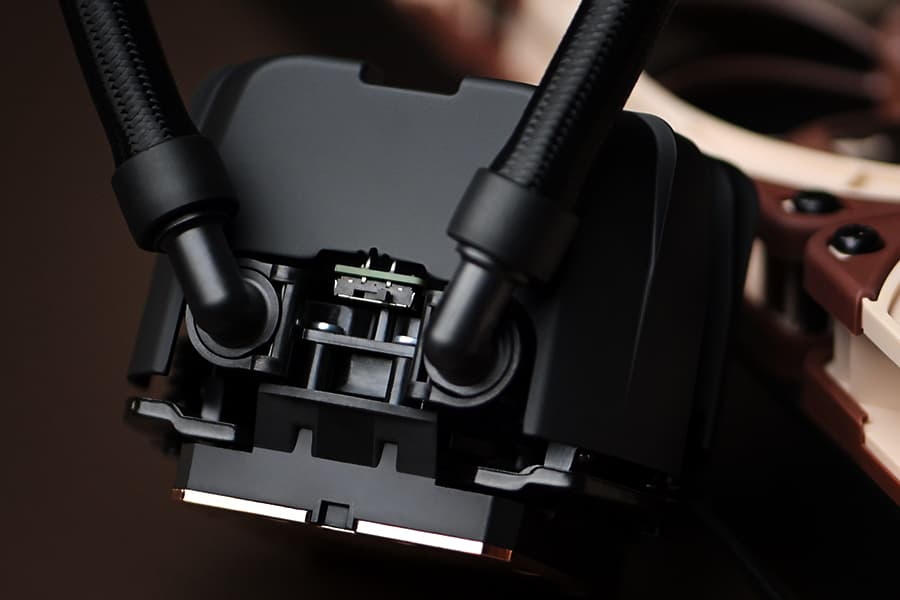
NL-LC1 series AIO coolers’ pump speed profiles explained
The NL-LC1 series’ pump comes with an integrated mode switch that makes it possible to choose between three settings (Quiet, Balanced and Manual).
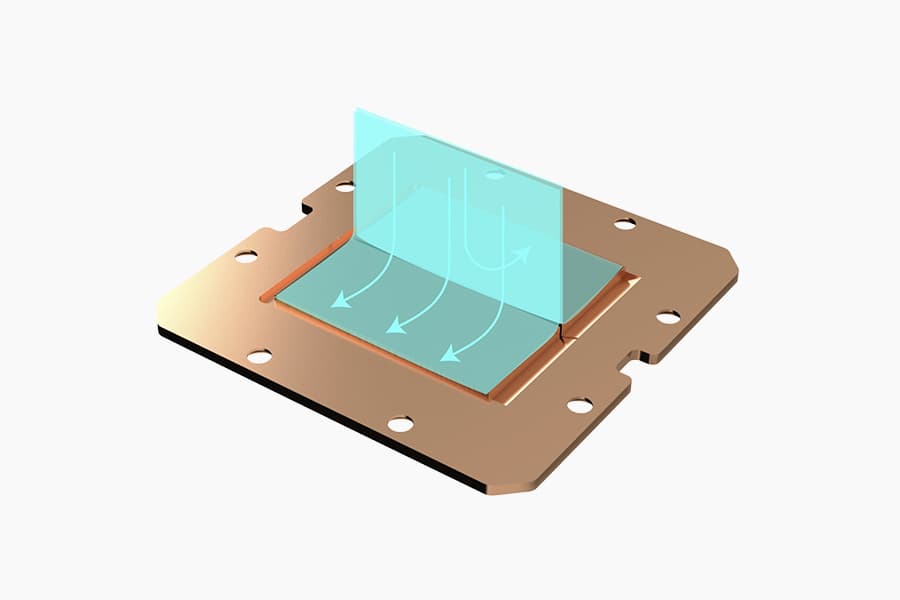
Asetek Emma V2: State-of-the-art closed-loop liquid cooling
The Asetek Emma V2 represents the pinnacle of Asetek's evolution over the last two decades at the forefront of all-in-one liquid cooling.
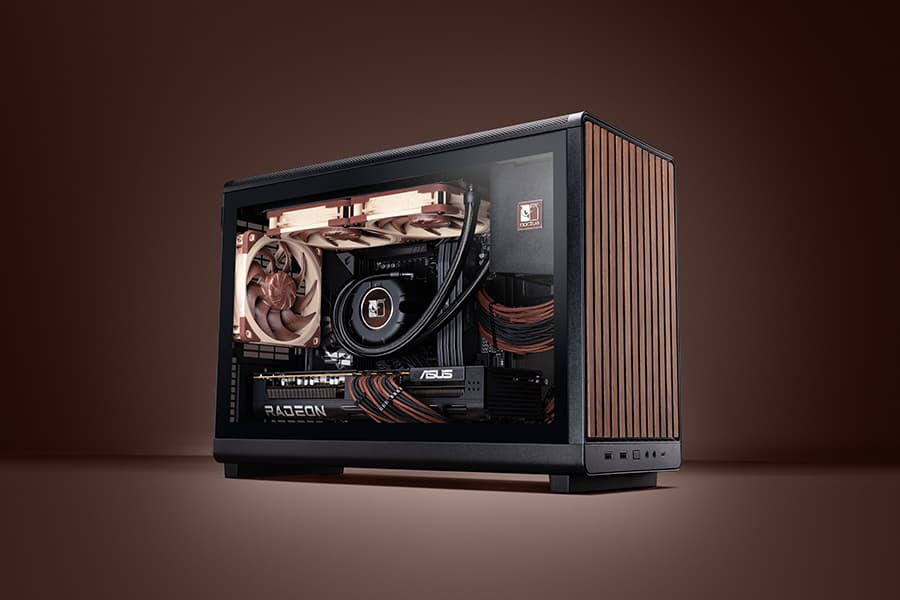
Air cooling or water cooling, which one to choose?
Both air coolers and all-in-one liquid coolers have their respective advantages and disadvantages. We have summed them up for you in this guide to help with your buying decision.
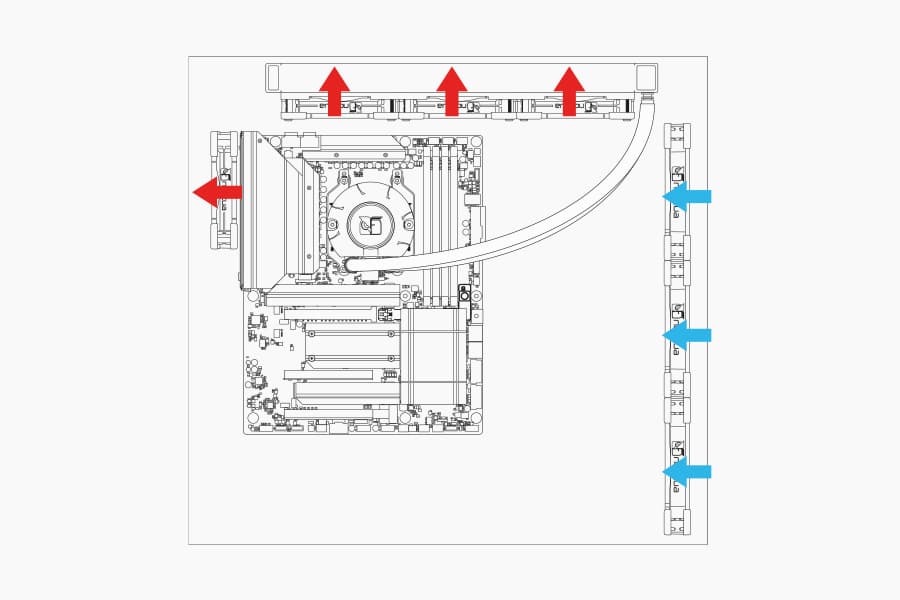
Where should I install my AIO radiator (top vs. front/side)?
Many modern tower-style PC cases allow liquid coolers to be installed in more than one position (top, front or side of the case). This article explains their pro's and con's.
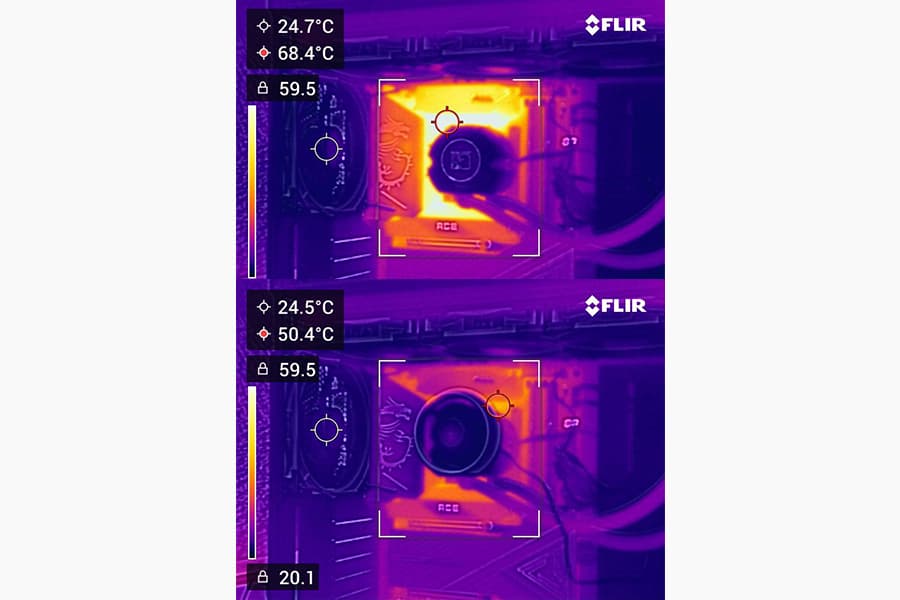
Should I use the NL-ACF1 auxiliary cooling fan?
The NL-ACF1 is an optional auxiliary cooling fan for NL-LC1 liquid coolers that provides extra airflow to near-socket compontents such as VRMs, M.2 SSDs or RAM.
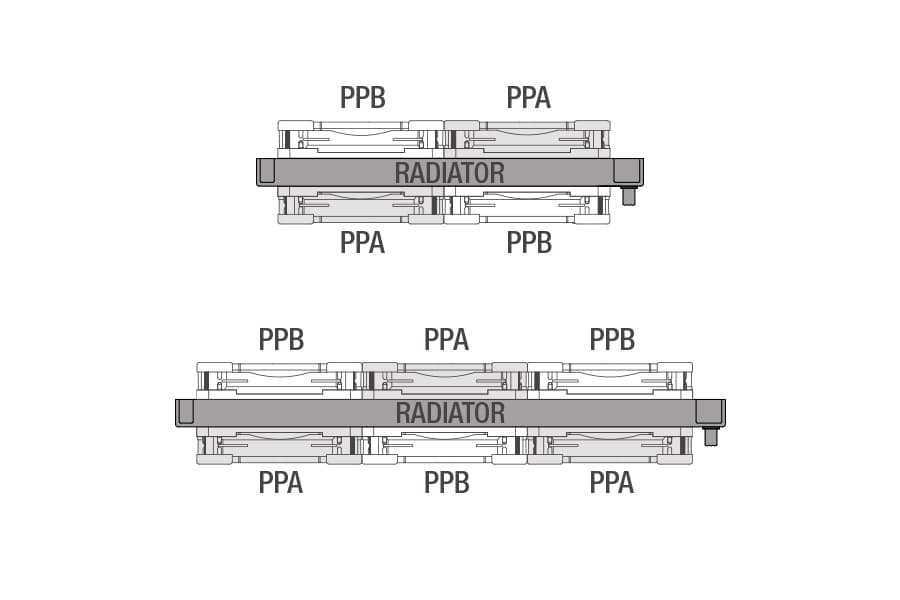
How should I set up my NL-LC1 radiator fans (push, pull or push-pull)?
Whether you've just purchased or are about to purchase our NL-LC1 radiator, you're probably wondering how to position the fans in your build for the best results...
相关文章
想了解更多关于这个话题的信息吗?请浏览相关文章和资源。
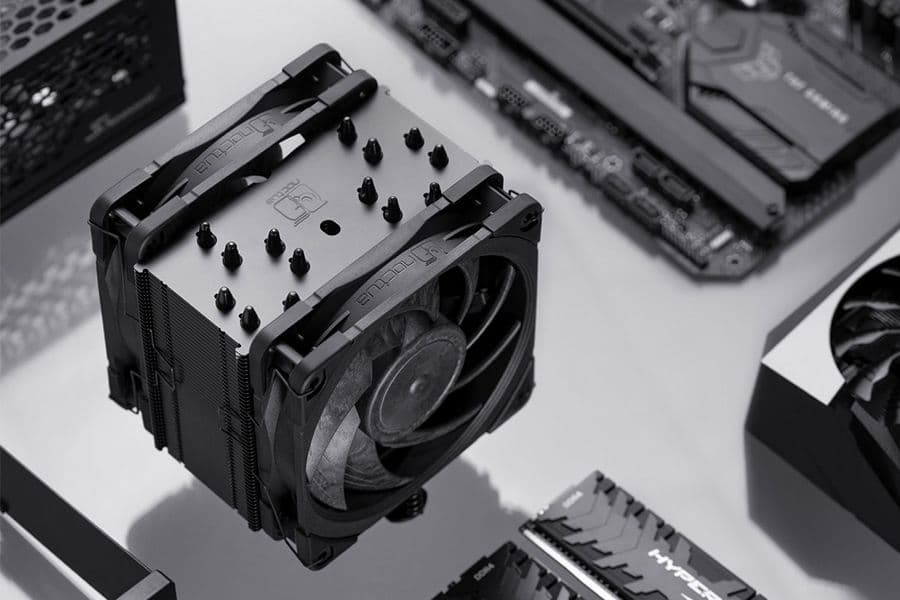
NSPR: Noctua Standardised Performance Rating
Noctua’s Standardised Performance Rating (NSPR) is a platform-independent classification system that allows customers to compare the efficiency of Noctua CPU coolers at a glance.
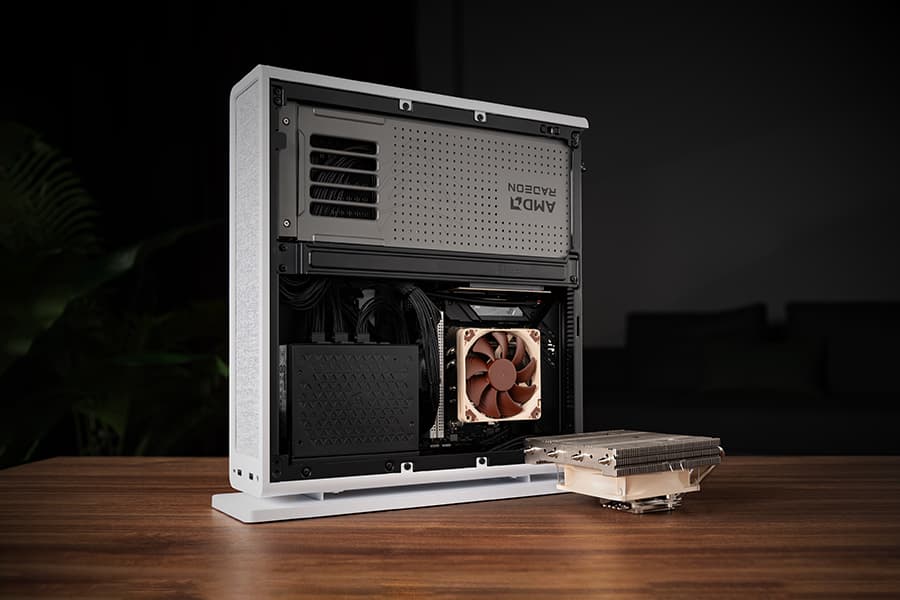
The Fractal Design Ridge and the story of “less is more“
26-05-05
Discover the best Noctua CPU cooler and GPU setup for the Fractal Design Ridge case. See how a custom duct and removing extra case fans unlocks SFF performance.
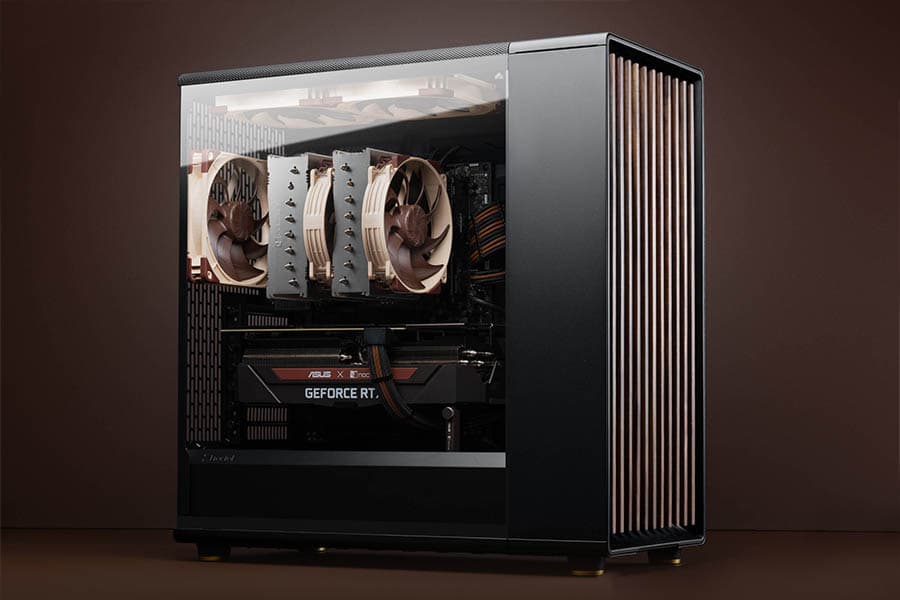
NH-D15 G2 vs. NH-D15 performance data
With an NSPR (Noctua’s Standardised Performance Rating) score of 228, the NH-D15 G2 sets a new performance benchmark. But how does it compare to it's predecessor?
Offset AM5 mounting: technical backgrounds
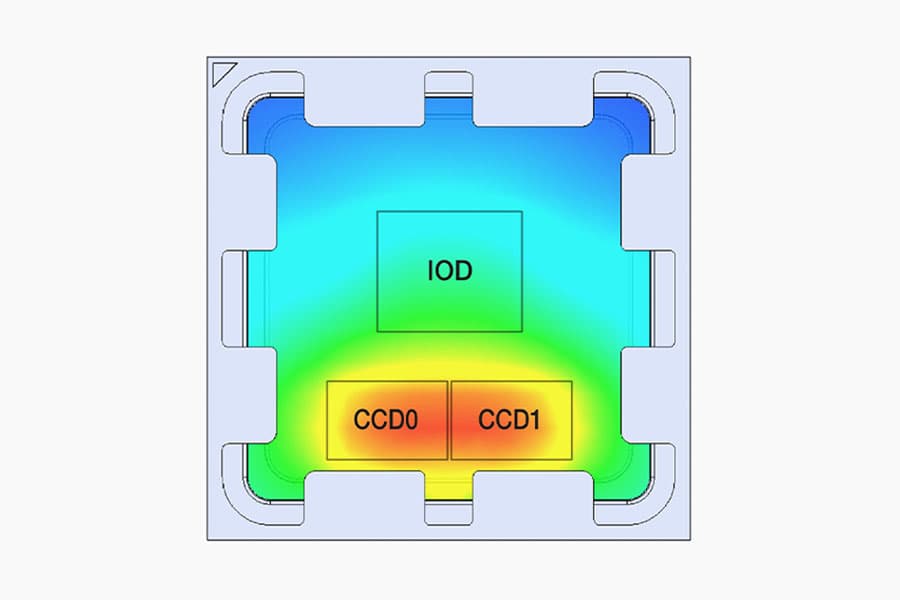
Noctua’s AM5 offset mounting bars shift heatsinks to the south side of the AM5 socket. But why is this necessary, and how much does it improve cooling performance?