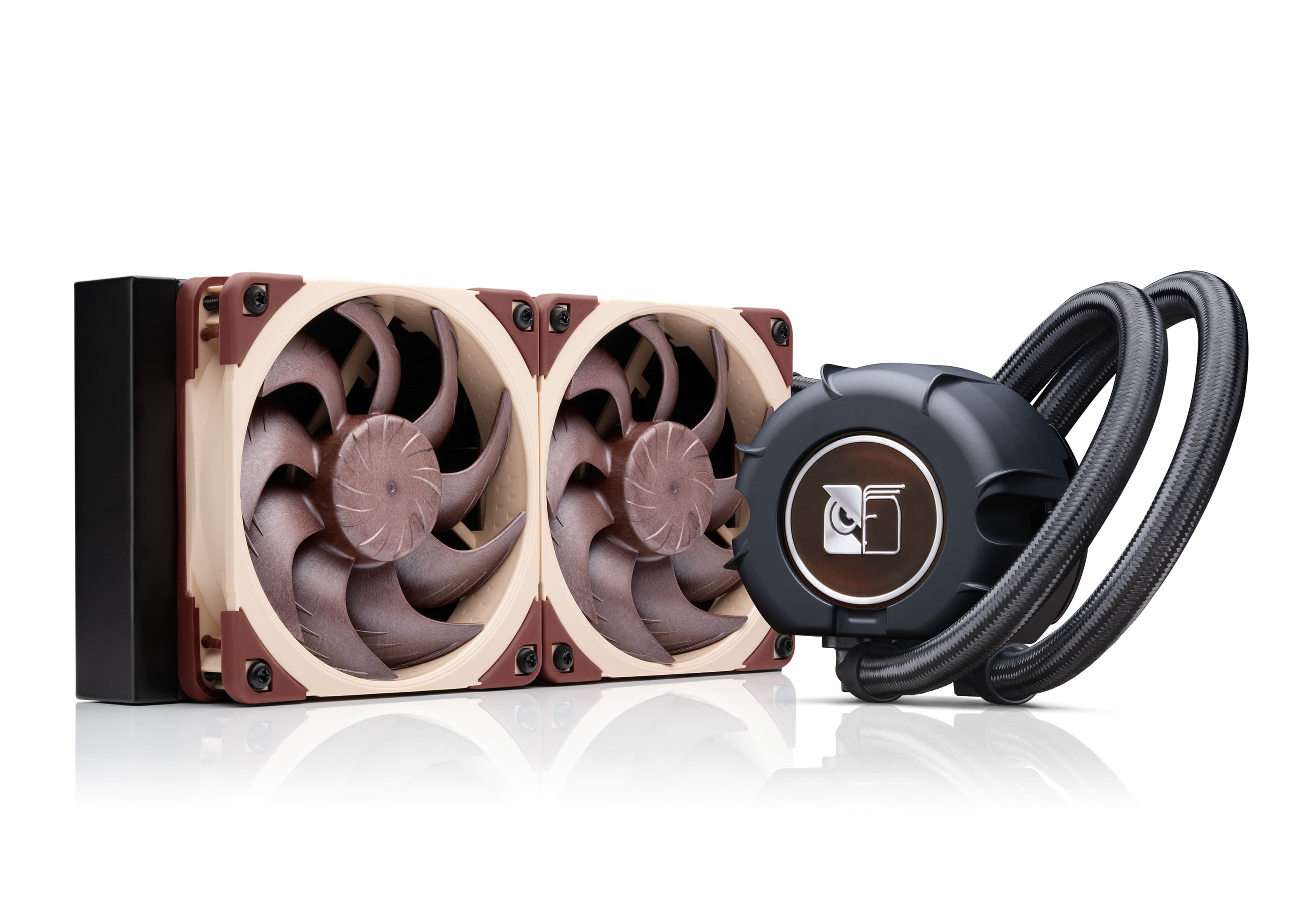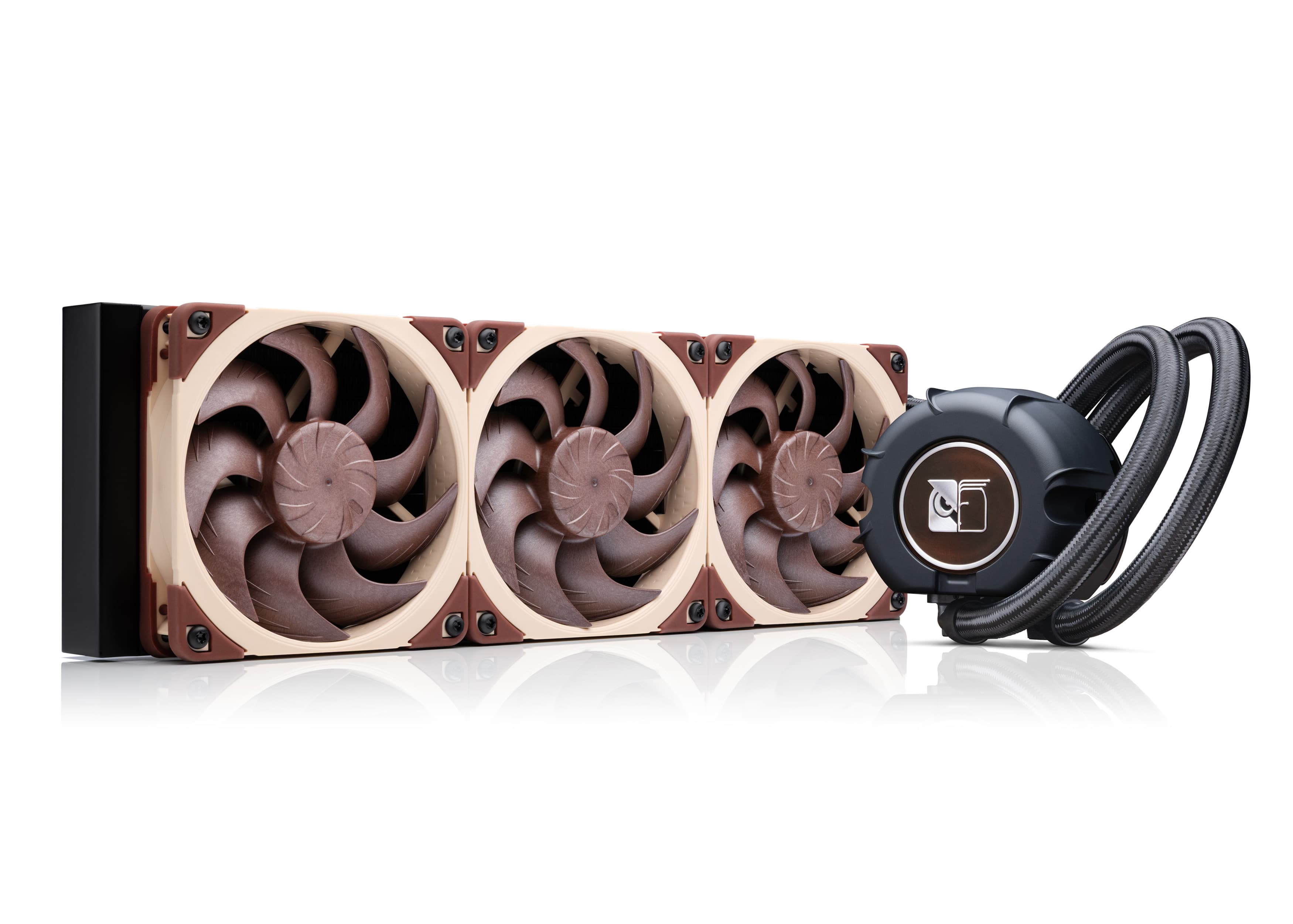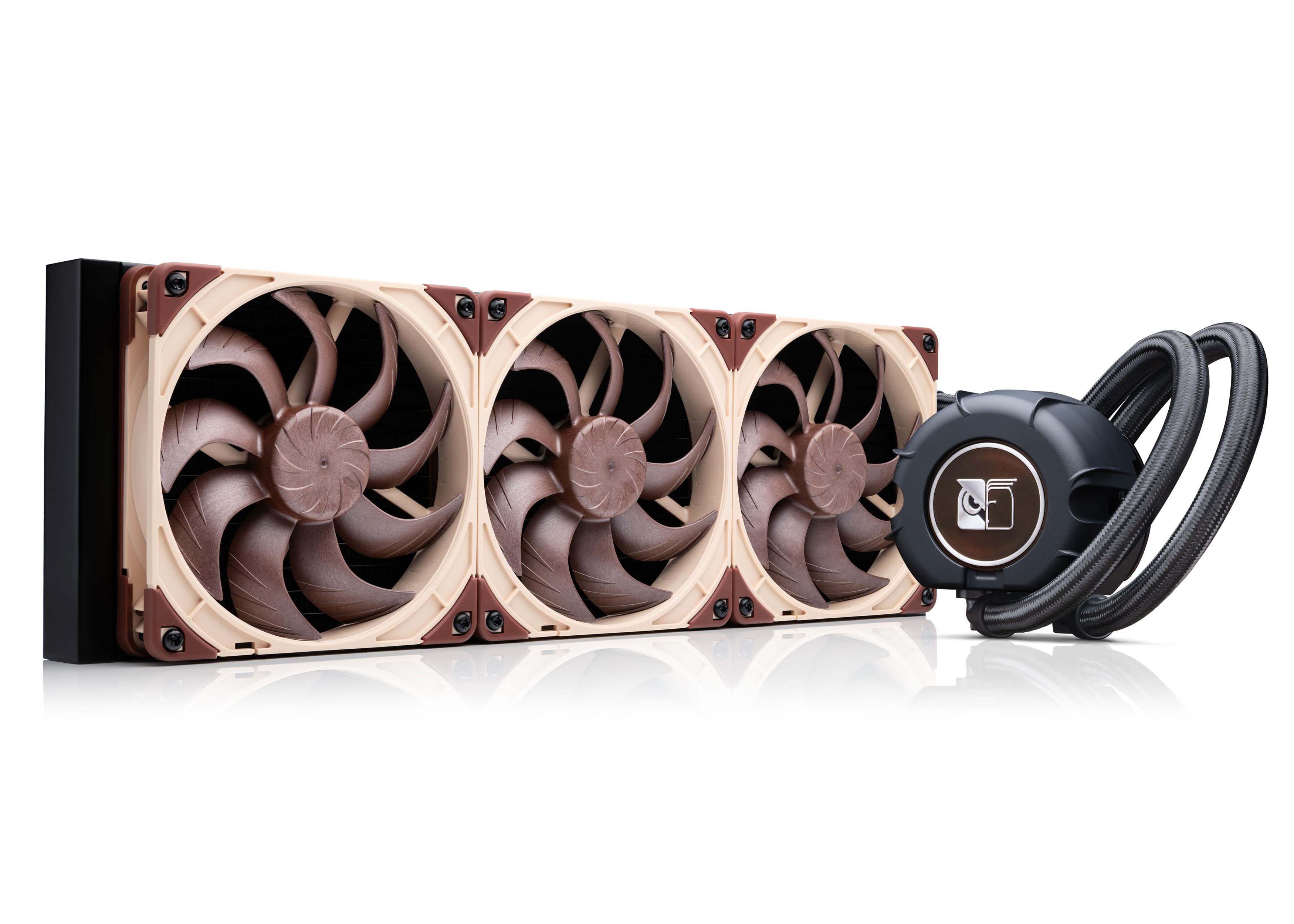


Should I run my NL-LC1 pump at a fixed speed or use automatic speed control?
We highly recommend using automatic speed control to adjust the pump speed in response to the current CPU temperature rather than setting the pump to a fixed speed level. The reason for this is that when the pump is running at a constant speed for longer periods of time, there is a higher risk of microbubbles accumulating in certain areas, which can lead to slightly increased noise levels. By contrast, if the RPM speed of the pump changes occasionally, the variation in fluid speeds helps to remove these microbubbles, which ensures that the pump keeps running nice and smooth.
Either the motherboard BIOS or software like Fan Control can be used to automatically control the pump speed in relation to CPU temperatures. While some motherboards have automatic speed control for the pump header enabled by default, others (e.g. many ASUS motherboards) have the pump header preconfigured to constantly run at 100% speed, so please double check your BIOS settings or use software like Fan Control to automatically adjust the pump’s speed in relation to CPU temperature.
Mentioned products
Explore the products featured in this article.