



How much cooler and quieter is the Noctua Edition of the Antec Flux Pro?
Introduction
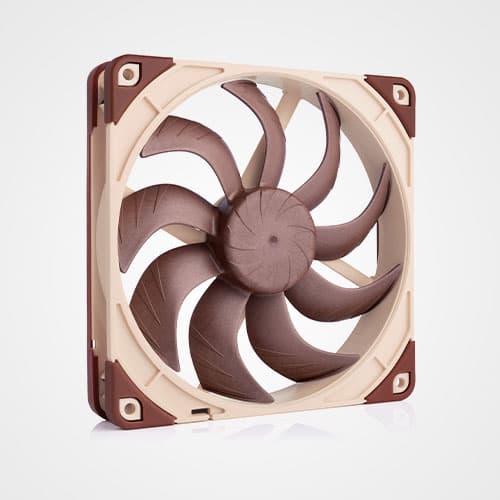
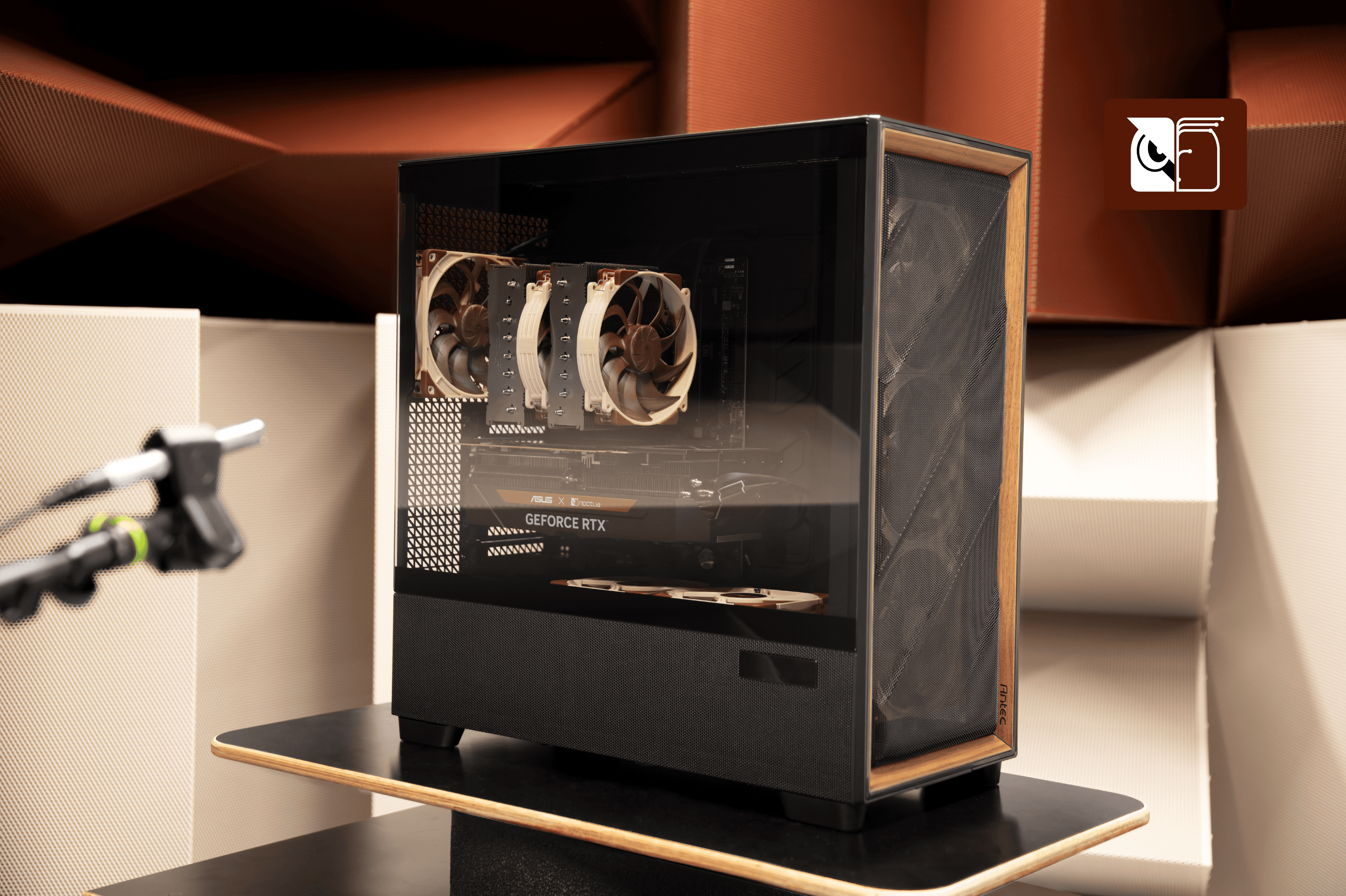
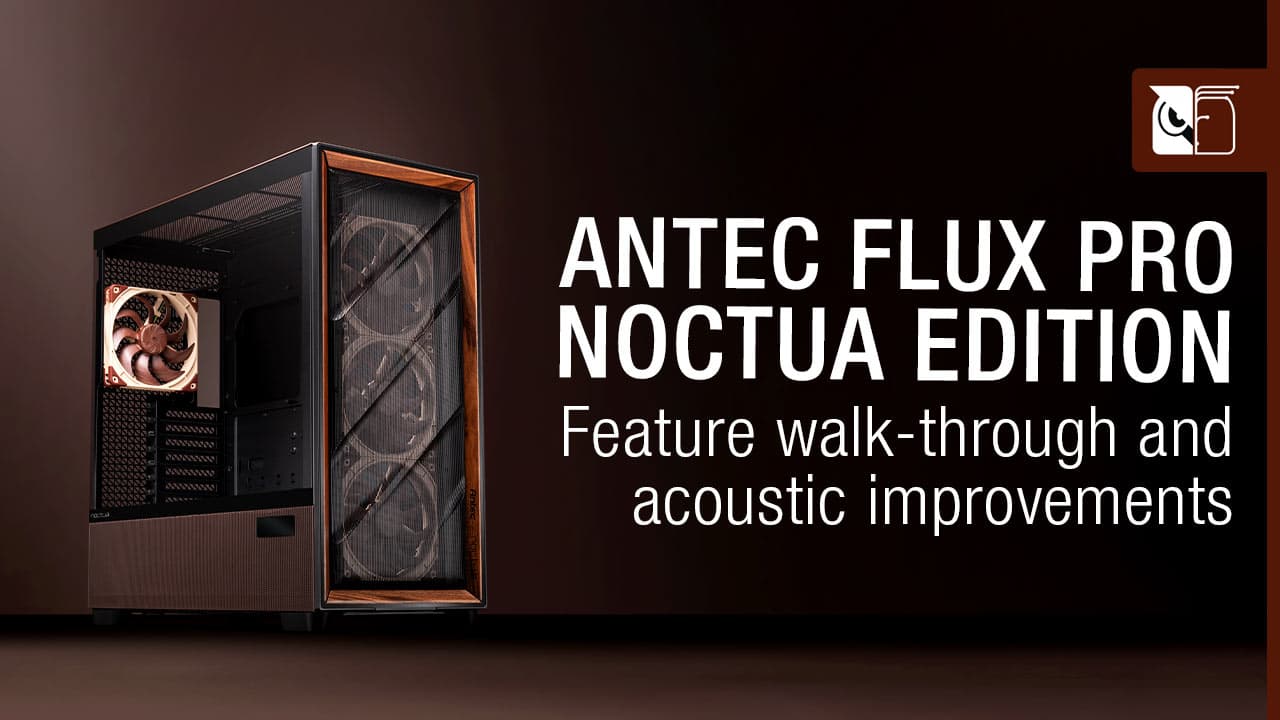
Antec’s Flux Pro chassis features a low airflow restriction design that makes it an excellent basis for builds that combine strong cooling performance with low noise levels. While the standard version using Antec’s Tranquil fans has already received critical acclaim for its strong ventilation performance, the Noctua Edition leverages our latest NF-A14x25 G2 and NF-A12x25 G2 flagship fans to provide another boost in performance-to-noise efficiency. This enables users to either make their systems significantly quieter while maintaining similar component temperatures or to achieve cooler temperatures at similar noise levels.
How we tested
We have benchmarked the Antec Flux Pro Noctua Edition versus the standard model in two different heat load scenarios, one with a highly overclocked GPU with 600W heat emission to represent GeForce RTX 5090 level cards and one where the GPU was kept at 450W heat emission to represent overclocked GeForce RTX 5080 cards or GeForce RTX 4090 cards that are running at stock speeds. In both scenarios, we have used an AMD Ryzen 9 9950X CPU that was set to a fixed package power of 200W. For each of the two test configurations, we have ramped the case fan speeds from 50% to 100%, recorded both CPU and GPU temperatures as well as noise levels. Noise levels have been measured in 30° steps starting at the front of the case around the left-hand (glass panel) side all the way to the back of the case. For representation in two-dimensional noise vs. temperature graphs, we have averaged the noise measurements from seven different angles to a single value. The detailed noise measurements from all angles are detailed in a separate section.
Test setup configuration:
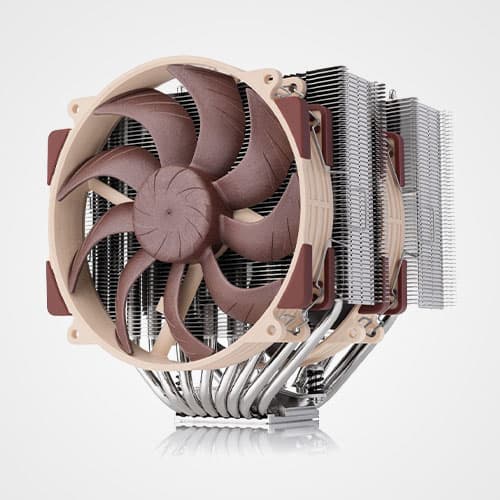
CPU cooler: Noctua NH-D15 G2 (with offset mounting)
CPU: AMD Ryzen 9 9950X
Motherboard: ASUS ProArt X670E-CREATOR WIFI
RAM: Teamgroup DDR5 32GB 6000MHz CL 38
GPU: Gigabyte RTX 4090 Gaming OC
PSU: Seasonic Prime TX-1000
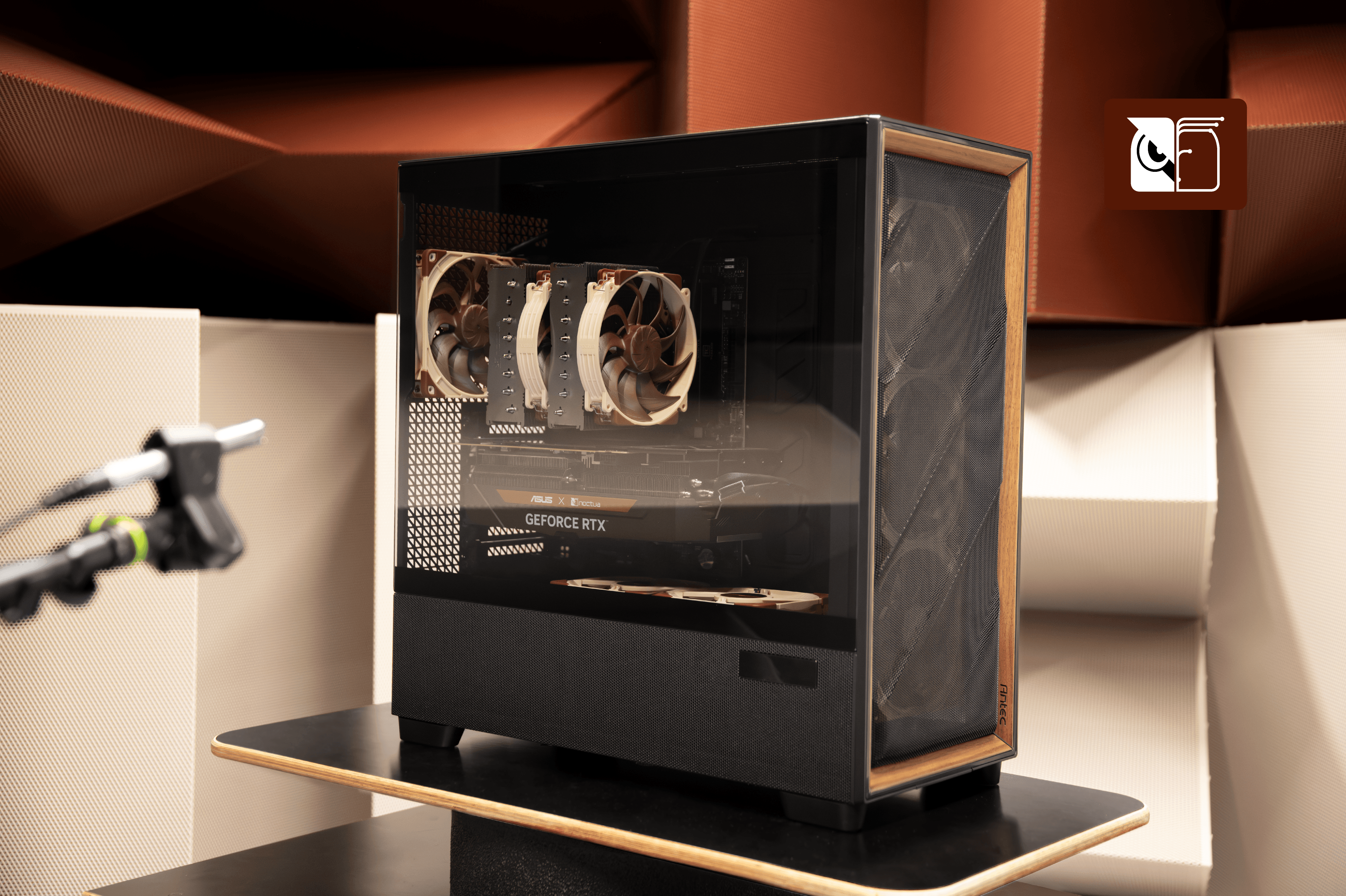
Improvements in high heat-load scenarios
In our high heat-load test scenario using an AMD Ryzen 9 9950X that put out 200W and an overclocked GeForce RTX 4090 with 600W heat emission (equivalent to GeForce RTX 5090 cards), the Noctua Edition showed a significant performance boost over the standard Flux Pro fan setup across the entire RPM range. CPU temperatures were 2.5 to 4.5°C lower and GPU temperatures 1 to 2° lower at the same noise levels.
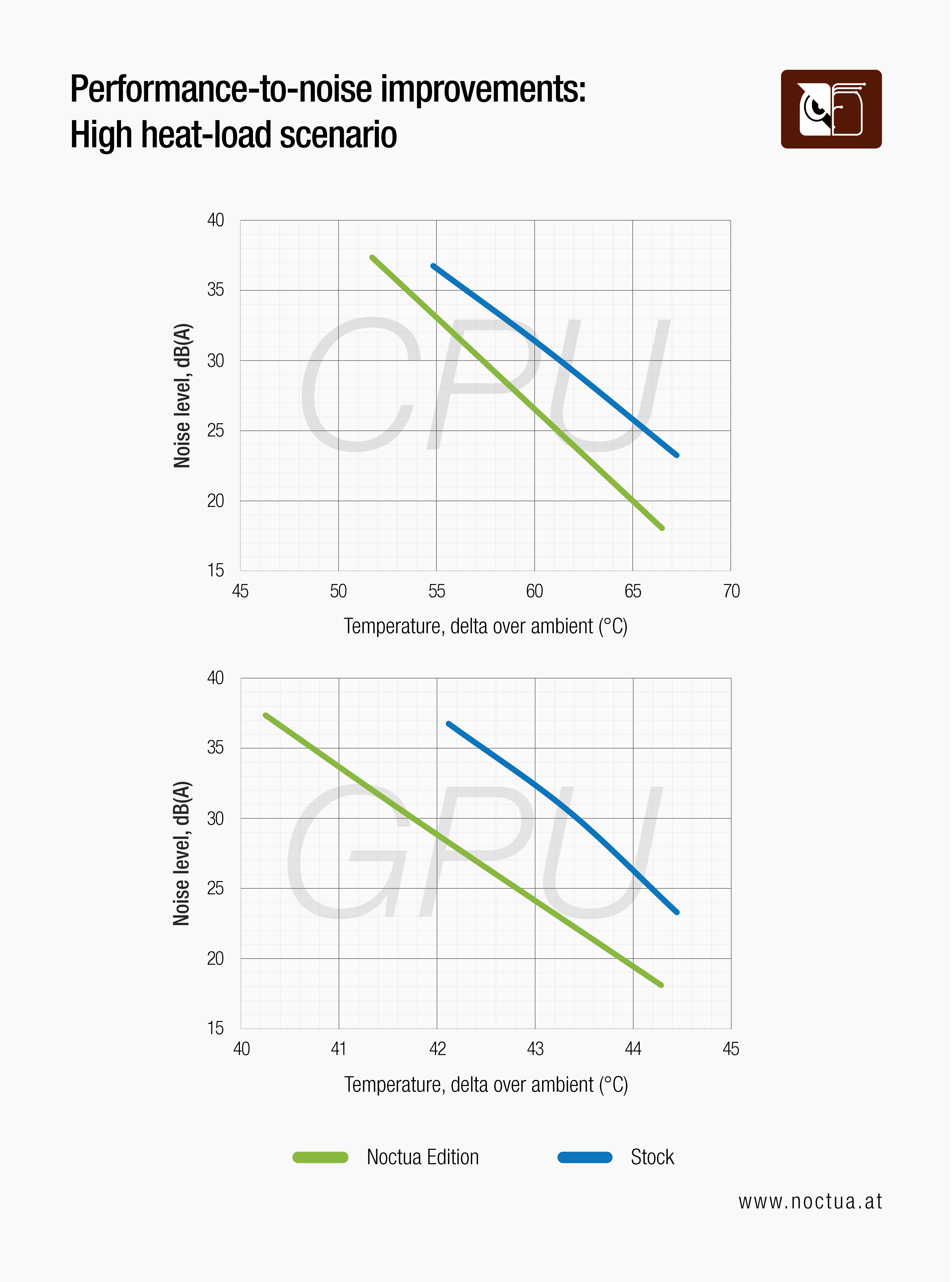
This thermal advantage can be translated into 3.5 to 6dB(A) lower noise levels at equal CPU temperatures or 6.5 to 8.5dB(A) lower noise levels at equal GPU temperatures.
Improvements at typical heat-loads
In a less demanding scenario running the AMD Ryzen 9 9950X at 200W and limiting the GeForce RTX 4090 locked to its standard 450W heat-output, the advantage of the Noctua Edition remained massive at lower fan speeds with up to 6° lower CPU temperatures and up to 1.5°C lower GPU temperatures at the same noise level.
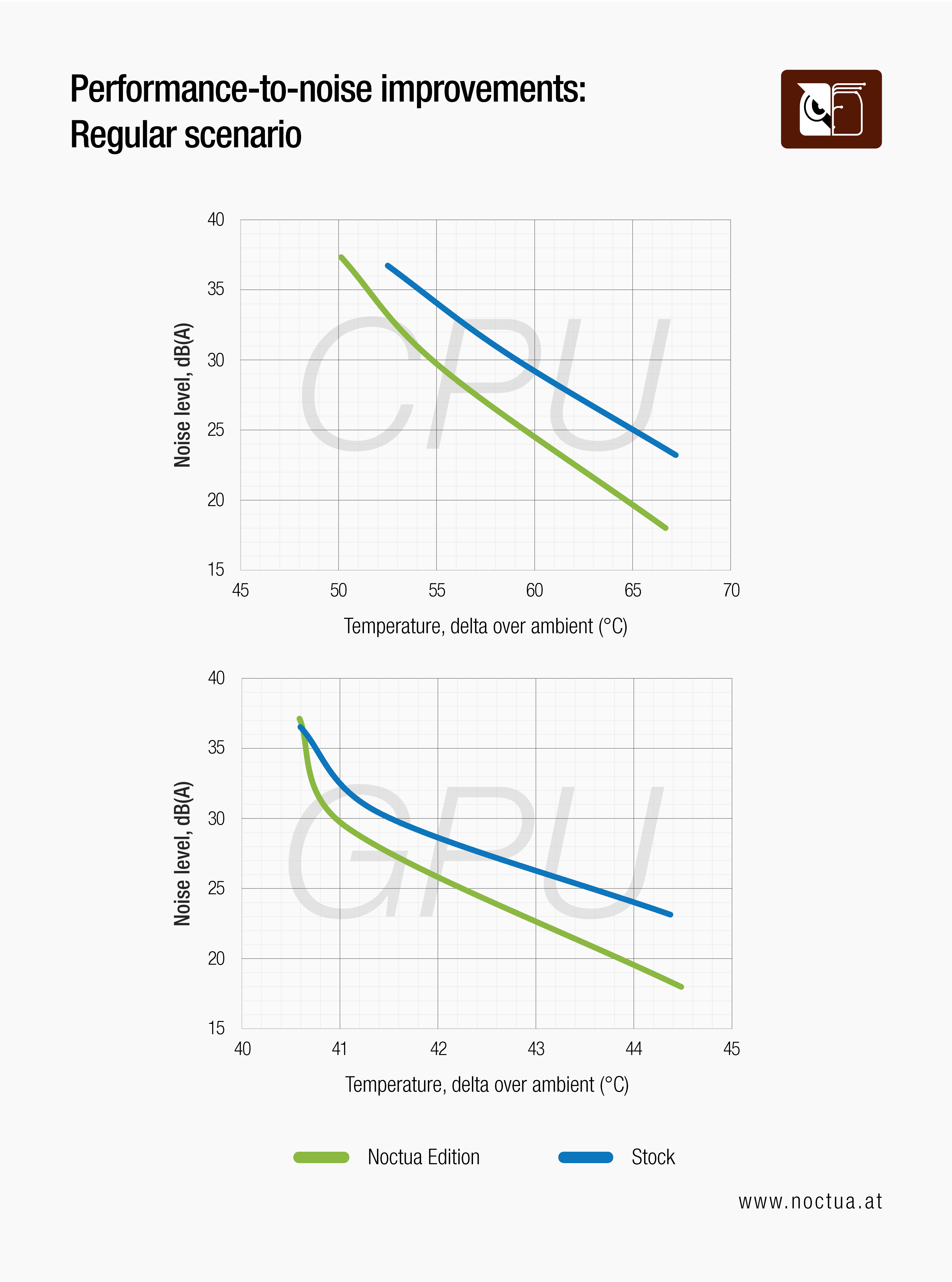
Again, this thermal advantage can be converted to around 5dB(A) lower noise levels at the same component temperatures. At maximum fan speeds, however, the stock fans already deliver more than sufficient cooling, so the benefit from the additional airflow provided by the Noctua fans is more limited with a 2°C or 3.5dB(A) improvement for the CPU and near identical results on the GPU.
Fan performance compared
At first glance, the noise versus temperature charts with the regular heat-load setup may seem to prompt the question whether the Noctua fans actually offer any benefit over the stock Antec ones at higher RPM speeds. As outlined above, the fact that the improvements of the Noctua Edition are smaller at higher RPM speeds is due to diminishing returns from pushing extra air through the case: Once the intake air temperature of the CPU and GPU coolers is close to the ambient temperature outside the case, pushing extra air through the case can no longer yield lower component temperatures. As can be seen from the noise-to-airflow chart below, the performance-to-noise efficiency improvement provided by the NF-A14x25 G2 fans is indeed consistent across the entire RPM range:
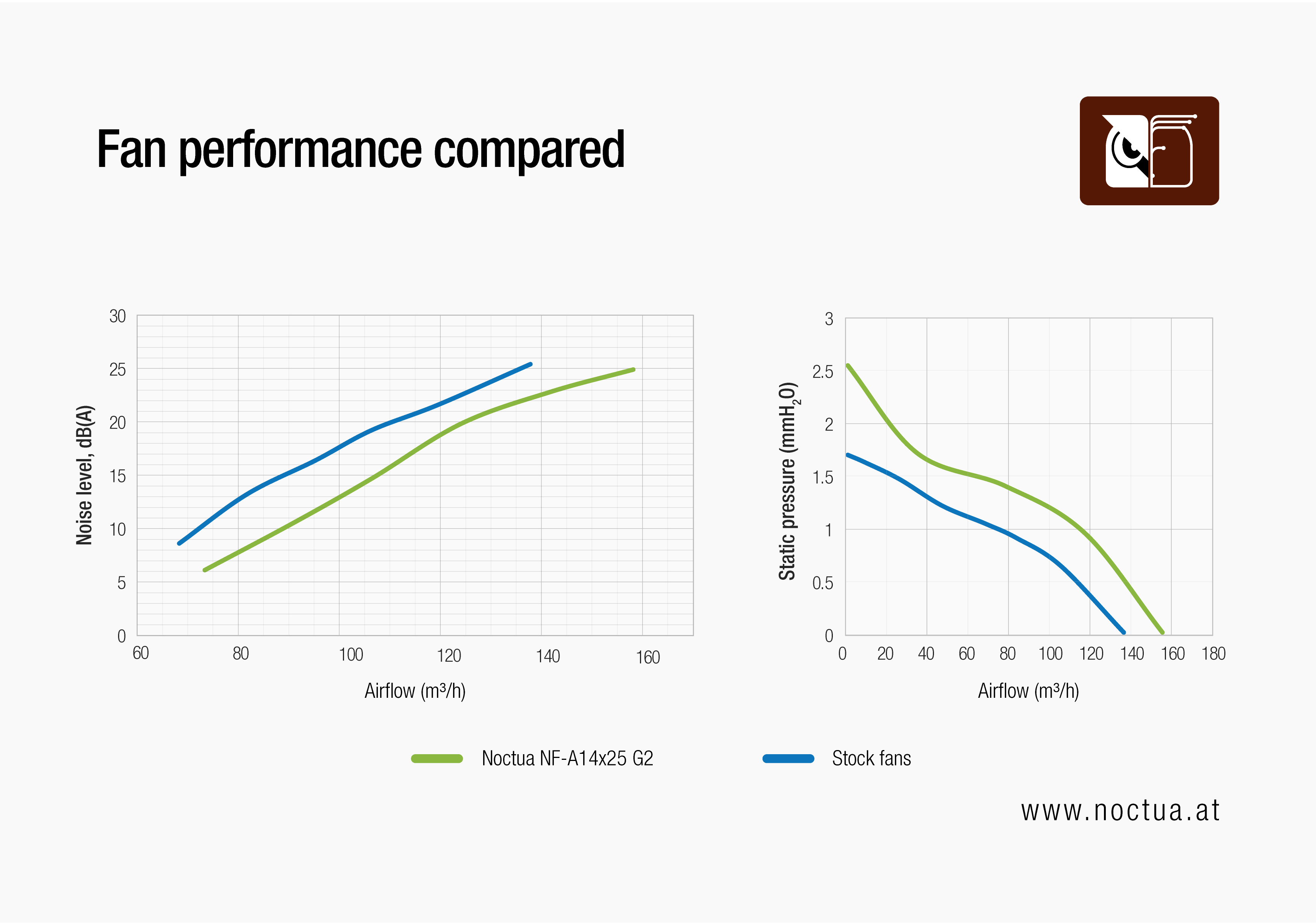
At the same time, the P/Q (static pressure to airflow) curve confirms that the Noctua Edition’s NF-A14x25 G2 fans push more air no matter the flow resistance. In sum, these isolated fan tests confirm that while the real-world benefits of choosing the Noctua Edition over the regular version tend to be more pronounced at lower, quiet fan speed settings and when more power-hungry hardware is used, the efficiency improvement of the NF-A14x25 G2 fans is consistent across the entire RPM band and operational range. This efficiency advantage enables you to push the same amount of air through the case at lower noise levels or more air at the same noise level.
Acoustic directivity
Noise radiation patterns from PC cases are a highly complex phenomenon that poses difficult challenges in measurement methodology. In particular, radiation patterns can differ from configuration to configuration, so for example, case A might be quieter than case B when measured from the front, but things could be the other way round when measured from the side of the case.
To account for this complexity, we have taken noise measurements from 7 different directions, starting straight at the front of the case and moving around the glass side panel all the way to the rear in 30° increments. For our temperature versus noise comparisons, we have averaged these readings into a single dB value:
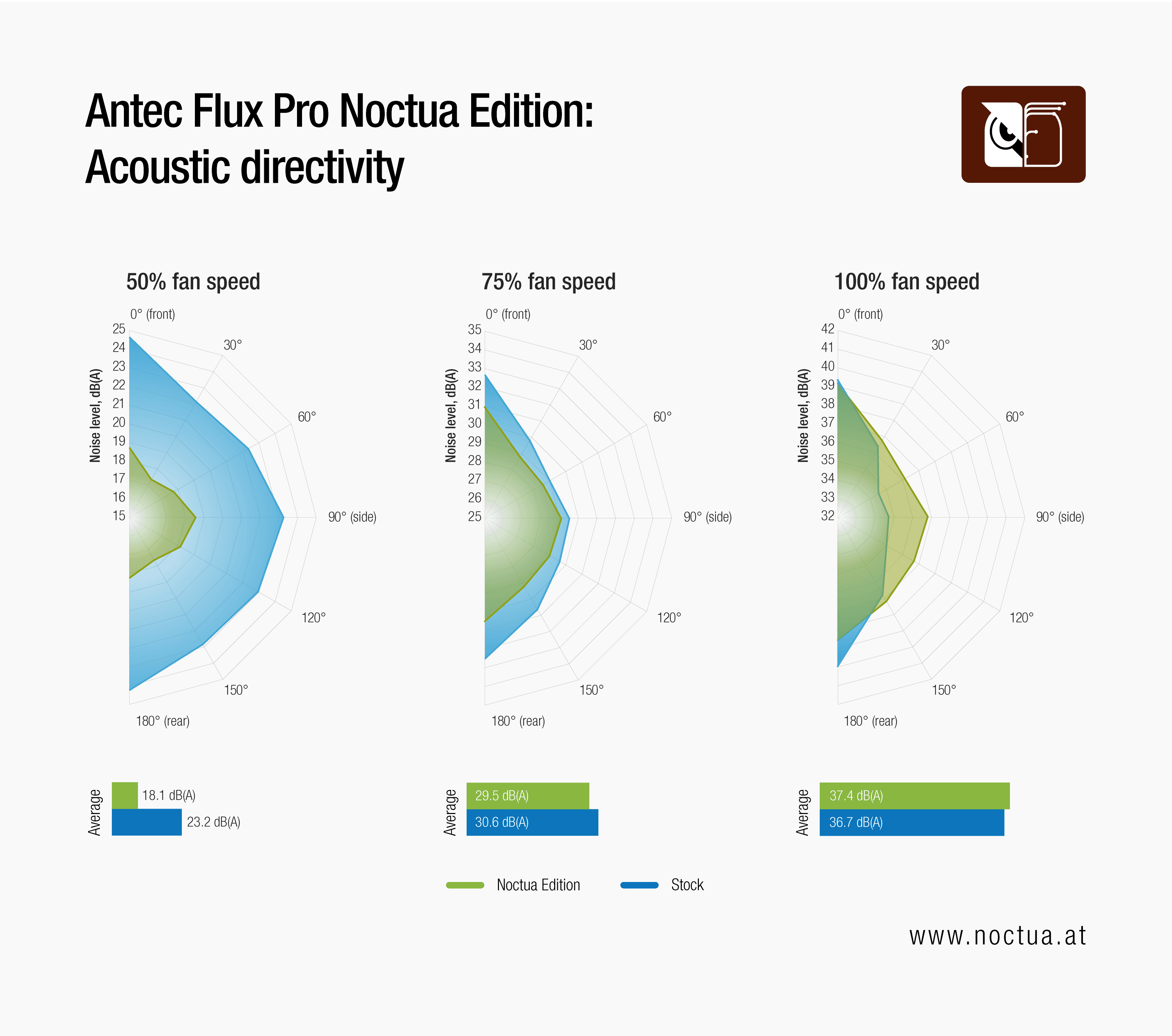
As can be seen from the resulting acoustic directivity plots, at 50% fan speed, the Noctua Edition is significantly quieter than the stock version of the Antec Flux Pro at any of the 7 angles measured with an average improvement of around 5dB(A) and peaks of up to 6dB(A). This result is particularly impressive considering that the thermal testing has shown that the Noctua Edition can provide similar thermal results at these speed settings despite the significantly quieter operation.
At 75% fan speed, the Noctua Edition is still around 1.5dB(A) quieter when measured from the front, but less than 1dB(A) quieter when measured from the side. The average improvement, however, is still around 1dB(A), and as detailed above, the Noctua Edition also holds a significant thermal advantage in this decibel range.
The measurements at 100% fan speed show why it is so important to measure from different angles: Whereas the stock configuration and the Noctua Edition are neck and neck measured from the front, the regular Flux Pro is slightly quieter when measured from the side yet slightly louder when measured from the back. On average, the stock version is around 0.7dB(A) quieter at full fan speeds, but especially with high heat-load configurations, the Noctua Edition makes up for this marginal acoustic penalty with significantly better cooling performance.
Summary
Summing up, the Antec Flux Pro Noctua Edition offers a significant improvement in performance-to-noise efficiency over the standard version. The real-world benefits are particularly pronounced in the lower fan speed ranges, which makes the Noctua Edition an ideal basis for ultra-quiet builds. When using components that produce high heat-loads such as graphics cards that emit 600W or more, the acoustic and thermal benefits are equally significant at higher fan speeds.
Mentioned products
Explore the products featured in this article.
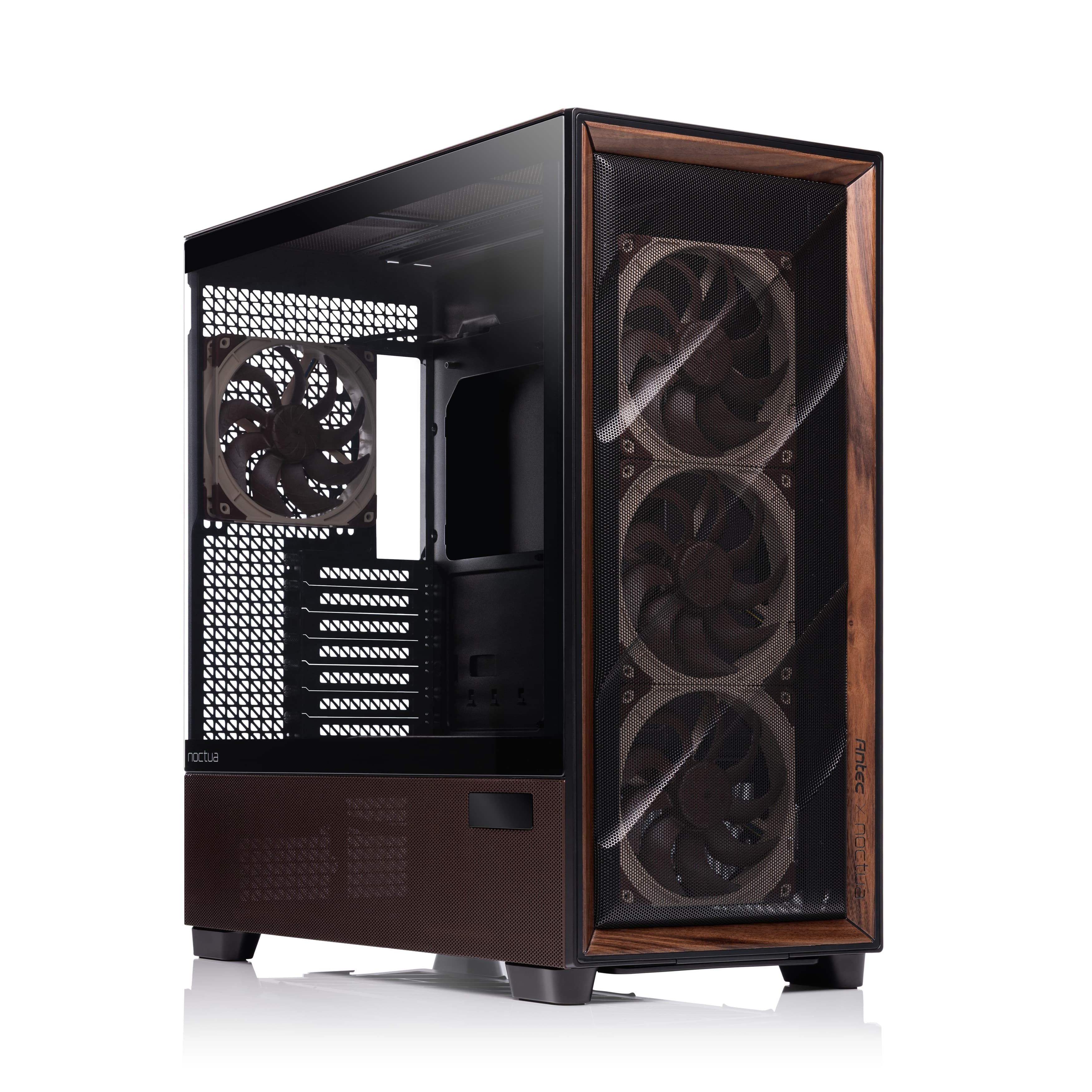
Antec Flux Pro Noctua Edition
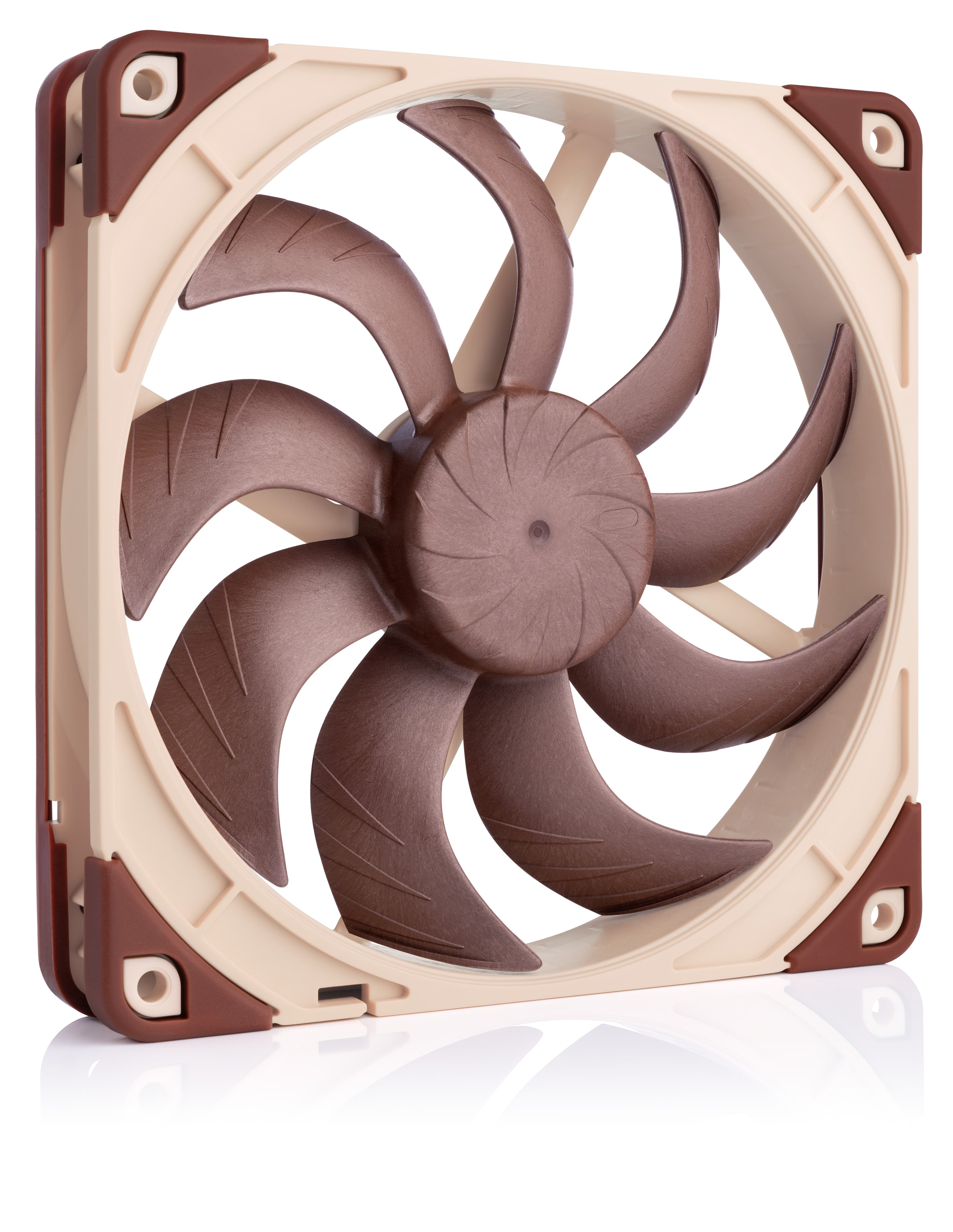
NF-A14x25 G2 PWM
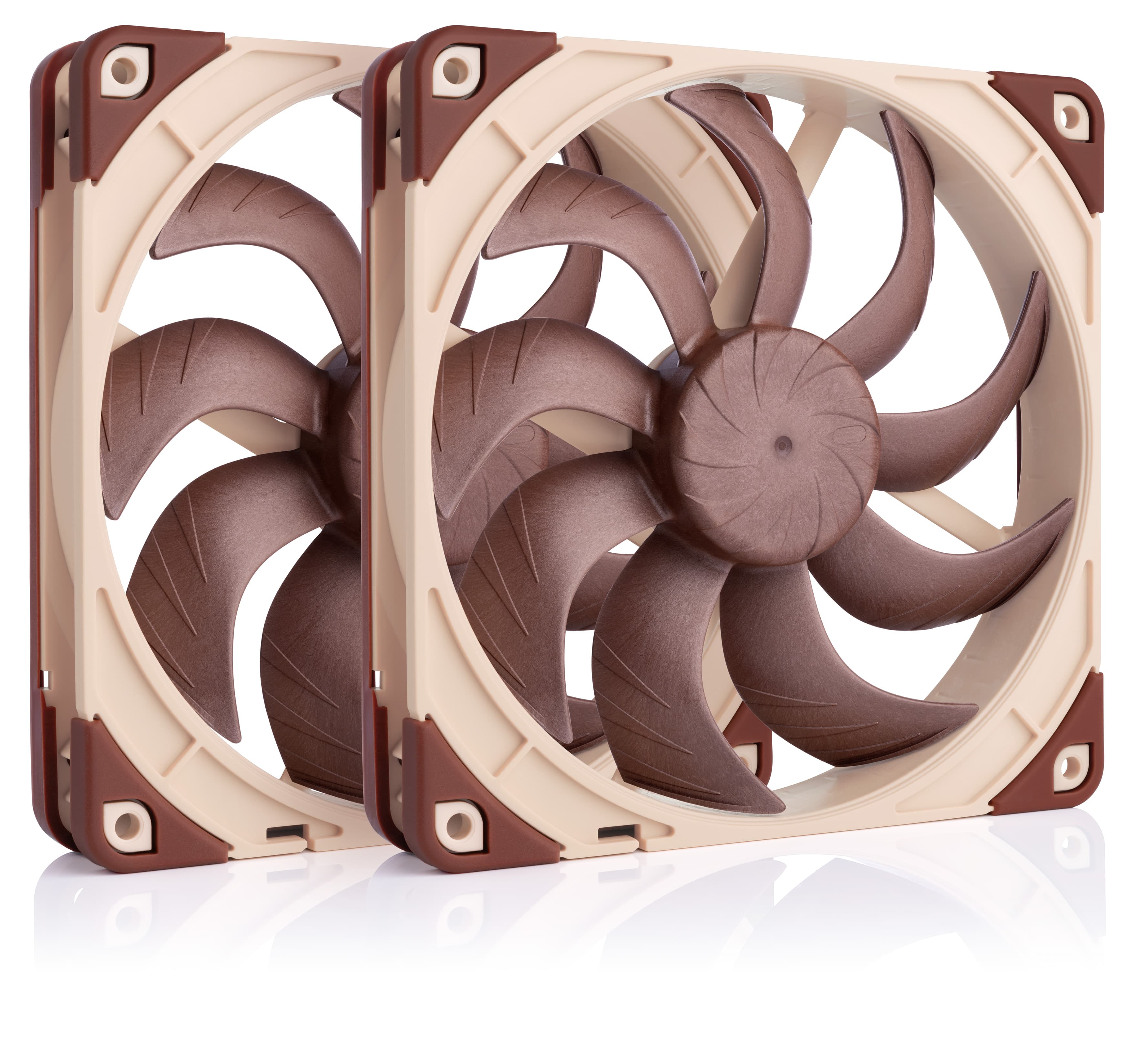
NF-A14x25 G2 PWM Sx2-PP
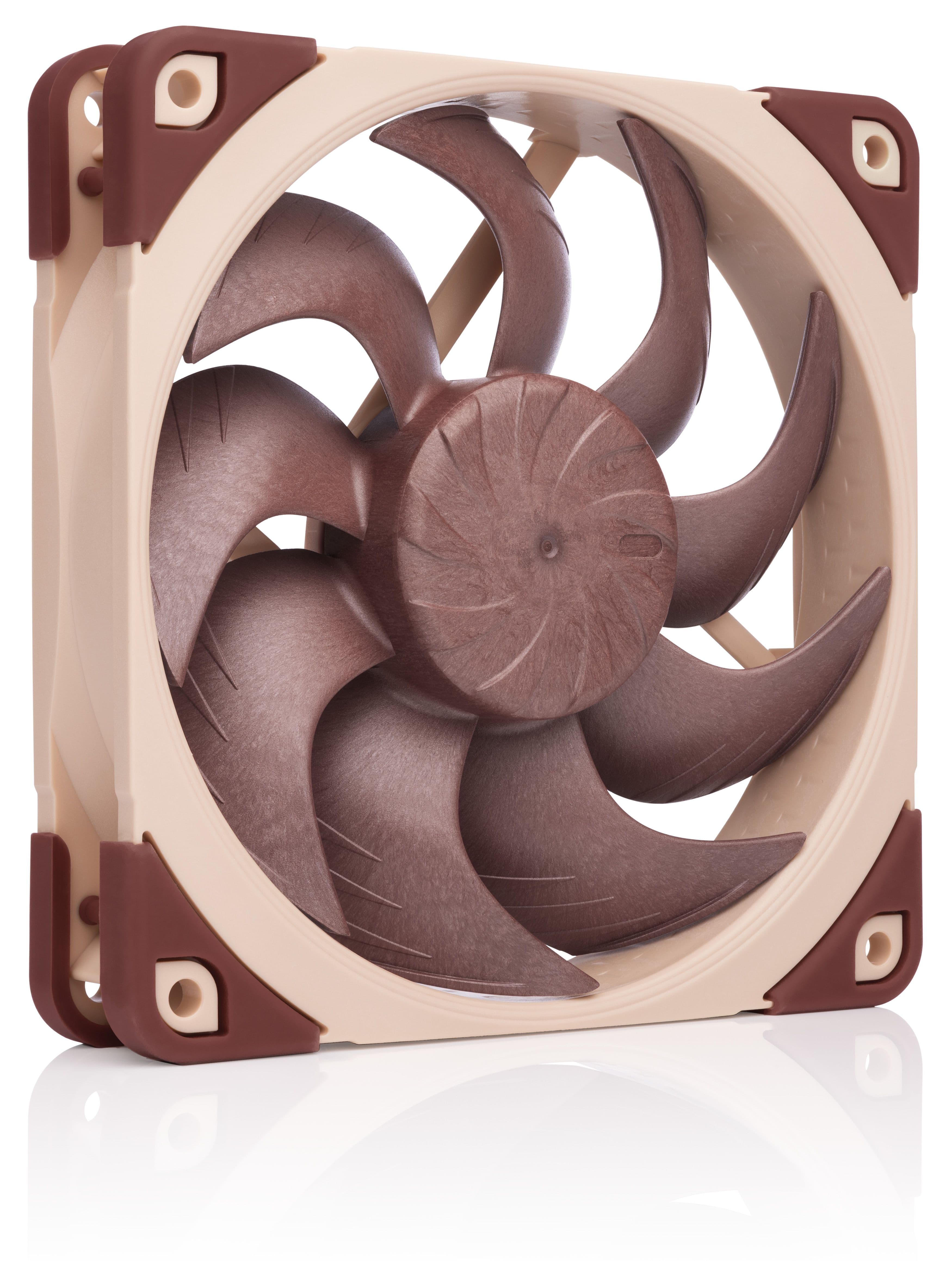
NF-A12x25 G2 PWM
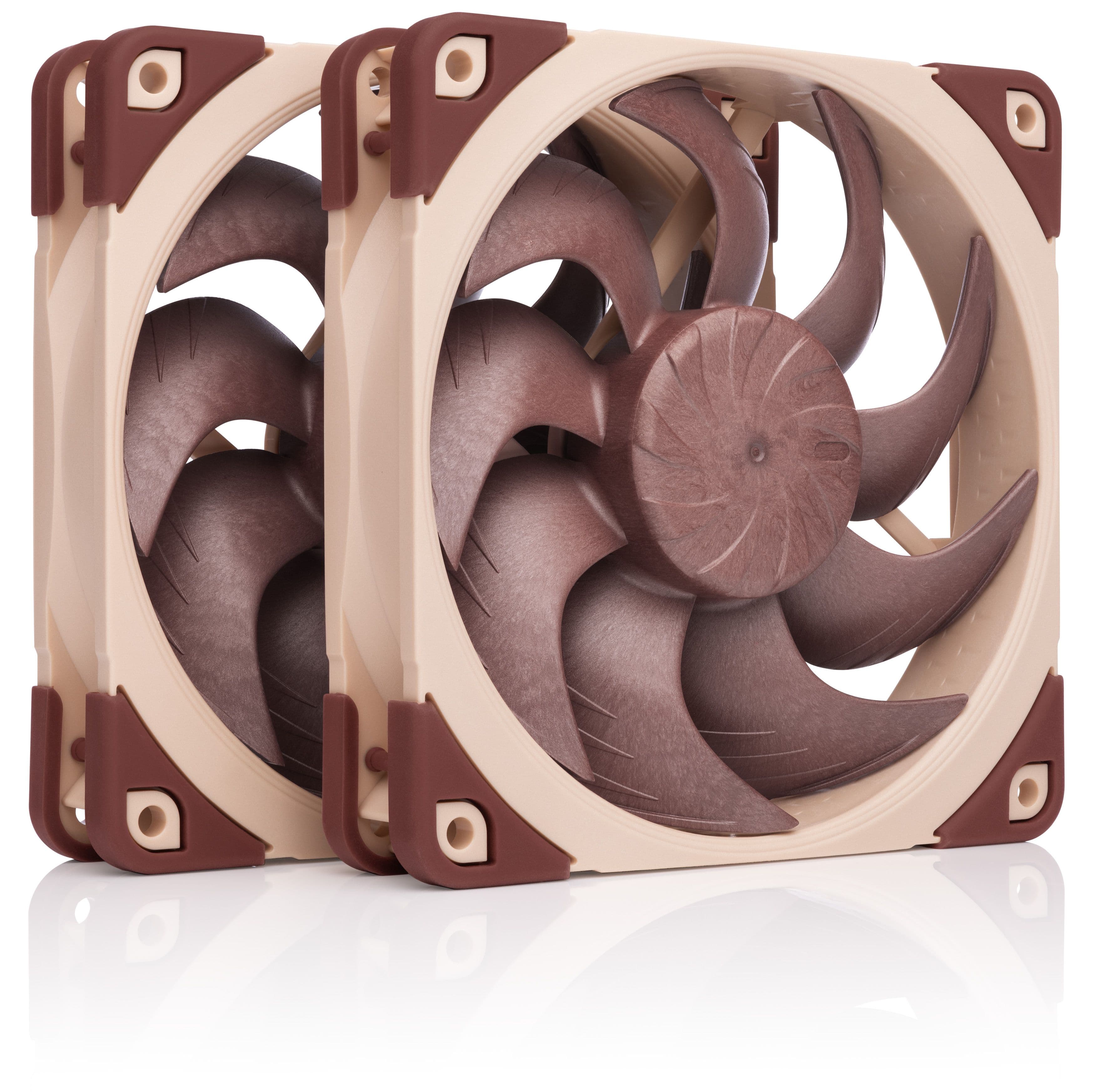
NF-A12x25 G2 PWM Sx2-PP
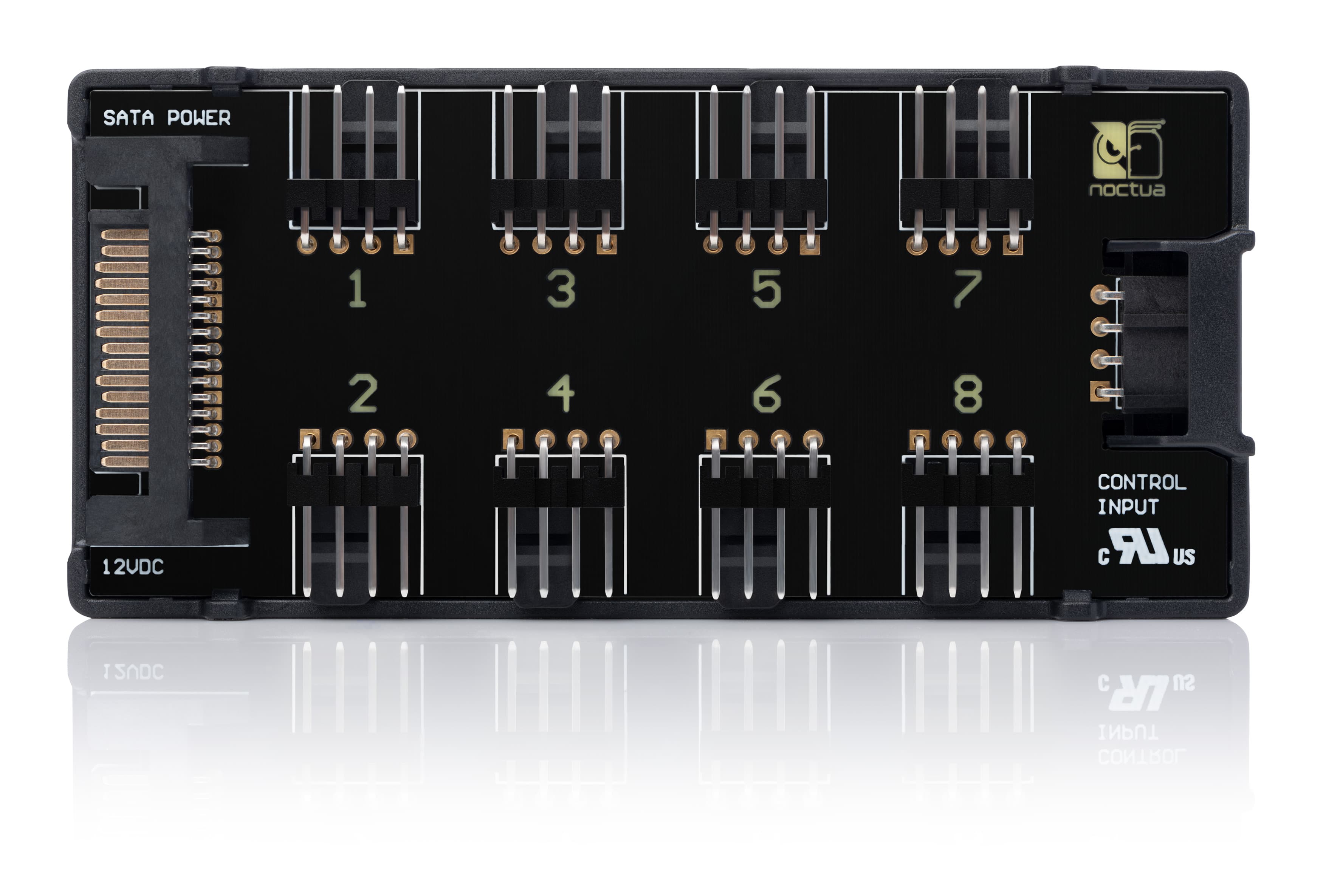
NA-FH1
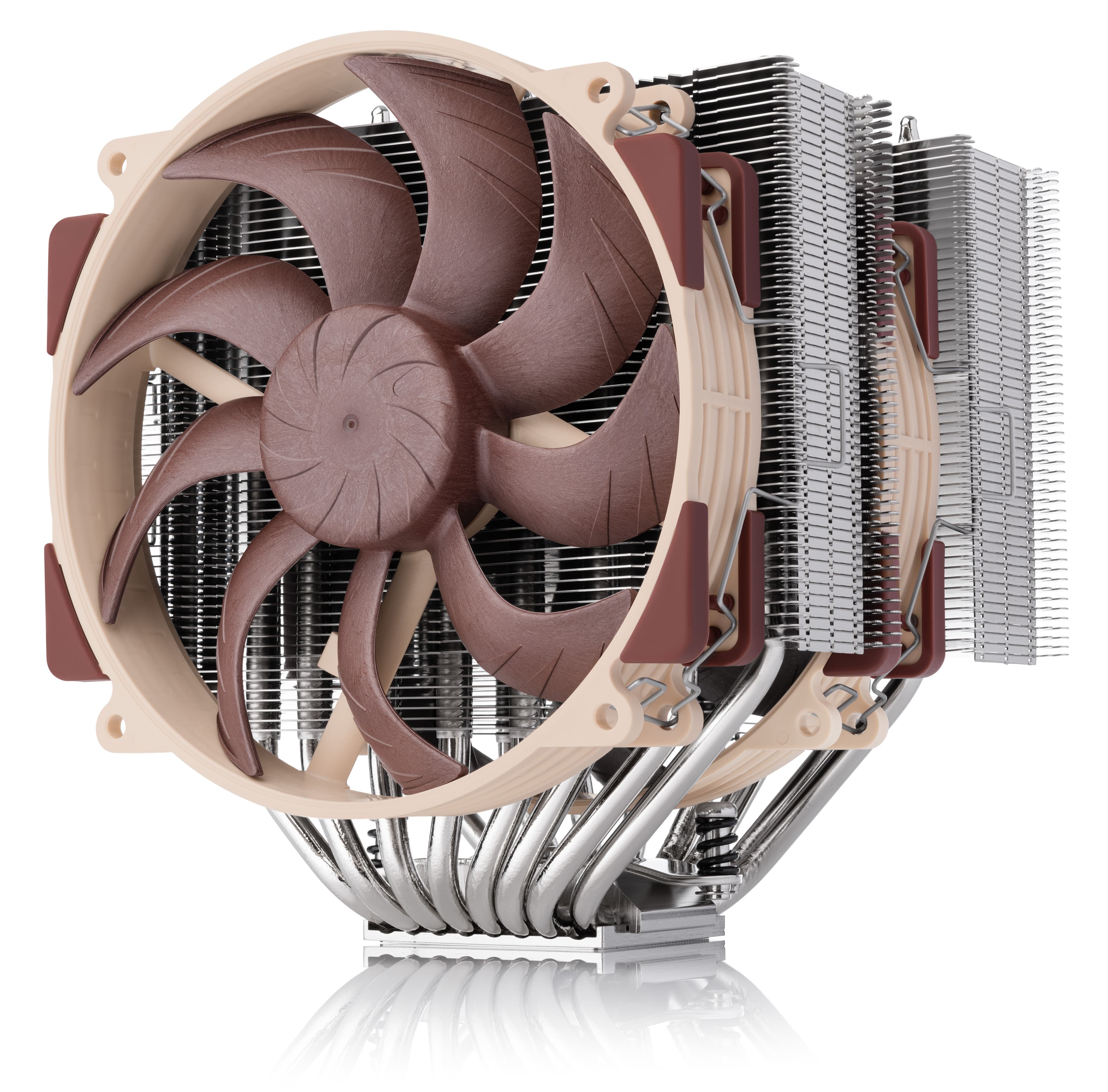
NH-D15 G2
Related articles
Want to know more on this topic? Explore relevant articles and resources.
Which fan setup works best in the Fractal Design North?
20/03/2025
Fractal Design’s North case and our NF-A12x25 fans are a great match, both visually and from a performance point of view: But which configuration offers optimal performance?
Air cooling or water cooling, which one to choose?
Both air coolers and all-in-one liquid coolers have their respective advantages and disadvantages. We have summed them up for you in this guide to help with your buying decision.
Should I use the NL-ACF1 auxiliary cooling fan?
The NL-ACF1 is an optional auxiliary cooling fan for NL-LC1 liquid coolers that provides extra airflow to near-socket compontents such as VRMs, M.2 SSDs or RAM.
Antec Flux Pro Noctua Edition: Recommended example fan curves
17/03/2026
Discover three recommended PWM fan curves for the Antec Flux Pro Noctua Edition and compare the test results for the Quiet, Balanced and Performance profiles to optimise your PC.