


What’s the recommended fan setup in the Antec Flux Pro Noctua Edition?
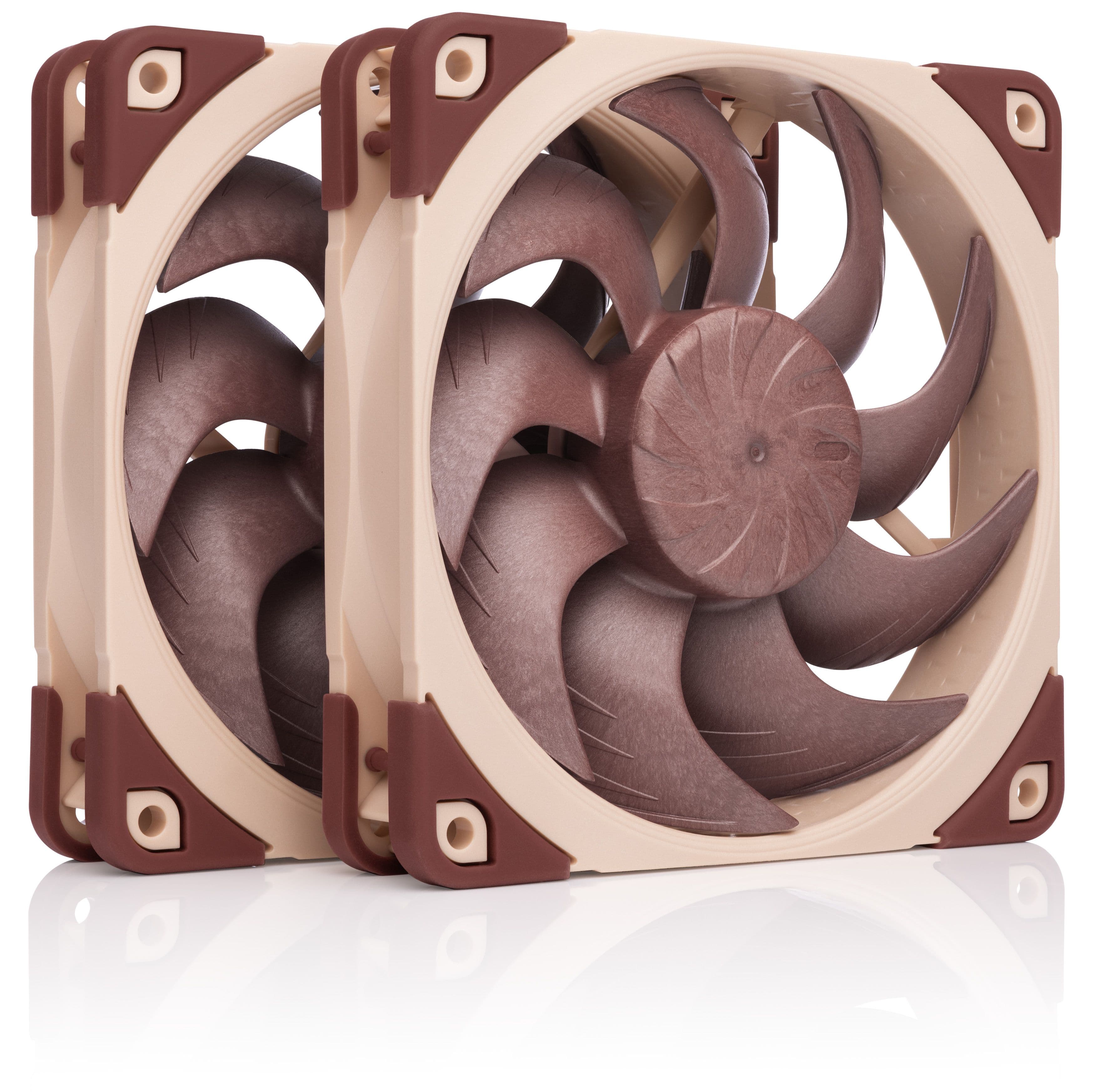
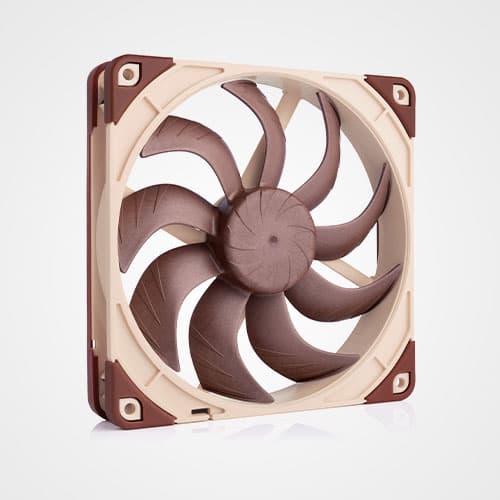
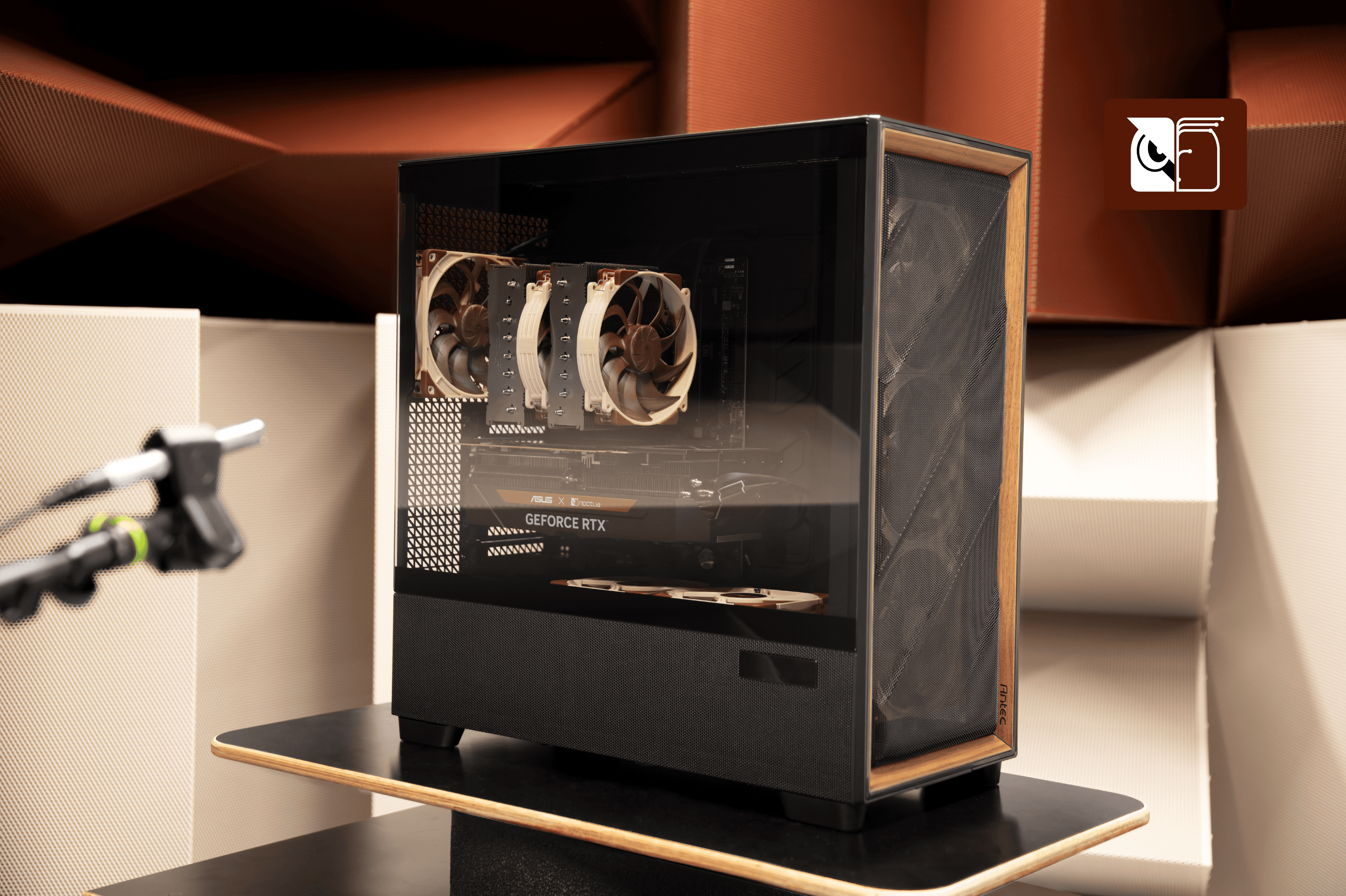
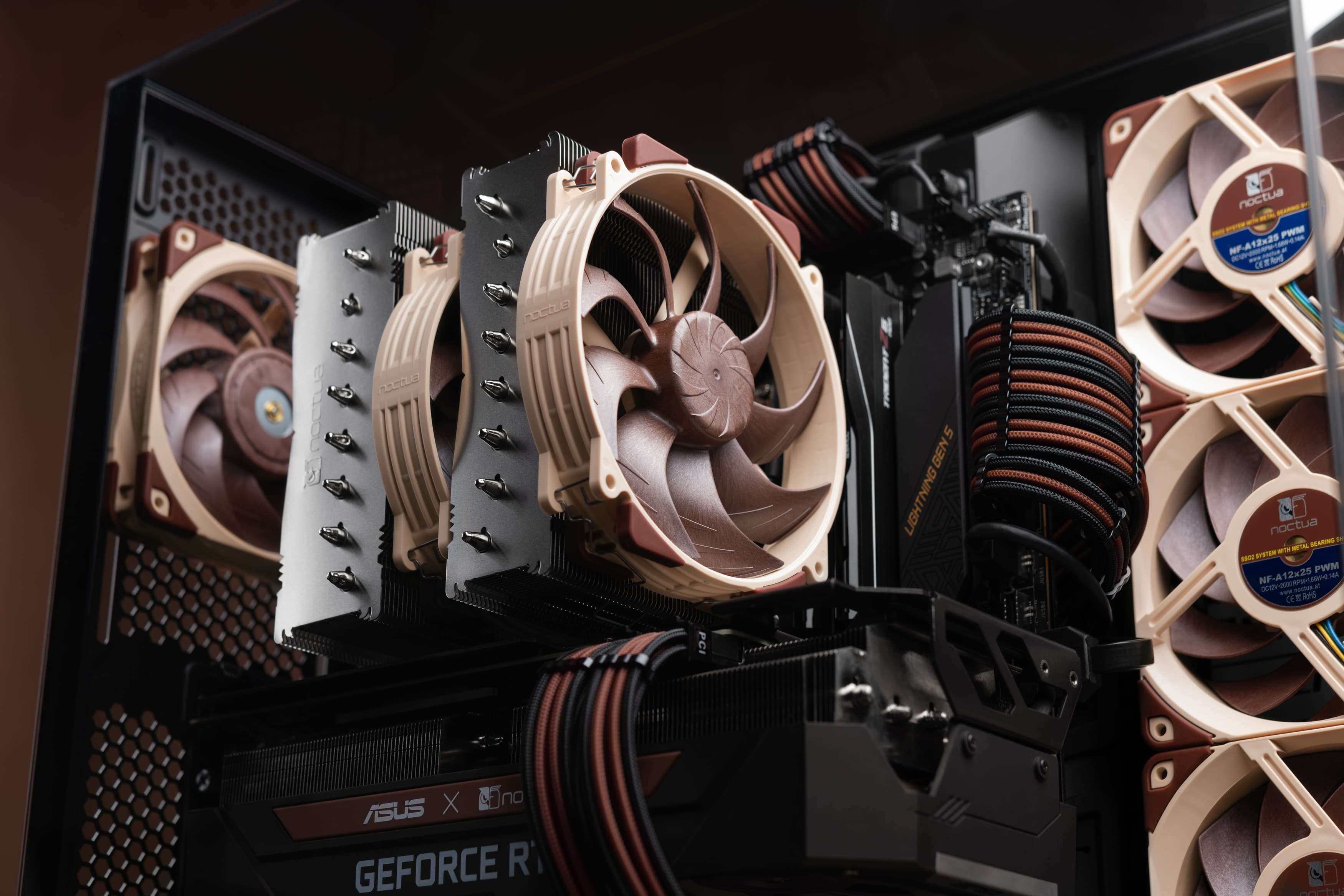
The recommended fan placement in the Antec Flux Pro Noctua Edition includes three NF-A14x25 G2 intake fans at the front, two NF-A12x25 G2 fans as intake blowing up from the front two positions of the PSU shroud, and one NF-A14x25 G2 fan as a rear exhaust fan.
The supplied fans are slightly offset in speed and are thus labelled with PPA and PPB on the fan model designator sticker. To avoid periodic humming noises, alternate between PPA and PPB when placing fans of the same size next to each other in the case.

For the best balance of cooling performance and noise level, we recommend creating custom fan curves that match your specific system setup. If you prefer a ready-made solution, you can download our preconfigured Fan Control profiles.
What’s the recommended fan setup when I use an AIO?
If you are planning to use an all-in-one liquid cooler, you can use the same fan setup as explained above, with the radiator installed at the top of the case.
If you instead prefer to install the radiator at the front of the case to prioritise CPU temperatures over GPU temperatures, we recommend using three of the supplied NF-A14x25 G2 fans as top exhaust fans in a PPA-PPB-PPA sequence.
Mentioned products
Explore the products featured in this article.
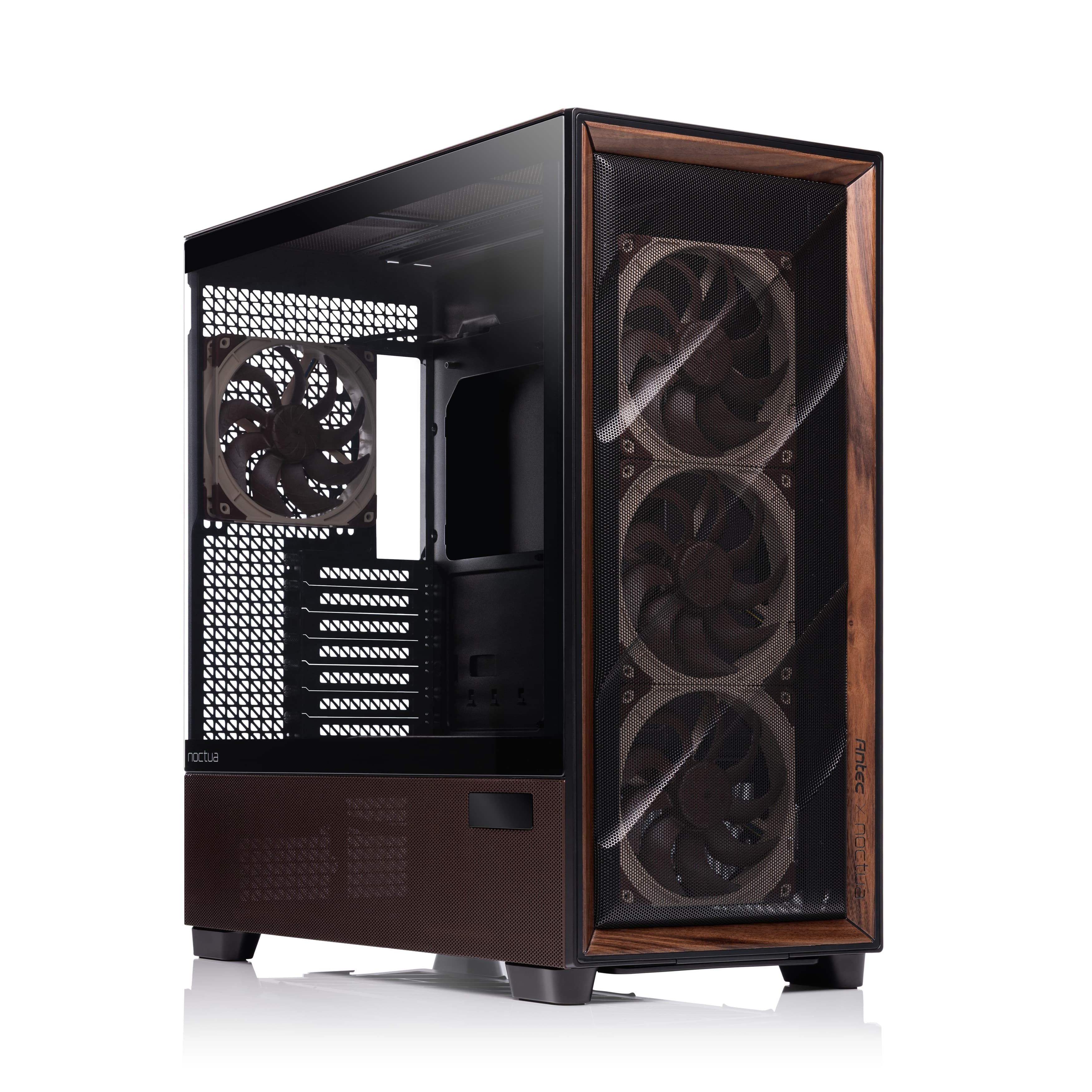
Antec Flux Pro Noctua Edition
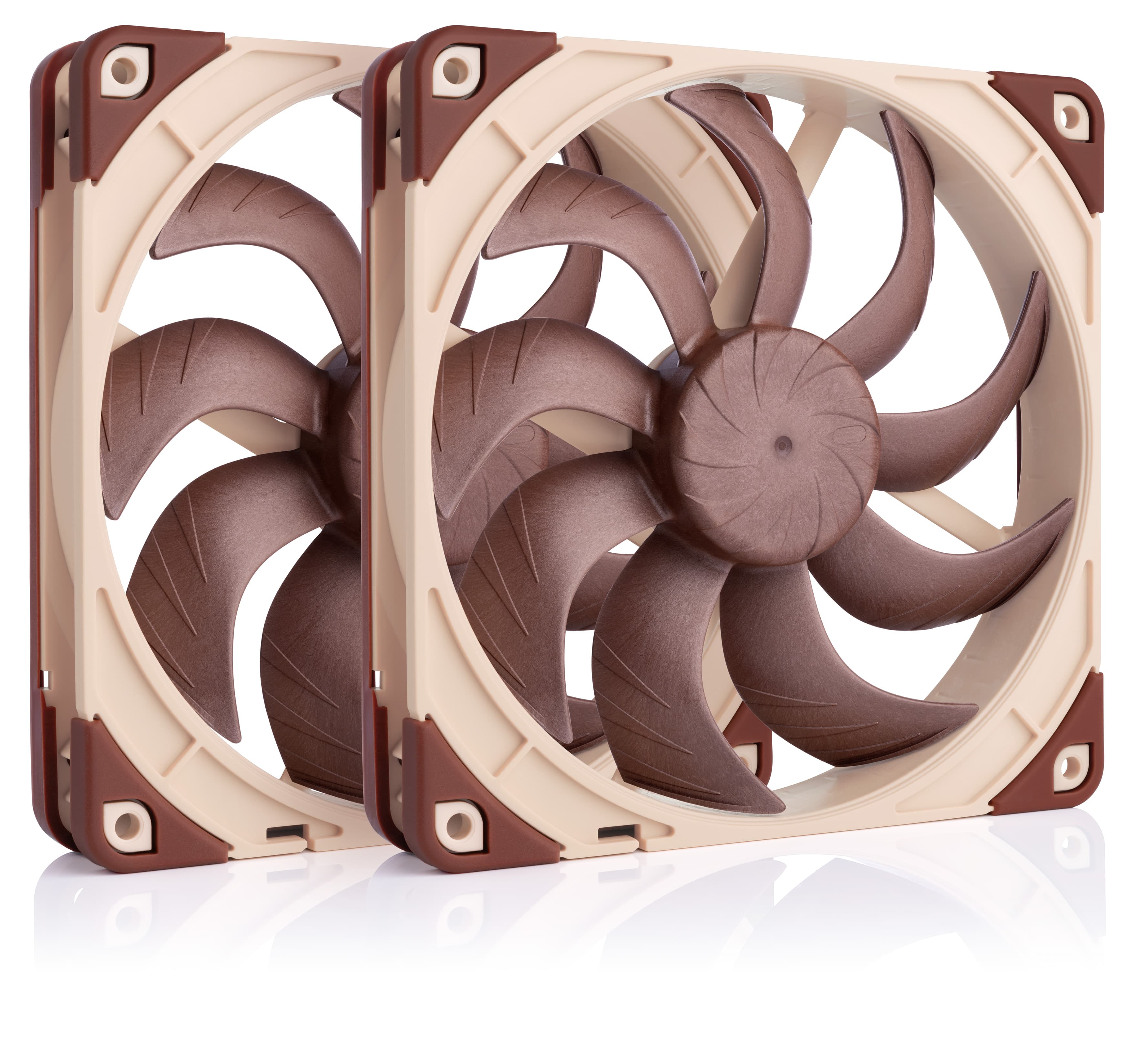
NF-A14x25 G2 PWM Sx2-PP