

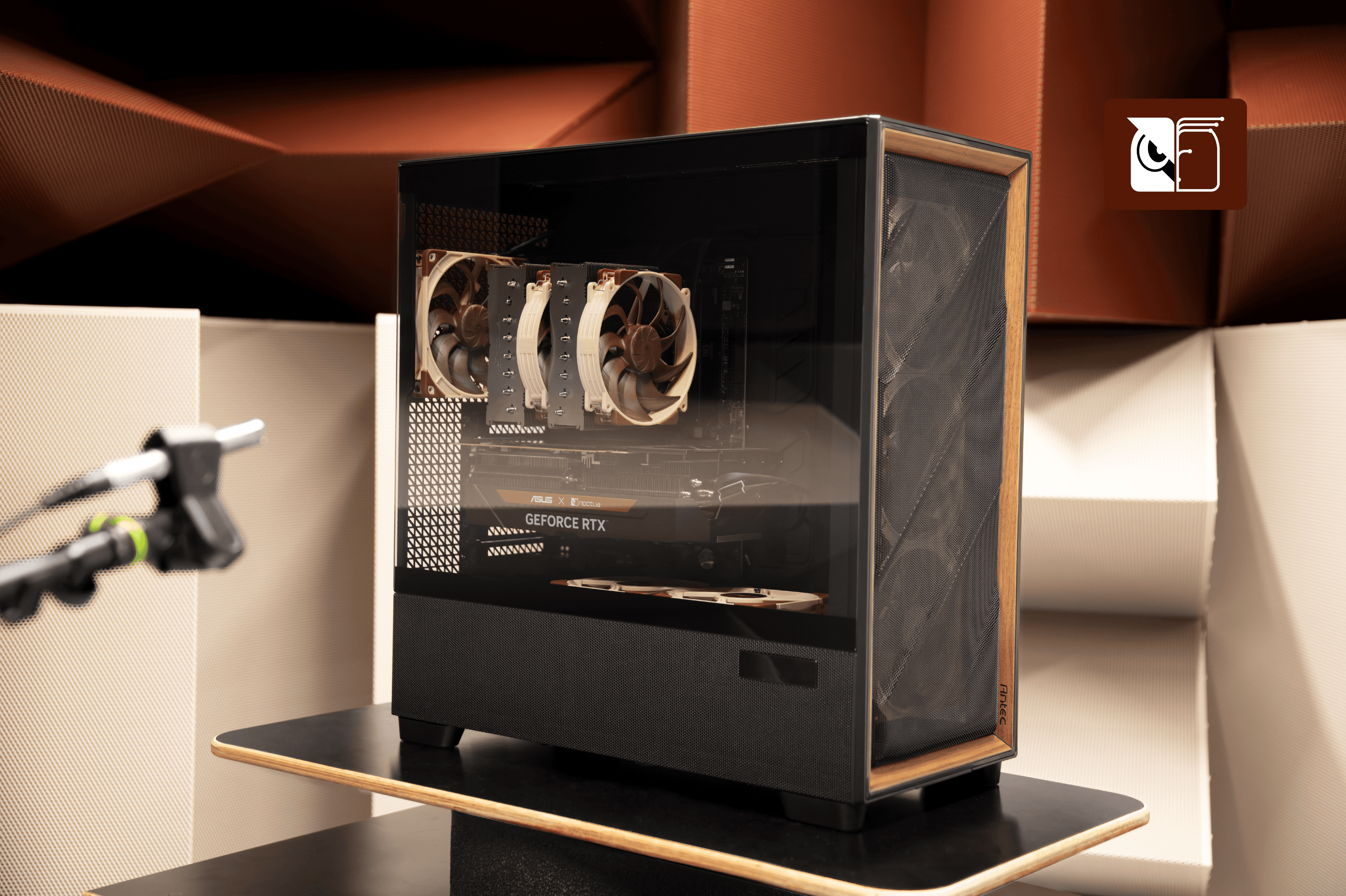
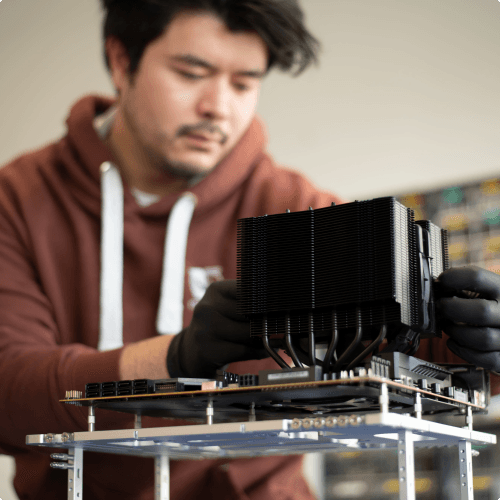
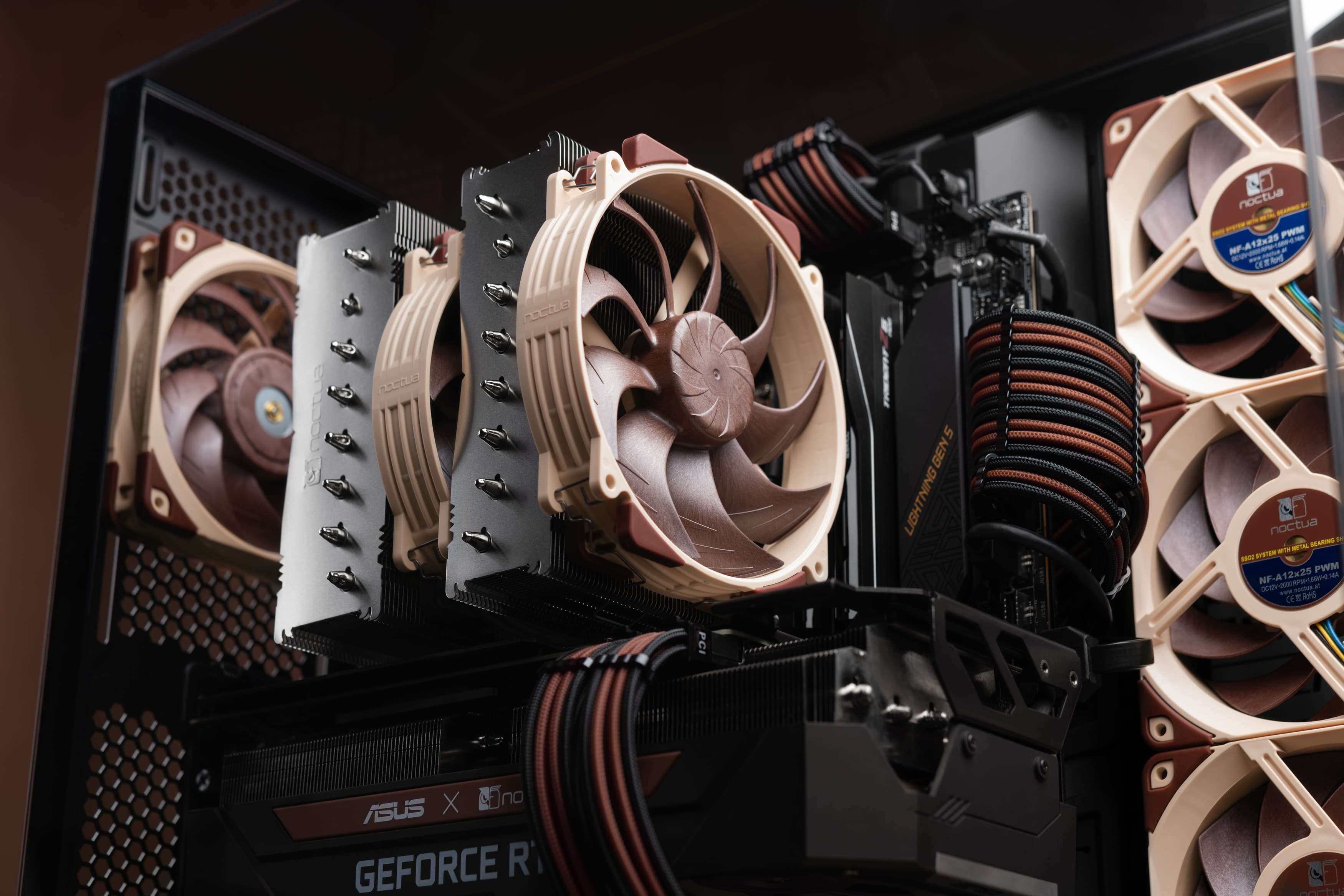
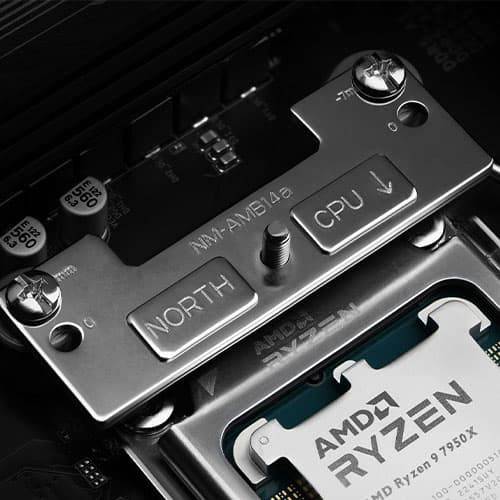

The Air 5400 ATX case grabbed a lot of attention when it launched, as it was advertised as Corsair’s first triple-chamber design, which isolates the radiator in its own chamber. Now that we have our own NL-LC1 series liquid coolers on the market, we ran some tests to evaluate how the chassis pairs with our AIOs. We all know that low component temperatures can be easily brute-forced by high-speed fans, but from our standpoint, we must examine the system as a whole and its implications regarding hardware performance and its acoustic footprint. This is especially interesting since, in the case of the Air 5400, the fans on the radiator are almost in open air, meaning noise propagation can be affected by such a layout.

Without further delay, let’s get into the hardware specifications that were used to run the tests, and the testing methodology:
CPU cooler: NL-LC1-36 + NF-A12x25 G2 PWM chromax.black
Supporting case fans: 6x NF-A12x25 G2 PWM chromax.black
CPU: AMD Ryzen 7 9800X3D (with offset mounting)
GPU: GIGABYTE AORUS GeForce RTX 5090 Stealth ICE 32G
Motherboard: GIGABYTE X870 AORUS Stealth ICE
RAM: Crucial Pro Overclocking White UDIMM DDR5-6000, CL36
SSD: Lexar NM1090 Pro 1TB
PSU: Seasonic Focus ATX 3.0 GX-1000W
Case: Corsair Air 5400 White

The main goal was to compare different AIO installation scenarios in the dedicated chamber and evaluate any potential performance or noise implications. We performed multiple tests, but we will focus on the scenario where the GPU fan speed was fixed at 1300 RPM, which was deemed the sweet spot for cooling efficiency relative to noise, and the pump speed was fixed at 50% PWM, while all fans were cycled at 25%, 50%, 75%, and 100% PWM speeds.
It’s important to note that running the NL-LC1 pump at a fixed speed is not something we generally recommend, a topic we cover in our FAQ section, but in this case, it was helpful to ensure fully stable test conditions. Stress testing was performed using OCCT with a combined CPU and GPU load for 30 minutes per scenario, and each run was preceded by a 60-minute warm-up cycle.
All temperatures were captured in a controlled environment as a delta over the ambient baseline temperature, which averaged 21.8°C throughout the testing.
As noise emissions were one of the key focuses of this test, measurements were taken starting at the front of the case and moving around it in 45° increments, and the averages are presented. That makes 8 noise measurements, just for one scenario at a given fan speed.

To set the baseline of the test, we ran push and pull fan setups with the radiator mounted in the dedicated third chamber to see if there would be any CPU temperature differences. When using fans in pull mode, it can often be beneficial to use our inlet spacers, which move the fan 5mm further away from the radiator fins, so we tested a setup with the NA-IS1-12 installed as well.
Using the NA-IS1-12 spacers can help to reduce undesired influx turbulence in suction-type applications where the fan draws air through an obstacle such as a radiator. This reduction in turbulence can have significant positive effects on both acoustics and performance, so it was interesting to see if that would improve acoustics in this case, pun intended.
CPU Ø temperature [°C] | |||
|---|---|---|---|
PWM [%] | NL-LC1-36 - Pull | NL-LC1-36 - Push | NL-LC1-36 - Pull /w Spacer |
25 | 74.9 | 78.0 | 76.4 |
50 | 59.6 | 63.1 | 62.4 |
75 | 57.0 | 60.5 | 59.3 |
100 | 56.7 | 59.4 | 59.1 |

Looking at the CPU temperatures, the fans in the pull setup outperformed the push setup by an average of 3.2 degrees across the entire fan speed range.
CPU Ø clock speed [MHz] | |||
|---|---|---|---|
PWM [%] | NL-LC1-36 - Pull | NL-LC1-36 - Push | NL-LC1-36 - Pull /w Spacer |
25 | 4964 | 4962 | 4958 |
50 | 5070 | 5064 | 5056 |
75 | 5085 | 5087 | 5079 |
100 | 5096 | 5093 | 5094 |

While this difference didn’t show any real performance or clock speed benefits in our testing, it’s definitely worth pointing out, since this result is quite different from what we’ve seen in our tests with other cases. We usually measure similar temperatures between push and pull, but with a clear acoustic advantage for push, which is why we generally recommend a push setup on the NL-LC1 series liquid coolers. The third chamber of the Air 5400, in combination with our fans, clearly behaves differently in this regard.
As with all temperature advantages, the performance headroom in this case can be traded for lower fan speeds and less noise, putting the pull setup in a favoured position.
The use of the inlet spacer becomes relevant when we look at the noise measurement data. While having the fans in pull mode behind the grill, filter, and radiator provides a clear temperature advantage, adding inlet spacers to the pull setup brings a slight acoustical advantage.
Total system noise level [dB(A)] | |||
|---|---|---|---|
PWM [%] | NL-LC1-36 - Pull | NL-LC1-36 - Push | NL-LC1-36 - Pull /w Spacer |
25 | 23.0 | 23.5 | 22.9 |
50 | 26.4 | 26.4 | 25.7 |
75 | 32.5 | 32.6 | 31.8 |
100 | 39.6 | 39.9 | 39.0 |

If we take a closer look, the average noise reduction advantage of the inlet spacer hovers around just 0.5 dB(A). But if we go back to the CPU temperature measurements, we can see that it came with an average 2.3°C penalty across the board, which for many will not justify the investment in the spacers. While we are only measuring pure sound pressure levels, even subjectively, installing the inlet spacers didn’t noticeably improve the perceived sound profile either.

This chassis perfectly illustrates why experimenting with fan configurations is essential when chasing the optimal setup. While we generally recommend a push setup for our NL-LC1 series coolers, the Air 5400 specifically favors a pull configuration by yielding noticeably better thermals, which in the end can be translated into an acoustical advantage by lowering fan speeds. Finally, while adding NA-IS1-12 inlet spacers slightly improves acoustics in this pull setup, the marginal noise reduction simply doesn’t justify the extra investment for this specific case. If you are using the Corsair Air 5400 or you are planning to get one and have any doubts about how to install the fans in the dedicated radiator chamber, now you have the answers. Please note that the test results and the recommended outcome apply only to NL-LC1 coolers and Noctua G2 series fans, and this is not guaranteed for other setups.
Related articles
Want to learn more? Explore related articles and resources.
NSPR: Noctua Standardised Performance Rating
Noctua’s Standardised Performance Rating (NSPR) is a platform-independent classification system that allows customers to compare the efficiency of Noctua CPU coolers at a glance.
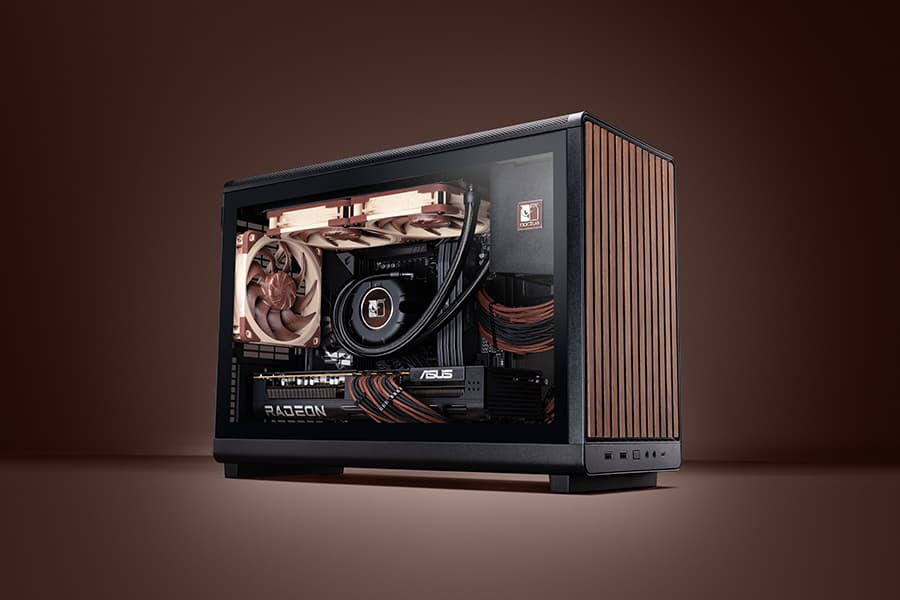
Air cooling or water cooling, which one to choose?
Both air coolers and all-in-one liquid coolers have their respective advantages and disadvantages. We have summed them up for you in this guide to help with your buying decision.
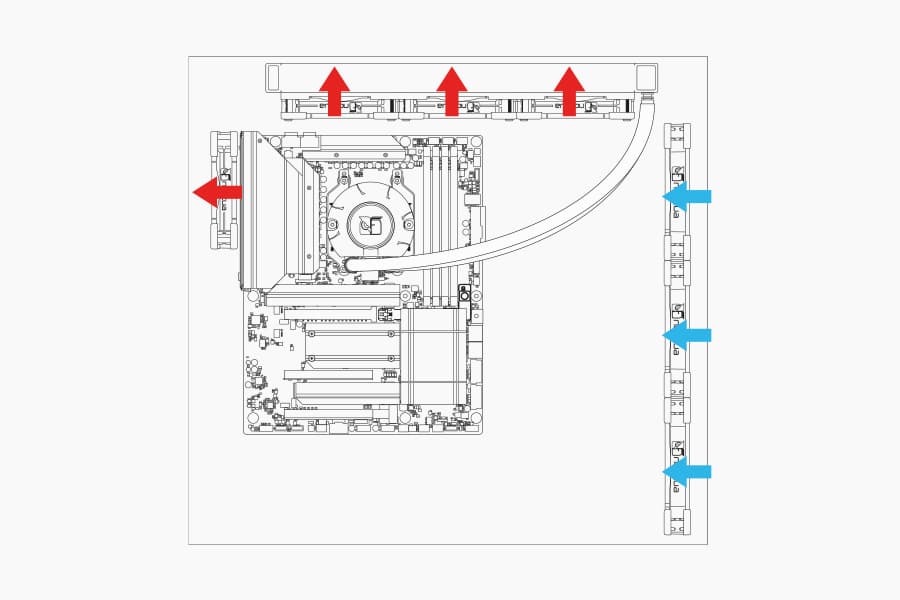
Where should I install my AIO radiator (top vs. front/side)?
Many modern tower-style PC cases allow liquid coolers to be installed in more than one position (top, front or side of the case). This article explains their pro's and con's.
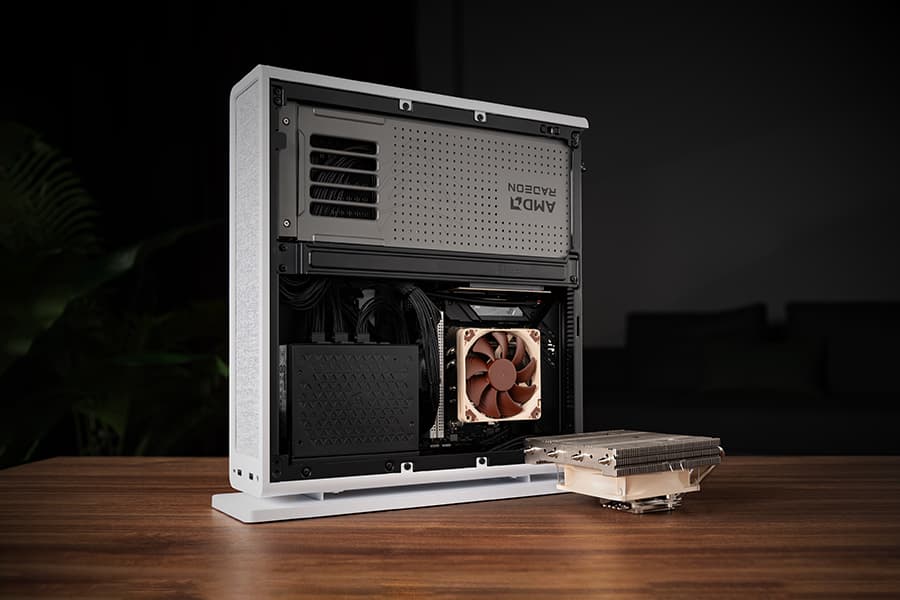
The Fractal Design Ridge and the story of “less is more“
05/05/2026
Discover the best Noctua CPU cooler and GPU setup for the Fractal Design Ridge case. See how a custom duct and removing extra case fans unlocks SFF performance.