


Which GPU support brackets are compatible with the Antec Flux Pro Noctua Edition?
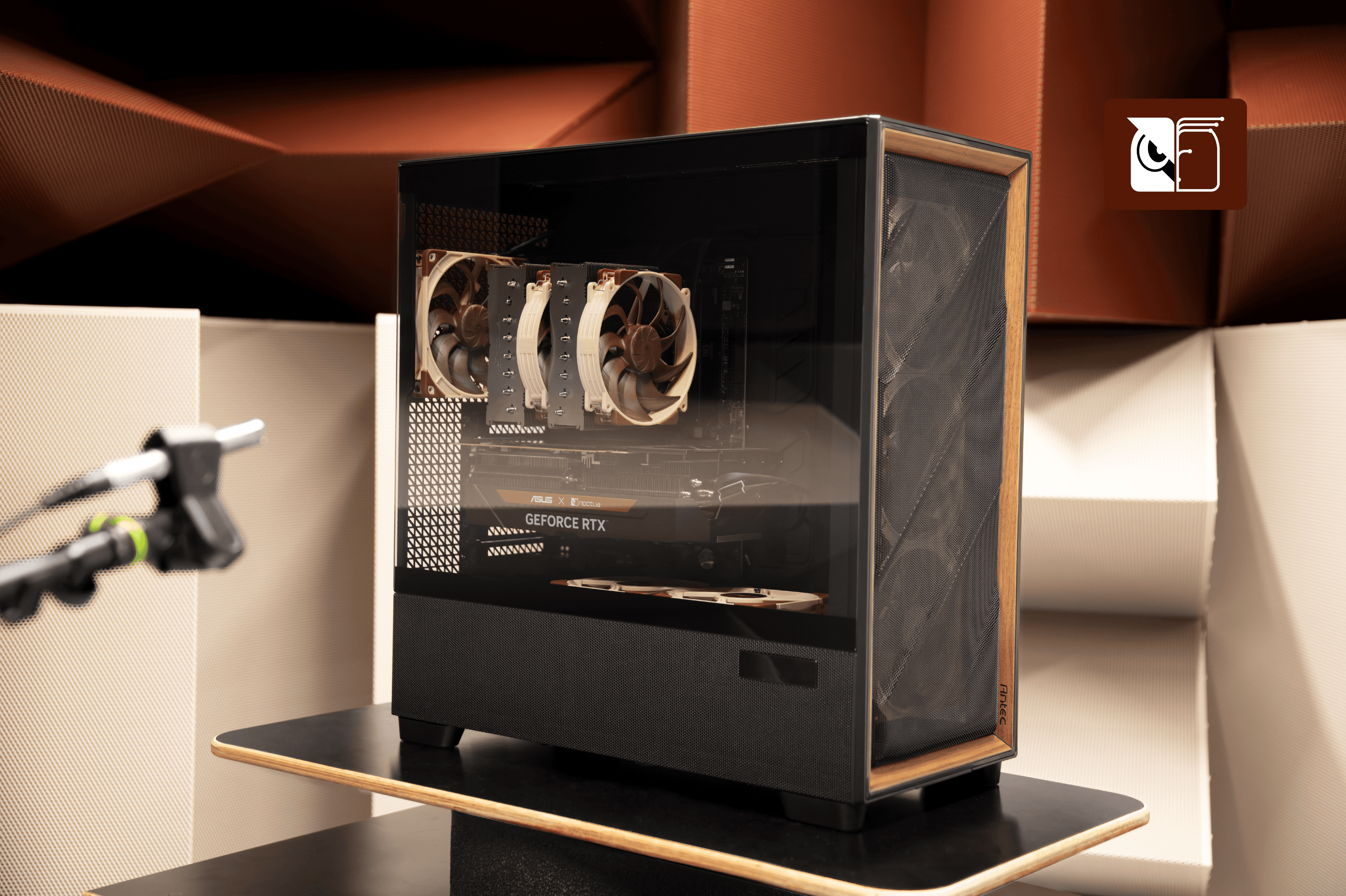
Our testing shows that the main constraint when installing a GPU support bracket in the Antec Flux Pro Noctua Edition case is the two bottom fans mounted on the PSU shroud. To ensure a good fit and maintain optimal airflow, choose a stand that meets these criteria:
- A compact base, so that it can fit either between the bottom fans and the case side panel or on top of the fan frames.
- A streamlined design free from bulky appendages that could create audible airflow turbulence.
Horizontal GPU support bars
These bars mount directly into the PCIe bracket slots at the rear of the case. This method offers excellent stability and is generally compatible with the Antec Flux Pro Noctua Edition without modification.
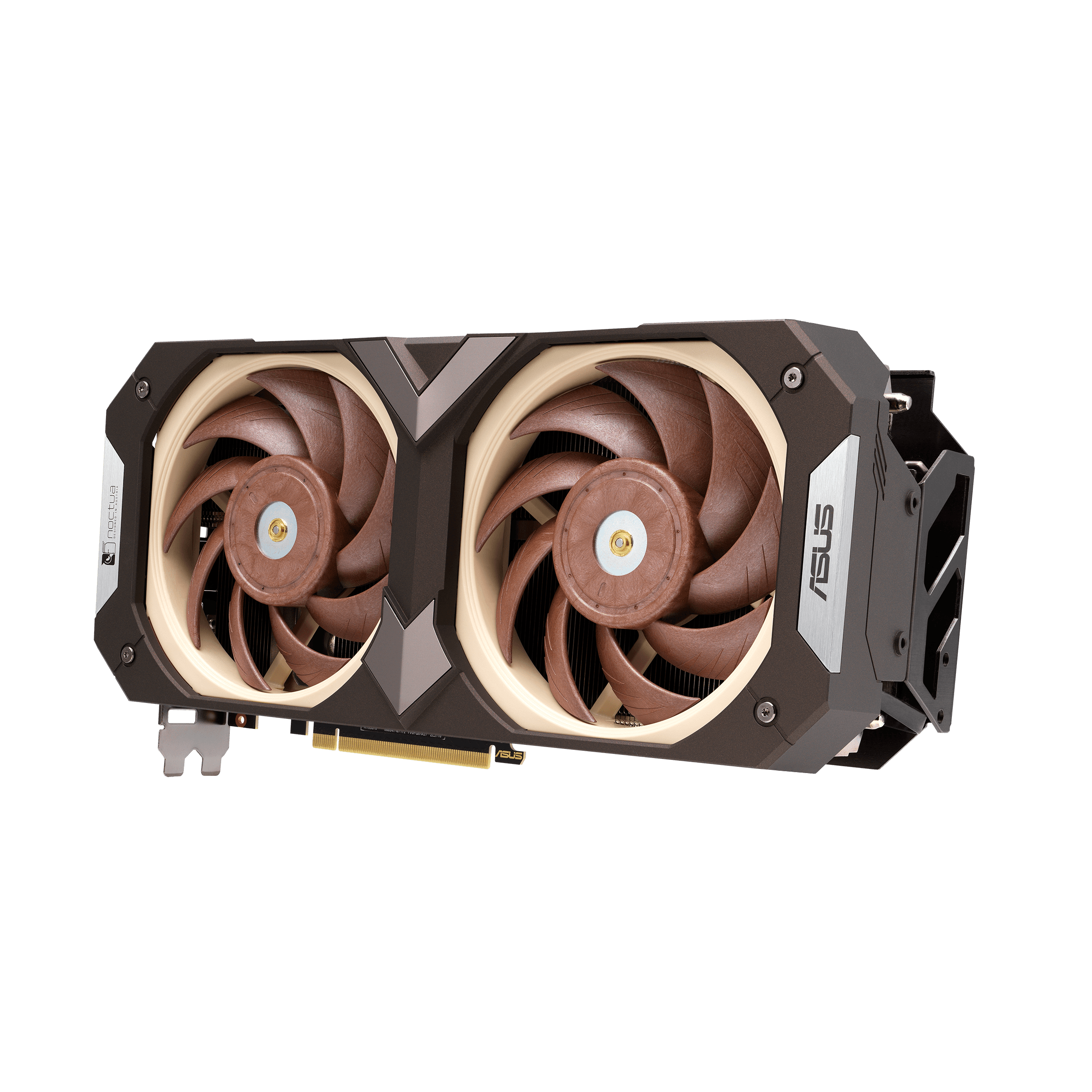
Please note general height restrictions. For example, with an ASUS GeForce RTX 5080 Noctua Edition installed, there’s about 45mm of space between the GPU and the fans installed on top of the PSU shroud.
Height-adjustable vertical brackets
Fan-mounted height-adjustable vertical brackets
These braces attach to the mounting holes of the intake fans on the PSU shroud cover and tend to work well with the Antec Flux Pro Noctua Edition.
Brackets with a base stand
Note these restrictions when using a GPU stand that rests on the fans above the PSU shroud cover:
- Base diameter: Must be under 15mm. This ensures the stand balances securely on the fan frames without obstructing airflow.
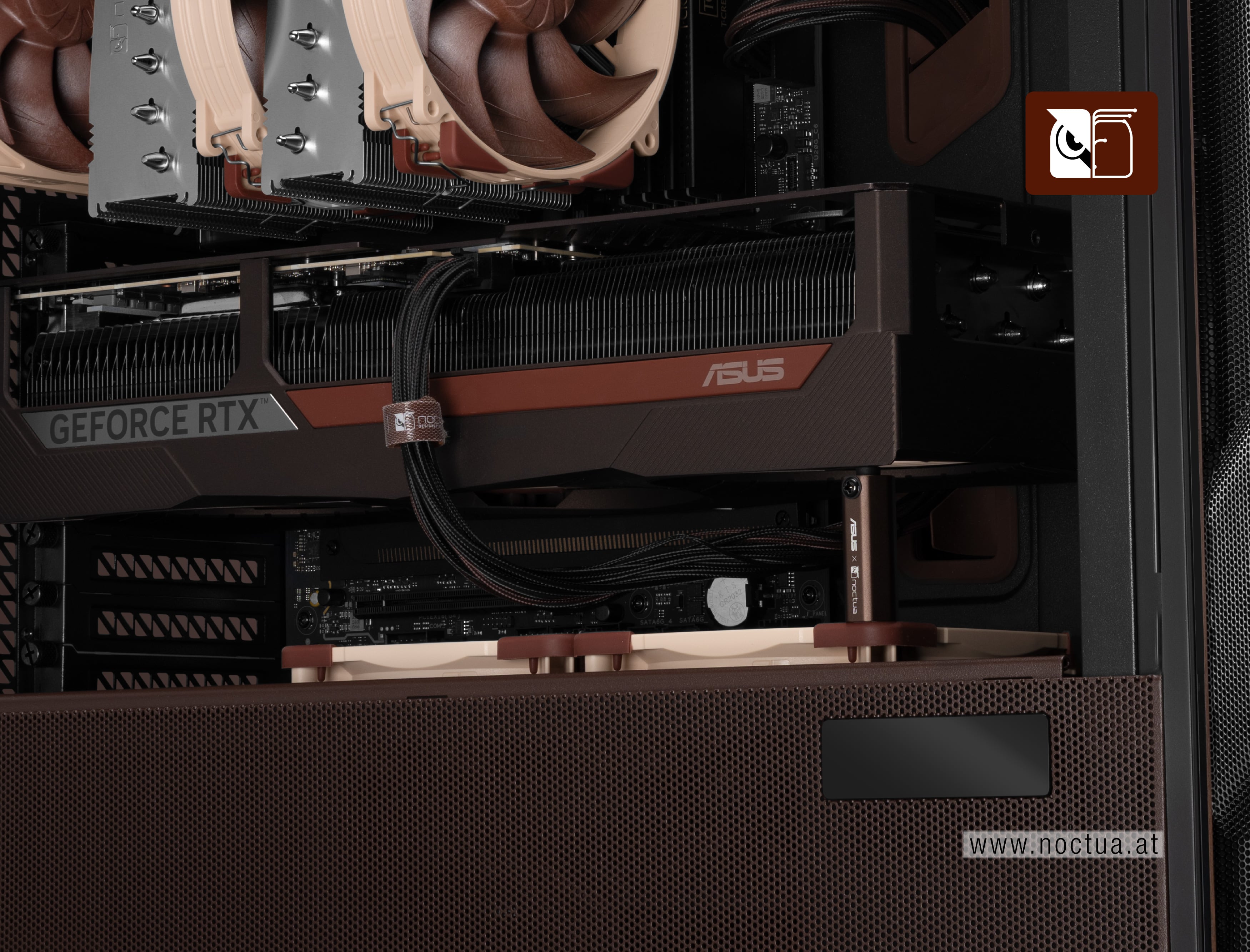
- Height adjustment: For thick, triple-slot or quad-slot cards (e.g., the ASUS GeForce RTX 5080 Noctua Edition), the stand must be adjustable down to a height of45mm at most.
Note: The stand included with Noctua Edition ASUS graphics cards fits perfectly at its lowest setting, see photo above. For other GPU models, please verify the required height based on your specific card's thickness. - Arm design: If the brace includes a horizontal arm for the GPU to rest on, ensure it is not overly bulky to prevent airflow turbulence. Additionally, verify that the arm is long enough to reach the GPU once installed.
Mentioned products
Explore the products featured in this article.
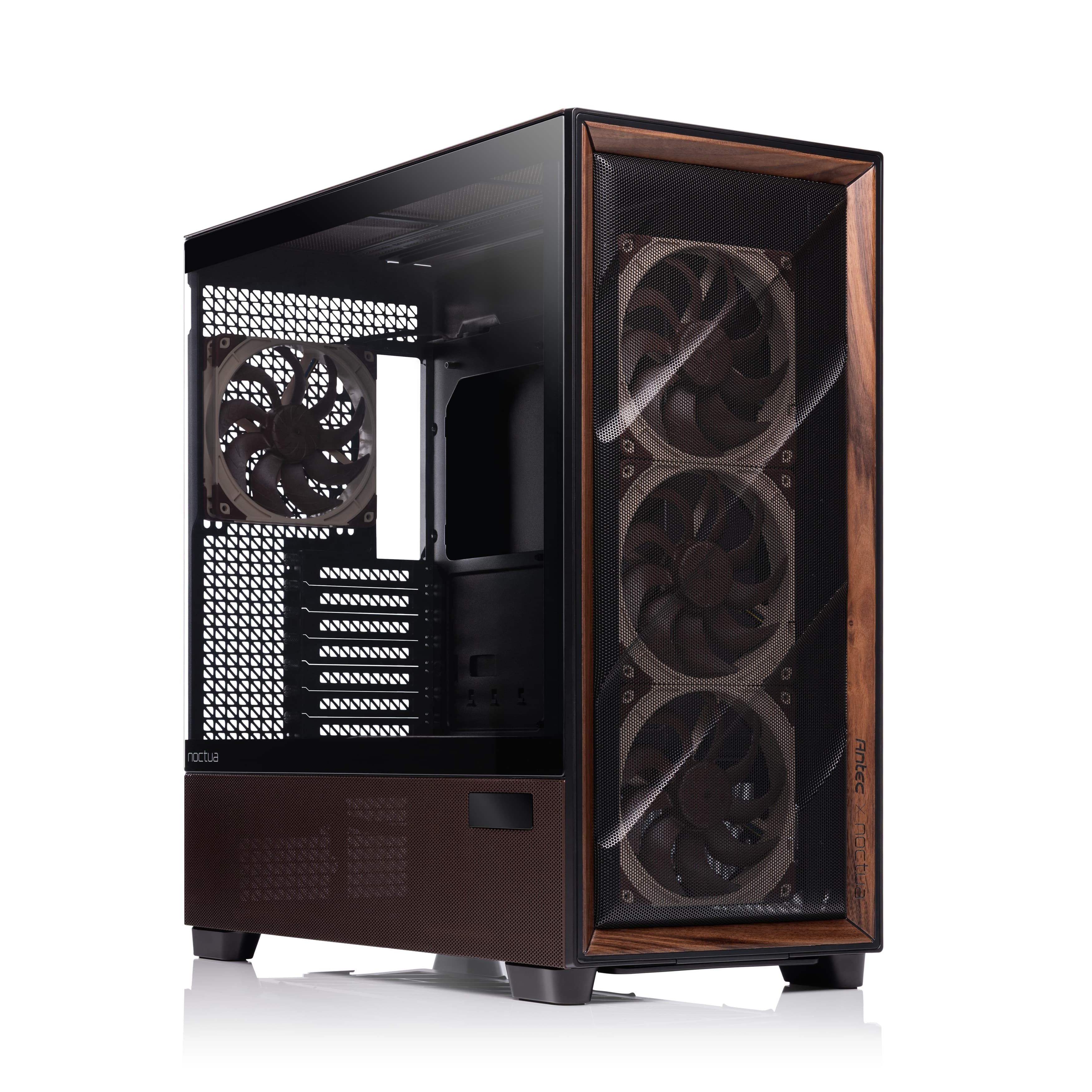
Antec Flux Pro Noctua Edition
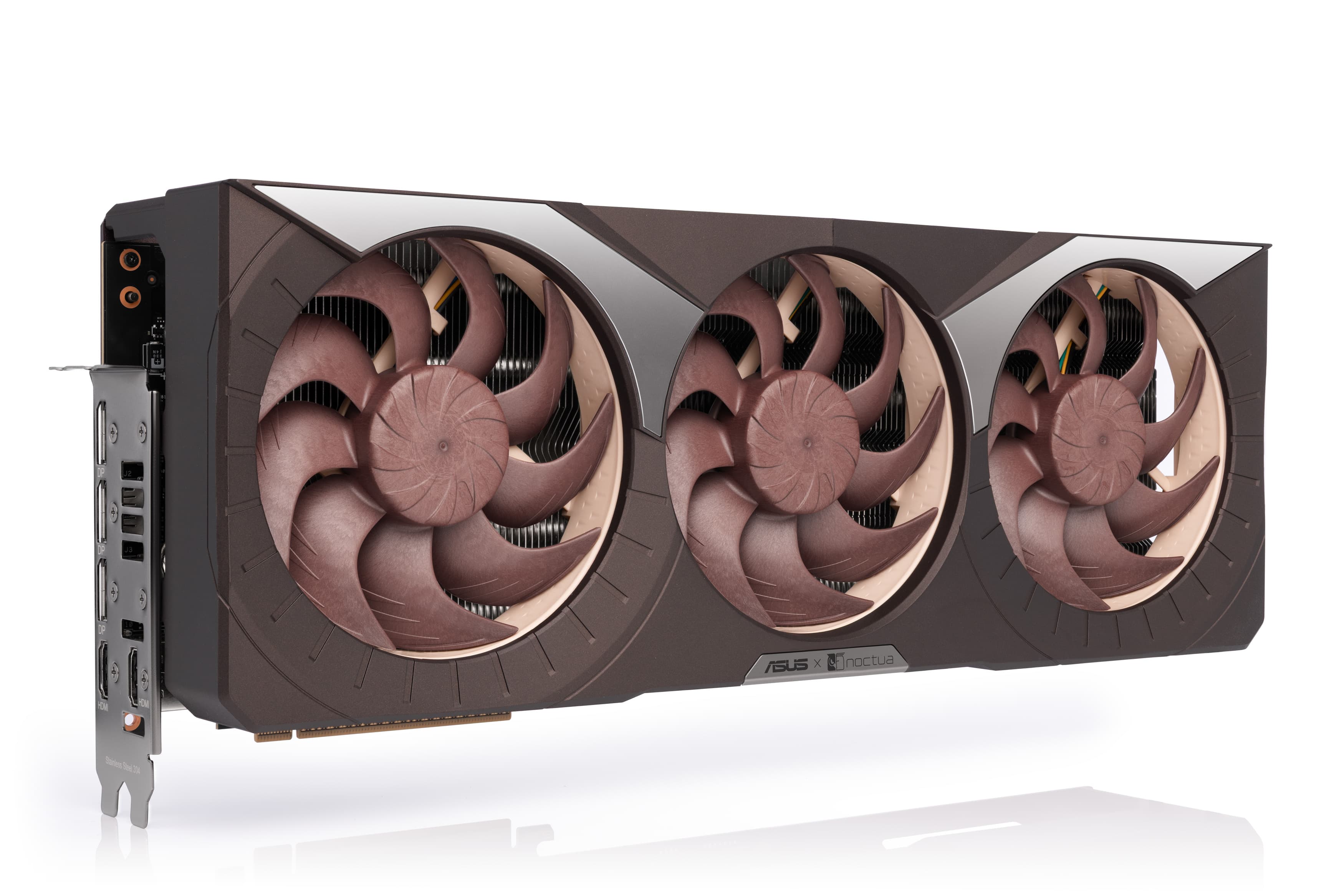
ASUS GeForce RTX 5080 Noctua Edition
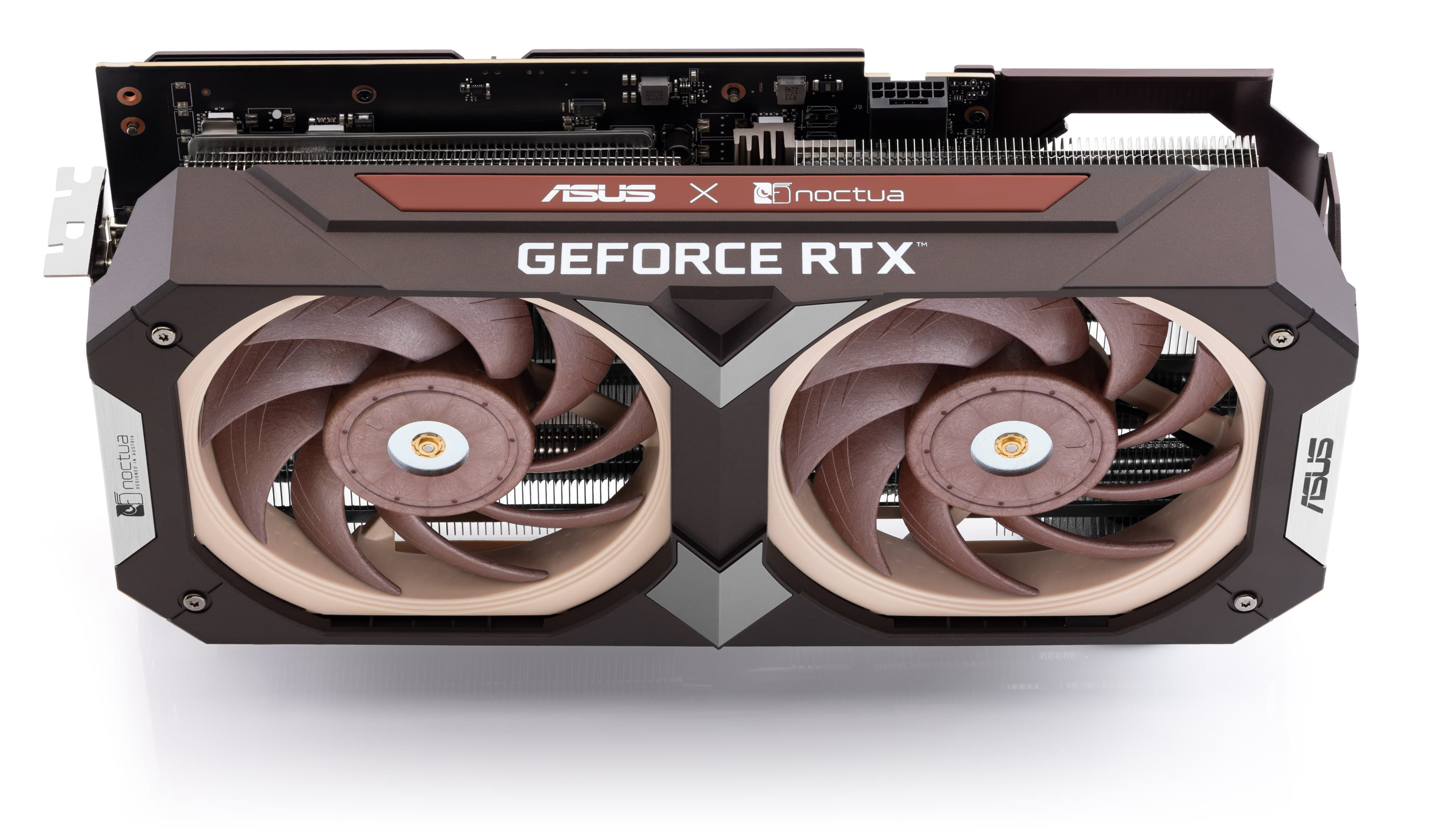
ASUS GeForce RTX 4080 SUPER Noctua Edition
ASUS GeForce RTX 4080 Noctua Edition
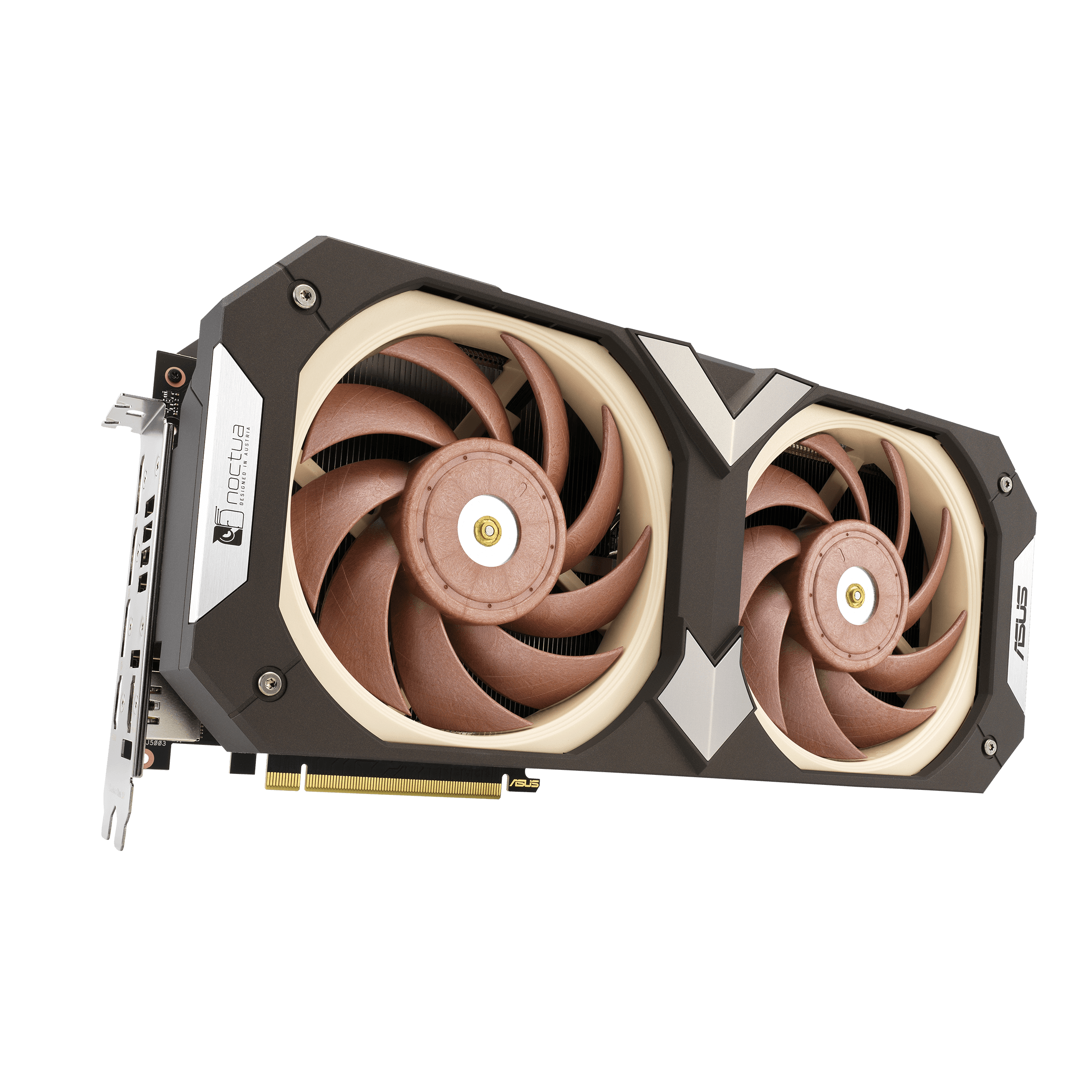
ASUS GeForce RTX 3080 Noctua Edition
ASUS GeForce RTX 3070 Noctua Edition
Related FAQs
Related articles
Want to learn more? Explore related articles and resources.
AMD AM5 – all you need to know
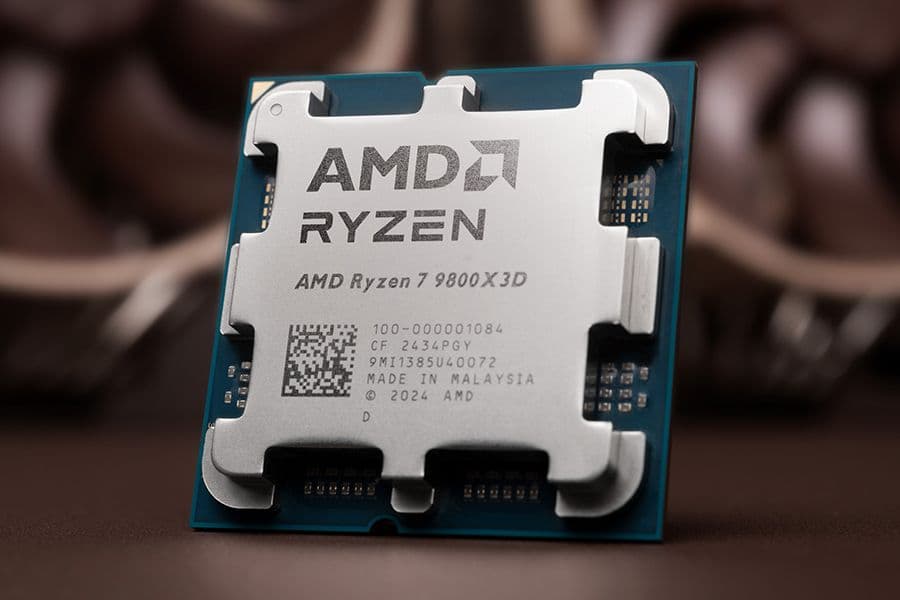
As AM4 and AM5 use the same mounting system, all Noctua coolers compatible with AM4 also work with AM5. Here's what you need to know.

CPU cooler clearance: Why our data sometimes deviates from the case manufacturer’s specs
07/08/2026
When it comes to the CPU cooler clearance that PC cases offer, every millimetre can count. This is why we have started taking our own measurements for popular cases.
Noctua confirms AM5 heatsink compatibility and announces free-of-charge upgrades for low-profile coolers and older heatsink models
22/09/2022
Noctua today confirmed that all its CPU coolers and mounting-kits that support AMD AM4 also support the upcoming AM5 socket, except the NH-L9a-AM4 low-profile cooler and the NM-...
Noctua announces free-of-charge mounting upgrades and updated CPU coolers for LGA1700
17/08/2021
Noctua today announced that it will provide free-of-charge mounting upgrade kits for Intel’s upcoming LGA1700 platform, enabling customers to keep using existing CPU coolers on ...