
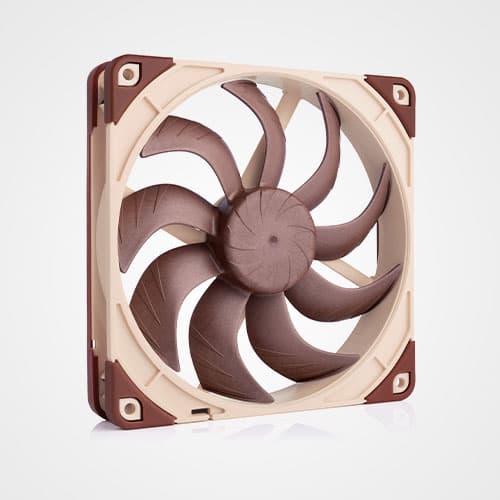


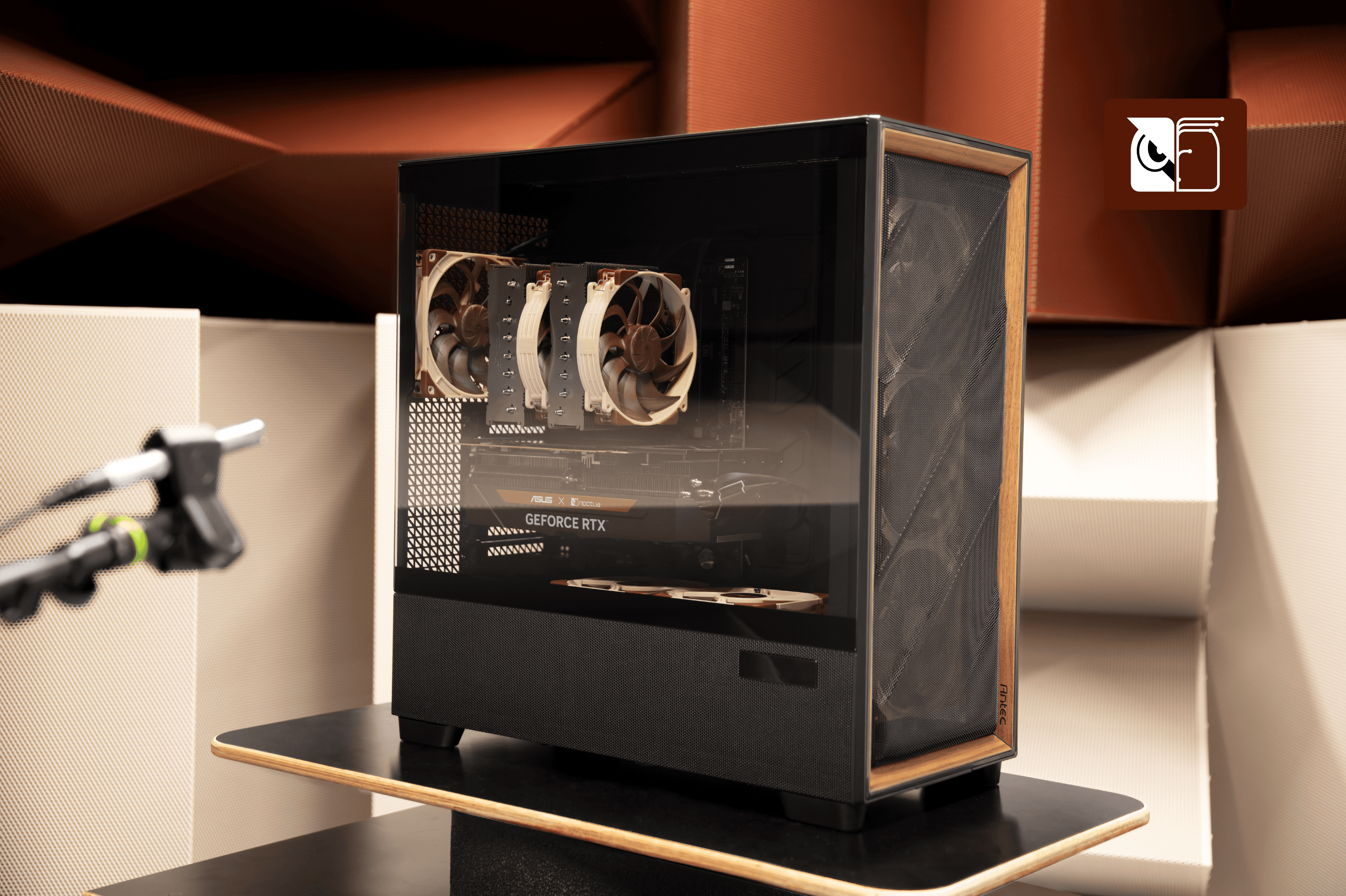
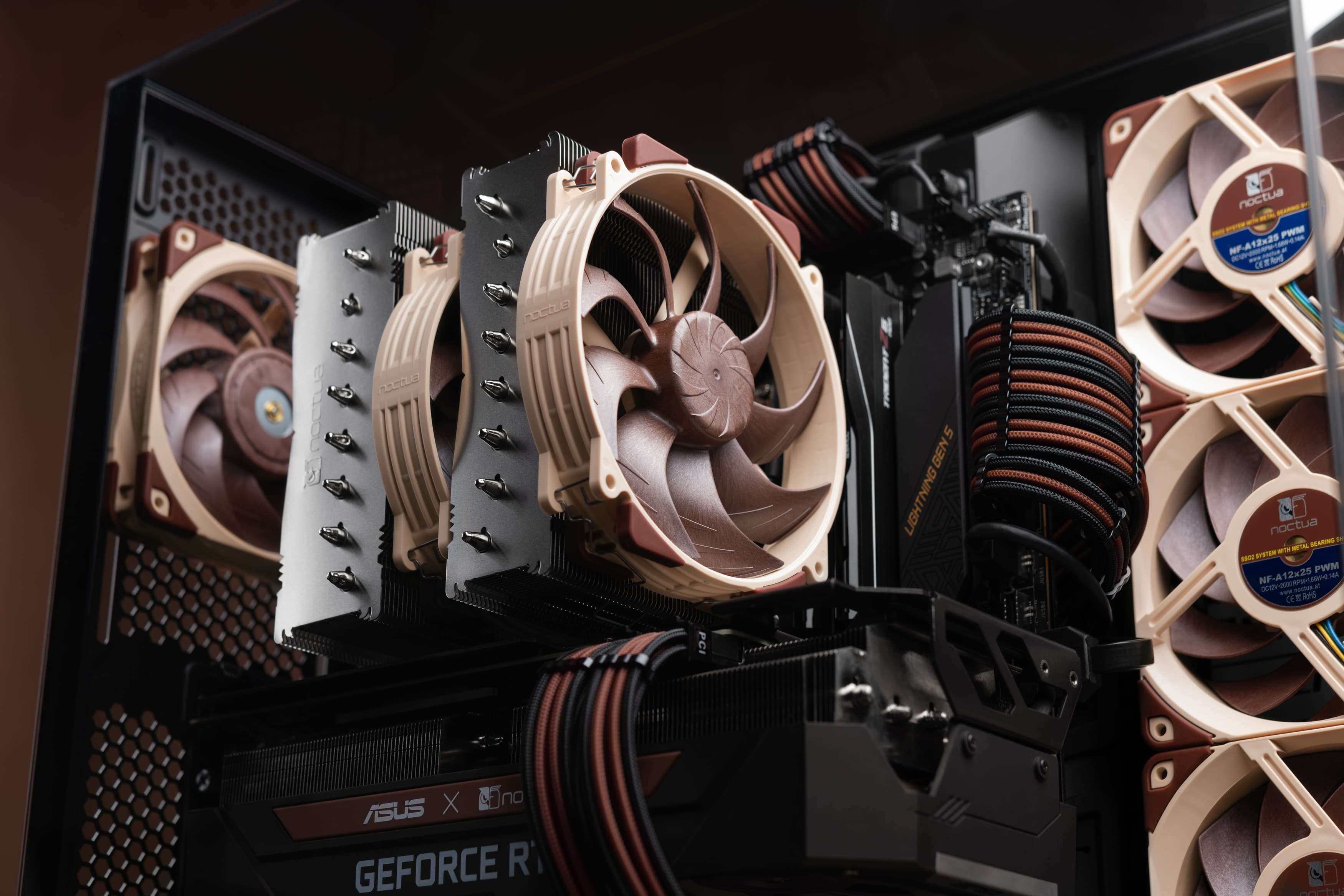


For users who aim to achieve an optimal balance of quietness and performance, we do not recommend installing extra case fans in the Antec Flux Pro Noctua Edition. While adding extra fans can make it possible to achieve even lower component temperatures, it will also increase noise levels, and from our testing, the stock configuration with four NF-A14x25 G2 140mm and two NF-A12x25 G2 120mm fans represents a sweet spot for building high-end systems that can run ultra quiet.
In particular, there are two possible upgrade paths that can be worth exploring if you prioritise lower temperatures over maximum quietness of operation:
- Adding a third NF-A12x25 G2 fan on top of the PSU shroud, blowing up towards the GPU, can help further reduce GPU temperatures, especially with large, very power-hungry GPUs such as overclocked GeForce RTX 5090 models. With less power-hungry GPUs such as GeForce RTX 5080 or non-overclocked GeForce RTX 5090 cards, we saw little to no thermal benefit from adding a third fan on top of the PSU shroud.
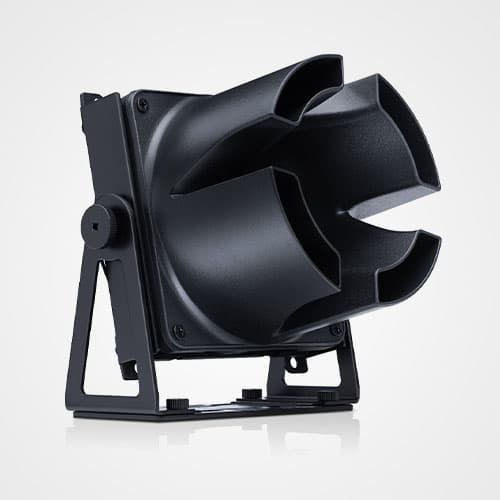
- Adding two extra NF-A14x25 G2 fans (an Sx2-PP set is preferred) at the top of the case, either both as exhaust or in a mixed configuration (an example of the mixed configuration) where the top rear fan is set to exhaust and the top front fan (right above the intake of the CPU cooler) is set to intake with an NA-IS1-14 intake spacer. This configuration can help to reduce CPU temperatures with very power-hungry (>250W) CPUs. When going for the mixed configuration, we strongly recommend using an NA-IS1-14 intake spacer on the intake fan to reduce intake turbulence noise as much as possible.
While our tests have shown that these two measures can be helpful to further reduce GPU and CPU temperatures with particularly power-hungry systems, they also increased noise levels and therefore didn’t result in an overall improvement from a noise-normalised perspective. This is why we only recommend adding additional fans to the Antec Flux Pro Noctua Edition if you prioritise lower temperatures over quietness of operation.
Mentioned products
Explore the products featured in this article.
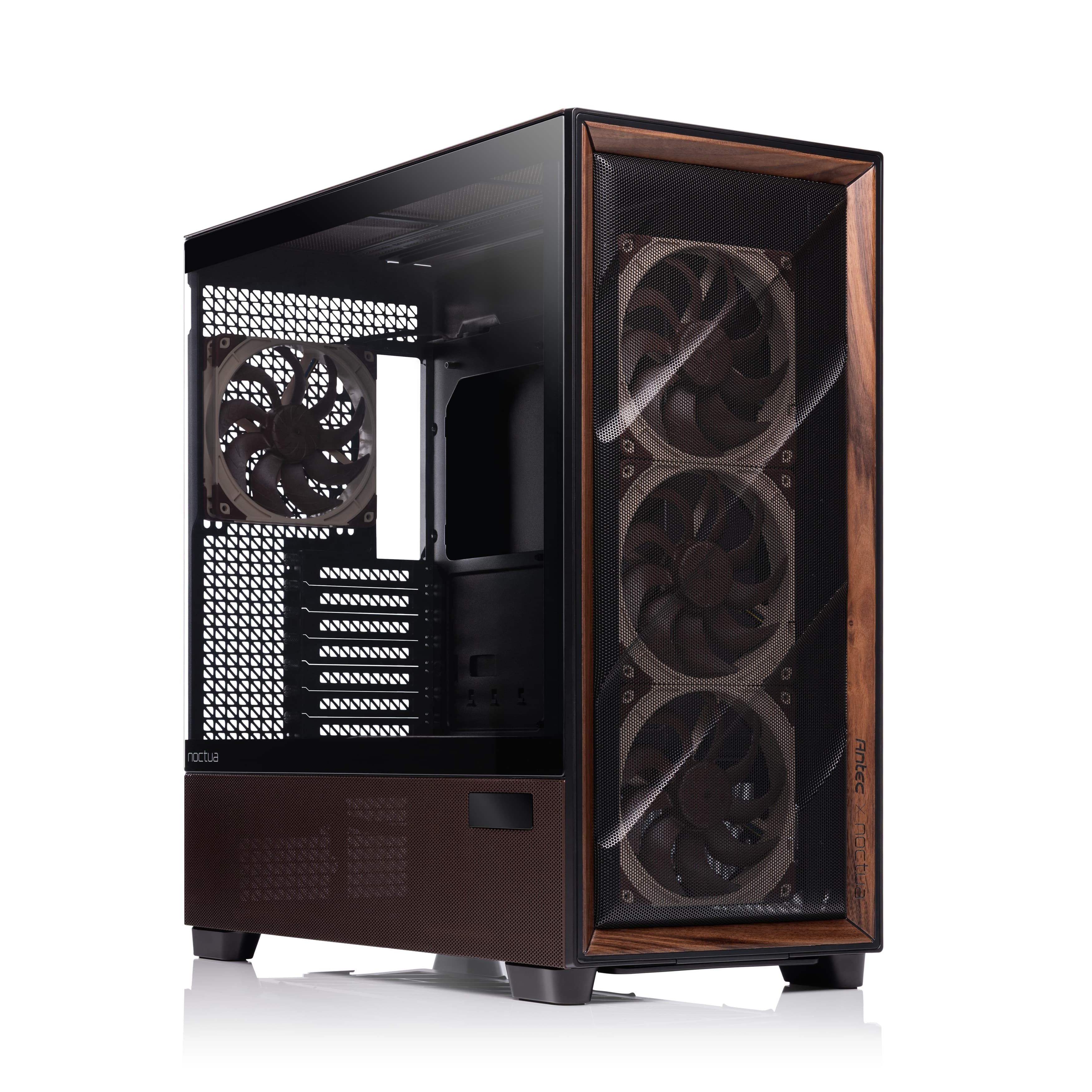
Antec Flux Pro Noctua Edition
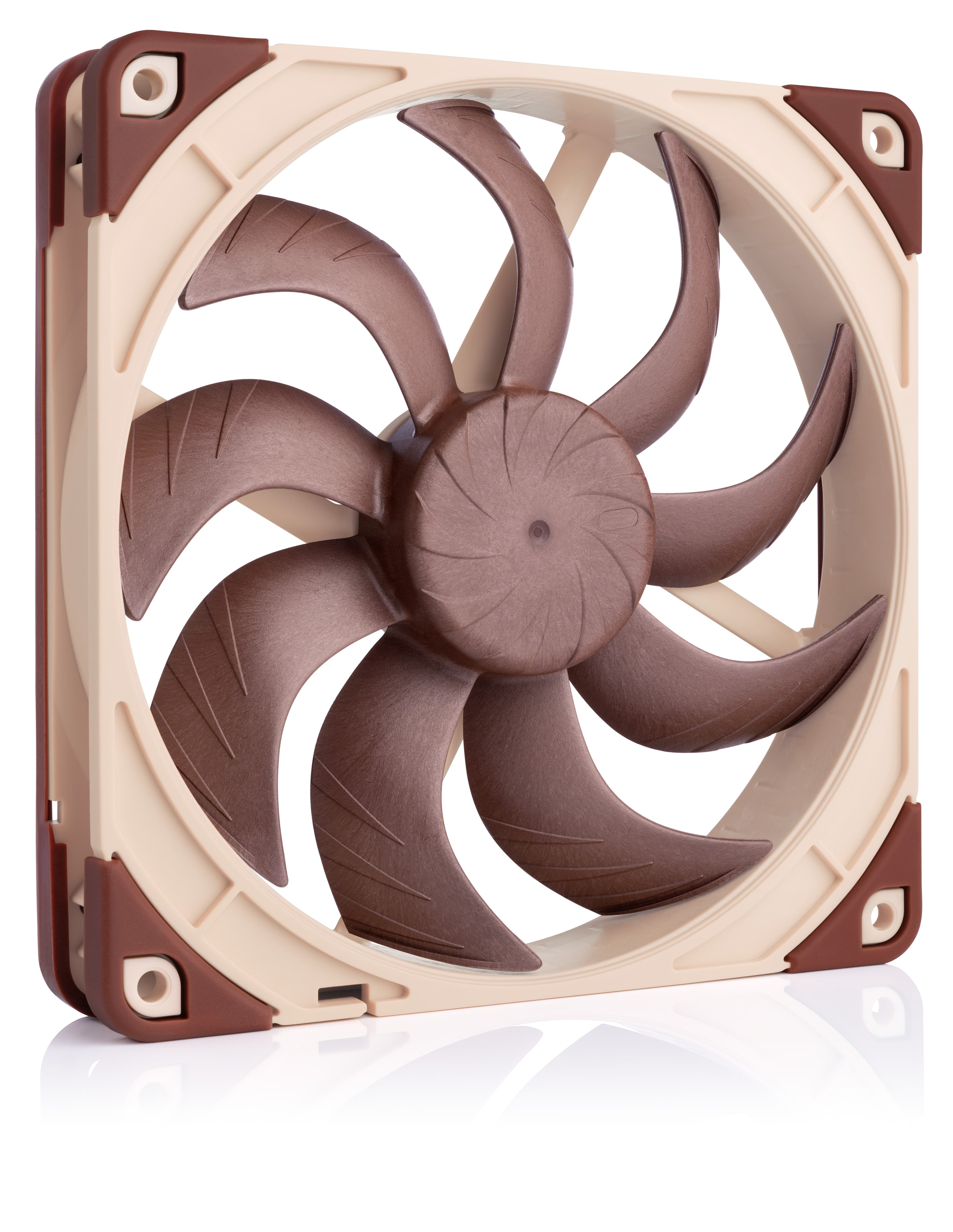
NF-A14x25 G2 PWM
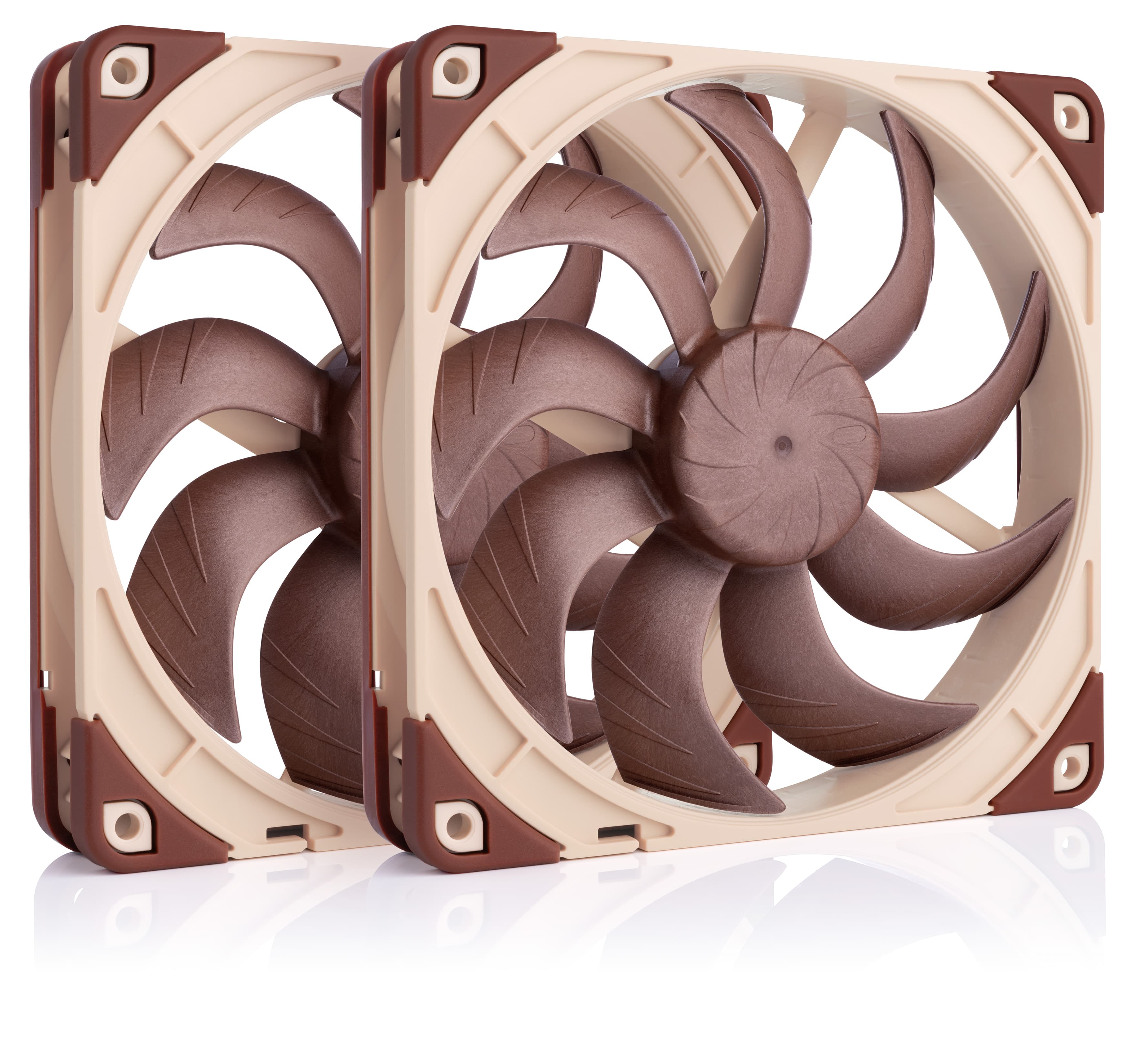
NF-A14x25 G2 PWM Sx2-PP
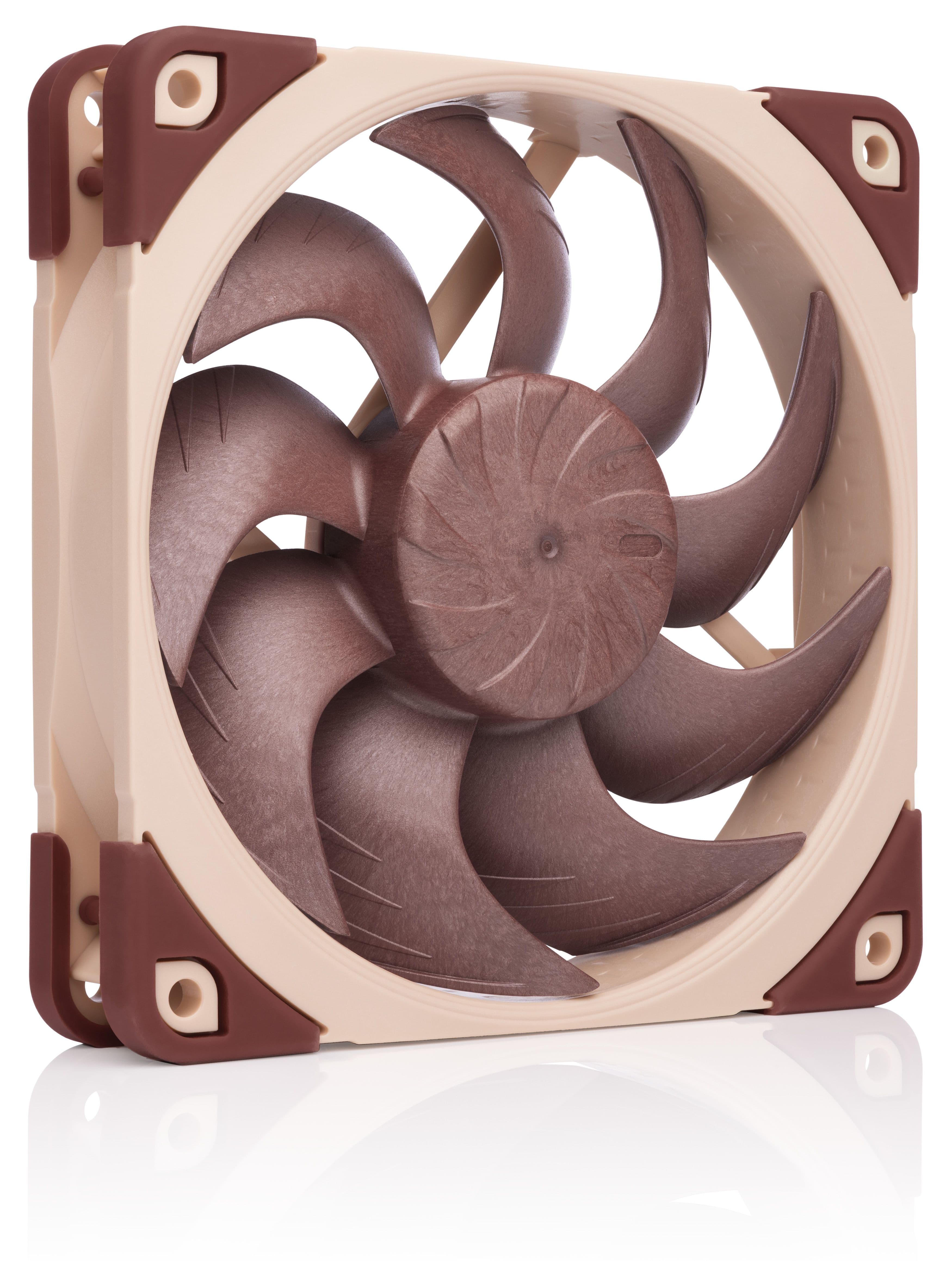
NF-A12x25 G2 PWM
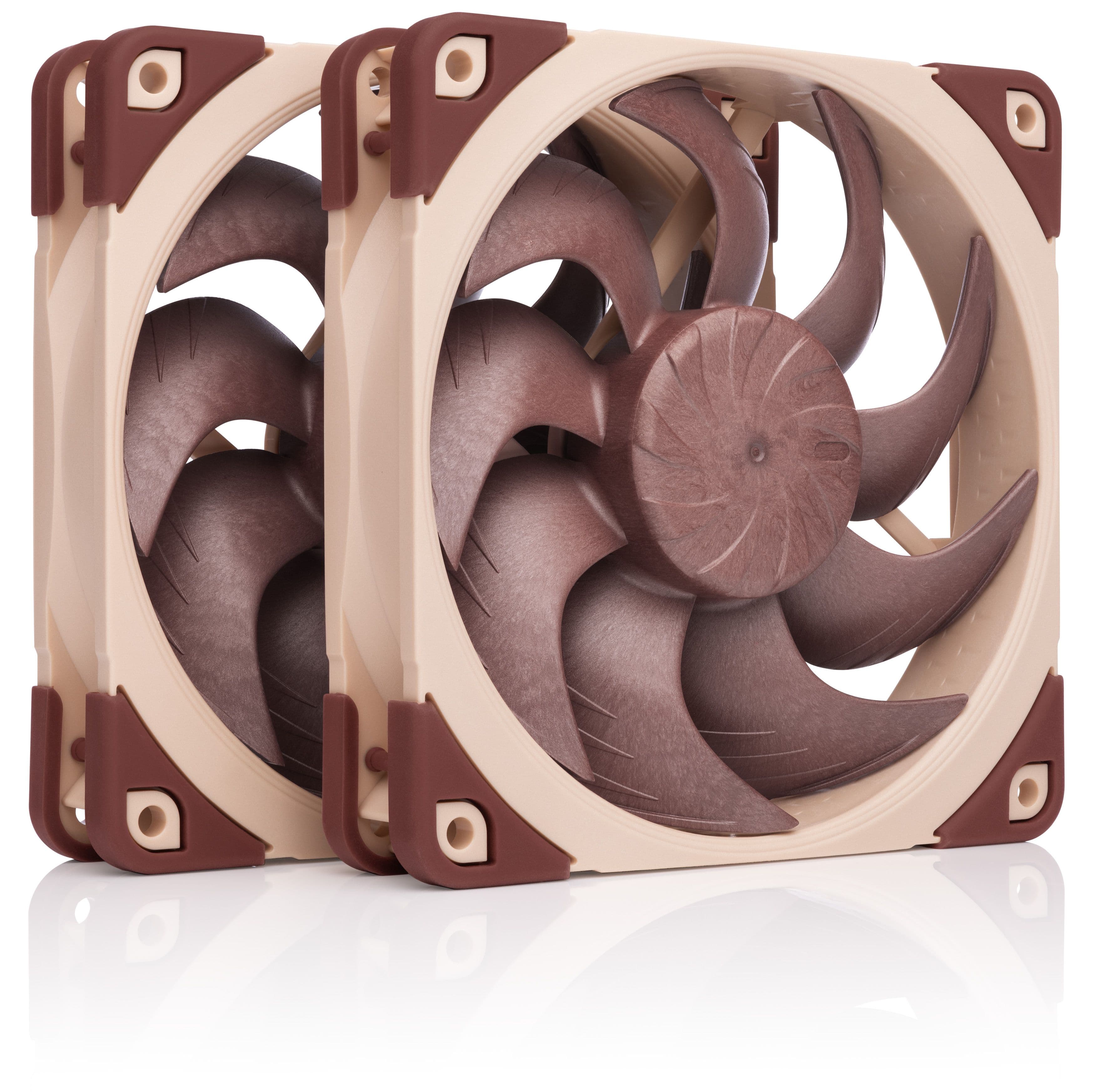
NF-A12x25 G2 PWM Sx2-PP
Related articles
Want to know more on this topic? Explore relevant articles and resources.
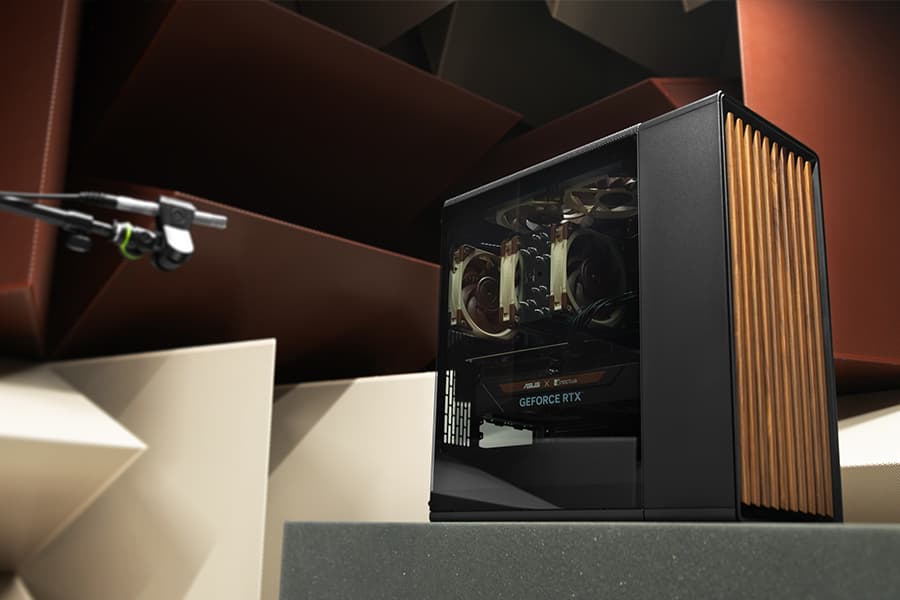
Which fan setup works best in the Fractal Design North?
20/03/2025
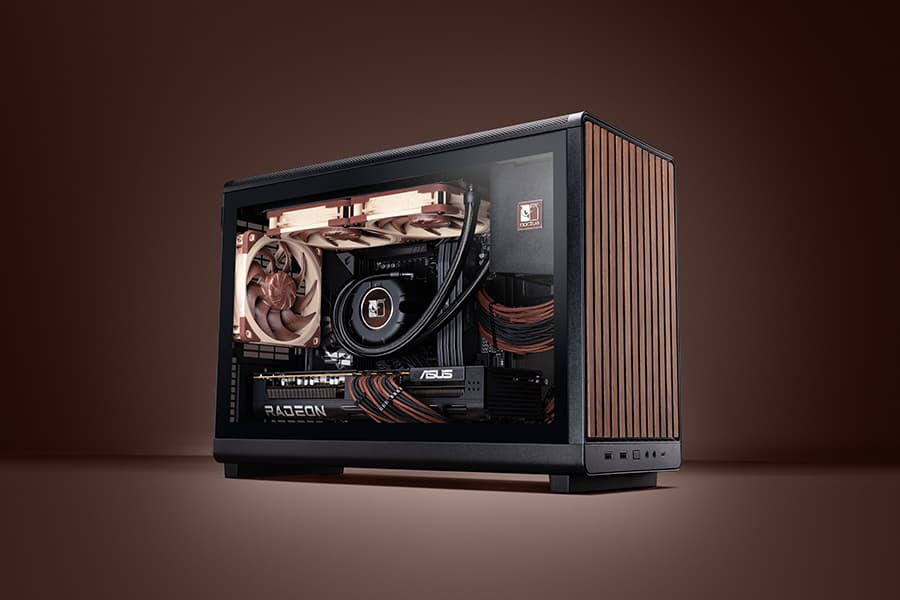
Fractal Design’s North case and our NF-A12x25 fans are a great match, both visually and from a performance point of view: But which configuration offers optimal performance?
Air cooling or water cooling, which one to choose?
Both air coolers and all-in-one liquid coolers have their respective advantages and disadvantages. We have summed them up for you in this guide to help with your buying decision.
NL-LC1 series AIO coolers’ pump speed profiles explained
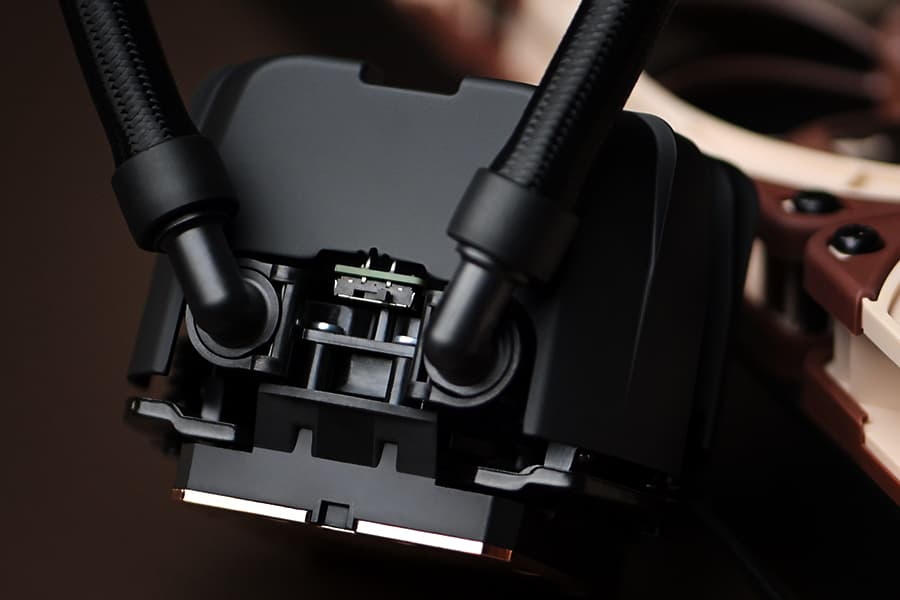
The NL-LC1 series’ pump comes with an integrated mode switch that makes it possible to choose between three settings (Quiet, Balanced and Manual).
Should I use the NL-ACF1 auxiliary cooling fan?
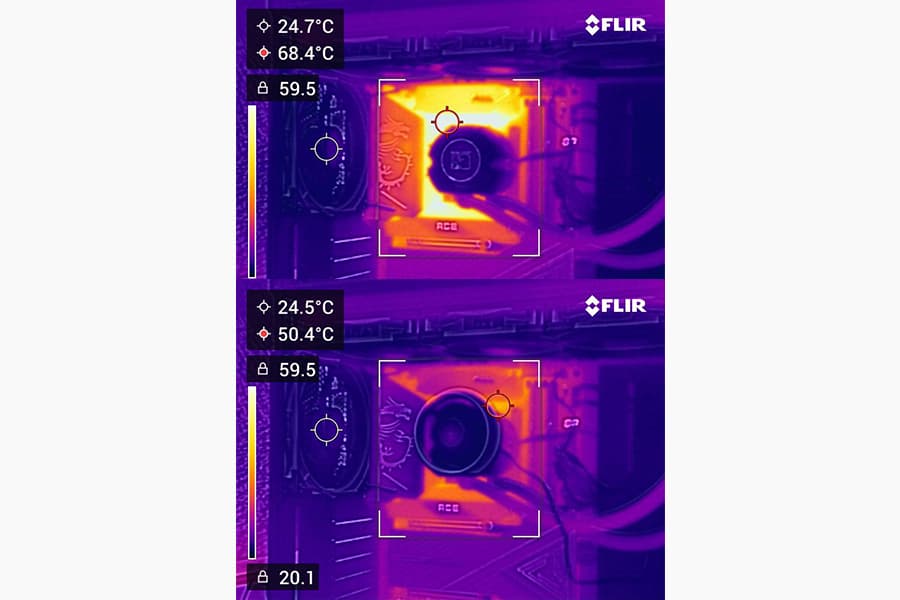
The NL-ACF1 is an optional auxiliary cooling fan for NL-LC1 liquid coolers that provides extra airflow to near-socket compontents such as VRMs, M.2 SSDs or RAM.