


How our SecuFirm2+™ mounting system enables NL-LC1 coolers to achieve lower temperatures
Even minute amounts of flex in mounting parts can cause performance losses. Our SecuFirm2+™ system has been continuously refined to ensure optimal force transfer and contact pressure, which can give the NL-LC1 a slight edge over other Emma V2 based coolers that utilise the stock mounting system.
In the comparisons we ran, we saw roughly 1°C lower temperatures on both AMD and Intel setups when using the recommended pump orientation with the tubes oriented towards the south side of the socket:
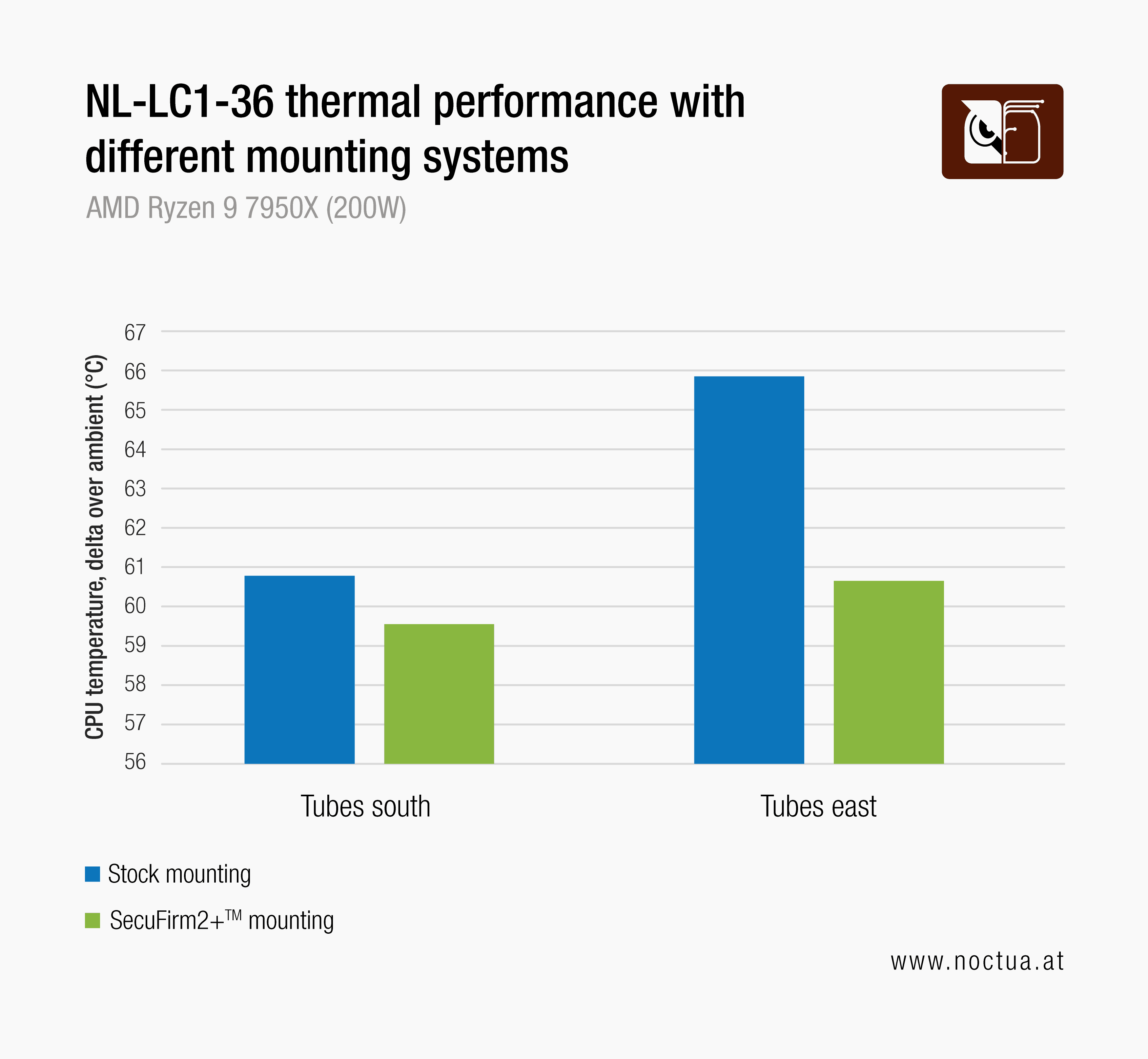
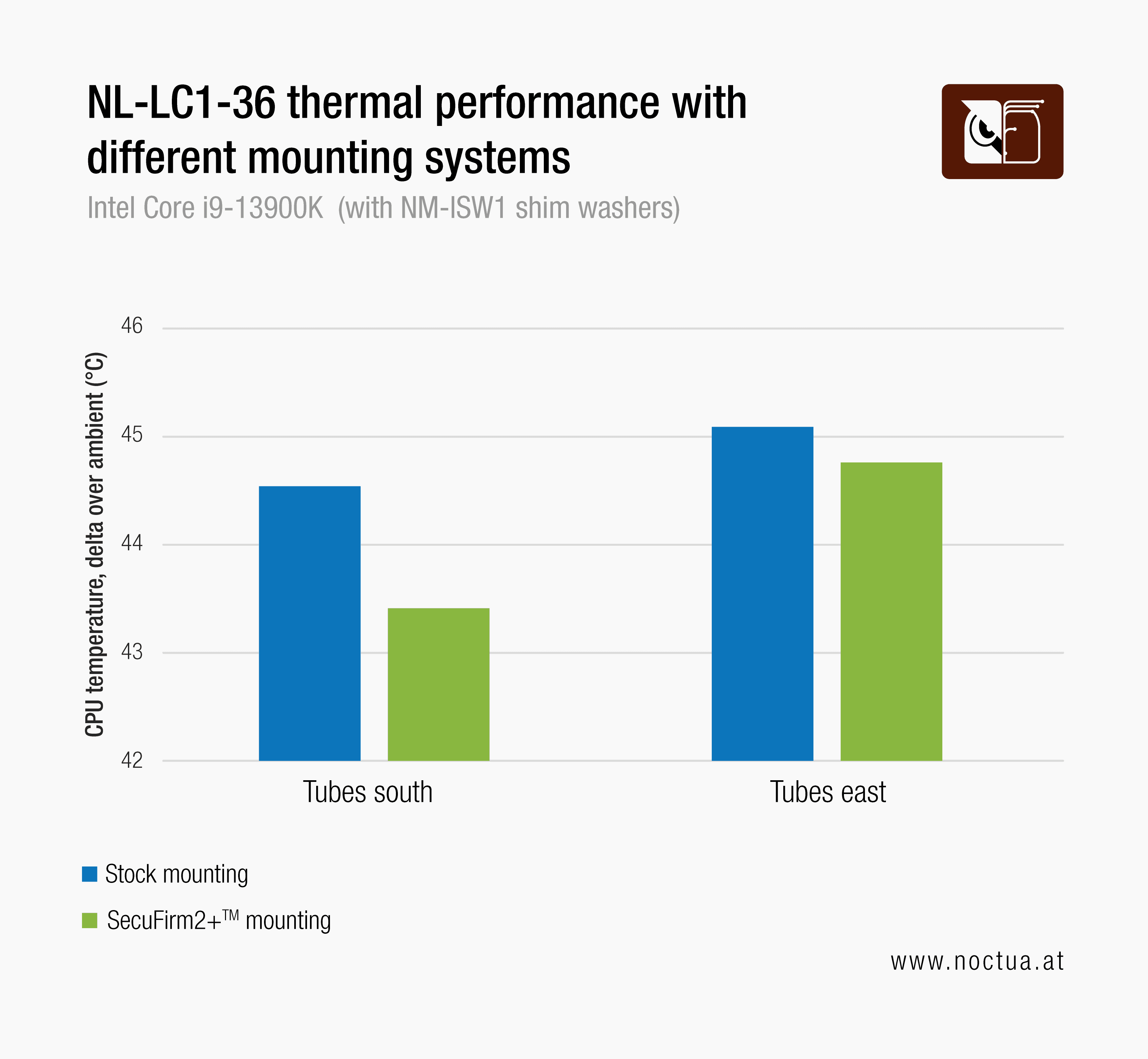
When installing the pump with the tubes facing towards the east side of the socket, the improvements on AMD were even more pronounced with more than 5°C lower temperatures. On Intel, however, temperatures only improved very slightly in this orientation.
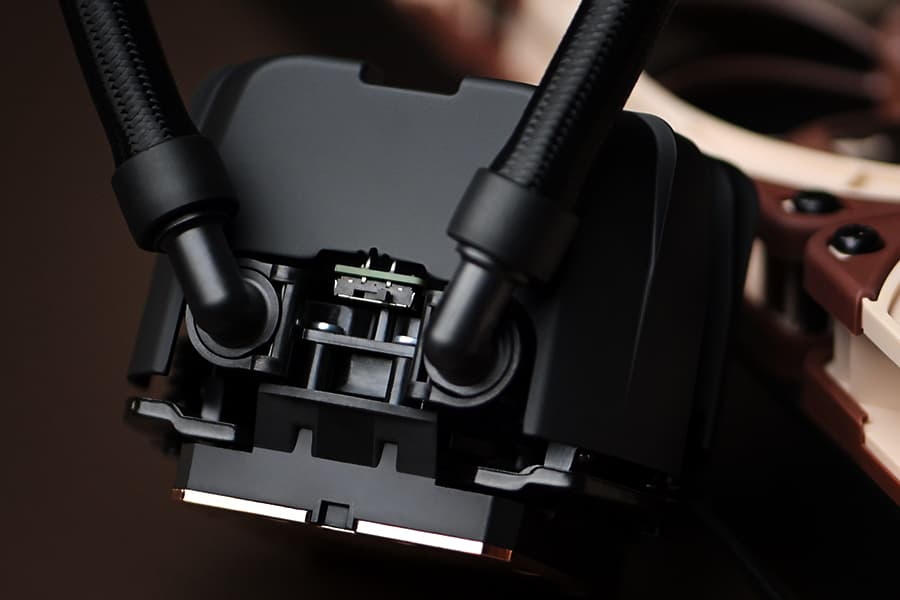
Whereas other manufacturers often utilise plastic parts to streamline costs, the SecuFirm2+™ system builds on high-quality steel mounting bars and backplates. The use of premium-grade materials and short lever arms help to reduce structural flex and deformation in critical areas, thereby optimising force transfer and contact quality.

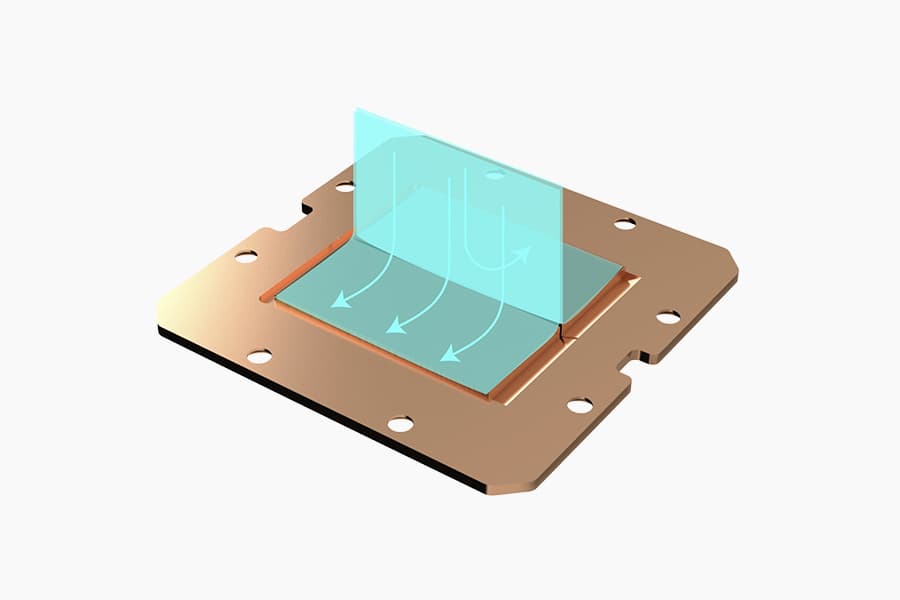
As the contact pressure scans show, the SecuFirm2+™ mounting system helps to improve overall contact quality with a lager contact area and better pressure distribution.
Another feature that makes the NL-LC1’s SecuFirm2+™ system unique is that it offers offset mounting options for both AMD and Intel. The NM-AMB15 mounting bars for AMD AM5 and NM-IMB9 mounting bars for Intel LGA1851 shift the centre of the cooler towards the hotspot of the CPU in order to enable improved contact pressure and heat transfer where it matters the most.
In our testing with Intel’s Core i7 270K Plus processor, using the offset mounting yielded temperature reductions of 2-4°C:
.png&w=3840&q=85)
On AMD’s Ryzen 9 9950X3D2, we’ve seen temperature reductions of 1-1.5°C when utilising the offset mounting option:
.png&w=3840&q=85)
In summary, the NL-LC1’s SecuFirm2+™ mounting set enables the coolers to achieve superior thermal performance both by ensuring optimal force transfer and through the optional offset mounting options that can help to improve contact quality at the hotspot.
Mentioned products
Explore the products featured in this article.
Further resources
Want to know more on this topic? Explore relevant articles and resources.
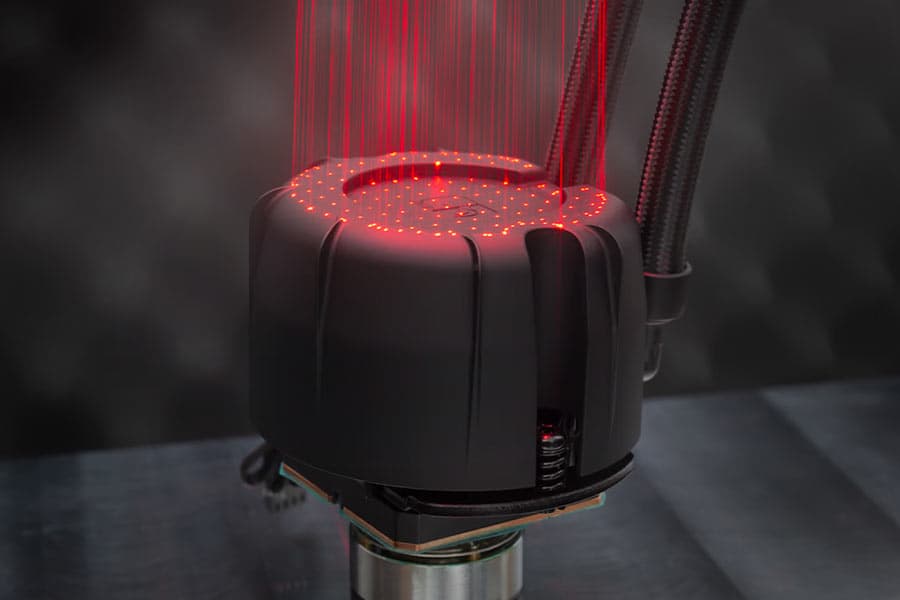
NL-PNA1 pump noise absorber: Tuned mass damper and acoustic soundproofing
The NL-LC1 series is the world’s first all-in-one liquid cooler to feature an integrated pump noise absorber that leverages acoustic soundproofing and the tuned-mass damper effect.
NL-LC1 series AIO coolers’ pump speed profiles explained
The NL-LC1 series’ pump comes with an integrated mode switch that makes it possible to choose between three settings (Quiet, Balanced and Manual).
Asetek Emma V2: State-of-the-art closed-loop liquid cooling
The Asetek Emma V2 represents the pinnacle of Asetek's evolution over the last two decades at the forefront of all-in-one liquid cooling.
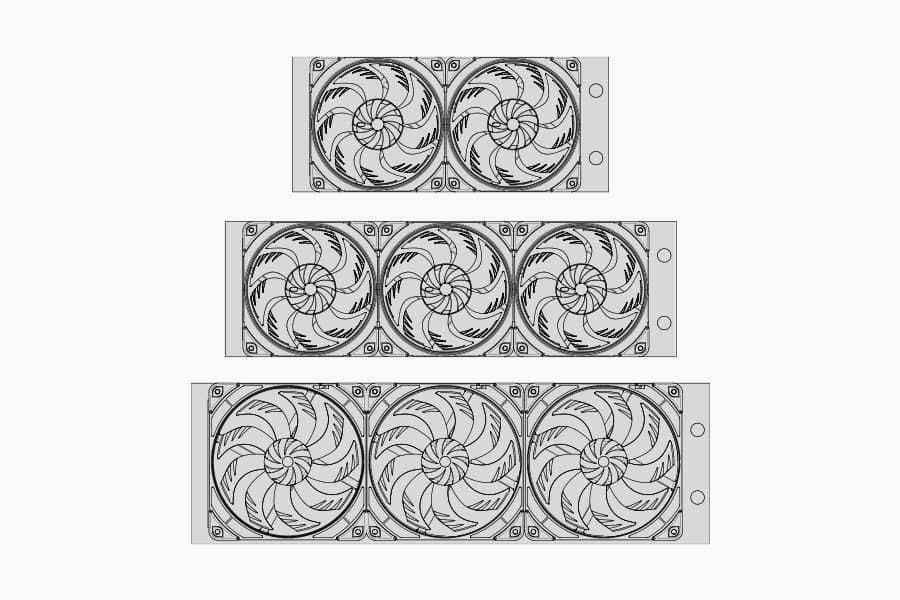
Which AIO radiator size should I choose – 420, 360 or 240mm?
Which AIO Radiator size is right for you? 360, 240 or 420? Discover which model offers the best possible performance-to-noise efficiency for your setup.
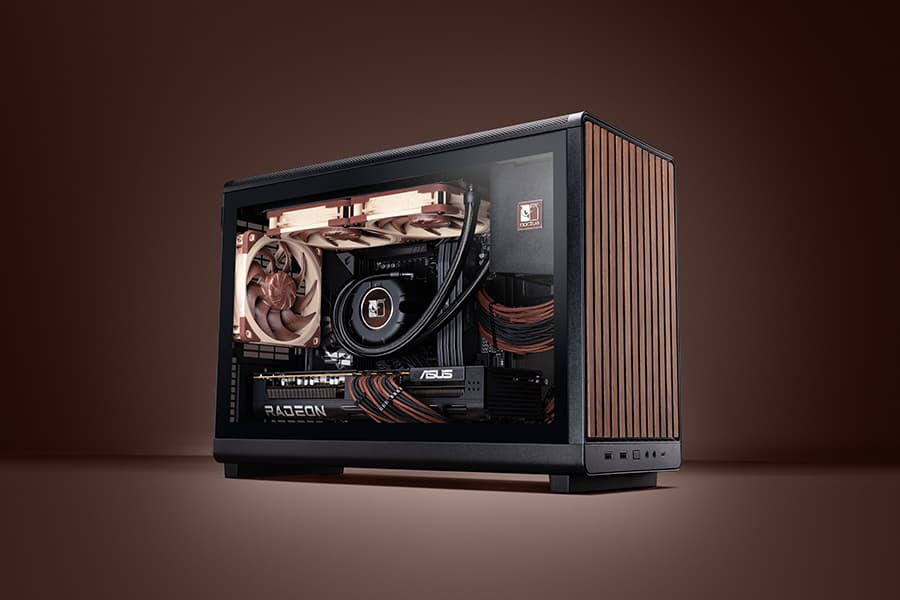
Air cooling or water cooling, which one to choose?
Both air coolers and all-in-one liquid coolers have their respective advantages and disadvantages. We have summed them up for you in this guide to help with your buying decision.
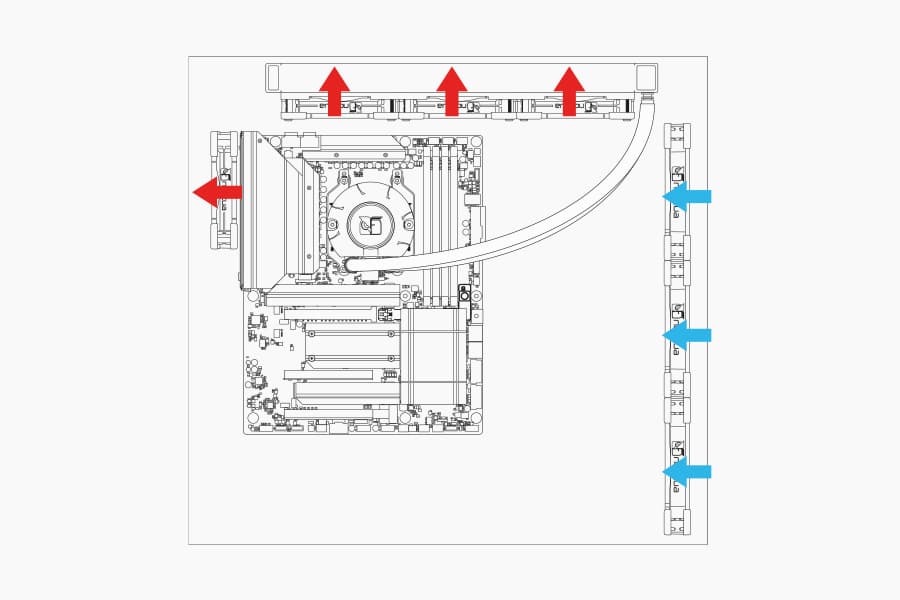
Where should I install my AIO radiator (top vs. front/side)?
Many modern tower-style PC cases allow liquid coolers to be installed in more than one position (top, front or side of the case). This article explains their pro's and con's.
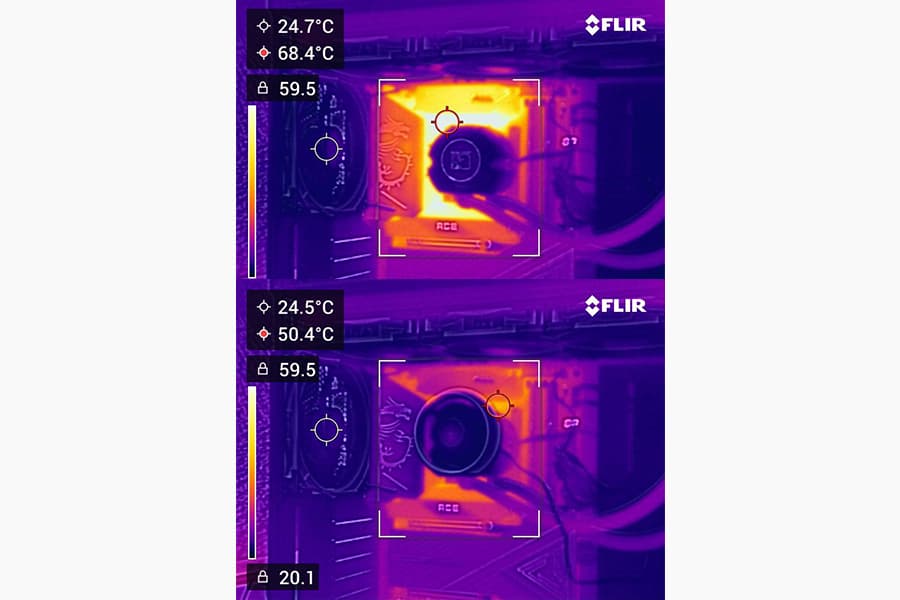
Should I use the NL-ACF1 auxiliary cooling fan?
The NL-ACF1 is an optional auxiliary cooling fan for NL-LC1 liquid coolers that provides extra airflow to near-socket compontents such as VRMs, M.2 SSDs or RAM.
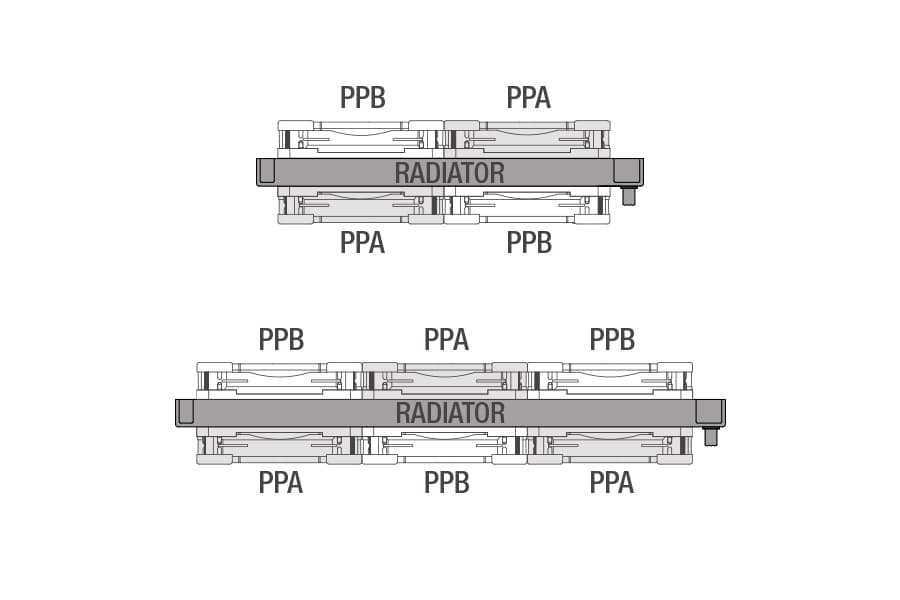
How should I set up my NL-LC1 radiator fans (push, pull or push-pull)?
Whether you've just purchased or are about to purchase our NL-LC1 radiator, you're probably wondering how to position the fans in your build for the best results...
Related articles
Want to know more on this topic? Explore relevant articles and resources.
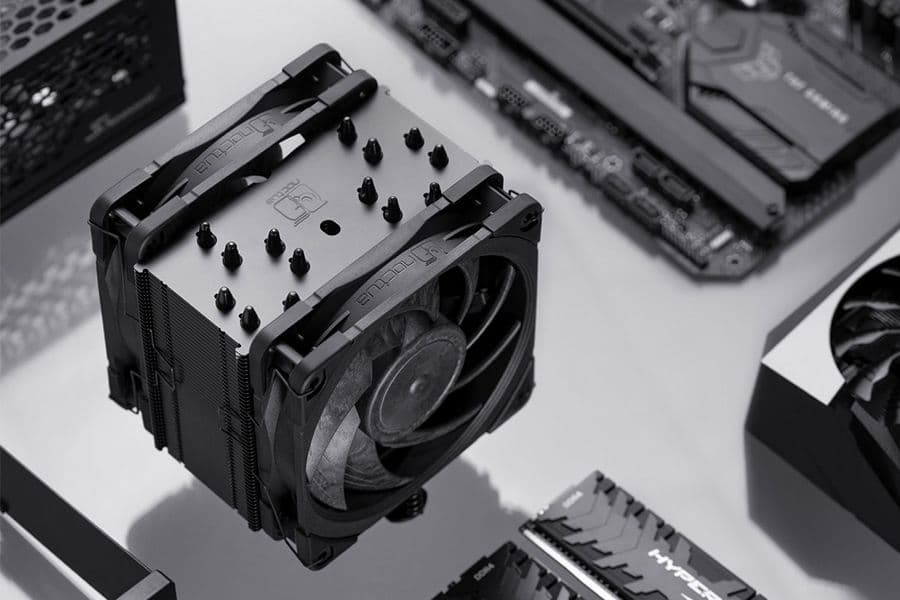
NSPR: Noctua Standardised Performance Rating
Noctua’s Standardised Performance Rating (NSPR) is a platform-independent classification system that allows customers to compare the efficiency of Noctua CPU coolers at a glance.
Air cooling or water cooling, which one to choose?
Both air coolers and all-in-one liquid coolers have their respective advantages and disadvantages. We have summed them up for you in this guide to help with your buying decision.
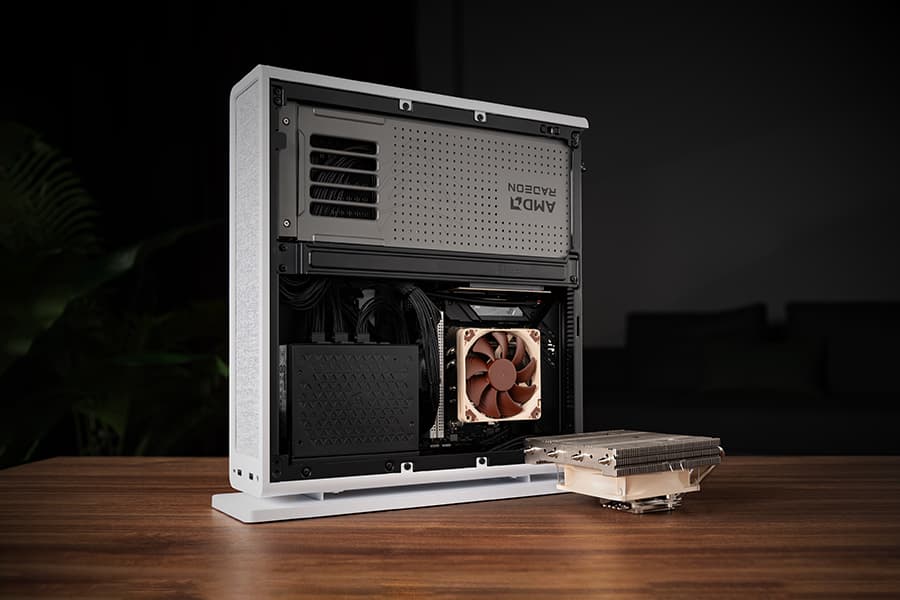
The Fractal Design Ridge and the story of “less is more“
05/05/2026
Discover the best Noctua CPU cooler and GPU setup for the Fractal Design Ridge case. See how a custom duct and removing extra case fans unlocks SFF performance.
Where should I install my AIO radiator (top vs. front/side)?
Many modern tower-style PC cases allow liquid coolers to be installed in more than one position (top, front or side of the case). This article explains their pro's and con's.