


Do I need to perform maintenance on my AIO?
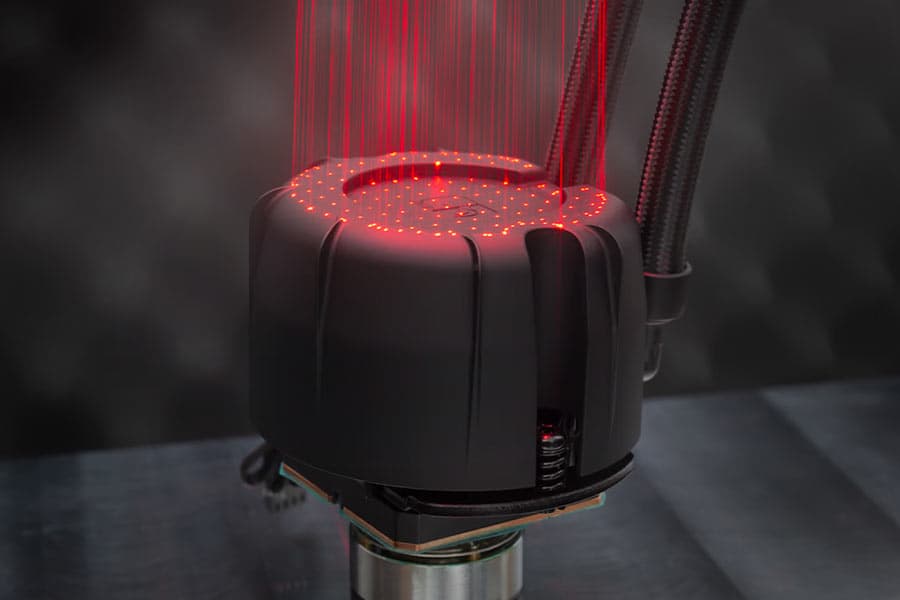
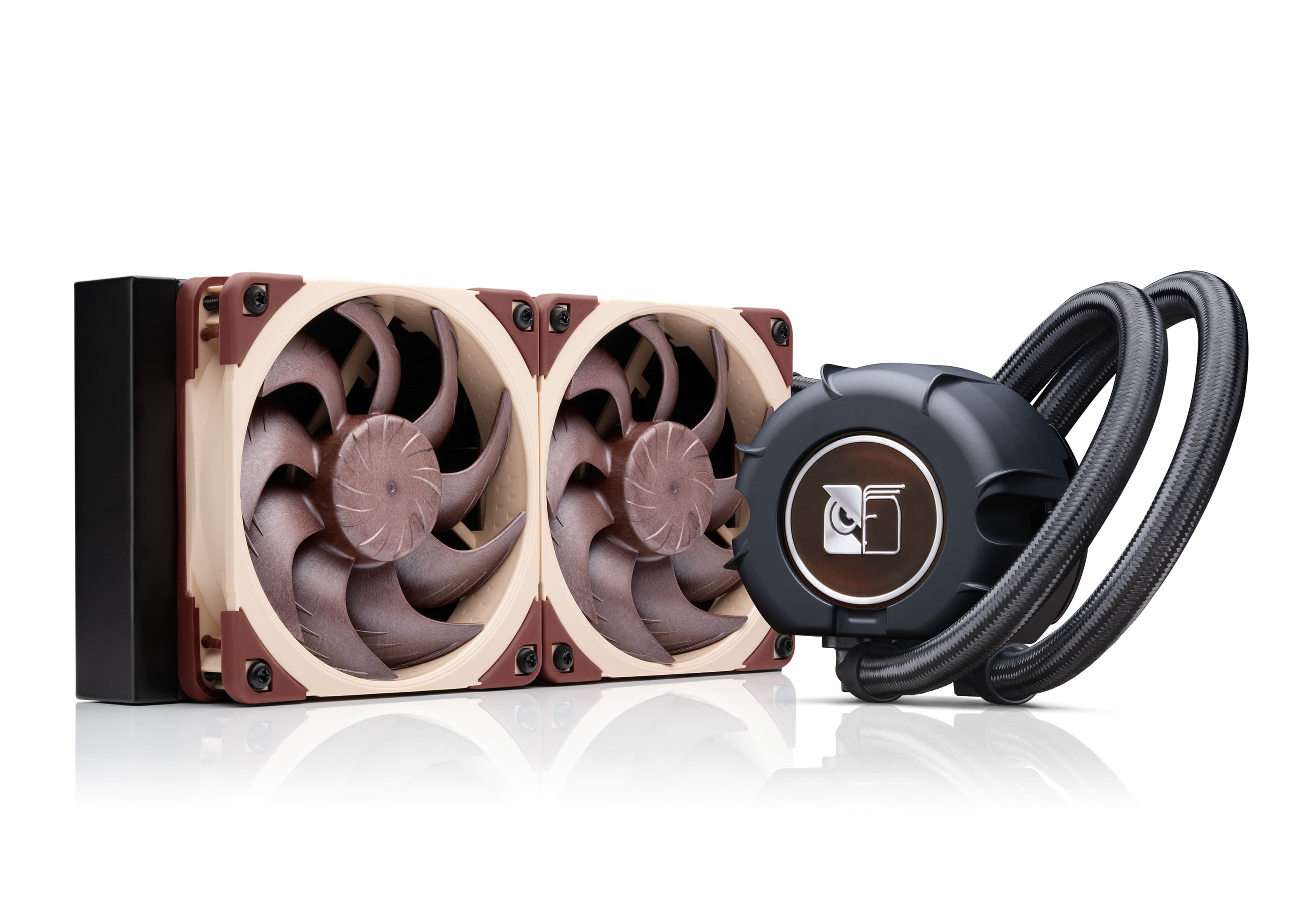
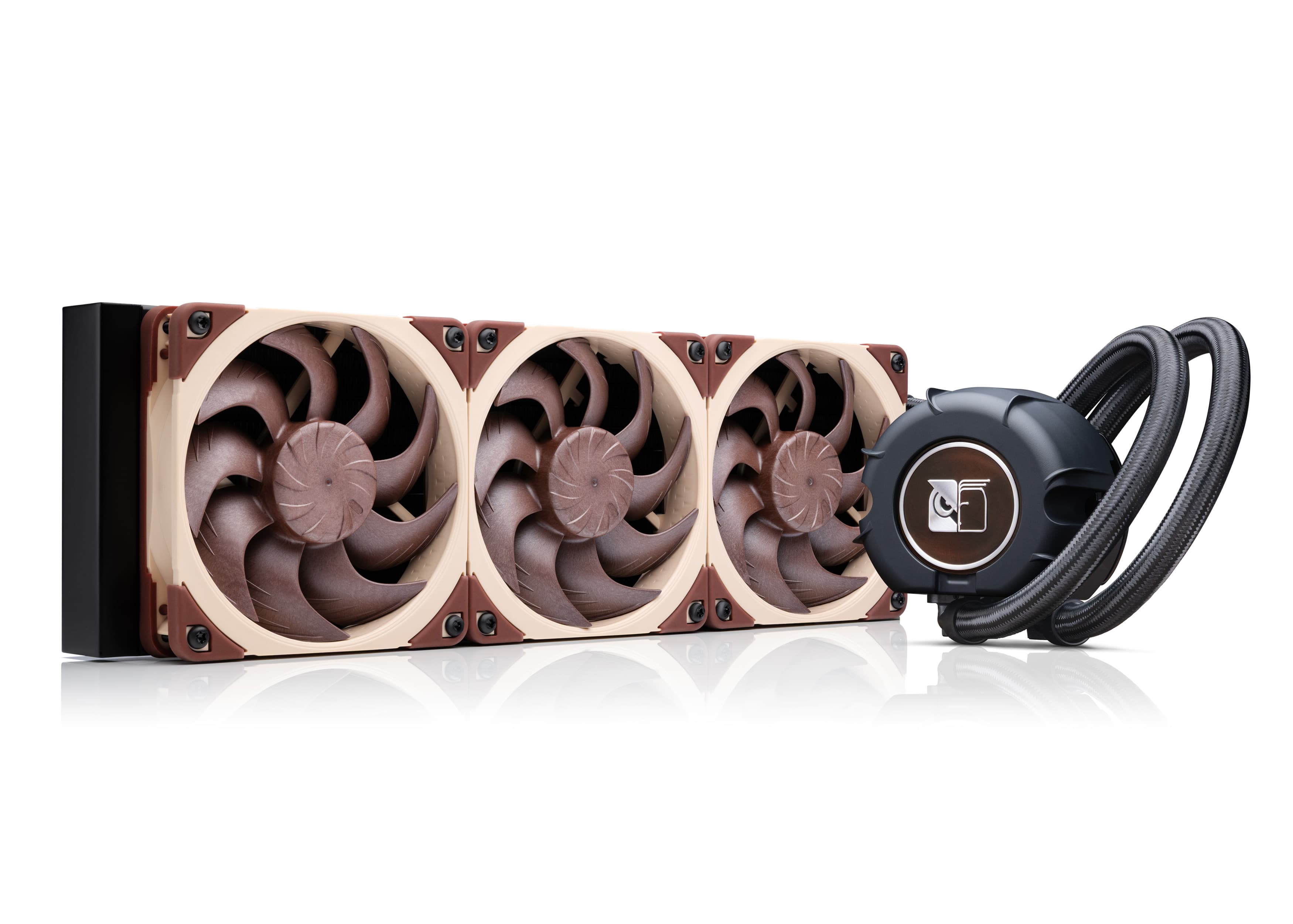
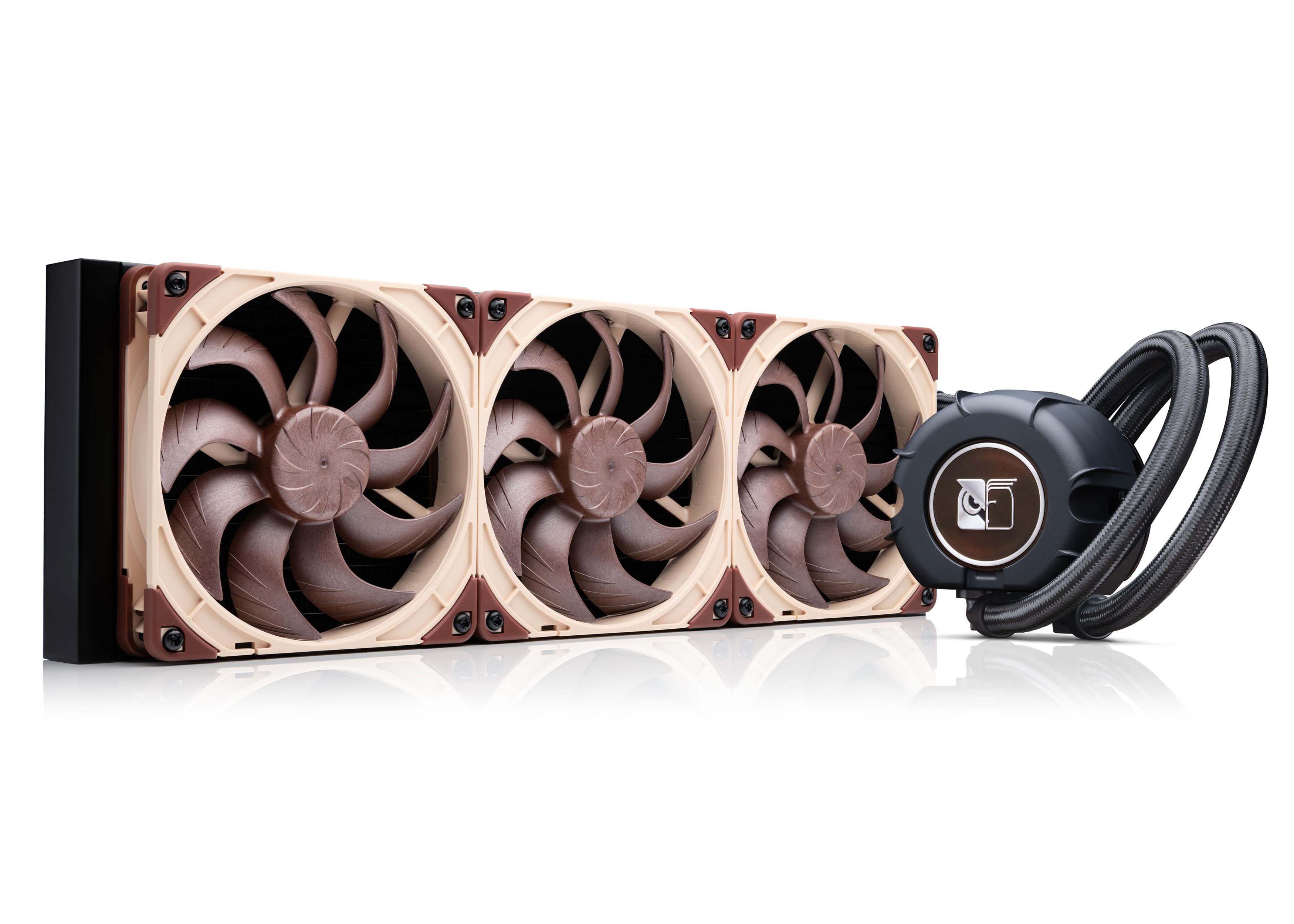
No, you do not need to perform maintenance on the NL-LC1 AIO, as it is designed as a fully closed, sealed loop. Do not open the loop, as this will void our 6-year manufacturer’s warranty. Refilling or replacing the coolant is not required and not recommended.
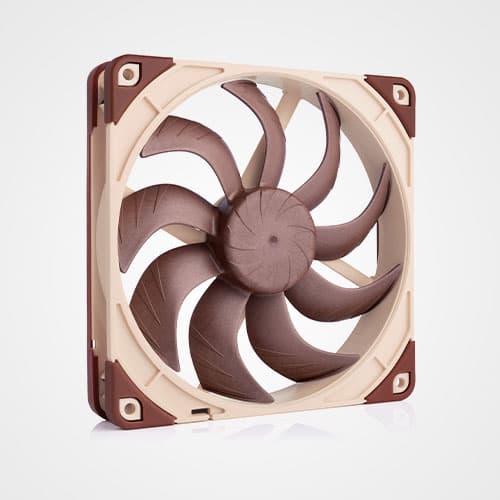
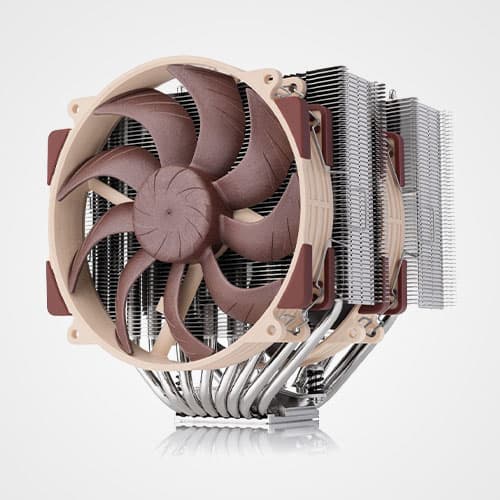
To maintain optimal performance of your AIO, we do recommend removing dust from the fans and the radiator fins occasionally, as a buildup of dust can affect the cooling efficiency. Use canned air to blow out any dust that has accumulated over time. When using canned air on the fans, hold the impeller in place at the same time so that it does not spin and potentially takes damage to its bearing.
Mentioned products
Explore the products featured in this article.
Related FAQs
Related articles
Want to learn more? Explore related articles and resources.
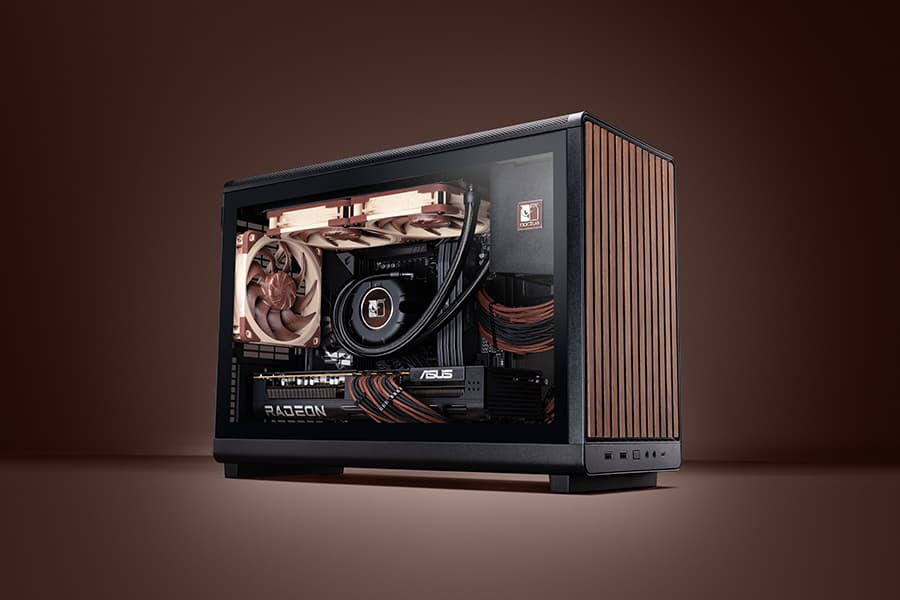
Air cooling or water cooling, which one to choose?
Both air coolers and all-in-one liquid coolers have their respective advantages and disadvantages. We have summed them up for you in this guide to help with your buying decision.
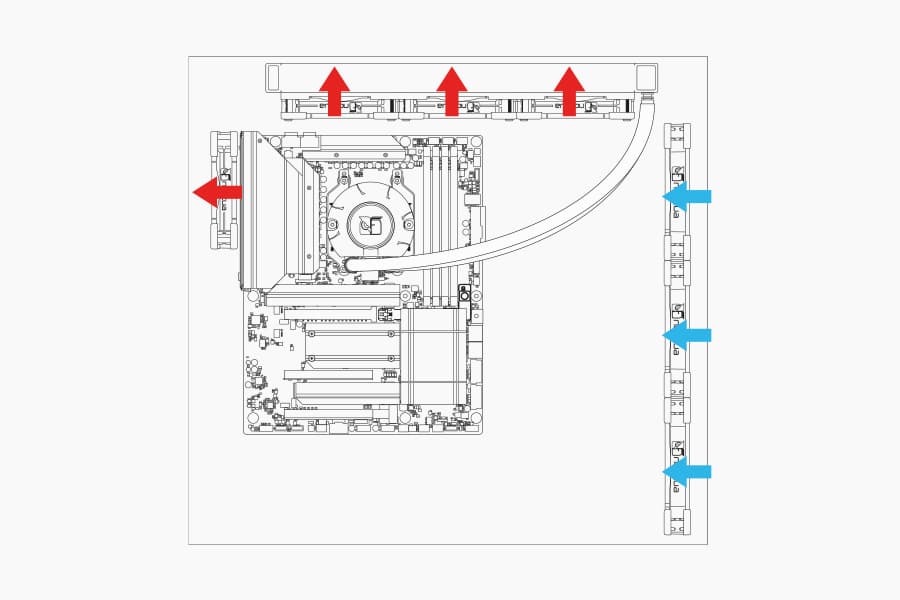
Where should I install my AIO radiator (top vs. front/side)?
Many modern tower-style PC cases allow liquid coolers to be installed in more than one position (top, front or side of the case). This article explains their pro's and con's.
NL-LC1 series AIO coolers’ pump speed profiles explained
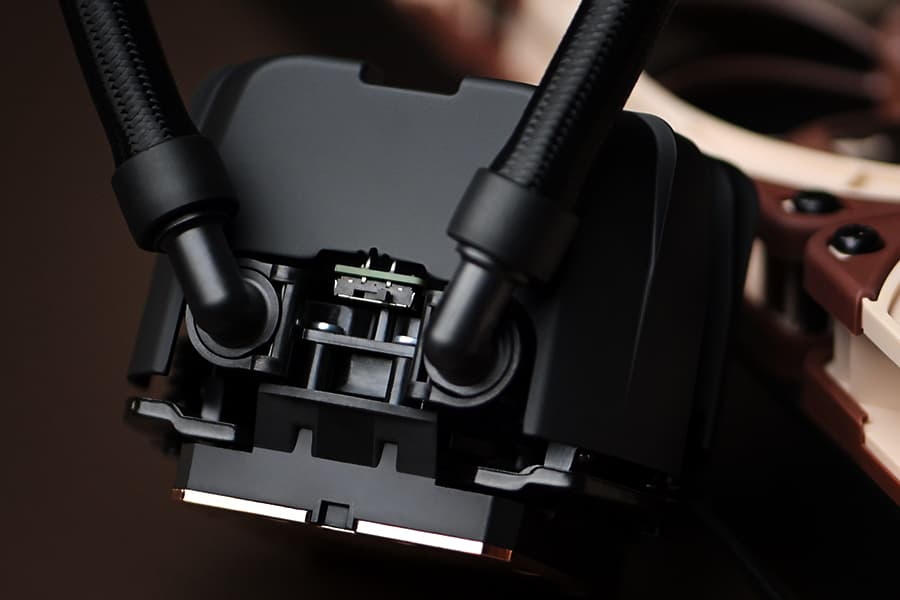
The NL-LC1 series’ pump comes with an integrated mode switch that makes it possible to choose between three settings (Quiet, Balanced and Manual).
Should I use the NL-ACF1 auxiliary cooling fan?
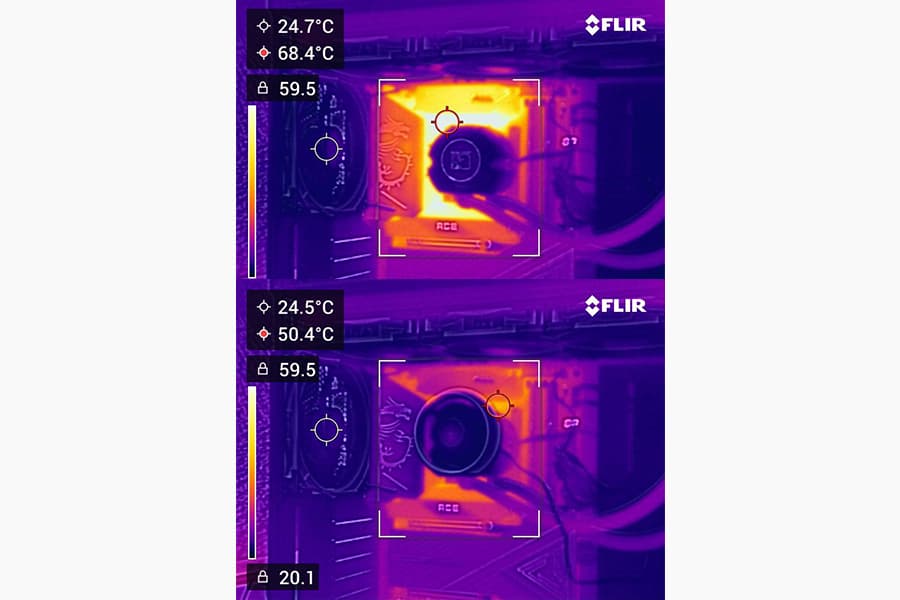
The NL-ACF1 is an optional auxiliary cooling fan for NL-LC1 liquid coolers that provides extra airflow to near-socket compontents such as VRMs, M.2 SSDs or RAM.