



How and where should I mount the radiator of my NL-LC1 AIO cooler in my PC case?
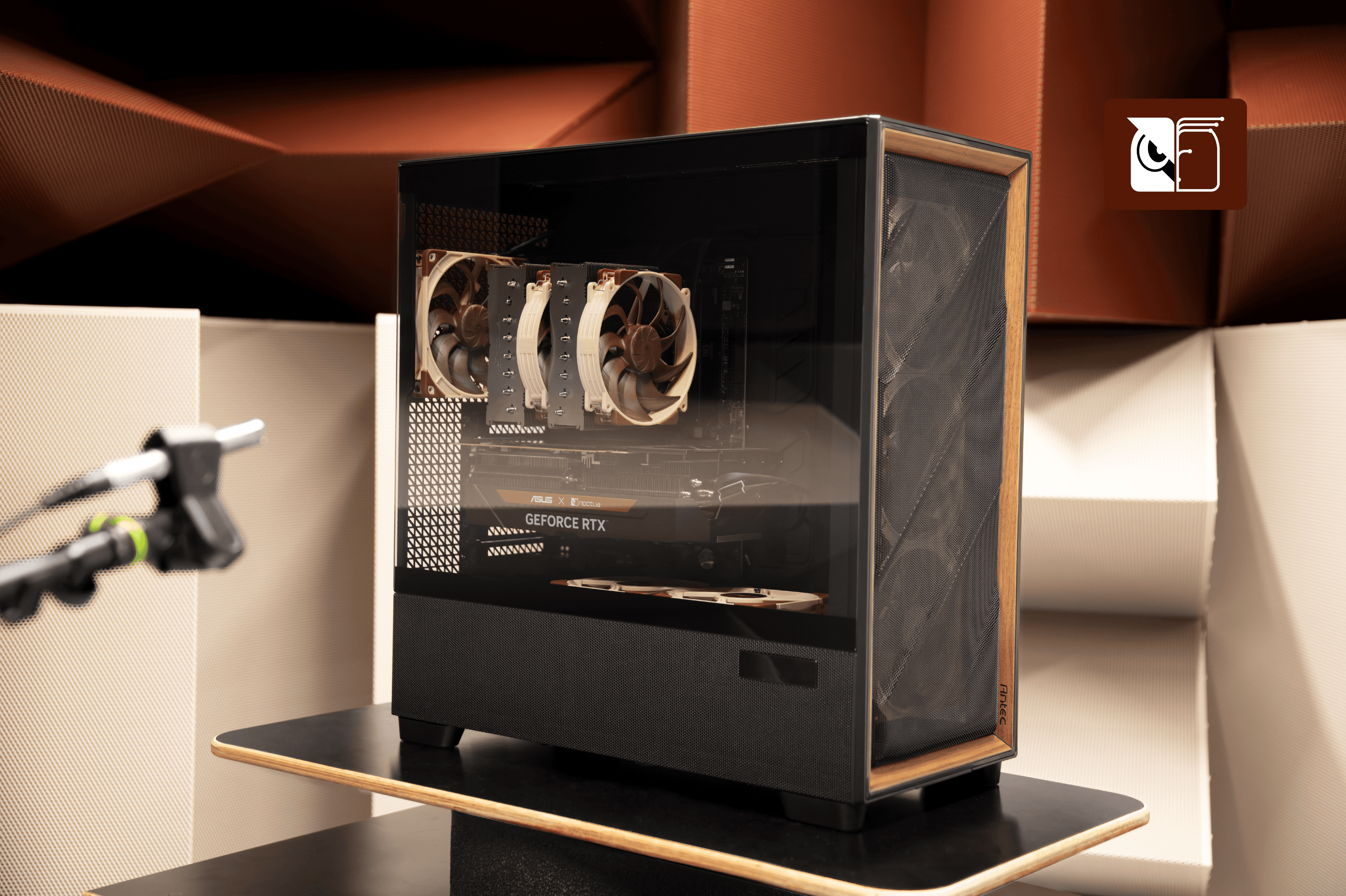
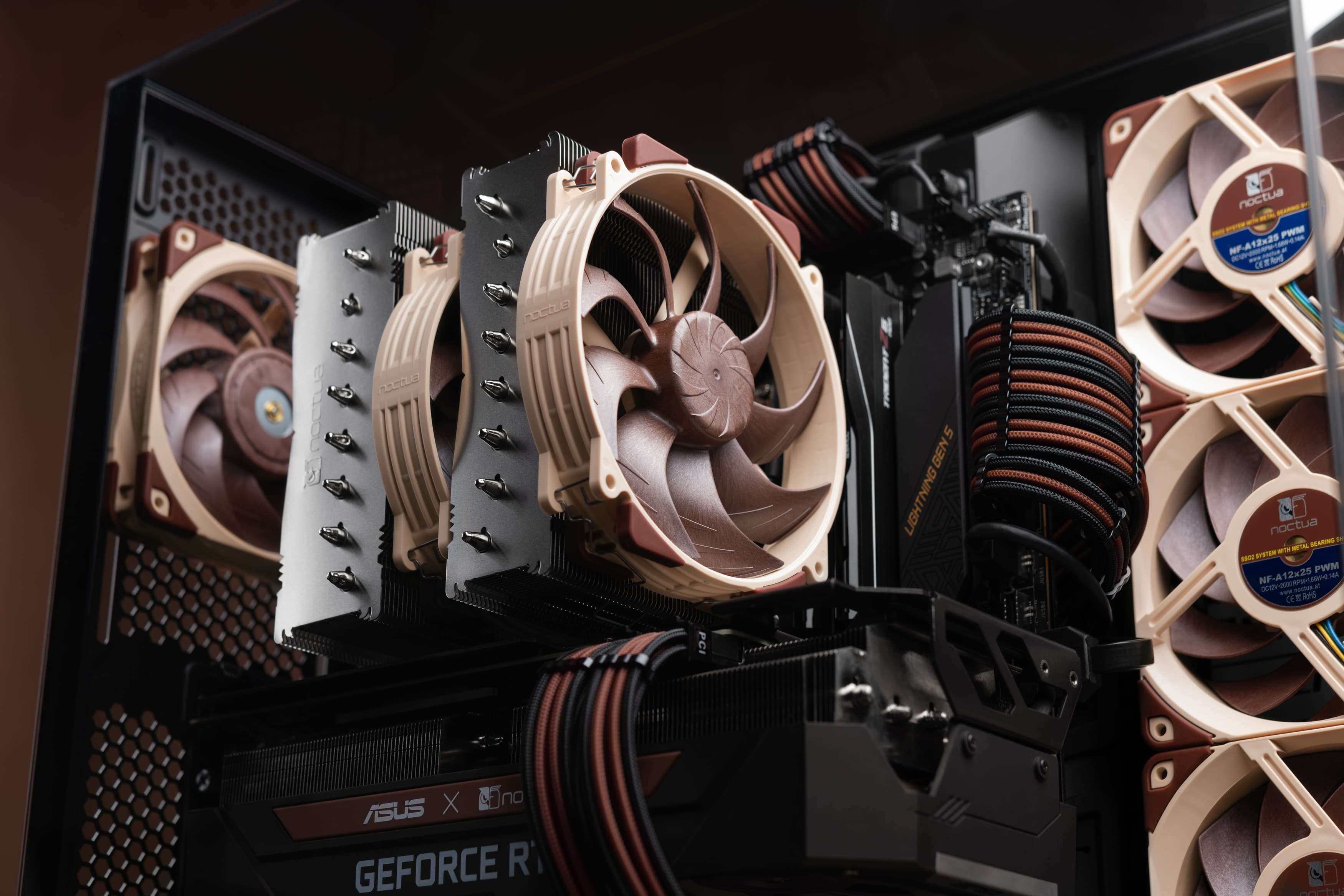
The best spot for installing your radiator in your PC, depends on your cooling needs. In general, if you wish to prioritise your GPU temperature, install the radiator at the top of your case with fans set as exhaust. If CPU temperatures are of greater concern to you, install the radiator at the front of your case instead with fans set as intake.
When installing the fans, they can either be placed on the radiator so that they push air through the radiator, or pull air from the radiator. While we’ve found in our tests that often times it doesn’t matter that much performance-wise, we strongly recommend a push setup for the best acoustics.
Don't install the radiator at the bottom of the case, as the pump must never be the highest point of your liquid cooler.
For further information and measurement data, please take a look at our detailed guides on radiator mounting positions and fan configurations.
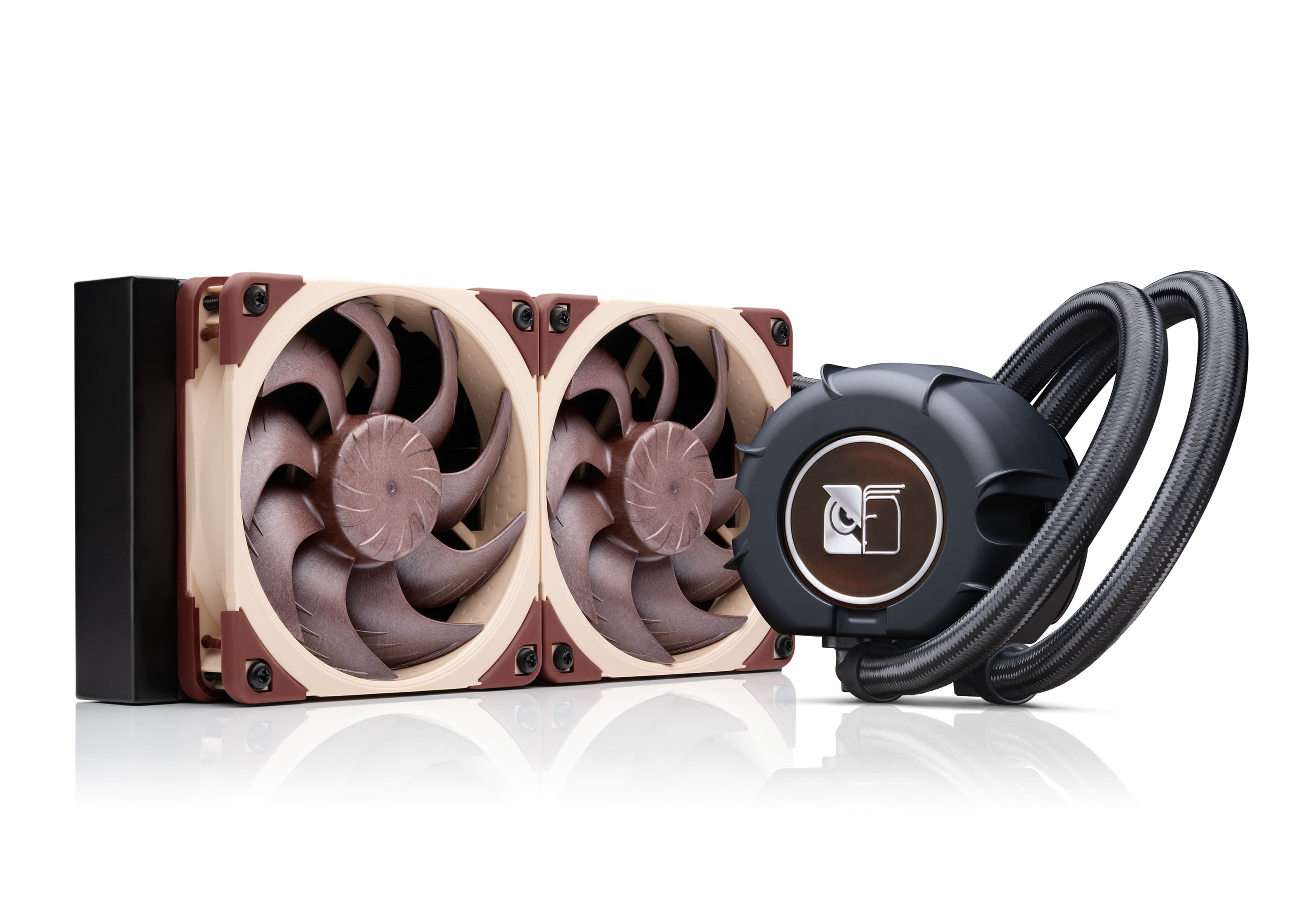
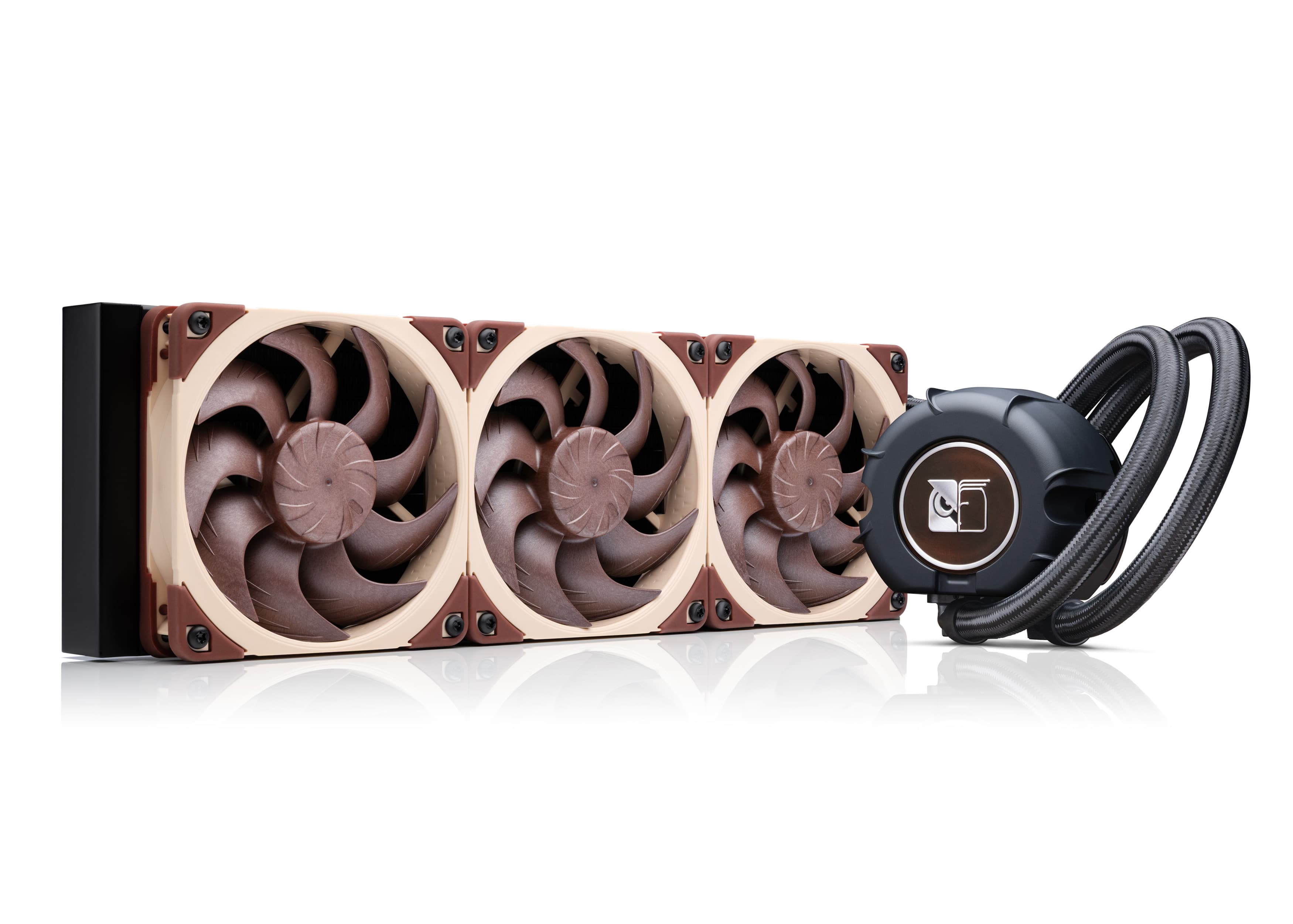
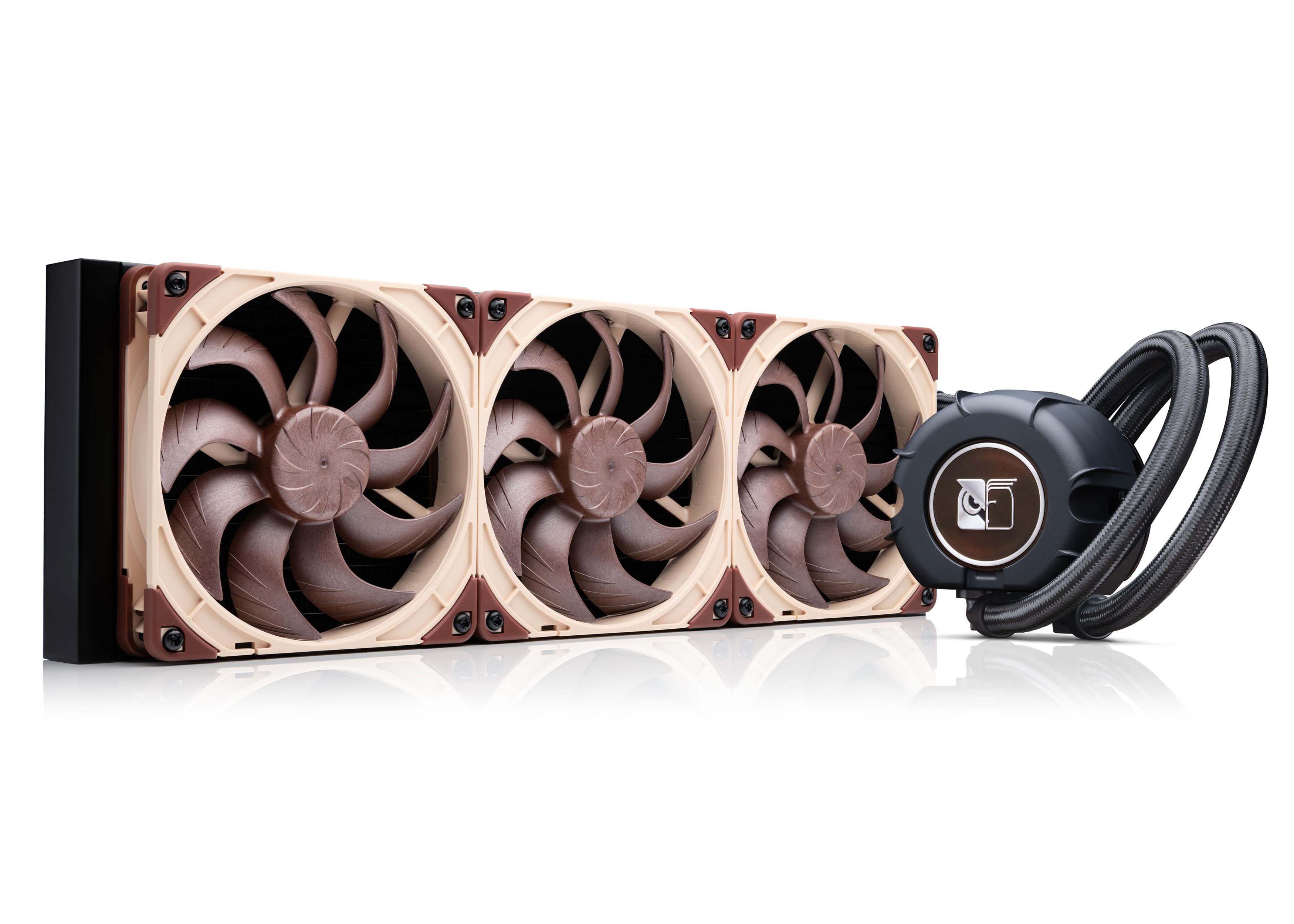
Mentioned products
Explore the products featured in this article.
Related articles
Want to know more on this topic? Explore relevant articles and resources.
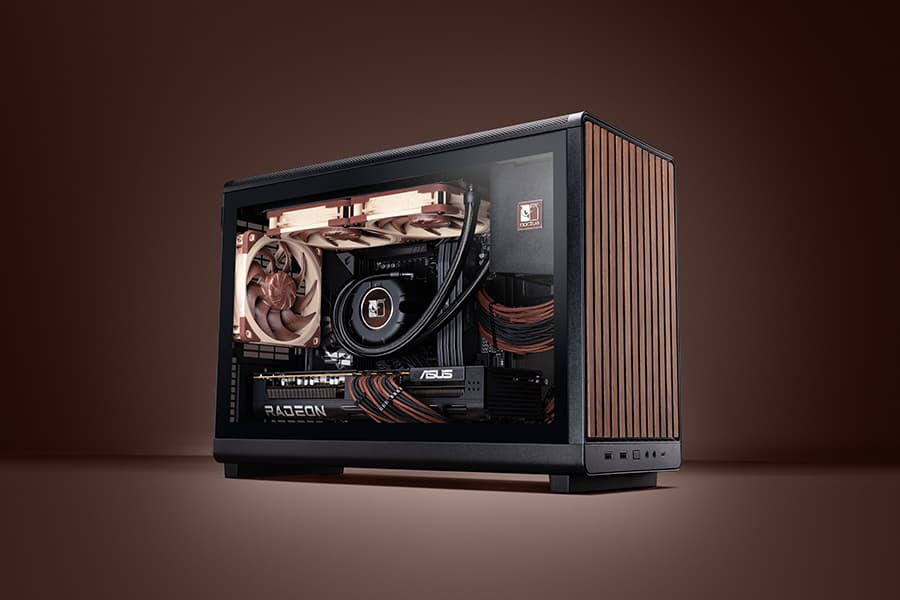
Air cooling or water cooling, which one to choose?
Both air coolers and all-in-one liquid coolers have their respective advantages and disadvantages. We have summed them up for you in this guide to help with your buying decision.
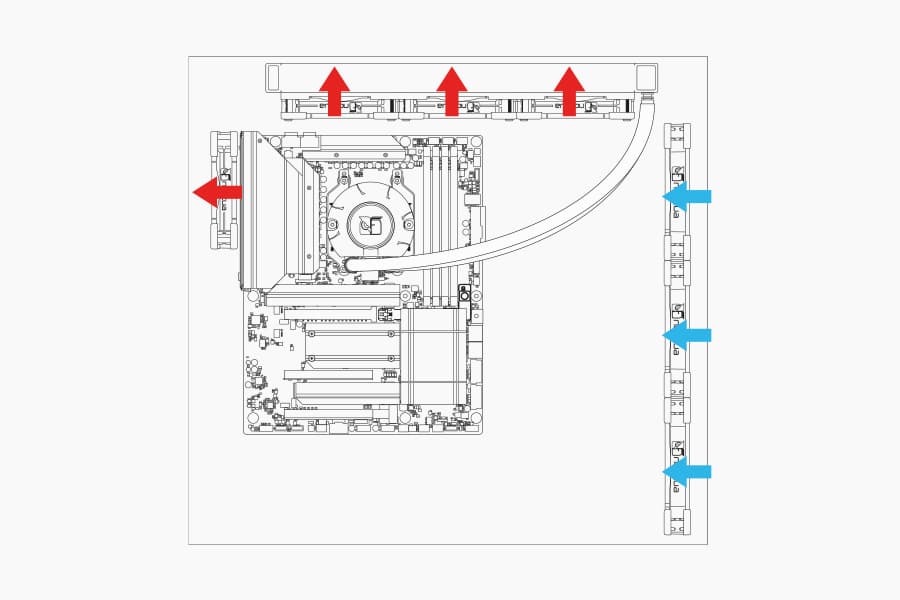
Where should I install my AIO radiator (top vs. front/side)?
Many modern tower-style PC cases allow liquid coolers to be installed in more than one position (top, front or side of the case). This article explains their pro's and con's.
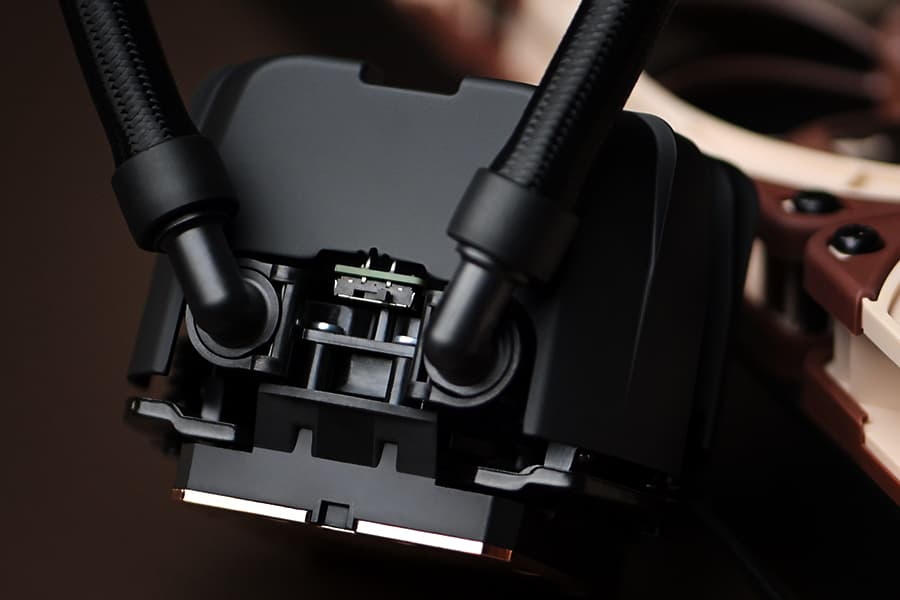
NL-LC1 series AIO coolers’ pump speed profiles explained
The NL-LC1 series’ pump comes with an integrated mode switch that makes it possible to choose between three settings (Quiet, Balanced and Manual).
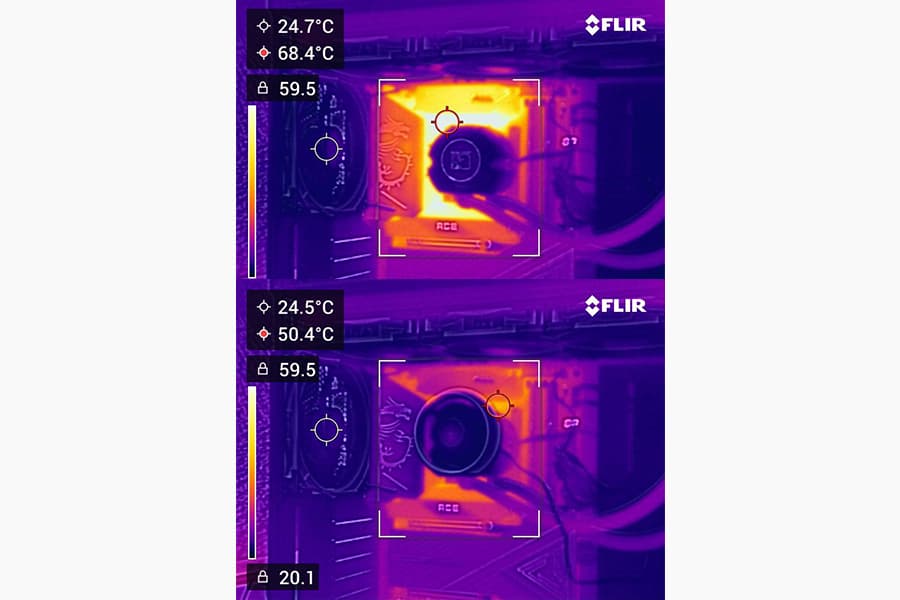
Should I use the NL-ACF1 auxiliary cooling fan?
The NL-ACF1 is an optional auxiliary cooling fan for NL-LC1 liquid coolers that provides extra airflow to near-socket compontents such as VRMs, M.2 SSDs or RAM.